Air Cooling vs. Liquid Cooling: Which CPU Cooler Should You Buy?

Choosing a CPU cooler is not just about keeping temperatures low. The right cooler affects sustained performance, fan noise, case compatibility, long-term maintenance, and sometimes the parts you can use in the rest of the system.
The simple answer is this: a quality dual-tower air cooler is the sensible choice for most gaming PCs and many productivity systems. A liquid all-in-one (AIO) cooler earns its higher cost when you are cooling a power-hungry processor, running long all-core workloads, building in a compact case, or strongly prefer the appearance and clear RAM area that a radiator-based cooler provides.
Neither type is automatically better. A poorly installed 360 mm AIO can perform worse than a well-chosen air cooler, and an oversized liquid cooler is not a magical cure for a CPU that is being fed too much power. Start with the processor and workload, then choose the cooler that suits the actual build.
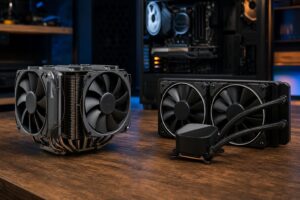
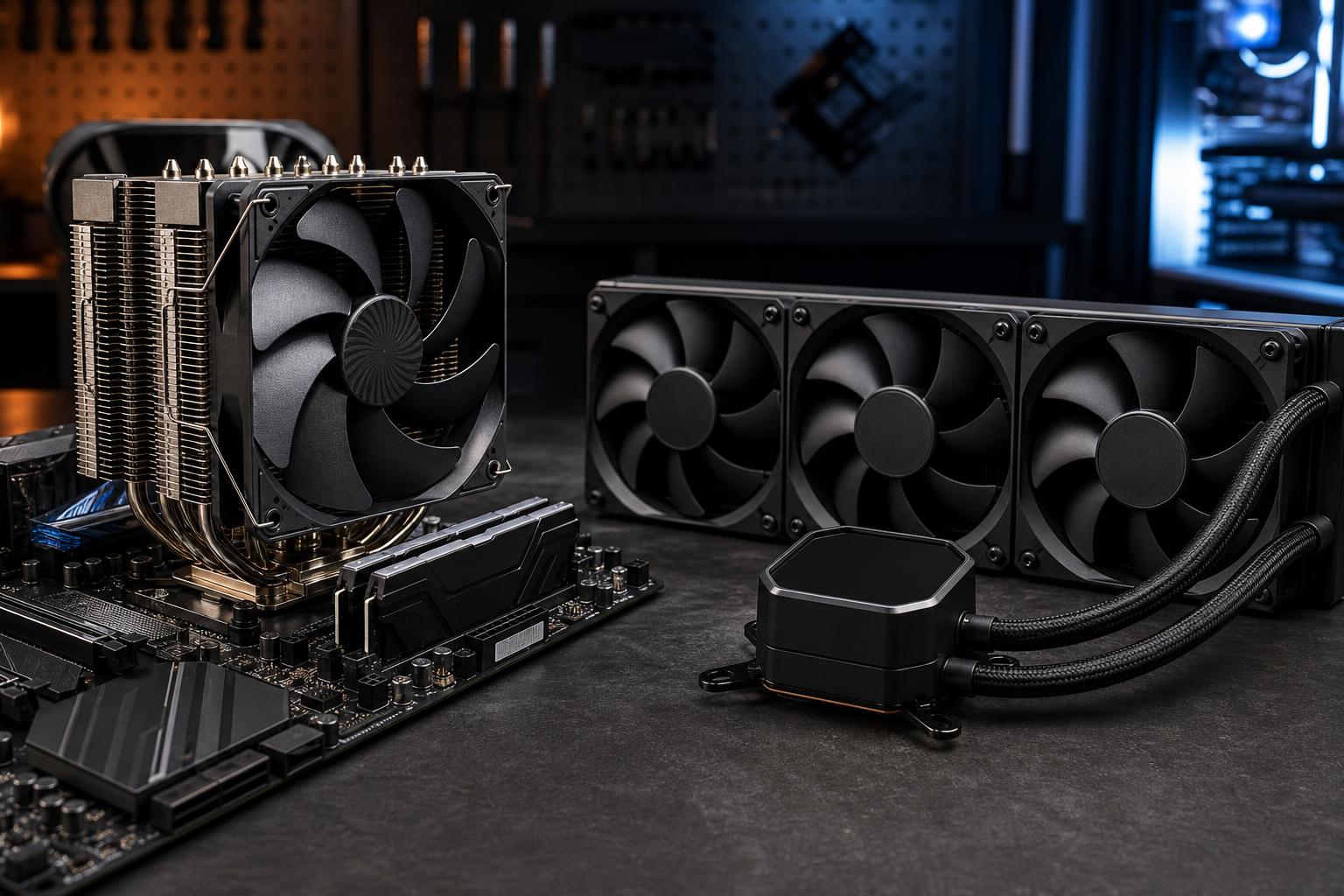
An air cooler moves heat from the CPU into a metal heatsink. Heat pipes carry that heat from the base of the cooler into a stack of thin aluminum fins, and one or two fans push air through the fins and out into the case. It is a straightforward design with very few failure points.
An AIO liquid cooler uses a small pump and cold plate mounted on the CPU. The pump circulates coolant through tubes to a radiator, where fans remove the heat. The liquid is not inherently colder than air. Its main advantage is that the radiator provides a large heat-exchange area and can be placed where the case has strong airflow.
Both approaches ultimately release CPU heat into the room. Liquid cooling does not make heat disappear; it simply moves it to a radiator before exhausting it from the case.
Air cooling offers excellent value, simple installation, and strong reliability. For a large part of the market, it is the best answer.
Most modern gaming processors do not need a large liquid cooler to perform properly. Gaming loads often use a handful of cores heavily rather than holding every core at full power for hours. A reputable tower cooler with a 120 mm or 140 mm fan is usually enough for an efficient midrange CPU, while a dual-tower cooler can handle many high-end gaming chips very well.
That makes air cooling especially attractive when the budget is better spent on a faster graphics card, more storage, or a better monitor. Those upgrades normally make a much larger difference to the gaming experience than replacing a capable air cooler with an AIO.
A tower cooler has a heatsink and fans. Fans can eventually wear out, but they are inexpensive and easy to replace. There is no pump, liquid loop, or radiator to consider. A good air cooler can stay useful through several CPU upgrades as long as mounting hardware remains available.
For a business workstation that needs dependable service with minimal upkeep, or a home PC expected to run for many years, that simplicity has real value.
A larger air cooler can run its fans slowly under ordinary loads. With sensible fan curves and a well-ventilated case, a dual-tower model is often very quiet in gaming and everyday work.
Do not confuse the number of fans with noise. Two large fans at low speed can be quieter than three small radiator fans ramping up quickly. Fan quality, case airflow, and the tuning of the motherboard fan curve all matter.
AIO cooling is a practical tool, not just a cosmetic choice. It can provide meaningful benefits in the right system.
High-core-count desktop processors can consume substantial power during rendering, compiling, simulation, video encoding, and other all-core jobs. A 280 mm or 360 mm AIO gives these CPUs more thermal headroom than most air coolers, helping them sustain higher clock speeds before reaching thermal or power limits.
This matters most when the processor stays busy for extended periods. If a workstation renders for several hours each day, spending more on cooling can translate into faster completed jobs and less fan noise under load.
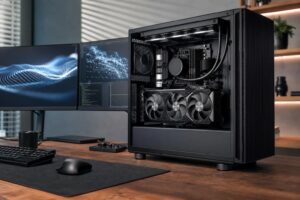
Some compact cases cannot fit a tall tower cooler but do support a 240 mm radiator. In that situation, an AIO may be the only way to use a higher-performance CPU without restricting cooling.
Check the case manual carefully. Radiator support is not the entire story: radiator thickness, fan thickness, motherboard heatsinks, GPU length, and top-mounted RAM clearance can all affect fit.
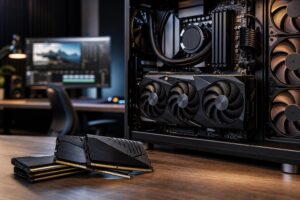
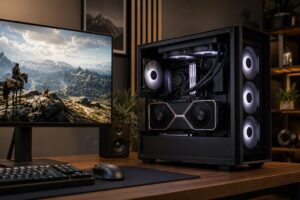
A large air cooler can cover RGB memory, crowd the top edge of the motherboard, and make access to CPU power connectors more awkward. An AIO keeps the area around the memory slots open. It can also create a cleaner visual layout in a display-focused build.
That is a legitimate reason to choose liquid cooling. Just do not let appearance override radiator size, case airflow, and component compatibility.
With AIOs, radiator size is one of the most useful specifications. More radiator area generally lets the fans run slower for the same cooling result.
A larger radiator only helps when it receives cool air and has a sensible exhaust path. A front-mounted radiator may give the CPU cooler intake air, but it also sends warmer air toward the graphics card. A top-mounted radiator usually exhausts CPU heat cleanly, though it uses the warmer air already inside the case. The best placement depends on the case layout and how much heat the GPU produces.
Air cooling versus liquid cooling is not a simple quiet-versus-loud contest. Either can be quiet or annoying.
Air coolers produce fan noise. AIOs produce fan noise plus pump noise, which may sound like a faint hum, whine, or liquid movement. Pump sound is usually unobtrusive in a good unit, but it is another noise source that does not exist with air cooling.
For a quiet gaming PC, we usually favor a large air cooler when the CPU allows it. For a high-power workstation, a larger AIO can be quieter under full load because its broader radiator lets fans spin more slowly. Avoid judging coolers from a single temperature number. A cooler that holds a CPU two degrees lower but is noticeably louder is not necessarily the better cooler.
Modern AIOs are generally reliable, and leaks are uncommon. Still, an AIO has more parts that can eventually fail: a pump, tubing, seals, radiator, and fans. Most units are sealed and should not require refilling, but they are not meant to last forever. When the pump fails, the whole unit is normally replaced.
Air coolers are mechanically simpler. Dust them periodically, replace a fan if necessary, and they can provide years of service. Both designs need basic maintenance: clean dust filters, remove buildup from heatsink fins or radiators, and make sure intake and exhaust fans are working.
Do not make a decision based on fear of leaks alone. Instead, treat liquid cooling as a higher-complexity part that should be purchased from a reputable manufacturer, installed correctly, and selected because its advantages are useful to your build.
Cooling compatibility causes more build problems than it should. Confirm these points before ordering:
For most midrange and high-end gaming PCs, choose a quality single-tower or dual-tower air cooler and put the saved budget toward the graphics card or display. It is reliable, quiet, and more than capable for the job.
For a high-end processor used for frequent rendering, code compilation, simulation, or video production, a 280 mm or 360 mm AIO is often worthwhile. It provides more sustained cooling capacity and can keep heavy-load fan speeds under control.
For small-form-factor systems, select the case first and then work backward from its documented cooling support. Compact PCs punish assumptions. The best cooler on paper is useless if it cannot fit or if the radiator blocks the GPU you actually need.
Finally, avoid choosing a cooler by RGB lighting or radiator length alone. CPU power limits, the case, fan curves, and the rest of the system’s heat output determine the result far more than the logo on the pump block.
A balanced PC should run at its intended performance without sounding like it is preparing for takeoff. If you are planning a gaming PC or professional workstation and want help matching the CPU, cooler, case, graphics card, and airflow layout, contact Overclock Computers. We can help design a system around the work you actually do rather than adding parts you do not need.