Best Gaming PC Under $2,000 in 2026: Where Your Money Should Go

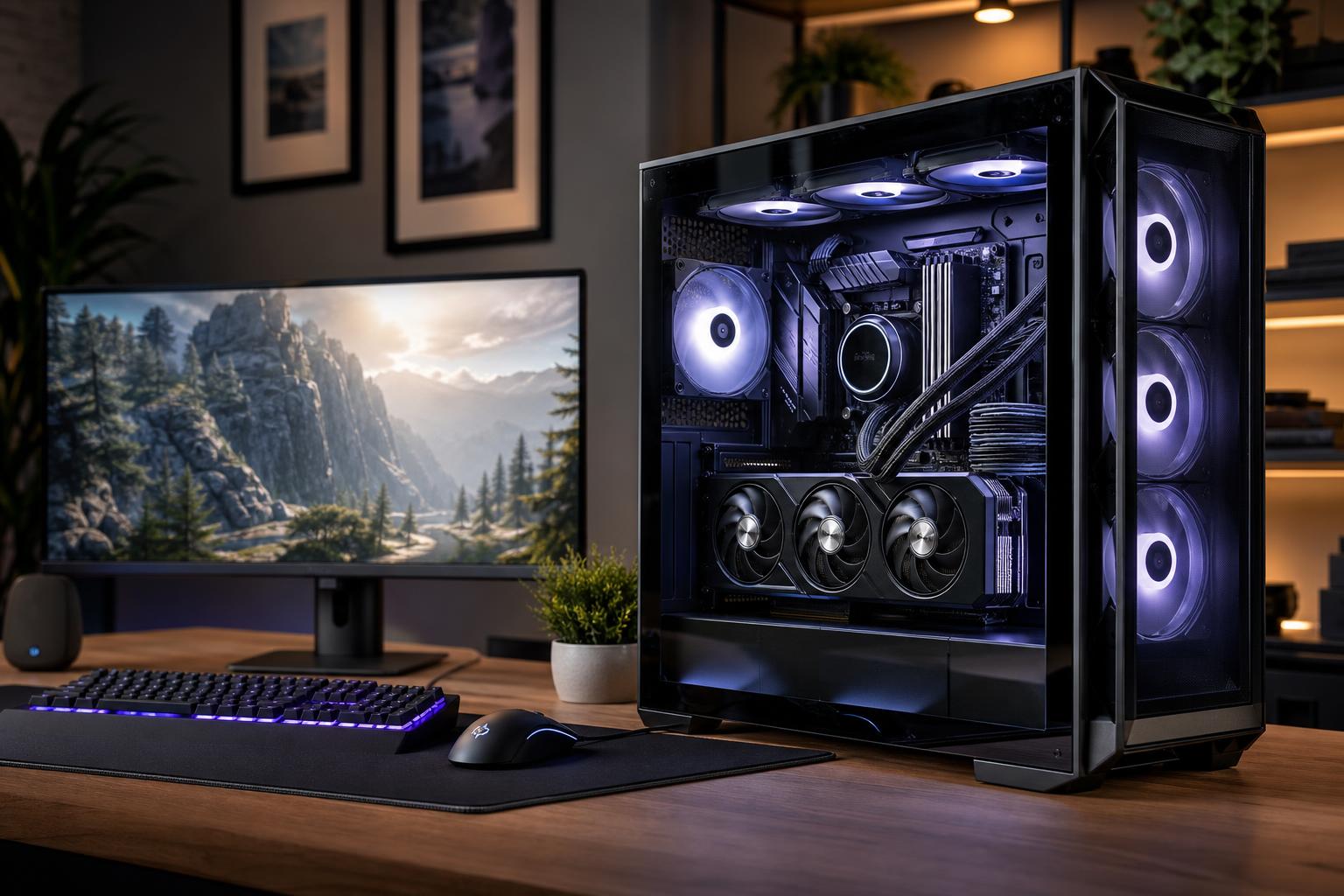
A well-chosen $2,000 gaming PC is the sweet spot for many serious players. It should deliver excellent 1440p performance, support high-refresh-rate monitors in a wide range of games, and handle 4K gaming sensibly with the right settings. It can also stream, run mods, and remain useful for years without needing every part to be top-of-the-line.
The short answer: put the largest practical share of this budget into the graphics card, pair it with a current mid-to-upper-tier gaming CPU, use 32GB of DDR5 memory, and do not cut corners on the power supply, cooling, or case airflow. A flashy motherboard and an oversized CPU are poor places to spend money if they force you into a weaker GPU.
For the tower alone, a $2,000 budget should target high-quality 1440p gaming. That means playing modern single-player games at high or ultra settings, often with useful headroom for ray tracing and upscaling where supported. In esports titles, it should be capable of taking good advantage of a 144Hz, 165Hz, or higher-refresh-rate 1440p display.
It can be a capable 4K machine too, but expectations matter. Native 4K with maximum settings and demanding ray tracing is one of the toughest workloads in consumer computing. Even expensive hardware benefits from sensible settings, upscaling, or both. A $2,000 PC is best viewed as an excellent 1440p system that can play at 4K, rather than a no-compromise 4K system.
If your total budget also needs to cover a monitor, keyboard, mouse, Windows license, tax, or shipping, reserve that money first. A $2,000 all-in budget calls for a different parts balance than a $2,000 tower budget.
Specific model availability and pricing move constantly, so it is smarter to shop by performance class and component quality than by a fixed list of part numbers.
This is the configuration we would call the performance tier: it spends on the parts that affect frame rates while protecting the system from the heat, noise, and reliability problems that can come from bargain supporting components.
For a gaming-first PC, the graphics card has the greatest effect on visual quality, resolution, ray tracing performance, and frame rate in most modern games. At this budget, the GPU should generally receive the largest single share of the parts budget.
That does not mean buying the biggest card you can find and treating the rest of the PC as an afterthought. The goal is a balanced system. But if you are choosing between a premium motherboard with a weaker graphics card or a practical motherboard with a stronger graphics card, choose the stronger GPU nearly every time.
Video memory, or VRAM, holds game textures, rendering data, and other graphics assets. More VRAM can help with high-resolution textures, demanding mods, ray tracing, and future games. It is worth considering, particularly for a PC meant to stay in service for several years.
Still, do not buy on VRAM capacity alone. Overall GPU performance, upscaling features, driver support, power use, cooler quality, and the games you play all matter. A card with more VRAM is not automatically faster or better for every game.
A modern gaming CPU with six fast cores is enough for many gaming systems. An eight-core or gaming-focused processor can be a worthwhile step up for high-refresh competitive play, CPU-heavy simulation games, large multiplayer matches, streaming, or keeping many background applications open.
What most buyers should avoid is using a huge slice of the budget on a flagship CPU while compromising on the GPU. At 1440p and 4K, games are often limited by the graphics card. An expensive processor may produce only a small change in average frame rate, while the stronger GPU you gave up could have made a far more visible difference.
Spend more on the CPU if you primarily play games such as large simulations, strategy titles, heavily modded sandbox games, or flight simulators. Also consider it if this computer will regularly compile code, edit video, or run demanding productivity work alongside gaming.
For a new performance gaming PC, we recommend 32GB of RAM. Modern games, browser tabs, voice chat, game launchers, streaming tools, and background software can make 16GB feel restrictive sooner than many buyers expect. Moving to 32GB helps smooth out that everyday multitasking experience and gives the system more breathing room.
Use a two-stick memory kit so the system can run in dual-channel mode. Memory speed and timings matter, but compatibility and stability matter more. Chasing tiny benchmark gains with an aggressive memory kit is rarely as useful as buying a larger, stable kit from the start.
For storage, 2TB is the sensible target. Modern games are large, and a 1TB drive can fill surprisingly quickly once you include Windows, applications, captures, mods, and several major games. A quality PCIe Gen 4 NVMe SSD is already extremely responsive for gaming. Paying a large premium for a faster drive will not meaningfully improve most game frame rates or loading experiences.
The less glamorous parts determine whether a high-performance PC stays quiet, cool, stable, and easy to upgrade.
Buy enough wattage for the actual CPU and GPU combination, with reasonable headroom, rather than simply choosing the highest number on the shelf. Quality is more important than a giant wattage label. A good power supply has stable power delivery, proper protections, suitable connectors, and the capacity to support future upgrades without operating at its limit.
A good air cooler is often all a gaming CPU needs. Liquid cooling can make sense for certain hot processors, aesthetic goals, or noise targets, but it is not automatically better. The case needs unobstructed intake, sensible exhaust, and enough fan capacity to move heat away from the GPU. Glass panels are fine; a sealed front panel around a powerful graphics card is less charming after an hour of gaming.
Choose a motherboard for features: the number of M.2 storage slots, USB ports, networking, audio needs, BIOS support, and future expansion. You do not need an extreme overclocking board to build an excellent gaming PC. A reliable midrange board with good power delivery and the connections you need is usually the right call.
Competitive 1080p players may shift more money toward the CPU if they are chasing extremely high frame rates on a 240Hz or higher-refresh monitor. They can spend less on the GPU than a 1440p or 4K player, although a strong GPU still helps in newer games.
4K players should push as much of the budget as practical toward the graphics card and accept a more modest CPU and motherboard. At that resolution, GPU performance is especially important.
Gamers who also edit video, render 3D scenes, or develop software may benefit from a stronger multicore CPU, 64GB of memory, and additional SSD capacity. If that work is frequent or billable, a gaming-first parts list is not necessarily the best workstation investment.
The best gaming PC under $2,000 is not simply the one with the longest specification list. It is the one that puts the budget into the components that serve your monitor, favorite games, settings preferences, and plans for the next few years.
At Overclock Computers, we can help configure a custom system around your real budget, game library, display resolution, streaming plans, preferred appearance, and upgrade goals. If you are considering a performance gaming PC, bring us the monitor you use and the games you play most. Those two details make a much better starting point than a generic parts list.