Why PC Stress Testing Matters Before You Take Delivery

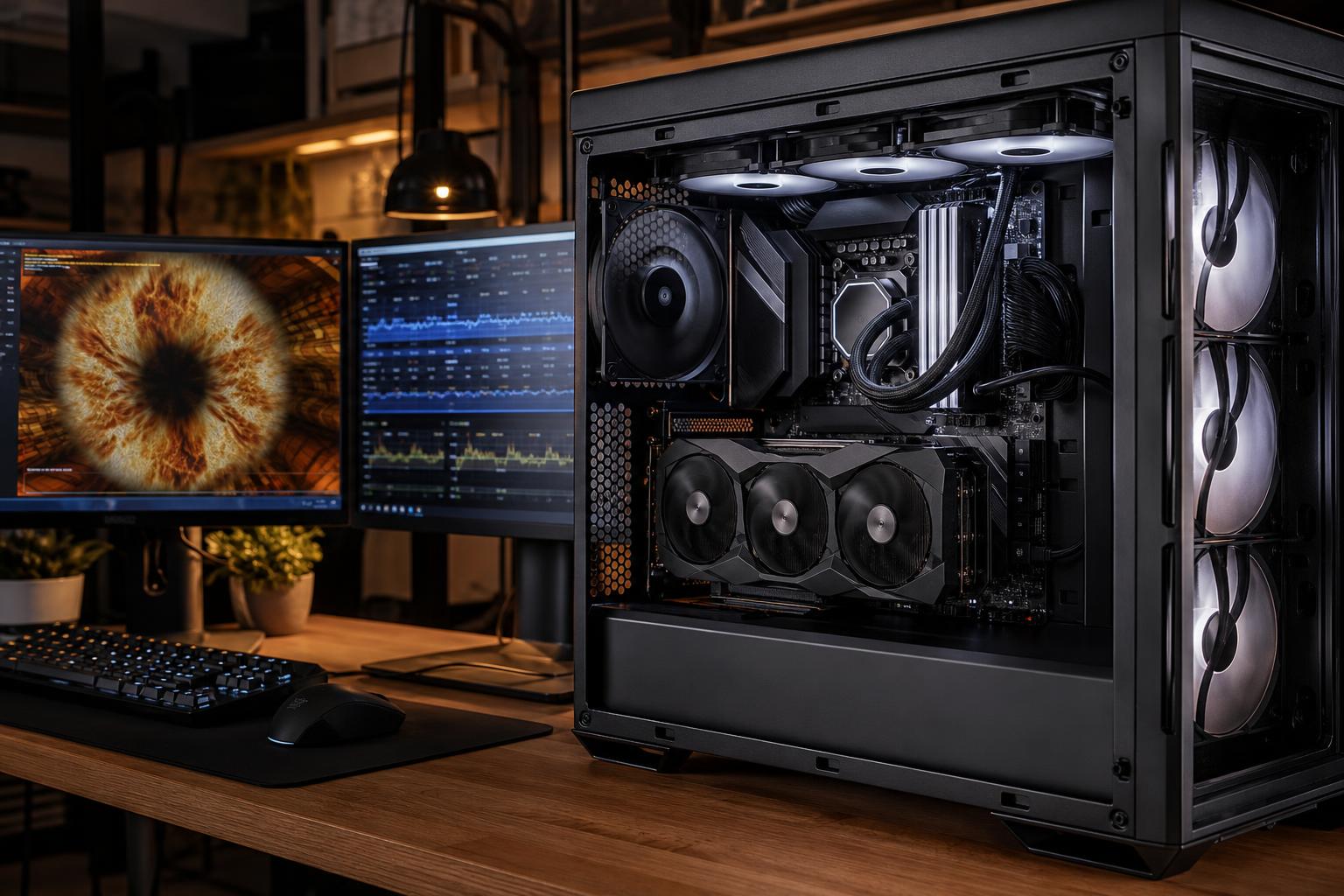
A new PC should do more than boot into Windows and look good on a desk. It should remain stable when the processor, graphics card, memory, and storage are working hard at the same time. That is the purpose of PC stress testing.
For a gaming PC, instability might show up as a crash halfway through a long session, a sudden restart, or a game that closes without warning. For a workstation, the consequences can be worse: a failed overnight render, corrupted project files, or a simulation that stops after hours of processing.
Stress testing cannot predict every problem a computer may ever encounter. It can, however, find a surprising number of issues before the system reaches its owner. It is one of the clearest differences between a computer that merely powers on and one that has been properly prepared for demanding use.
Stress tests run controlled workloads that place unusually heavy demand on one or more PC components. They are designed to expose problems that light tasks often miss.
Browsing the web, installing a few applications, and opening a game for five minutes do not tell us much. Those tasks rarely push the CPU, GPU, RAM, and power supply hard enough for long enough to reveal a marginal setting, cooling limitation, loose connection, or faulty component.
A sensible validation process uses several types of tests because a PC can be stable in one situation and unstable in another.
The goal is not to run components at abusive settings just for dramatic temperature screenshots. A good test plan uses appropriate workloads, monitors behavior carefully, and confirms that the computer can sustain the kind of load it was built to handle.
Many hardware problems are intermittent. A system may appear completely normal until a specific combination of heat, power draw, and memory use triggers the fault.
For example, a CPU cooler might be installed correctly enough for basic desktop work but struggle during a long export. A memory kit may start Windows normally but produce errors only after it has been warm for an hour. A graphics card may run a lightweight game without complaint yet fail during a demanding 3D scene. These are exactly the problems that proper PC stress testing is intended to catch.
Modern components also manage their own speed aggressively. CPUs and GPUs boost higher when power and temperature headroom allow it. That is good for performance, but it means a system needs adequate cooling, motherboard power delivery, and a quality power supply to remain dependable at full load.
Heat itself is not automatically a sign of trouble. Modern processors and graphics cards are designed to operate warmer than many people expect. What matters is whether temperatures remain within the manufacturer’s intended operating range, clock speeds behave normally, cooling is working as intended, and the system stays stable without excessive noise or throttling.
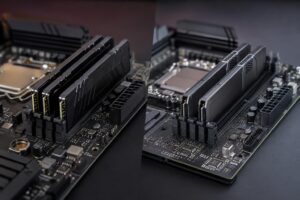
RAM is one of the most common sources of hard-to-diagnose instability. High-performance memory profiles allow RAM to run at its rated speed, but the final result depends on the memory kit, CPU memory controller, motherboard, BIOS version, and settings working together.
When memory is unstable, symptoms are not always obvious. You may see random application crashes, blue screens, installation failures, archive errors, or games that close to the desktop. In a professional workload, memory errors can be especially frustrating because they may look like a software problem.
For most new systems, running a compatible RAM kit at its intended profile is reasonable. Chasing the highest possible memory frequency or manually tuning every timing can make sense for enthusiasts, but it has diminishing returns. We would rather have a system that is reliably fast than one that is theoretically faster and occasionally temperamental.
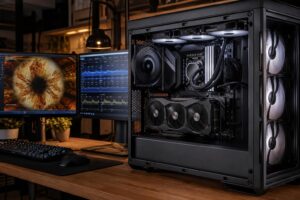
A powerful CPU or GPU creates a lot of heat, particularly during rendering, compiling, encoding, simulation, and modern games. The cooler, case, fan placement, and fan curves must work together to move that heat out of the system.
Testing under sustained load shows whether temperatures settle at a healthy level or continue climbing. It also reveals whether fans respond correctly and whether the case has enough airflow for the selected hardware.
This is why component balance matters. Pairing a high-wattage processor with a small cooler or putting a flagship GPU in a restrictive case may save money or look tidy on a parts list, but it can lead to more noise and lower sustained performance. A PC should be designed as a complete thermal system, not as a pile of individually impressive parts.
Power supplies do not make a PC faster, which is why they are easy to undervalue. They are still foundational. A poor-quality or undersized unit can cause shutdowns, instability, or trouble when CPU and GPU demand peak together.
Combined-load testing is valuable because it creates a scenario closer to a demanding game, GPU render, or compute workload. It helps identify unexpected restarts, power-related faults, or temperature issues that single-component tests may not reveal.
Buying far more wattage than a system needs is not automatically better. The right choice is a reputable power supply with sufficient continuous capacity, the correct connectors, and sensible room for the selected components. For a machine expected to receive a larger GPU later, some extra capacity is practical. For a modest system with no upgrade plans, spending heavily on an enormous unit is usually unnecessary.
Even premium components need careful assembly. A loose power connection, improperly seated memory module, disconnected fan, or storage device that is not fully secured can create an intermittent issue. These mistakes are avoidable, but they are also why a completed build deserves more than a quick power-on test.
A thorough check includes confirming that installed memory capacity is correct, storage devices are recognized, cooling hardware is operating, cables are secure, and basic performance aligns with the configuration. Clean cable routing is not merely cosmetic, either. It makes future service easier and helps keep cables away from fans and airflow paths.
The word “stress” can sound alarming, but testing a properly assembled computer at full load is normal. A quality gaming PC or workstation should be able to use its available performance without crashing.
Stress testing also does not require aggressive manual overclocking. Many modern systems use manufacturer-designed boost behavior and memory profiles. Those settings still need validation, but there is a major difference between confirming a sensible configuration and pushing voltage and frequency beyond practical limits for a tiny benchmark gain.
For most buyers, stability, cooling, and predictable performance are more valuable than a handful of extra benchmark points. The exception is the hobbyist who enjoys tuning as part of the experience—and accepts that extensive testing is part of the bargain.
Exact testing procedures vary with the PC’s purpose. A compact gaming computer, a quiet video-editing workstation, and a multi-GPU compute machine do not need identical validation. Still, a responsible builder should be able to explain how the system was checked and why the chosen process suits the hardware.
Before accepting a new high-performance PC, it is reasonable to expect that the system has been checked for the following:
It is also worth asking whether the computer was tested in a way that reflects your work. Someone buying a PC for 3D rendering or AI compute should care about sustained GPU operation. Someone purchasing a development workstation may value large-memory stability and long CPU loads. A competitive gaming system should be tested with the graphics card and processor working together, not just at the Windows desktop.
Benchmark numbers are easy to advertise. Stable performance over a long gaming session, a workday, or an overnight render is harder to summarize, but it matters more.
That is why we treat PC stress testing as part of building a high-performance computer correctly. The best system is not necessarily the one with the most expensive part in every slot. It is the one with balanced components, capable cooling, reliable power, and the validation needed to make sure those parts work together.
If you are planning a custom gaming PC or professional workstation, contact Overclock Computers with the applications, games, monitor resolution, and workloads you use. We can help configure a system around the performance you actually need—and the stability you should expect.