Best PC for High FPS Gaming in 2026: Specs for 144Hz, 240Hz, and Beyond

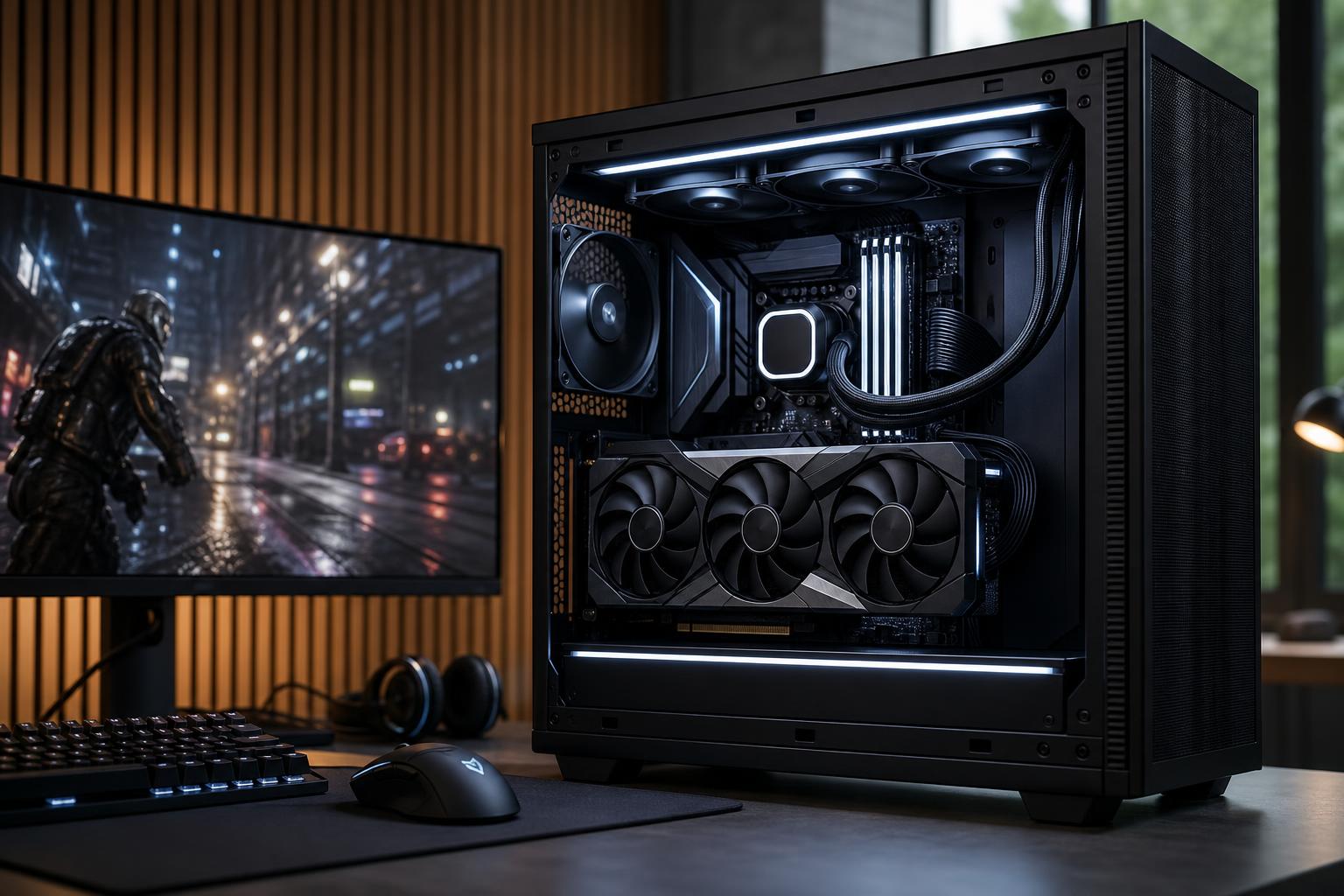
A high-FPS gaming PC is built around a different goal than a typical 4K gaming system. Instead of chasing the highest possible image quality at a lower frame rate, you are trying to deliver consistently high frame rates to a 144Hz, 240Hz, or even faster monitor.
That changes where the budget should go. At high frame rates, the CPU matters much more than many buyers expect. Fast memory, sensible game settings, cooling, and a monitor that can actually display the frames all matter too. A huge graphics card paired with an average processor can still produce disappointing results in competitive games.
The best PC for high FPS gaming is not automatically the most expensive one. It is the one balanced around the games you play, your monitor resolution and refresh rate, and the frame rate you genuinely want to sustain.
Your monitor establishes the target. A 144Hz display can show up to 144 frames per second, while a 240Hz display can show up to 240. Running a game at 300 FPS on a 144Hz monitor can still reduce input latency in some cases, but the visual benefit is limited compared with using a faster display.
Resolution is equally important. It is far easier to reach 240 FPS at 1080p than at 1440p, and much easier at 1440p than 4K. A 1440p 240Hz monitor is an excellent premium all-round target, but it requires a strong graphics card in demanding modern games.
At lower frame rates and high visual settings, the graphics card usually does most of the limiting. As you target 144, 240, or more frames per second, the processor has less time to handle each frame. It must run game logic, physics, AI, draw-call preparation, background tasks, and communication with the graphics card at a much faster pace.
That is why a system can have an excellent GPU but still fail to hold a steady 240 FPS in a CPU-heavy game. The average frame rate may look fine, but dips during busy fights, large multiplayer matches, or complex game areas are what players notice.
For a new high-FPS gaming PC, prioritize a current-generation midrange-to-high-end desktop CPU with strong gaming performance. The best choices tend to offer fast individual cores, modern platform support, and enough cores to run the game alongside voice chat, a browser, anti-cheat software, and ordinary background tasks.
For a gaming-focused machine, paying for a workstation-class processor with a very high core count is usually poor value. Those CPUs make sense for rendering, compiling, simulation, or other heavily threaded professional work. They are not a shortcut to better esports performance.
The graphics card still matters enormously, particularly at 1440p and 4K. The right GPU tier depends on what you play and how much visual quality you are willing to trade for frame rate.
For lighter competitive titles, a capable midrange graphics card can often be enough. These games are intentionally designed to run well across a broad range of hardware. Put more of the budget into the CPU, a responsive monitor, and a solid overall platform rather than buying the largest GPU available.
Do not assume every game behaves like an esports title, though. Newer multiplayer games, poorly optimized releases, and visually complex titles can be far more demanding.
1440p is where GPU choice becomes more significant. For 144Hz, a strong upper-midrange graphics card is a practical target for many games. For 240Hz in modern AAA games, expect to need a high-end GPU, lower some settings, or use sensible upscaling where the game supports it.
Competitive players often turn down shadows, post-processing, ray tracing, and other costly visual options. That is not merely a “low settings” compromise. It can improve visual clarity and preserve more consistent frame times.
4K at high refresh rates is demanding even with high-end hardware. A powerful GPU is the priority here, but the CPU should still be strong enough to avoid limiting performance in the games you play. For the newest demanding games, achieving a locked 240 FPS at native 4K is not a reasonable expectation. A 4K 144Hz display is often the more balanced choice for players who want sharp image quality and excellent motion.
Exact component models change frequently, but these configuration ranges are more useful than chasing a specific part number.
This is the sensible choice for most people buying a gaming PC for a 144Hz or 165Hz display. It should feel quick in everyday use and leave room for future GPU upgrades.
This tier makes sense for a 240Hz monitor and frequent competitive play. It is also a good fit for someone who plays esports titles one night and demanding single-player games the next.
This is a purpose-built enthusiast configuration. It is worth considering only if you own, or genuinely plan to buy, a very fast monitor and play the kinds of games where extremely high frame rates are achievable and useful.
For a new premium gaming PC, 32GB is the comfortable recommendation. Many games can still run well with 16GB, but modern titles, launchers, web browsers, Discord, recording tools, and background applications can make 16GB feel cramped. Once memory fills up, the system may rely more heavily on the SSD, which can contribute to stutter.
Use two matched memory modules so the system operates in dual-channel mode. For gaming, 64GB is not normally necessary unless you also edit video, run virtual machines, work with large creative projects, or keep unusually heavy applications open while playing.
An NVMe SSD will not double your frame rate, but it improves game loading, Windows responsiveness, updates, and the general feel of the system. A 1TB drive is the practical floor for a modern gaming PC; 2TB is more comfortable if you install several large games.
Good cooling is also performance hardware. A CPU that becomes too hot may reduce clock speed, while a hot, noisy system is simply less pleasant to use. A well-designed case with clear front-to-back airflow, a correctly sized CPU cooler, and sensible fan placement does more good than decorative fans alone.
Finally, high frame rate does not overcome a poor internet connection. For online gaming, use wired Ethernet whenever possible. Wi-Fi can work well, but distance, interference, and router quality can add inconsistency that no graphics card can fix.
The right high-FPS PC starts with a simple question: what games do you play, at what resolution, and on what monitor? A 1080p 240Hz competitive machine should allocate its budget differently from a 1440p 240Hz all-purpose gaming system. Neither is wrong; they are built for different priorities.
Overclock Computers can help translate your games, monitor plans, performance target, and budget into a balanced custom PC. We will recommend the hardware that supports the experience you want, including the cooling, power delivery, and upgrade room that make a premium system worthwhile.