128GB vs. 256GB RAM for a Workstation: Who Actually Needs More Memory?

RAM capacity is one of the easiest workstation specifications to get wrong. Buy too little, and a powerful CPU and GPU can spend their day waiting on storage while Windows struggles to keep active data in memory. Buy far too much, and you may tie up budget that would have made a bigger difference in the GPU, CPU, or storage layout.
For many professional systems, 128GB is the sensible high-performance baseline. For others, particularly point-cloud, simulation, large 3D, virtual-machine, and data-heavy workflows, 256GB is not a luxury. It is what keeps the workstation responsive when the project gets serious.
The practical question is not, “What is the biggest RAM kit I can install?” It is, “Can my normal working set fit in memory with room left over?”
RAM holds the data your applications are actively using: open models, textures, point-cloud chunks, video frames, cached previews, browser tabs, background utilities, and the operating system itself. When physical RAM is nearly full, Windows uses the page file on the SSD as overflow space.
A fast NVMe SSD makes that fallback less painful than it used to be, but storage is still dramatically slower than system memory. The result is familiar to anyone who has opened one project too many: a model that stutters when orbiting, delayed clicks, slow application switching, long exports, or a system that appears frozen while it catches up.
More RAM does not automatically make a lightly loaded application faster. It does prevent large projects and multitasking from turning a capable workstation into an expensive waiting room.
For a broad range of professional users, 128GB is generous and well balanced. It gives Windows and background applications plenty of breathing room while accommodating large project files without forcing a jump to a more expensive platform.
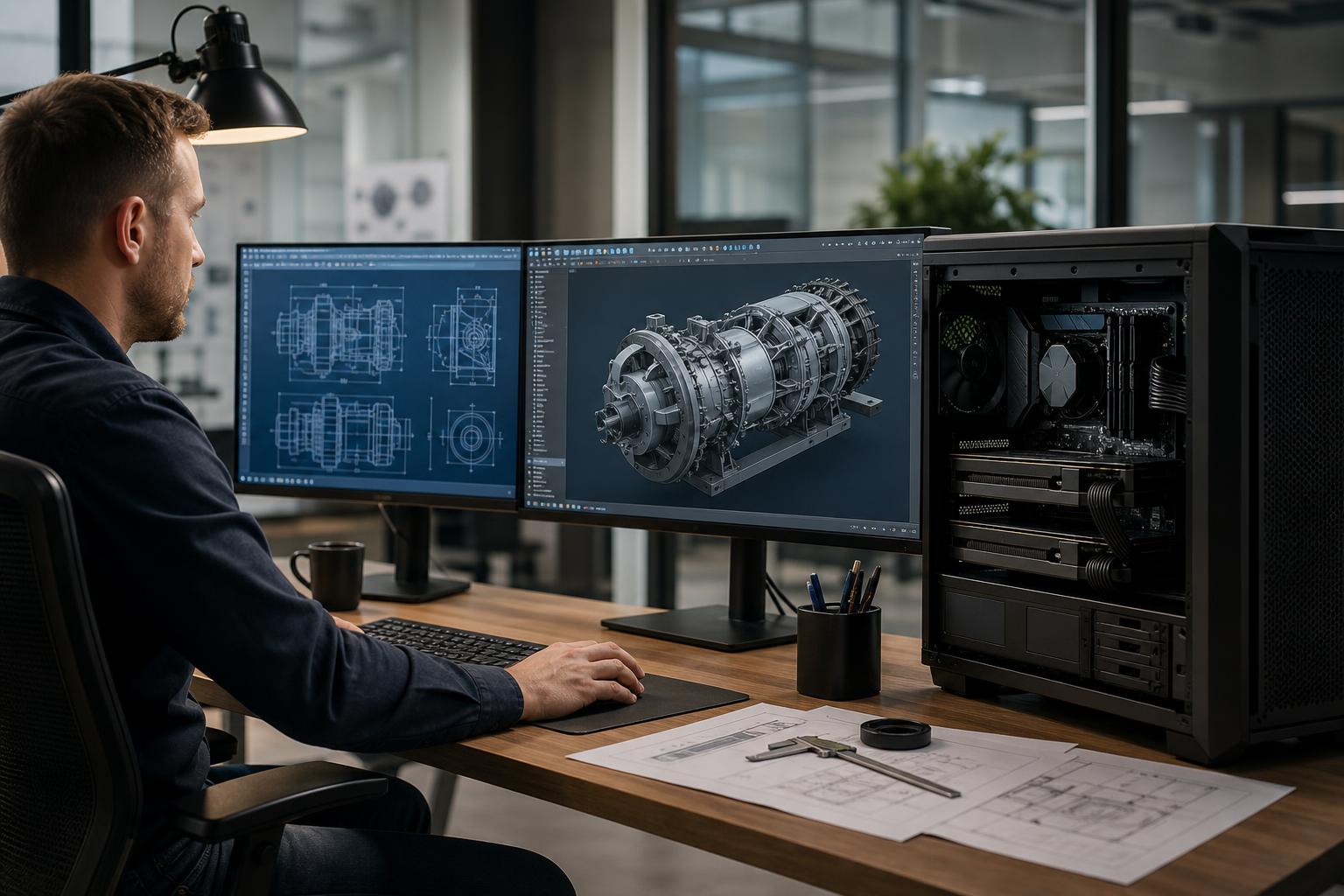
128GB also makes sense for a workstation shared across several jobs during the day. An engineer might have CAD software, PDF markups, spreadsheets, email, a browser, and collaboration tools open at once. A video editor may run an NLE, Adobe After Effects, audio tools, and media-management software. That is normal professional multitasking, not excess.
For many individual professionals, a strong 128GB system paired with the right CPU, GPU, and multiple NVMe drives will be the best use of the budget.
256GB becomes worthwhile when memory pressure is a recurring part of the workflow, not an occasional bad day. It is especially valuable when project data is too large to work with comfortably at 128GB, or when the workstation routinely runs several heavy applications at once.
Point clouds can consume memory quickly. The amount required depends on point count, attributes, software settings, clipping or classification operations, and what else is open at the same time. A dataset may reside on disk, but processing software often needs substantial memory to index, cache, sort, visualize, or transform it.
For surveyors, civil engineering teams, GIS professionals, and reality-capture specialists working with large LiDAR datasets, 256GB provides useful headroom. It can reduce the need to divide a workflow into smaller chunks and helps preserve responsiveness during processing. It is not a substitute for fast project storage, but the two work together.
Complex scenes can contain high-resolution textures, dense geometry, large particle systems, caches, and multiple assets loaded at once. Simulation work adds another layer: fluid, smoke, cloth, and physics caches can become memory-hungry fast.
GPU rendering has its own VRAM limit, which system RAM cannot replace. However, system memory still matters for scene preparation, CPU rendering, simulation, compositing, and keeping other production tools available. Artists who regularly work with very large scenes should consider 256GB before spending heavily on CPU cores they cannot keep fed with data.
A developer running several virtual machines, large container stacks, databases, local build tools, and a browser full of documentation can use 128GB surprisingly quickly. The same is true for IT administrators, security researchers, and technical consultants who need realistic lab environments on one desktop.
If the plan is to assign 16GB to several active VMs, remember that the host operating system and every other active program still need memory. In that case, 256GB is often more practical than trying to micromanage every virtual machine.
Some datasets can be processed in chunks efficiently. Others benefit greatly from staying in memory. Data preparation, large geospatial datasets, scientific computing, and analytics workloads may need far more RAM than their source file size suggests because applications create intermediate copies, indexes, and temporary arrays.
Users working with data regularly should watch actual memory use during representative projects rather than relying on file size alone. If a normal analysis consumes 100GB to 120GB, 128GB is already too close to the ceiling. Choose 256GB.
A good rule is to avoid designing a workstation that uses more than roughly 70% to 80% of installed RAM during a normal demanding project. That leaves room for the operating system, background tools, a second application, and temporary spikes in usage.
If memory use only approaches the limit during a rare worst-case job, 128GB may still be reasonable. If it regularly reaches the limit, system memory is holding the entire workstation back. Adding RAM is often a more meaningful improvement than moving from a fast CPU to a slightly faster one.
For professional workstations, capacity is usually more important than chasing the highest memory frequency or the lowest timings. A stable 256GB configuration running at sensible settings is more useful than a fast 128GB kit that forces the system to page to storage.
That said, memory configuration still matters. Modern CPUs have preferred memory-channel layouts, and the motherboard, processor, and RAM kit must be selected together. Higher-capacity kits can sometimes run at lower data rates than smaller kits, particularly on mainstream desktop platforms. This is normal and usually a sensible trade-off for a capacity-heavy workstation.
Use matched memory kits whenever possible. Combining separate kits that appear identical is not guaranteed to run reliably at their rated settings. For a machine that earns its keep, stability beats a few benchmark points every time.
Error-correcting code, or ECC, memory can detect and correct certain memory errors. It is worth considering for workstations where data integrity, long processing jobs, or continuous uptime are especially important. Scientific computing, critical engineering workflows, server-like virtual-machine hosts, and systems with very large memory capacities are common examples.
ECC is not automatically required for every CAD, editing, or rendering workstation. Support depends on the chosen CPU, motherboard, and memory platform. A properly configured non-ECC workstation can be entirely appropriate for many professionals. The important part is choosing a platform based on the workload and reliability requirement, rather than treating ECC as a badge of seriousness.
Not always. Some mainstream desktop platforms support 256GB or more, but capacity support, DIMM population, memory speeds, PCIe expansion, and future upgrade options vary significantly by platform.
A mainstream processor platform can be an excellent choice for lightly threaded CAD, general design work, and many 128GB or 256GB builds. A workstation-class platform becomes more compelling when the system also needs very high core counts, more memory channels, ECC support, multiple GPUs, large numbers of NVMe drives, capture cards, high-speed networking, or other PCIe expansion.
In other words, do not move to a high-core-count workstation CPU solely because 256GB sounds like a lot. Move when memory capacity is part of a broader need for expansion, bandwidth, and sustained multicore performance.
When comparing options, look at the full system. More memory should not come at the expense of inadequate GPU VRAM, a single cramped SSD, weak cooling, or an undersized power supply. The best professional workstation is balanced around the applications that generate revenue, not around a single impressive specification.
A custom workstation should account for the software you use, the size of the files you open now, the projects you expect next year, and the hardware that application actually uses. At Overclock Computers, we can help configure a professional workstation around your datasets, project workflow, performance priorities, expansion plans, and budget. Bring the applications and typical project sizes; we will help determine whether 128GB is the sensible answer or whether 256GB will save you from avoidable slowdowns.