How Many Watts Does Your PC Need? A Practical Power Supply Guide

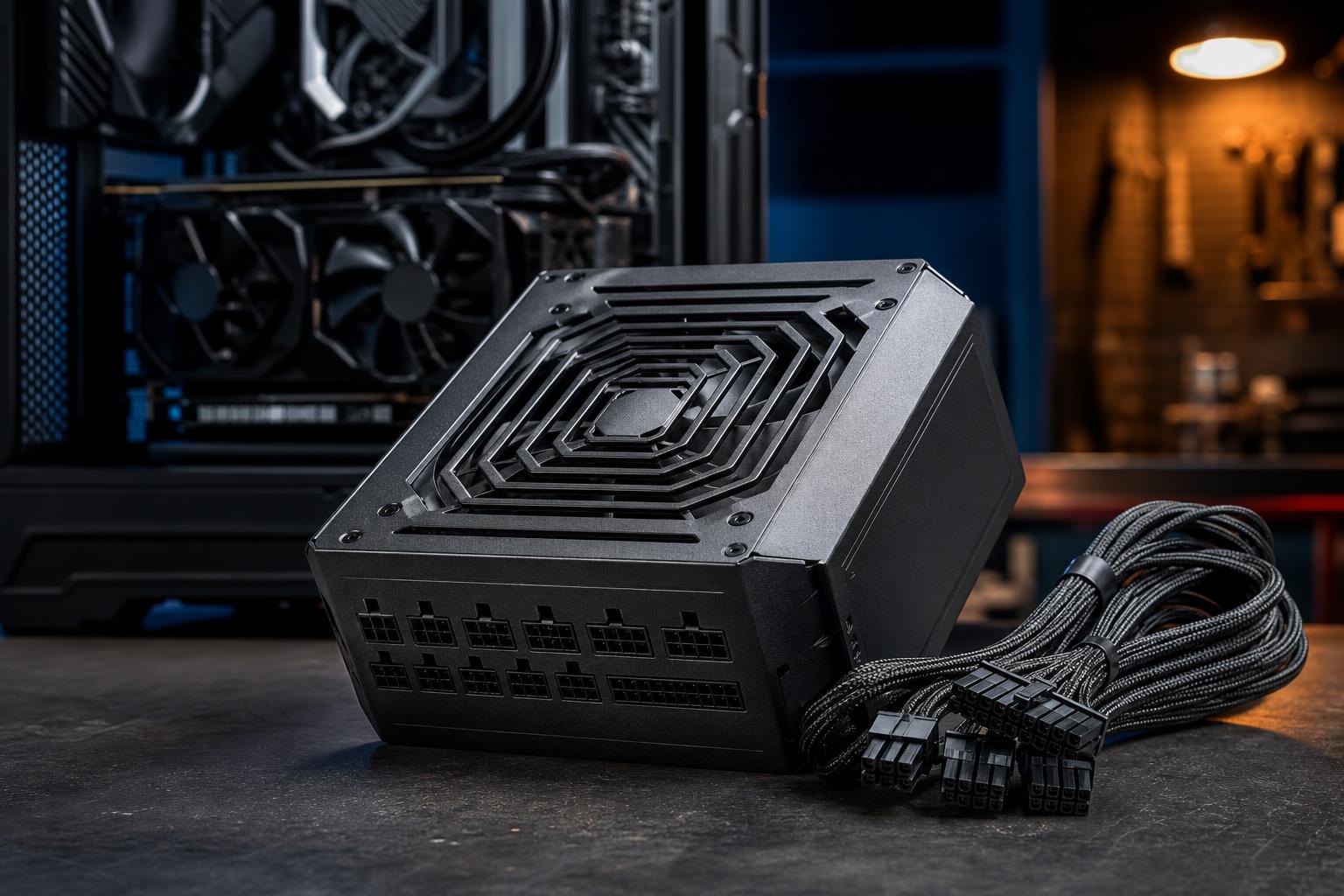
A power supply is one of the least exciting parts of a PC build, right up until it causes instability, limits a graphics card upgrade, or fails at the wrong time. It does not add frames per second or shorten a render by itself, but it supplies clean, stable power to every component that does.
The right question is not simply, “What is the lowest wattage that will turn my PC on?” A better question is: What power supply will run this system quietly and reliably under its heaviest real workload, while leaving reasonable room for upgrades?
For many modern gaming PCs, that answer is a quality 750W or 850W unit. High-end systems with a powerful graphics card, a top-tier CPU, or heavy professional GPU workloads may justify 1000W or more. But wattage is only part of the decision. Build quality, protections, connector support, and warranty matter just as much.
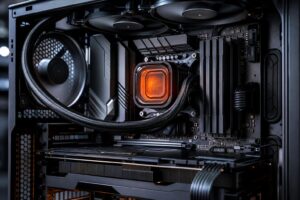
The graphics card is usually the largest power draw in a gaming PC, rendering workstation, or local AI machine. A high-performance CPU can also use substantial power during rendering, compiling, simulation, or all-core production work, but the GPU normally determines the power supply class.
Do not size a PSU by adding up every component’s maximum marketing number and buying the next enormous unit. That approach often overshoots badly. At the same time, do not select a unit that barely meets a graphics card maker’s minimum recommendation. Those recommendations are useful starting points, but they assume a broadly typical system and cannot account for every CPU, cooling setup, drive count, or future upgrade.
A practical process is:
That headroom helps the PSU handle short power spikes, run more quietly, and avoid living at the edge of its capability. It also makes a later GPU upgrade less likely to require replacing the power supply.
These ranges assume a well-built desktop with a modern processor, a dedicated graphics card where noted, several fans, and one or two NVMe SSDs. They are guidelines, not substitutes for checking the requirements of your exact components.
A good 550W or 650W PSU works well for systems with an efficient midrange graphics card and a mainstream CPU. This is enough for excellent 1080p gaming, everyday work, and lighter creative tasks.
Choose 650W rather than 550W when the price difference is reasonable, especially if you expect to install a faster GPU later. It is a sensible floor for a new custom gaming PC with a discrete graphics card.
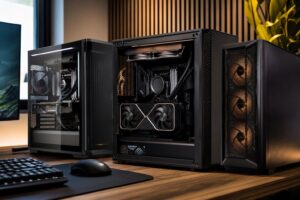
A quality 750W PSU is an excellent fit for a large share of 1440p gaming PCs, streaming systems, and creator desktops. It comfortably supports many upper-midrange graphics cards alongside a strong gaming or productivity CPU.
For buyers building a balanced performance PC rather than chasing the highest possible GPU tier, 750W is often the best value. It provides useful headroom without spending extra on capacity that will sit unused.
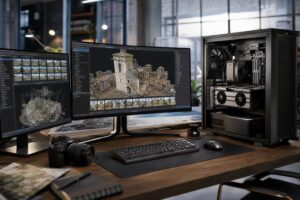
An 850W model is a strong choice for high-end graphics cards, power-hungry CPUs, and systems expected to see sustained loads. It is particularly sensible for 4K gaming machines, GPU rendering workstations, video editing systems, and PCs with plans for a major GPU upgrade.
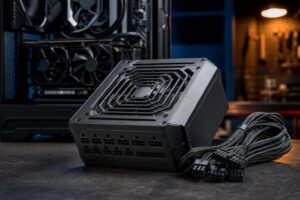
This is also the range where it is worth being especially selective about connector support. Many newer high-performance GPUs use a 16-pin power connector, and a modern PSU with a native cable for that connector is preferable to an adapter when possible.
A 1000W PSU is appropriate when pairing a flagship-class GPU with a high-end CPU, especially in a workstation that renders, trains models, compiles large projects, or runs other long all-core and GPU-heavy workloads. It can also make sense for a premium gaming PC built around a very power-demanding graphics card.
1200W can be justified for multiple-GPU professional systems, unusually power-intensive configurations, or buyers who deliberately want room for a future top-tier GPU. For a normal single-GPU gaming PC, however, buying 1200W “just in case” is usually unnecessary.
PC components do not draw a perfectly flat amount of power. Graphics cards can create brief changes in demand as workloads shift. A properly designed power supply is built to handle these transient spikes, but a unit that is already near its limits has less margin to work with.
Headroom also affects noise. A PSU generally produces less heat and asks less of its cooling fan when it is not operating near maximum capacity for hours at a time. That does not mean a 1500W model is automatically better than an 850W model. Power supplies are most efficient around moderate loads, and an oversized unit can cost more without offering a meaningful benefit.
The goal is reasonable capacity from a good platform, not the biggest number on the box.
A low-quality 1000W unit is not a better choice than a well-reviewed 750W or 850W unit from a reputable manufacturer. The label may claim a large number, but the internal design, voltage regulation, protection circuitry, cooling, and component quality determine whether a PSU can deliver power safely and consistently.
Look for these practical features:
Newer high-power graphics cards may use a 16-pin GPU power connector, sometimes referred to as 12V-2×6. A power supply designed with a native cable for the card is the cleanest option. It reduces cable clutter and avoids relying on a multi-plug adapter.
If an adapter is supplied with a GPU, it can work correctly when installed as instructed. The key is to use separate PCIe power cables where required, make sure every connector is fully seated, and avoid sharply bending the cable directly next to the GPU connector. Never mix modular cables between PSU brands or even different PSU models unless the manufacturer explicitly confirms compatibility. The connectors may fit while the wiring differs, which can damage hardware.
A system may run on a minimal wattage recommendation, but it may become limiting after a GPU upgrade. If you are already close to the threshold, spending a little more on a higher-quality 750W or 850W unit is usually cheaper than replacing the PSU later.
Modern CPUs can draw far more power during boost behavior or unrestricted all-core workloads than their familiar base rating suggests. This matters most for Intel and AMD performance processors used for rendering and other long production tasks. Check measured power behavior or configure sensible motherboard power limits when selecting the entire system.
Some PCIe power cables include two connectors. That does not always mean one cable should supply every connector on a high-draw graphics card. Follow the PSU and GPU manufacturer guidance; using separate cables is often the safer choice for demanding cards.
This deserves repeating because it is an expensive mistake. The PSU-side pinout is not universal. Use only the cables supplied with the specific power supply, or replacements approved for that exact model.
For a new midrange or upper-midrange gaming PC, start by looking at quality 750W units. Step up to 850W for a high-end GPU, a powerful CPU, or a system that will regularly render, encode, or run GPU compute workloads. Choose 1000W when the build includes flagship-class hardware or a workstation load that keeps both CPU and GPU busy for long periods.
Do not cut the power supply budget to afford a slightly faster component. A balanced system with reliable power delivery, appropriate connectors, and enough capacity is easier to own, quieter under load, and better prepared for upgrades.
If you are planning a new gaming PC or professional workstation and are unsure how a particular CPU and GPU combination affects PSU sizing, contact Overclock Computers. We can help match the power supply, cooling, and supporting components to the system you actually plan to use.