Prebuilt vs. Custom Gaming PC: Which Should You Buy?

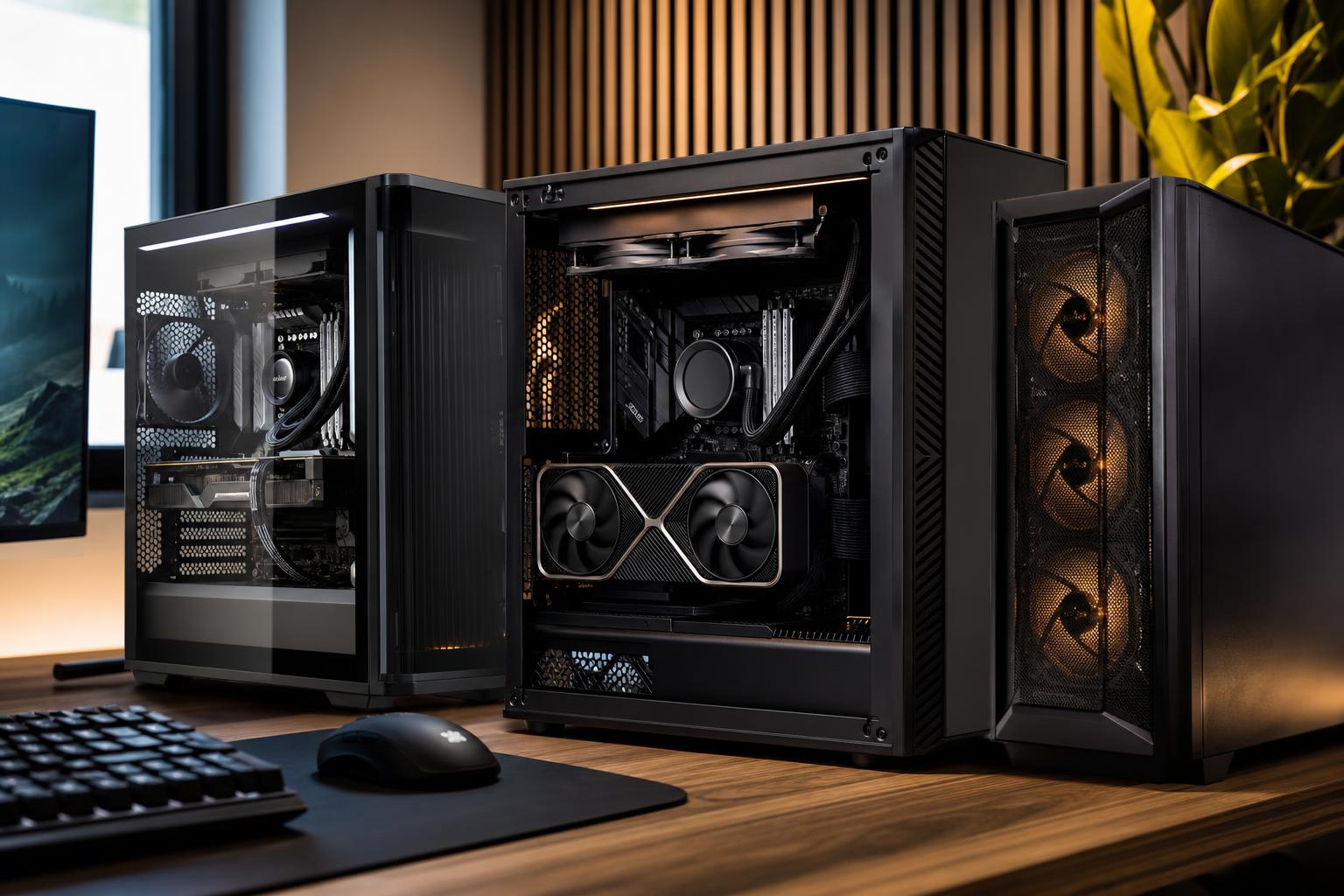
Choosing between a prebuilt and custom gaming PC is not simply a choice between convenience and performance. A well-chosen prebuilt can be a sensible purchase. A thoughtfully designed custom system can deliver better cooling, quieter operation, cleaner upgrade options, and hardware selected for the games and monitor you actually use.
The catch is that the word custom means different things. It may describe a do-it-yourself parts list, a configurable PC from a boutique builder, or a mass-market desktop with a few upgrade choices. The right option depends on how hands-on you want to be, what performance you need, and whether you care about the details that often get buried behind a headline GPU and CPU.
These are complete systems sold by large electronics brands and retailers. They are ready to use, usually available quickly, and often priced aggressively during sales. They can be a good fit for someone who wants a straightforward gaming PC without researching every component.
The concern is not that every mass-market prebuilt is bad. It is that specifications may be incomplete. A listing might proudly name the processor, graphics card, and memory capacity while saying little about the power supply, motherboard, CPU cooler, SSD model, or case airflow. Those less glamorous parts affect noise, sustained performance, reliability, and future upgrades.
A DIY build means choosing each part and assembling the computer yourself. This gives you maximum control over the case, cooling, power supply, storage, and visual style. It can also be rewarding. Building a PC is not mysterious, but it does require patience, research, and a willingness to troubleshoot if the system does not boot correctly the first time.
DIY makes the most sense for enthusiasts who enjoy the process and are comfortable handling warranty claims part by part. It is not automatically cheaper once you account for operating system licensing, shipping, tools, and the value of your own time.
A boutique custom gaming PC sits between those two choices. You get a system built around your requirements without having to assemble, cable, test, update, and troubleshoot it yourself. A good builder should use standard retail parts where practical, select components that work well together, and validate the completed machine under load.
This is often the best route for buyers who want more care than a typical off-the-shelf tower provides but do not want a new weekend hobby involving BIOS updates and tiny front-panel connectors.
When comparing a prebuilt vs. custom gaming PC, do not stop at “same CPU” and “same GPU.” Two computers with those parts can behave very differently.
Modern processors and graphics cards can produce substantial heat. A case with restricted intake, too few fans, or a small CPU cooler may still run games, but it can run louder, hotter, and with lower sustained boost behavior during long sessions.
A balanced custom system uses a case that can move air, sensible fan placement, and a cooler suited to the processor’s real power draw. More cooling is not always better; an oversized liquid cooler on a modest gaming CPU may add cost without improving the experience. But saving money on cooling in a high-end gaming PC is usually a false economy.
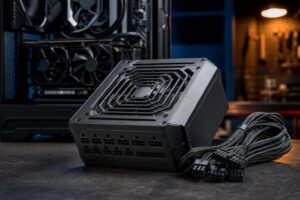
The power supply is rarely exciting, which is exactly why it is frequently overlooked. It should have enough capacity for the installed graphics card and processor, proper modern GPU power connections where needed, and enough headroom to avoid operating at its limit all day.
In a transparent custom configuration, you should know the power supply’s brand, model, wattage, and warranty class. “750W power supply” alone does not tell you much. The quality of its internal design, protections, cables, and long-term reliability matters.
Some large-brand systems use proprietary motherboards, power connectors, cases, or front-panel wiring. That can make a simple future upgrade unnecessarily awkward. A standard motherboard and case give you more freedom to add drives, replace the cooler, install a larger graphics card, or move components into another case later.
That does not mean every buyer needs a premium motherboard loaded with features. For most gaming systems, the goal is a reliable board with appropriate connectivity, enough M.2 storage slots, the right networking, and power delivery suitable for the chosen CPU.
Capacity is only part of the story. For gaming, a matched two-stick memory kit generally provides better bandwidth than a single stick of the same total capacity. Storage deserves similar attention: a fast NVMe SSD makes a system feel responsive, but a tiny boot drive that is nearly full is frustrating regardless of its benchmark score.
A practical custom build leaves room for game libraries, applications, and future expansion. For many buyers, spending modestly more on a larger quality SSD is more noticeable day to day than chasing a small CPU upgrade.
A prebuilt from a major retailer can be a reasonable choice when all of the following are true:
Sales can make certain prebuilts genuinely good value. Just inspect the complete configuration rather than assuming a recognizable graphics card makes the entire machine a bargain.
A custom-built system becomes especially worthwhile when your needs are more specific than “I want a gaming computer.” Examples include:
The best custom gaming PC is not the one with every expensive option selected. It is the one where the processor, GPU, memory, storage, cooling, and power supply support the same performance goal. Pairing a flagship CPU with a modest GPU, for example, is rarely the best use of a gaming budget. The money usually belongs in the graphics card, monitor, or a better overall platform.
Configuration menus can create the illusion that every option is equally sensible. They are not. A PC builder should be willing to say when a higher-tier part will not provide meaningful value for your use.
For example, a player using a 1440p monitor may benefit more from a stronger GPU than from doubling CPU core count. A competitive player targeting very high frame rates may have a stronger case for a fast gaming CPU. Someone who games and edits large video projects may reasonably need more memory and storage than either of them. The workload should determine the parts list.
Buy a mass-market prebuilt when its full specifications are transparent, its price is compelling, and it fits your needs without major compromises. Build it yourself when you enjoy component research and are comfortable owning the assembly and troubleshooting process. Choose a professionally built custom gaming PC when you want a machine designed around your actual performance target, with quality supporting components and accountability for the finished system.
At Overclock Computers, we design systems around the games, software, monitor, budget, and upgrade plans that matter to you. If you are comparing options and want a second opinion on a configuration, contact our team to discuss a PC that makes sense for how you will really use it.