Best Workstation for Photogrammetry: Practical Specs for Reality Capture Projects

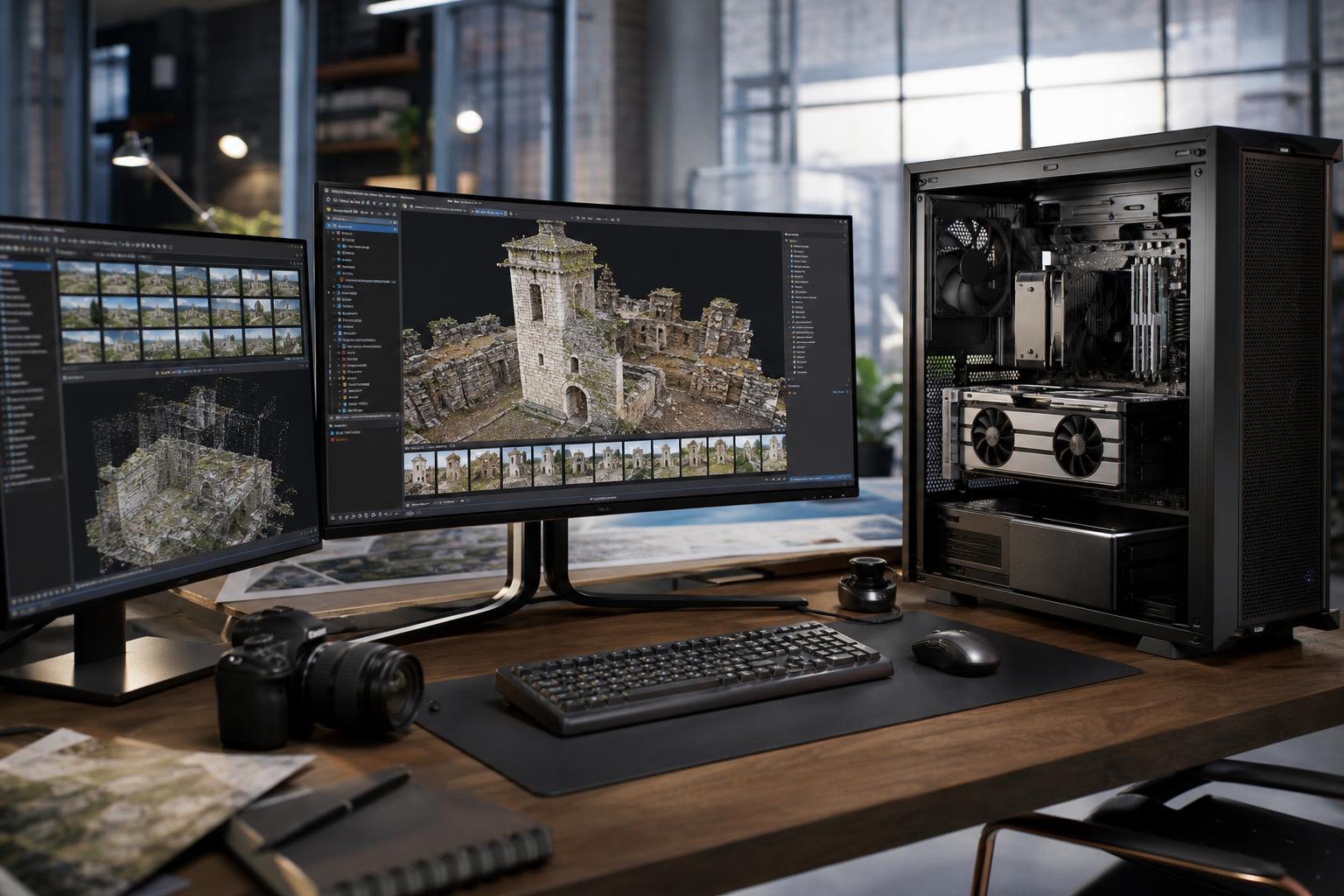
Photogrammetry can turn a collection of photographs into detailed 3D models, textured meshes, orthomosaics, and measurement-ready datasets. It can also bring an ordinary office PC to its knees.
The right photogrammetry workstation is not simply the one with the most CPU cores or the most expensive graphics card. Image count, photo resolution, reconstruction settings, software, output type, and the rest of the workflow all matter. A system that feels excellent for a small drone survey may run out of memory halfway through a large site capture, while a rendering-focused GPU may be a poor fit for a process that is limited by CPU performance or system RAM.
For most professional users, the best approach is to build around the largest projects you handle regularly, not the occasional small job and not a theoretical maximum you may never encounter.
Photogrammetry applications generally move through several stages: importing images, feature detection and alignment, depth-map or dense reconstruction work, mesh generation, texturing, and export. The balance of CPU, GPU, memory, and storage use changes from one stage to another.
That is why a balanced workstation matters. Putting nearly the entire budget into a GPU while choosing too little RAM or a cramped SSD is a common and expensive mistake.
Photogrammetry workloads often benefit from multiple CPU cores, especially during reconstruction, meshing, image processing, and exports. However, lightly threaded work still affects general application responsiveness, project setup, and portions of the pipeline. The sensible goal is a modern CPU with strong single-core performance and a meaningful number of fast cores.
For modest projects, a high-performance mainstream processor is often the best value. For regular large projects, several processing jobs, large image sets, or a workflow that also includes CAD, GIS, simulation, rendering, or virtual machines, a workstation-class platform can make sense. Platforms such as AMD Threadripper are valuable not only for core count, but also for memory capacity, PCIe expansion, and connectivity.
Do not buy an extreme core-count processor solely because it looks impressive on a specification sheet. If the application does not keep all those cores busy, or the project is constrained by RAM, GPU VRAM, or storage capacity, the added expense may produce little practical improvement.
Many photogrammetry applications use GPU acceleration for computationally intensive reconstruction tasks. A capable NVIDIA GPU is often a practical choice because CUDA acceleration is widely used across professional visual-computing software, but the correct choice must be checked against the actual application and version in use.
VRAM deserves as much attention as raw GPU speed. VRAM is the graphics card’s local working memory. If a dataset or processing step requires more VRAM than the card has available, performance can fall sharply, the software may reduce what it can process efficiently, or the job may fail. More VRAM is especially useful for high-resolution imagery, dense reconstruction settings, large textured models, and workflows that combine photogrammetry with 3D visualization.
A consumer GPU can be an excellent value for many reality-capture professionals. Professional GPUs are worth considering when their larger VRAM options, specialized driver support, form factor, enterprise deployment requirements, or specific application validation addresses a real business need. They are not automatically faster simply because they are labeled professional.
System memory is often the defining limit in a photogrammetry workstation. Images, feature data, depth maps, point clouds, meshes, and other temporary data can consume a great deal of RAM. When the system exhausts physical memory, it starts relying heavily on storage as virtual memory. Even fast NVMe drives are vastly slower than RAM, and the workstation can become painfully unresponsive.
As a practical starting point, 64GB is appropriate for smaller professional projects and moderate image sets. For frequent large projects, 128GB is the sensible baseline. Users processing very large aerial captures, high-resolution terrestrial imagery, dense reconstructions, or multiple demanding applications at once should seriously consider 256GB or more.
There is no responsible universal formula for RAM per image. Resolution, overlap, camera count, reconstruction settings, and software behavior all change memory demand. Review your largest successful and unsuccessful projects. If the workstation regularly approaches full memory use, more RAM is usually a more useful upgrade than a slightly faster processor.
Photogrammetry creates more data than many buyers expect. Raw source photos may occupy hundreds of gigabytes, and intermediate cache files, depth maps, point clouds, and exports can multiply that footprint. A single small system drive is not a professional storage plan.
A practical workstation should include a fast NVMe SSD for Windows and applications, plus a separate high-capacity NVMe SSD for active projects, cache, scratch data, and temporary processing files. Separating active project work from the operating system helps keep the machine responsive and makes capacity management less chaotic.
Completed projects can live on larger local storage, a server, or network-attached storage according to the team’s backup and collaboration plan. Archive storage does not need to match the speed of the active NVMe workspace, but it must be reliable and have a clear backup strategy. One copy of irreplaceable field imagery is not a backup.
These tiers are intended as practical starting points. They are not software minimums, and they should be adjusted for the application, camera resolution, typical image count, and expected growth.
This is a good fit for individual professionals, small property captures, product scanning, modest drone projects, and users whose datasets remain manageable. It is also the tier where a well-selected mainstream platform often provides better value than a high-core-count workstation CPU.
This is the sensible target for teams processing large drone surveys, detailed building captures, recurring client work, and mixed workflows involving GIS, CAD, point clouds, or 3D deliverables. The extra RAM and project-drive capacity are often more meaningful than chasing a small benchmark advantage.
This tier is for very large image sets, high-resolution output, large site or infrastructure documentation, production queues, and organizations that need the workstation to serve as part of a broader technical pipeline. It should be specified from real project data rather than purchased by guesswork.
Start with one strong GPU unless the software documentation and your tested workflow clearly support multiple GPUs. Multi-GPU systems can be useful for certain compute workloads, but they add heat, power demand, chassis constraints, PCIe lane requirements, and cost. They also do nothing for stages that are CPU-bound, memory-bound, or limited by storage.
A single GPU with sufficient VRAM is usually the more reliable and cost-effective choice for a typical photogrammetry workstation. Consider multiple GPUs only when the application can use them effectively and the potential reduction in processing time has a clear operational value.
Photogrammetry processing can hold the CPU and GPU under heavy load for hours. A system that runs acceptably during a short benchmark may become noisy, throttle performance, or prove unstable during a full reconstruction job if its cooling and power delivery are inadequate.
Quality cooling is not decoration. It helps the processor and GPU sustain their intended performance. A properly sized, high-quality power supply provides stable power under combined CPU and GPU load and leaves appropriate headroom for component aging and future upgrades. For a workstation that earns its keep, these are worth paying for.
Before buying, collect a few details: the software and version you use, camera type and image resolution, typical and largest image count, desired outputs, current pain points, storage location, and whether the machine also runs CAD, GIS, rendering, or video work. Those answers reveal far more than a generic “best PC” list.
Overclock Computers can configure a custom photogrammetry workstation around your software, normal project sizes, storage workflow, performance priorities, upgrade plans, and budget. If you are planning a new system or replacing one that is struggling with large captures, contact our team with a sample project description and we can help map the hardware to the work.