7 Mistakes to Avoid When Buying a Gaming PC

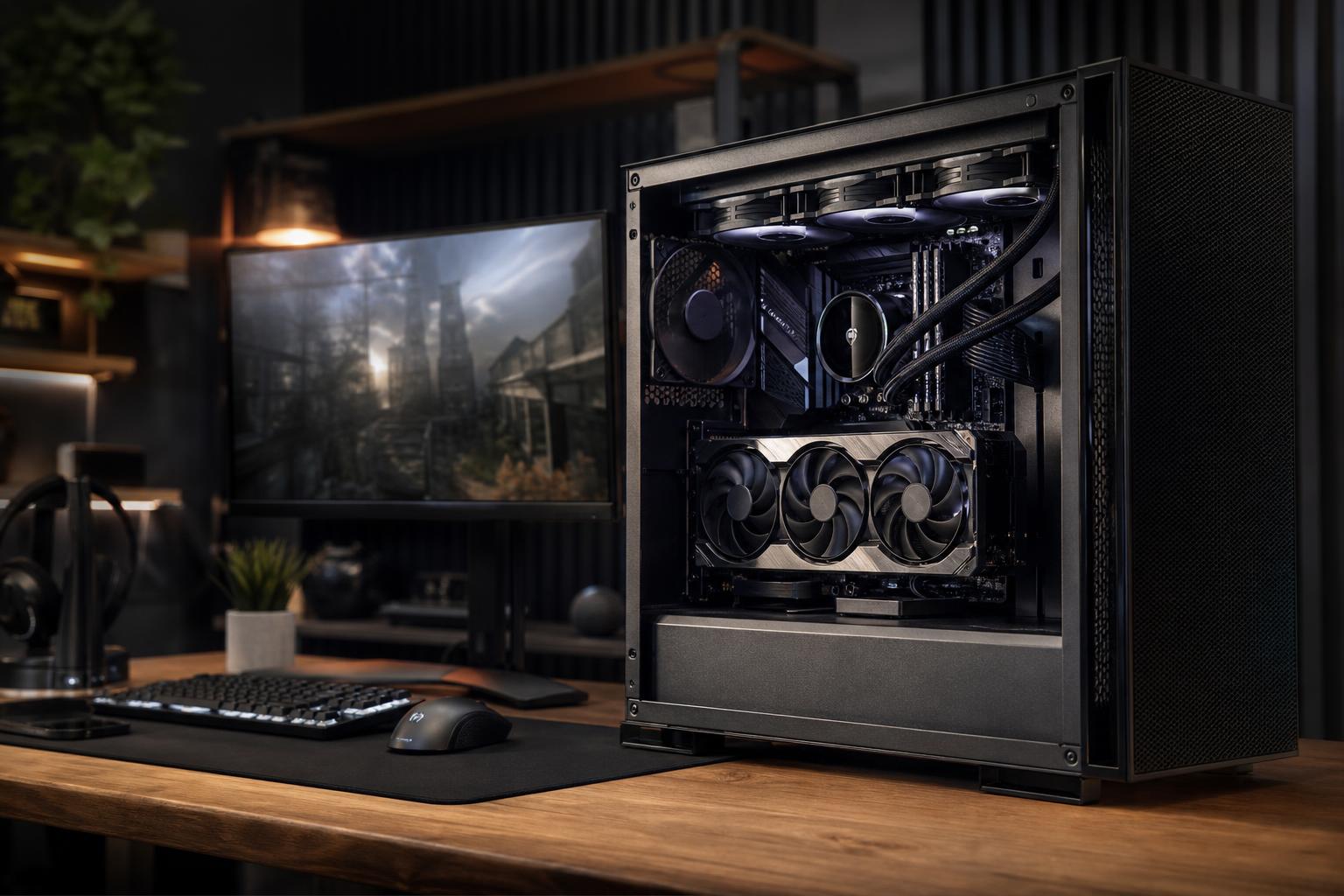
A good gaming PC is not simply the one with the longest specification list or the most RGB lighting. It is a balanced system built around the games you play, the monitor you own, and the experience you expect from it.
That sounds obvious, but many buyers spend heavily in the wrong places: an oversized processor paired with a modest graphics card, a beautiful case with restricted airflow, or a system advertised with plenty of storage but no detail about the power supply. Those choices can affect frame rates, noise, reliability, and how easily the PC can be upgraded later.
Here are seven gaming PC buying mistakes worth avoiding, along with practical ways to make better decisions.
“RTX graphics,” “liquid cooled,” and “high-end processor” are not complete specifications. A gaming PC is a collection of parts that must work well together.
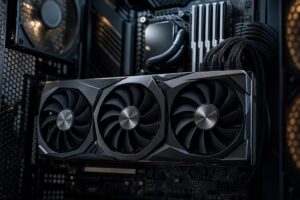
The graphics card has the largest effect on gaming performance in most modern games, especially at 1440p and 4K. But a powerful GPU can still be held back by an underpowered CPU in games that demand high frame rates, simulation-heavy titles, or competitive esports games. The reverse is also true: spending too much on the processor while selecting a limited GPU usually produces disappointing results at higher resolutions.
Ask for the exact model of the following parts, not just a broad category:
A builder does not need to use the most expensive part in every category. They do need to avoid hiding weak links behind one impressive component.
Your monitor determines what the PC needs to do. Buying a gaming computer without considering resolution and refresh rate is like choosing an engine before deciding whether you are hauling a trailer or commuting to work.
At 1080p, the goal is often very high frame rates for a 144Hz, 240Hz, or faster display. CPU performance becomes more important here, particularly in competitive games. A sensible midrange-to-high-end graphics card and a strong modern gaming CPU are usually a better use of money than an extreme GPU that the monitor cannot fully show off.
1440p is a popular balance of image quality and performance. Most buyers should allocate the largest part of their budget to the GPU, then pair it with a capable modern CPU, 32GB of RAM, and a 1TB or larger NVMe SSD. This is the sweet spot for many premium custom gaming PCs.
4K places a heavy demand on the graphics card. A high-end GPU matters far more than chasing a few extra CPU cores that your games will not use. It is also wise to set realistic expectations: demanding new games may require sensible quality settings, upscaling, or frame-generation features to maintain very high frame rates at 4K. There is nothing wrong with using those tools; the setting menu exists for a reason.
Before shopping, write down your monitor resolution, refresh rate, favorite games, and desired settings. That short list makes component choices much clearer.
For a new performance gaming PC, 32GB of RAM is the sensible baseline. It gives modern games room to breathe while leaving capacity for a browser, Discord, launchers, recording software, and the assorted background tasks that somehow multiply when a game is loading.
16GB can still run many games, but it is increasingly restrictive in a new premium system. Stutters, slow task switching, and poor performance with multiple applications open are more likely when memory is full.
Consider 64GB when you regularly stream, edit video, run virtual machines, create large mod lists, use demanding creative applications, or want one computer that serves as both a gaming system and a workstation. For gaming alone, 64GB is usually a convenience and longevity choice rather than a major frame-rate upgrade.
Capacity comes first. After that, use a matched two-stick memory kit rather than one stick. Dual-channel memory provides more bandwidth and avoids an easy, unnecessary performance loss.
A small SSD looks acceptable until several large games, operating system updates, screenshots, clips, and applications compete for space. Modern game installations can consume well over 100GB each, and SSDs work best when they are not packed to the brim.
For most gaming systems, start with a 1TB NVMe SSD at minimum. A 2TB drive is the more comfortable choice for buyers with a substantial game library or who prefer to keep several large titles installed. You can add more storage later, but that depends on having available M.2 slots or SATA connections and a case that supports additional drives.
Do not assume a newer PCIe generation alone will transform game loading. A quality Gen 4 NVMe drive is already very fast for typical gaming use. Capacity, reliability, cooling, and a sensible motherboard layout generally matter more than paying a premium solely for a larger sequential-speed number.
Cooling is not decorative. It determines whether the CPU and GPU can sustain performance without excessive temperatures, fan noise, or clock-speed reductions under long gaming sessions.
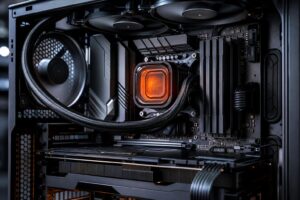
A well-designed air cooler is enough for many gaming CPUs. Liquid cooling can be a good choice for higher-power processors or for buyers who want a particular look, but it is not automatically better just because it has a radiator. A poorly placed radiator in a restricted case can be worse than a well-installed tower air cooler in a case with strong airflow.
Look for a case with a ventilated front panel, adequate intake and exhaust fans, and clearance for the selected GPU and cooler. The system should use a deliberate airflow path: cool air entering through filtered intake locations and warm air leaving through exhaust locations.
Quiet operation is also a quality-of-life feature. A computer should not sound like it is preparing for takeoff every time a game loads. Sensible fan curves, a capable cooler, and a case designed for airflow all help.
The power supply does not increase frame rates, so it is an easy place for low-cost system sellers to cut corners. That is a poor trade. It provides stable power to every component and needs enough capacity for sustained loads, momentary GPU power spikes, and reasonable future upgrades.
A quality unit from an established manufacturer, with suitable wattage and current-generation connector support where required, is worth paying for. The right wattage is not simply the lowest number that turns the system on. It should leave healthy headroom without being wildly oversized.
Also consider the practical details: warranty support from the component maker, fully modular cables for cleaner assembly, and cables designed for the graphics card rather than questionable adapters or sharply bent connections. Power delivery is boring right up until it is not. That is why it deserves attention.
More expensive hardware is not always a better purchase. If you play esports titles at 1080p on a 144Hz display, a flagship 4K-oriented GPU may offer little visible benefit compared with a balanced system and a better monitor. If you play visually demanding single-player games at 4K, that same GPU budget can be entirely justified.
The same principle applies to CPUs. A processor with a large core count can be valuable for video rendering, compiling code, 3D work, and heavy multitasking. For a gaming-first computer, a CPU with strong gaming performance and enough cores is often the smarter choice than a workstation-class chip that pushes the graphics card out of the budget.
Spend more when it directly improves the experience you want: a stronger GPU for higher-resolution gaming, more storage for a large library, 64GB of RAM for serious multitasking, or a quieter cooling setup for a PC that sits on your desk all day. Do not spend more merely to win a specification comparison.
The best gaming PC is the one that is balanced for your monitor, games, budget, and plans for the next few years. It should have enough graphics performance for your target resolution, enough CPU performance for the frame rates you want, sufficient memory and storage, and the cooling and power hardware to run reliably for the long haul.
If you are unsure where to place the budget, start with the monitor and GPU, then work backward through the CPU, RAM, storage, cooling, and power supply. That approach avoids most costly configuration mistakes.
Overclock Computers can help design a custom gaming PC around the games you play, the display you use, and the performance you expect. A thoughtful parts list is usually more valuable than an unnecessarily expensive one.