Best PC for Ultrawide Gaming in 2026: Specs That Make Sense

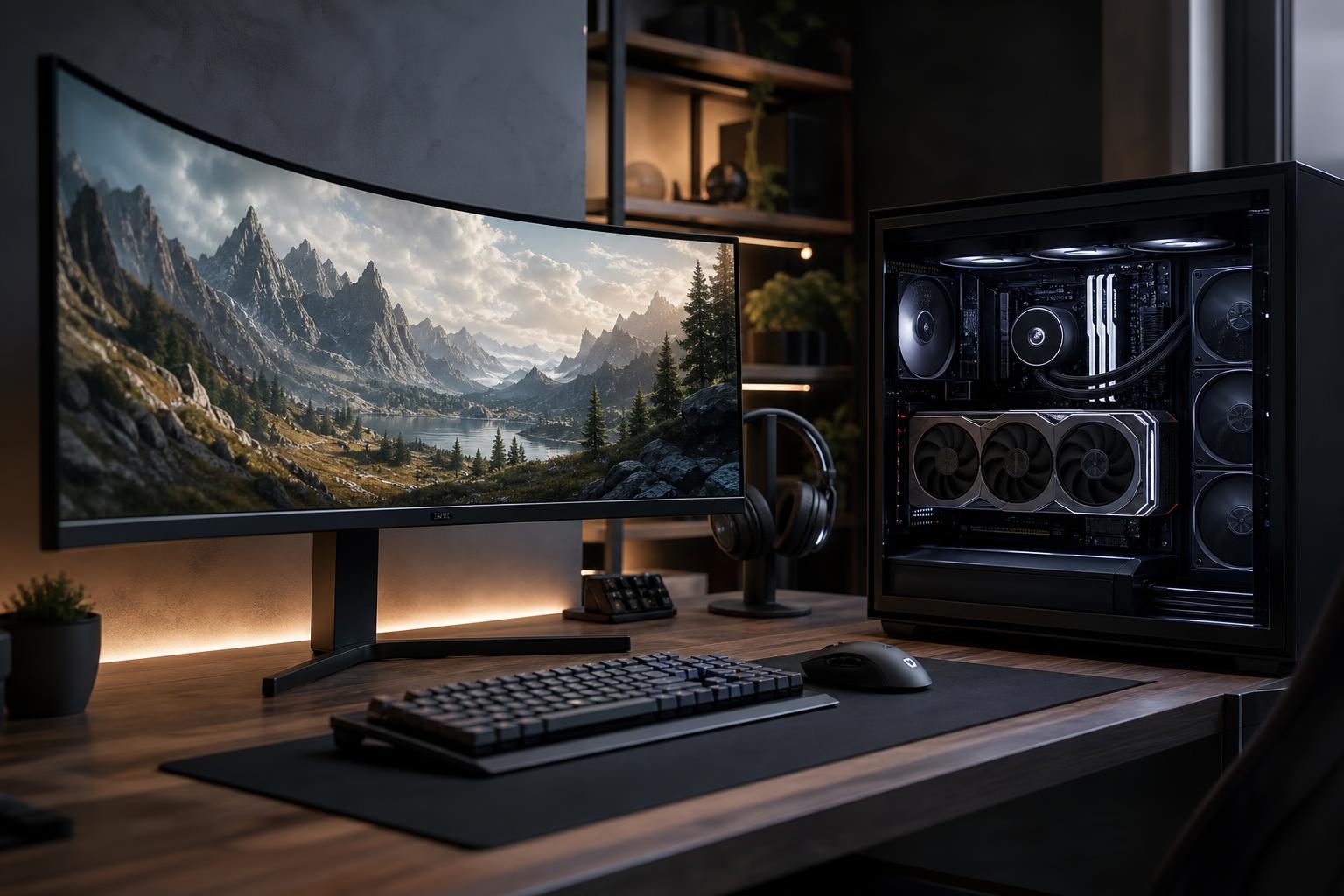
The best PC for ultrawide gaming is built around the monitor’s resolution, refresh rate, and the games you actually play. A 34-inch 3440×1440 monitor is a meaningful step up from standard 2560×1440. A 49-inch 5120×1440 super-ultrawide is more demanding still. Treating either one like ordinary 1440p is a common and expensive mistake.
Start with the graphics card, because it does most of the work. Then choose a CPU that can keep up at your desired frame rate, along with enough memory, storage, cooling, and power capacity to make the system reliable. The goal isn’t to buy the most expensive PC possible. It’s to avoid pairing a beautiful ultrawide display with hardware that forces you to turn down the settings that made you want it in the first place.
Monitor size alone does not determine performance. Pixel count does.
A 3440×1440 display asks the GPU to render roughly one-third more pixels than standard 1440p. A 5120×1440 display is close to 4K in total pixel count. That is why a system that feels excellent on a 27-inch 1440p monitor may struggle to maintain the same settings and frame rates after moving to a super-ultrawide.
Refresh rate matters too. Running a demanding game at 100 or 165 frames per second requires substantially more GPU performance than simply reaching 60 FPS. For competitive games, high refresh is often the reason to spend more on the CPU as well.
For an ultrawide gaming PC, the graphics card deserves the largest share of the budget. It determines the settings, image quality features, and frame rates you can reasonably expect in modern games.
This is a strong target for players who enjoy single-player games, RPGs, strategy titles, racing games, and flight simulators but do not need maximum refresh rates. Look for a modern upper-midrange graphics card with enough performance to run demanding games at high settings, with sensible use of upscaling when needed.
Do not buy based on a vague label such as “RTX gaming” or “high-end graphics.” Compare the exact GPU. Manufacturers often pair a capable processor with a weaker graphics card because the CPU name looks impressive on a product page.
A high-refresh 34-inch ultrawide is one of the best all-around PC gaming experiences, but it calls for a high-end graphics card. This is the right tier for people who want excellent image quality in new AAA games and consistently smooth performance in faster titles.
Expect to use technologies such as DLSS, FSR, or XeSS in the most demanding games, particularly with ray tracing enabled. Upscaling is not automatically a compromise or a trick; at ultrawide resolutions, a good quality mode can produce a very convincing image while reducing GPU load. The sensible approach is to regard it as a tool, not a substitute for buying enough graphics performance in the first place.
A 49-inch 5120×1440 monitor provides an outstanding view in racing, simulation, strategy, and immersive single-player games. It also puts serious pressure on the GPU. For current demanding games at high settings, this resolution belongs with a high-end graphics card, especially if the monitor runs at 120Hz or above.
A midrange GPU can still drive a super-ultrawide in esports games, older titles, and less demanding genres. It simply is not the right match for someone expecting native-resolution, maximum-detail performance in every new release. Be honest about the games you play most often.
VRAM is the graphics card’s dedicated memory. Higher resolutions, detailed textures, ray tracing, mods, and certain simulation titles can all increase VRAM use. When a game runs out of it, performance can become inconsistent even if the GPU itself is reasonably fast.
For a new 3440×1440 gaming PC, 12GB of VRAM is a practical starting point. More is preferable for a premium system intended to last several years, for heavy texture packs, or for ray-traced games. At 5120×1440, more VRAM becomes increasingly worthwhile, particularly when buying in the high-end GPU category.
VRAM capacity is not the only measure of a card’s performance. A slower GPU with more memory is not necessarily a better purchase. Still, it is a specification worth checking rather than assuming every card at a similar price level is equally suited to ultrawide resolutions.
At high resolutions, the GPU is usually the limiting component. That does not mean the CPU is unimportant. The processor affects minimum frame rates, busy scenes, open-world streaming, simulation games, background tasks, and the ability to feed a very fast display.
For most 3440×1440 systems, a current midrange-to-high-end gaming CPU with strong per-core performance is the correct choice. Spending heavily beyond that makes sense when you play CPU-heavy games, aim for very high refresh rates, stream while gaming, or use the PC for professional work.
Simulation and strategy players deserve special attention here. Games involving large cities, traffic, AI opponents, physics, or extensive mods can lean hard on the CPU even at ultrawide resolution. In those cases, a faster gaming-focused processor can improve the experience more than chasing a small GPU upgrade.
For a premium ultrawide gaming PC, we recommend 32GB of DDR5 memory. Modern games, browsers, voice chat, launchers, capture software, and background applications add up quickly. It provides useful headroom without wasting budget.
Move to 64GB if you run heavily modded games, use the PC for video editing or 3D work, keep large creative projects open, or regularly multitask with demanding applications. Memory speed and stable configuration matter, but capacity comes first once you have reached a reasonable performance level.
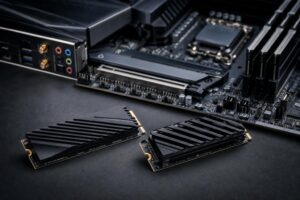
A 1TB NVMe SSD is workable, but 2TB is the more comfortable starting point for many new gaming systems. Modern game installations can be huge, and large expansions, mods, recordings, and project files fill a drive faster than most buyers expect.
Ultrawide gaming does not inherently require more storage than ordinary gaming. It often goes alongside larger game libraries, screenshot collections, and video captures, though, so it is wise to plan for growth.
High-end graphics cards can draw substantial power and produce substantial heat. A quality power supply with appropriate wattage, current safety protections, and the correct native GPU power connection is not an optional luxury. It protects expensive components and helps the system operate reliably under long gaming sessions.
Likewise, choose a case with real airflow and a CPU cooler sized for the processor. An attractive glass-fronted case with restricted intake may look tidy in photos while forcing fans to run louder and components to run hotter. A well-designed build should remain controlled under load, not merely survive a short benchmark.
Ray tracing can improve lighting, reflections, and shadows, but it is one of the most demanding settings in modern games. At 3440×1440 and above, it often requires a powerful GPU plus upscaling to maintain high frame rates. If ray-traced visuals are a priority, budget for more graphics performance rather than assuming every card can deliver the same experience.
Frame generation can also be useful, especially in cinematic games where the base frame rate is already solid. It should not be used to disguise a system that is producing a poor native frame rate or struggling with input responsiveness. For competitive shooters, prioritize strong conventional performance first.
The best PC for ultrawide gaming is not defined by one headline component. It is a balanced system: a GPU appropriate for the resolution and refresh rate, a CPU that supports the games you play, 32GB of memory for a modern build, fast storage, and quality cooling and power delivery.
If you are choosing between 3440×1440 and 5120×1440, tell Overclock Computers the monitor you plan to use, the games and applications that matter most, your preferred settings, and your budget. We can help design a custom gaming PC that makes practical sense for the screen on your desk rather than relying on a generic configuration.