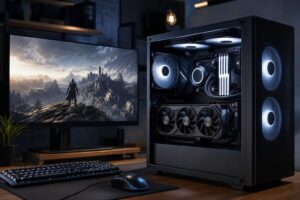
AMD vs. Intel CPUs: Which Processor Should You Buy for Gaming or Work?

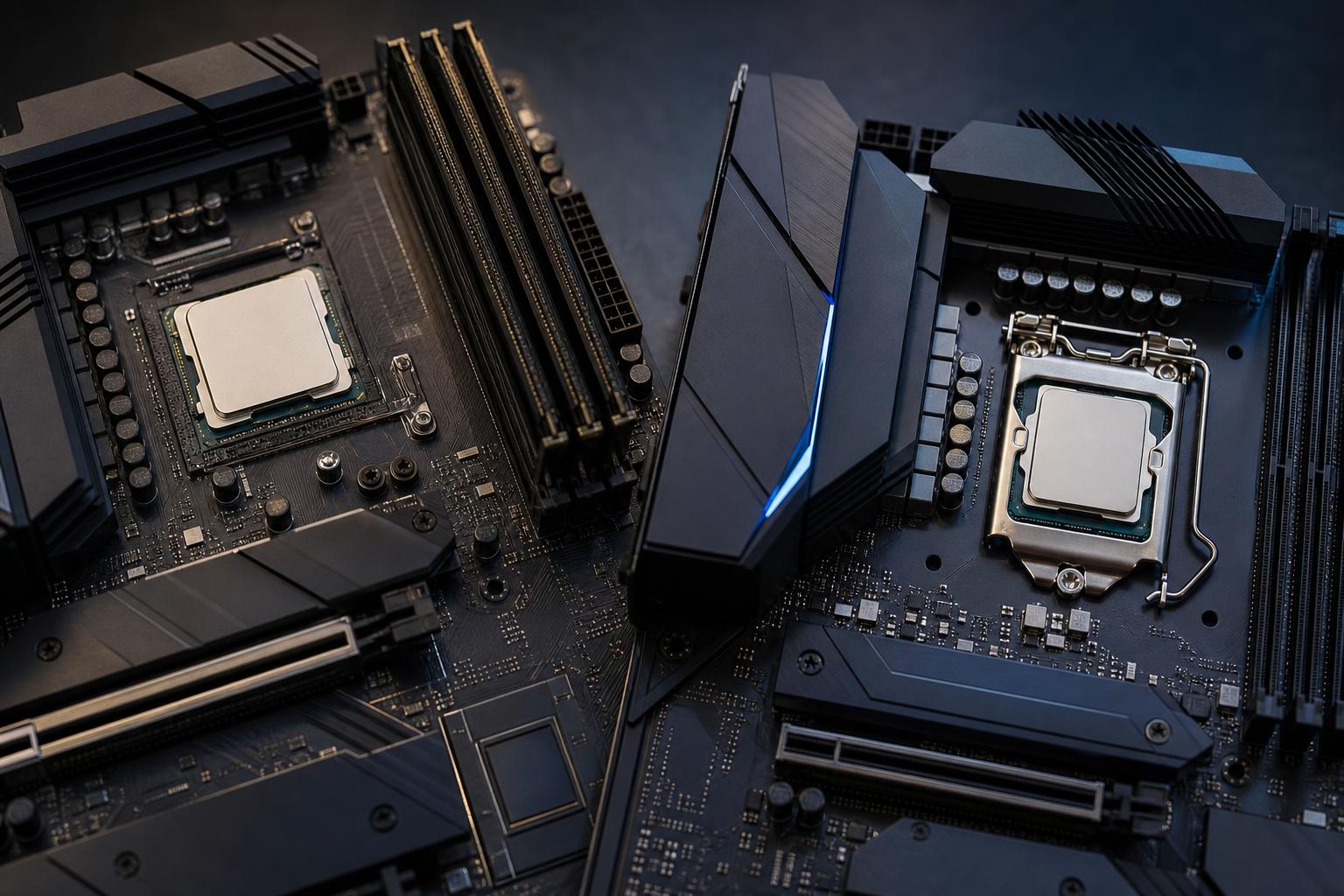
Choosing between AMD and Intel is less about picking a permanent “winner” and more about buying the right processor for the work your PC will actually do. Both companies make excellent CPUs. Either can power a fast gaming system, a capable creative workstation, or a serious development machine.
The useful question is: which CPU and platform give you the best experience for your monitor, applications, budget, and future upgrades? A processor with impressive benchmark numbers can still be the wrong purchase if it forces cuts to the graphics card, memory, storage, cooling, or motherboard.
For a gaming-first PC, AMD is often a particularly strong choice when one of its cache-focused gaming processors fits the budget. These chips can deliver very high frame rates in CPU-limited games while using sensible amounts of power. They are especially attractive for high-refresh-rate 1080p and 1440p gaming.
Intel remains a strong option for gaming and is frequently worth considering when a specific CPU and motherboard combination offers better overall value. Intel processors can also be excellent for workloads that benefit from high clock speeds and lots of available processing threads.
For a mixed-use system, compare the applications you use rather than relying on brand loyalty. Video editing, rendering, code compilation, engineering tools, virtual machines, and data-heavy work do not all favor the same CPU design. In professional software, the best processor is the one that performs well in your application, not necessarily the one at the top of a broad productivity chart.
At 1080p with a powerful graphics card, the CPU often has a large effect on frame rates and, just as importantly, frame-time consistency. This matters for competitive games and 240Hz-or-higher monitors. A faster gaming CPU can make a real difference here.
At 1440p, the graphics card becomes the limiting factor in more games. At 4K, it is usually the main limit. That does not mean the CPU is unimportant; a weak CPU can still hurt minimum frame rates and busy open-world scenes. It does mean that someone building a 4K gaming PC should not sacrifice a much better GPU just to buy the most expensive processor available.
Gaming while streaming, recording, running voice chat, browser tabs, mods, and background utilities asks more of a PC than gaming alone. Modern graphics-card encoders can handle much of the streaming load, so streamers do not automatically need a top-tier CPU. Still, extra CPU headroom helps when you edit recordings, run a busy stream setup, or play games that already tax the processor heavily.
For professional work, check whether the software is lightly threaded, heavily multi-threaded, GPU-accelerated, or limited by memory capacity. For example, a CAD application may care greatly about quick single-core performance during modeling, while CPU rendering and simulation can reward more cores. Video editors often need a balanced CPU, GPU, fast storage, and sufficient RAM rather than an all-out investment in one part.
A CPU is not a complete purchase. Include the cost of a compatible motherboard, DDR5 memory, CPU cooler, and possibly a power supply upgrade in the comparison. One processor may look cheaper until its required board, cooling, or memory configuration is included.
Also pay attention to motherboard quality. A low-end board with limited power delivery, too few M.2 slots, weak rear connectivity, or no room for future expansion can make a powerful CPU less enjoyable to own. You do not need an extravagant motherboard for a midrange processor, but you should buy one with the features and electrical capability the system needs.
AMD is often the easy recommendation for buyers who want to prioritize gaming performance without building a power-hungry system. Its gaming-oriented cache designs can perform exceptionally well in games that benefit from keeping more data close to the CPU cores. The advantage is most visible when the CPU, rather than the graphics card, is holding back performance.
AMD can be a strong fit for:
The platform-upgrade point deserves a little context. AMD has generally supported some desktop sockets across multiple CPU generations, which can make later upgrades easier. That is useful, but it is not a promise that every future processor will work in every existing board. BIOS support, motherboard power delivery, and memory compatibility still matter. Buy the system that serves you now; treat future upgrade support as a valuable bonus, not the only reason to choose a platform.
Intel processors can offer excellent all-around performance, and a well-priced Intel CPU-and-motherboard pairing may be the smarter buy in a particular budget range. They are also worth close attention for users whose daily applications benefit from Intel-specific strengths, media features, or strong lightly threaded speed.
Intel can be a strong fit for:
Integrated graphics are not a replacement for a discrete GPU in a gaming or 3D workstation build. They can, however, be useful for troubleshooting, running displays during a GPU issue, or assisting supported video decode and encode workflows. If this feature matters to you, confirm that the exact processor includes integrated graphics; not every Intel model does.
Do not buy a processor based on one headline specification. More cores are useful, but only when your software can use them. A high core count will not automatically make a gaming PC faster, and a very fast gaming CPU may not be the fastest choice for all-day CPU rendering.
A processor cannot sustain its best performance if it is trapped in a hot case under an inadequate cooler. A quality dual-tower air cooler is enough for many gaming and productivity CPUs. Larger air coolers or appropriately sized liquid coolers make more sense for high-power processors, prolonged rendering, and builds where low fan noise is a priority.
Memory is equally important. For a new performance PC, 32GB of DDR5 is a sensible starting point for gaming, general creative work, and development. Move to 64GB when working with large photo or video projects, virtual machines, large CAD assemblies, demanding modded games, local development environments, or several memory-heavy applications at once. More RAM will not increase average frame rates much once you already have enough, but running out of it causes stutters, slowdowns, and disk swapping that no premium CPU can fix.
For a gaming-focused build, start by comparing current AMD cache-focused gaming CPUs with Intel alternatives in the same total platform budget. AMD is often the first place we look for maximum gaming performance and efficient thermals, while Intel can be the better-balanced choice when its pricing or software behavior is more favorable.
For a workstation, begin with the software. Identify the applications that earn the PC its keep, then match the CPU to their threading, memory, and acceleration needs. A processor that is brilliant in a game benchmark may be merely average for your render engine, compiler, or engineering workflow.
If you are planning a new gaming PC or professional workstation and want a second set of experienced eyes on the parts list, contact Overclock Computers. We can help match the processor, graphics card, cooling, memory, and platform to the work you actually do.