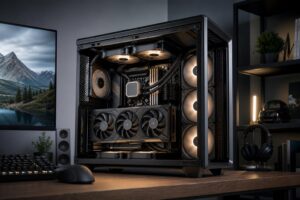
How to Choose a PC Case for Airflow, Cooling, and Upgrades

A PC case is easy to underestimate. It doesn’t increase frame rates on its own, and a flashy front panel won’t make a workstation render faster. But the case determines whether your expensive CPU and graphics card get enough cool air, whether the system is pleasant to build and maintain, and whether a future upgrade turns into a parts-compatibility headache.
The best PC case for airflow is not necessarily the largest or most expensive one. It is the case that fits your components with sensible clearance, supports a straightforward fan layout, and lets heat leave the system without fighting solid panels, cramped cable routing, or a badly placed radiator.
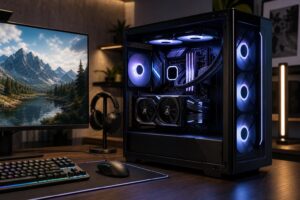
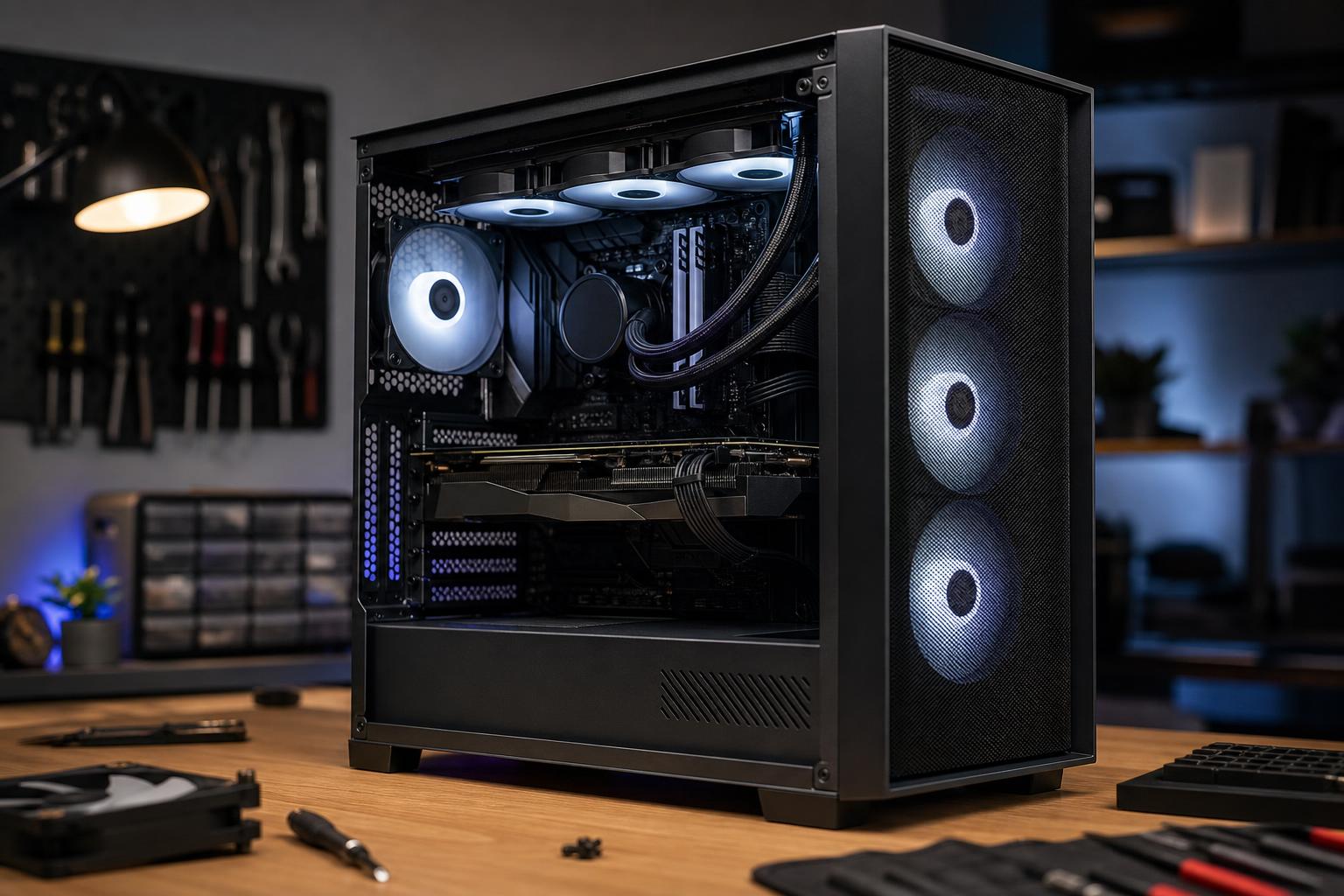
For most new gaming PCs and high-performance desktops, we recommend starting with a well-built ATX mid-tower with a ventilated mesh front panel, room for at least two or three front intake fans, and enough clearance for the intended graphics card and CPU cooler. That formula works because it solves the practical problems that matter most.
Case size affects compatibility, cooling options, desk space, noise, and build complexity. Bigger is not always better, but too small can impose real compromises.
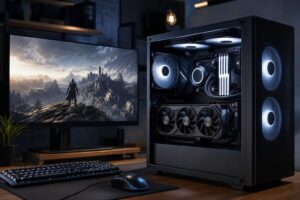
An ATX mid-tower is usually the right choice for a gaming PC, creator system, or mainstream workstation. It normally supports full-size ATX motherboards, long graphics cards, several storage drives, and common air coolers or liquid coolers. It also offers enough room to route cables cleanly and establish good airflow without taking over the desk.
If you are buying a performance-focused system with a large modern GPU, this is the size we would choose unless you have a specific reason to go smaller.
Micro-ATX cases can make an excellent compact PC. They are often less expensive and take up less space, while still supporting powerful hardware. The tradeoff is tighter clearances. Large graphics cards, thick radiators, tall air coolers, additional drives, and stiff power cables can all be harder to accommodate.
Compact builds reward careful component selection. They are not a good place to assume that “ATX compatible” or “supports a 360 mm radiator” tells the entire story.
Full-tower cases make sense for systems with custom liquid cooling loops, many storage drives, multiple expansion cards, exceptionally large radiators, or workstation-class hardware that needs extra space. For a typical single-GPU gaming PC, a full tower is usually unnecessary. You will not get better temperatures merely because there is more empty air inside.
For an air-cooled PC, the simplest layout is also the most reliable: cool air enters through the front and sometimes the bottom, then warm air exits through the rear and top.
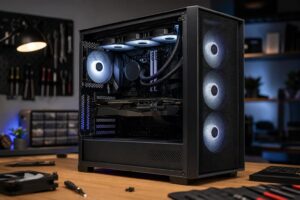
A mesh front panel is usually a better choice than a solid glass or metal front panel with narrow side vents. Fans need a reasonably open path to pull in air. Restricting intake forces fans to work harder, can raise noise, and often increases CPU and GPU temperatures under sustained load.
Look for a case that includes, or can accommodate, at least:
Larger fans can move the same amount of air at lower speed than smaller fans, which can help keep a system quieter. Fan quality matters too. Three mediocre fans are not automatically better than two good ones, but a case that ships with no fans is not always the bargain it first appears to be.
This is where many otherwise good case choices go wrong. A manufacturer’s compatibility page is useful, but read the details rather than relying on the product photos.
Graphics cards have become physically large, especially higher-end models. Check the maximum supported GPU length with the front fans or radiator installed. A case may advertise generous GPU clearance that drops substantially when a front-mounted liquid cooler is added.
Also check GPU height and side-panel clearance. Some graphics cards use power connectors that need room to bend safely without pressing hard against a glass side panel. This is particularly relevant with high-power GPUs and newer high-current connector designs. A few extra millimeters on a specification sheet can make a big difference in a real build.
If you are using a tower-style air cooler, confirm the case’s maximum CPU cooler height. Most capable mid-towers support common coolers, but slim cases and tempered-glass designs can be more restrictive. Do not assume a side panel will close just because the cooler is close to the published limit.
A case listed as supporting a 240 mm, 280 mm, or 360 mm radiator may not fit every radiator in every position. Total thickness matters: radiator thickness plus fan thickness, motherboard heatsinks, RAM height, and top-panel offset all compete for the same space.
For example, a top-mounted 360 mm all-in-one cooler may fit on paper but interfere with tall RAM or the motherboard’s VRM heatsinks. A front-mounted radiator can fit easily but reduce graphics card clearance and send somewhat warmer air toward the GPU. Neither placement is automatically wrong; it needs to suit the complete component list.
A sensible fan setup beats a crowded case full of spinning hardware. For most systems, two or three front intake fans and one rear exhaust fan are enough. Add one or two top exhaust fans if the case supports them and the system produces substantial heat, such as a high-end gaming PC or rendering workstation.
You may hear builders recommend positive pressure, meaning slightly more intake airflow than exhaust airflow. The idea is sound: it encourages air to leave through unfiltered gaps instead of pulling dust in through them. But fan airflow ratings are measured under ideal conditions, and mesh, filters, radiators, and fan curves change the result. Treat positive pressure as a helpful design goal, not a number to calculate with a spreadsheet.
What matters more is using filtered intake locations, avoiding unnecessary obstructions, and setting sensible fan curves. A PC should increase fan speed under a long gaming session or render, not roar at full speed while sitting at the desktop.
An open mesh case generally provides better cooling potential than a closed, sound-dampened case. In a high-performance build, lower temperatures often let the fans run more slowly anyway, so a good airflow case can still be quiet.
That said, component choice has a major effect on noise. A poorly tuned fan curve, a hot graphics card cooler, or a small case with restricted vents can be louder than the case itself. The right approach is to use a ventilated case, quality fans, appropriate CPU cooling, and fan control through the motherboard BIOS or reliable software.
Dust filters are worth having on primary intake areas, especially if the PC sits near carpet, pets, or a workshop environment. They need periodic cleaning. A clogged front filter can undo the benefit of a well-designed airflow case surprisingly quickly.
Some case features make a real difference over the life of the PC:
RGB lighting, panoramic glass, and vertical GPU mounting are personal preference features. They can look great, but they should come after airflow and fitment. A vertically mounted GPU can also run warmer if it sits too close to the side glass, so it is worth checking independent thermal testing for that specific case and mount arrangement.
A PC case should make the rest of the system easier to cool, build, clean, and upgrade. That is a far better definition of value than simply buying the case with the most glass or the longest feature list.
If you are planning a new gaming PC or workstation and want to avoid clearance and cooling surprises, contact Overclock Computers. We can help match the case, cooling, power supply, and components to the system you actually plan to use.