How to Choose a Gaming PC for Your Monitor: Resolution, Refresh Rate, and Specs

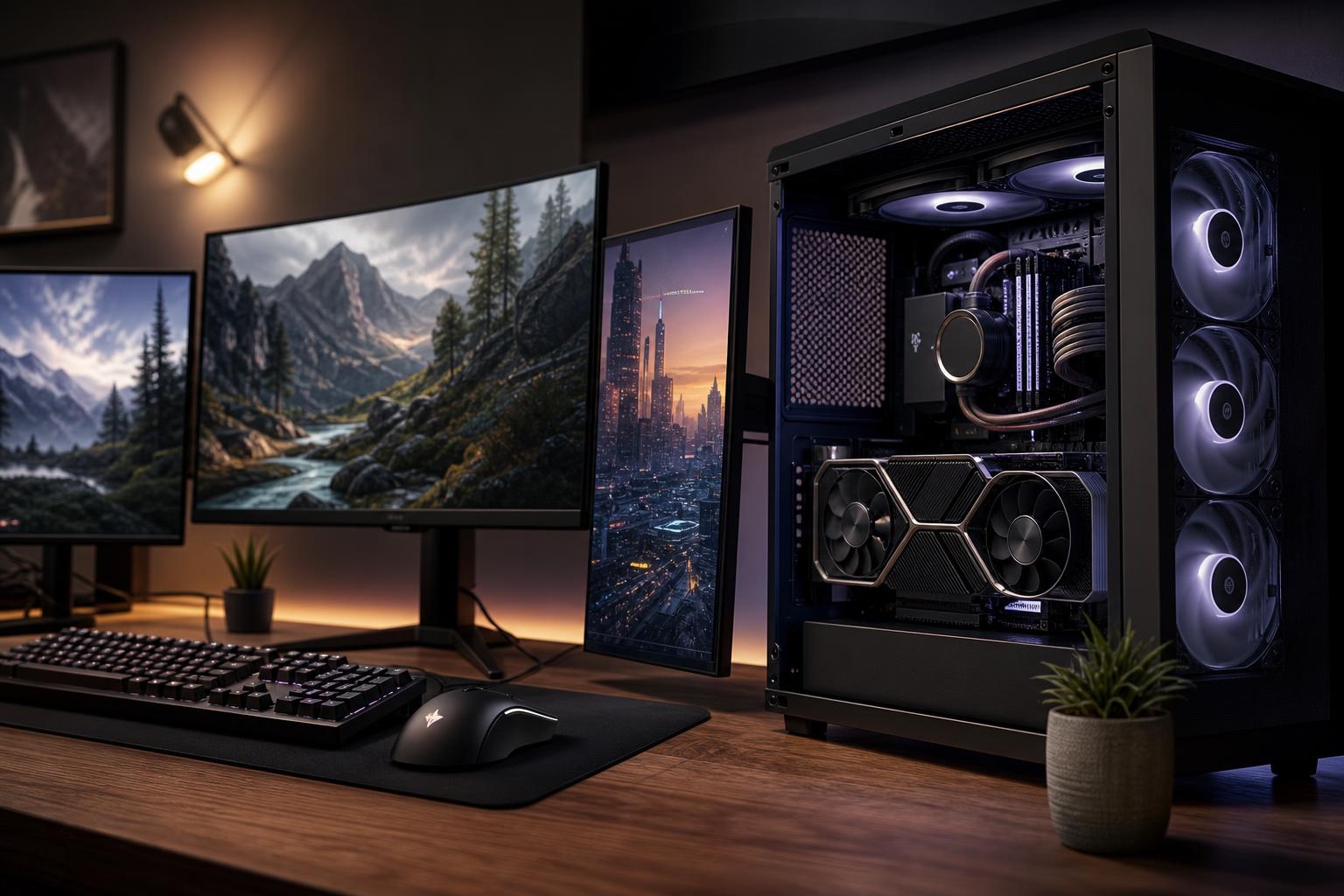
The best gaming PC for your monitor is not necessarily the most expensive one. It is the one that can run the games you play at settings and frame rates that make your display worthwhile.
A powerful graphics card paired with a basic 1080p 60Hz monitor can be wasted performance. On the other hand, a new 4K or high-refresh-rate monitor can expose the limits of an otherwise decent PC very quickly. Before choosing a CPU or GPU, start with the screen: its resolution, refresh rate, and the types of games you enjoy.
This is a practical way to avoid both common mistakes: overspending on hardware you will not notice and buying a system that cannot keep up with the display you already own.
Resolution has a major effect on graphics card requirements because it determines how many pixels the GPU must draw for every frame. Higher resolution generally creates a much heavier graphics workload.
At 1080p, the CPU often becomes more important because a capable GPU can finish each frame quickly and wait on the processor. At 4K, the GPU is usually the limiting component. That is why a balanced 1080p high-refresh system may need a stronger gaming CPU than a 4K system built around the same general graphics tier.
Refresh rate is how many times per second your monitor can update the image. A 60Hz monitor can display up to 60 unique frames per second, while a 144Hz monitor can display up to 144. Higher refresh rates make motion look smoother and can make mouse input feel more immediate.
You do not need to hit the monitor’s maximum refresh rate at every moment for a high-refresh display to be worthwhile. Variable refresh rate technology can synchronize the monitor with changing game frame rates, reducing visible tearing and uneven motion. Still, it makes sense to build toward frame rates that are reasonably close to your monitor’s capabilities in the games that matter to you.
If you use a 60Hz or 75Hz screen, there is little reason to build around 200-plus FPS in visually demanding single-player games. A well-balanced midrange GPU and a modern gaming CPU are usually the sensible choice. Extra budget may be better spent on a larger SSD, 32GB of RAM, a quieter cooler, or eventually a better monitor.
A 1440p 144Hz, 165Hz, or 180Hz monitor is a popular target because it offers a clear improvement in sharpness and motion without requiring the absolute fastest hardware. For this kind of gaming PC, prioritize the GPU first, then pair it with a CPU that can sustain good frame times in the games you play.
Most people shopping for a premium custom gaming PC land here. It works well for a mix of story-driven games, racing games, shooters, and general desktop use.
Very high-refresh monitors make the most sense for competitive titles that can run at extremely high frame rates: esports shooters, racing games, fighting games, and other well-optimized titles. These systems benefit from a fast CPU, low-latency memory, and a graphics card capable of maintaining high frame rates at your chosen settings.
Do not assume that every new blockbuster game will run near 240 FPS at maximum settings, even on expensive hardware. Competitive players often reduce certain graphics settings because clear visibility and consistent frame times matter more than ultra-detailed shadows.
A 1080p 144Hz to 240Hz monitor is often CPU-sensitive, particularly in esports games. Choose a current, capable gaming CPU and enough GPU performance to meet your target frame rate in the games you play. A 16GB memory configuration remains usable for a focused budget build, but 32GB is the more comfortable choice for a new premium system, especially if you keep browser tabs, voice chat, recording software, or launchers open while gaming.
Do not overbuy the GPU simply because it has an impressive name. Once the graphics card can deliver your desired frame rate, CPU performance, memory capacity, and a responsive monitor may make a more noticeable difference.
For standard 1440p, put the largest sensible share of the budget into the graphics card. A modern gaming CPU, 32GB of RAM, and a fast NVMe SSD provide a strong foundation. This is also the point where careful case airflow and a quality CPU cooler start to matter more. A system that holds performance without sounding like a leaf blower is simply nicer to own.
If you play demanding games with ray tracing enabled, use a 1440p ultrawide monitor, or want high frame rates at maximum visual settings, move up the GPU tier before spending on cosmetic extras.
At 4K, the graphics card is the centerpiece of the build. Select the fastest GPU that fits the budget after accounting for a quality power supply, suitable cooling, and the rest of the system. Skimping on those supporting parts is a poor trade: the GPU cannot perform consistently if it is fed by inadequate power or trapped in a restrictive case.
Upscaling technologies can be very useful at 4K, allowing the GPU to render fewer pixels internally while preserving a sharp-looking image. They are tools, not magic. They can improve performance substantially, but a stronger GPU still gives you more room for higher settings, ray tracing, and demanding future games.
Two people with the same 1440p 165Hz monitor may need very different PCs. A player focused on Valorant, Rocket League, or League of Legends can reach excellent frame rates with far less GPU power than someone playing heavily modded simulation games, Cyberpunk-style open-world titles, or new releases with demanding ray tracing effects.
Make a short list of the games you play most, including the ones you expect to play over the next few years. Also decide which matters most to you:
This list is far more useful than asking for “the best gaming PC.” It tells a builder where the budget should go.
A good gaming PC is more than a CPU and graphics card on a specification sheet. The supporting hardware determines how well the system runs over long sessions, how much noise it produces, and how easy it is to upgrade later.
If your current gaming PC already runs your favorite games well but you use an older 60Hz display, a monitor upgrade may change your experience more than a minor hardware upgrade. Moving from 60Hz to 144Hz can make everyday desktop movement and supported games feel immediately smoother. Moving from 1080p to 1440p can provide a clearer, more spacious image for both gaming and work.
However, check your PC’s likely performance first. Buying a 4K high-refresh monitor does not require you to run every game at native 4K and maximum settings, but it should be a deliberate choice with realistic expectations.
The right gaming PC begins with a simple target: the games you play, the monitor you own or plan to buy, and the frame rate and image quality you expect. For most buyers, a balanced 1440p system with 32GB of RAM, fast solid-state storage, strong airflow, and a GPU chosen for their favorite games is a smarter investment than blindly chasing the highest specification in every category.
Overclock Computers can help translate your monitor, game list, streaming or work needs, and budget into a thoughtfully balanced custom PC. Contact our team when you are ready to plan a system that fits the way you actually use it.