What a $3,000 Gaming PC Should Actually Include in 2026

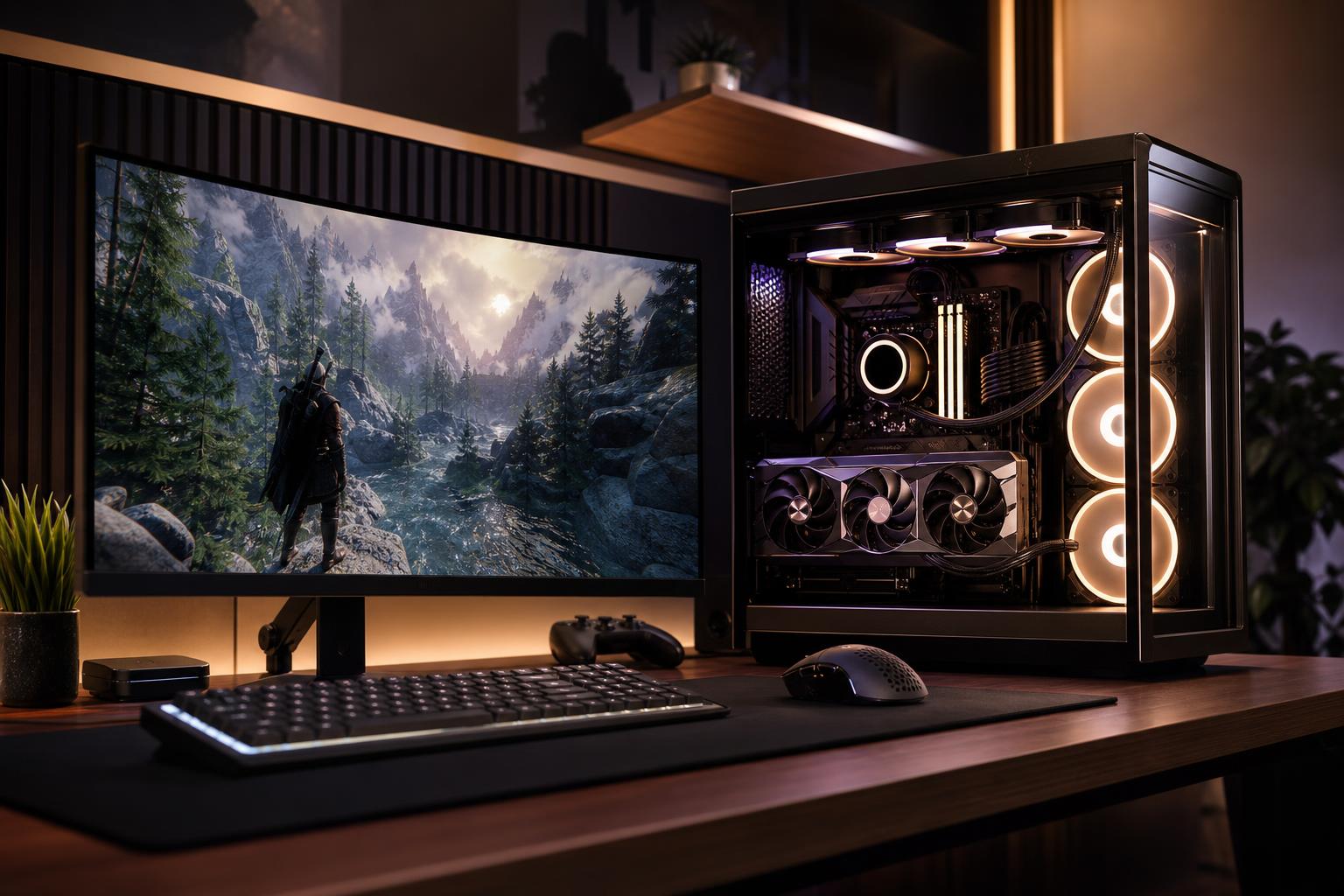
A $3,000 gaming PC is firmly in enthusiast territory. It should be fast, quiet, well cooled, and built around a graphics card that can make demanding games look genuinely impressive. It should also avoid the classic expensive-prebuilt mistake: a flashy case and oversized RGB budget wrapped around parts that don’t match.
For most buyers, this budget is the sweet spot for excellent 1440p high-refresh gaming, including demanding modern games with ray tracing features enabled where they make sense. It can also provide a very good 4K experience, although the exact frame rates will still depend on the game, its settings, and the display technology you use.
The key is to spend the money in the right order. At this level, paying for a better GPU, a sensible CPU, strong cooling, a quality power supply, and enough storage will improve ownership far more than buying the most elaborate motherboard or a custom liquid loop you don’t need.
A properly configured $3,000 gaming computer should handle nearly any current game at high or ultra-quality settings. More specifically, it should be designed for one of these goals:
A $3,000 system is not automatically the right answer for every gamer. If you play esports titles at 1080p or use a 144Hz monitor, much of its potential will be left sitting on the bench. In that case, a less expensive PC paired with a better monitor, keyboard, mouse, or headset is often the smarter purchase.
Exact component prices move around, but the proportions matter more than a precise dollar amount. A balanced custom-built gaming PC in this class generally puts the largest share of the budget into the graphics card.
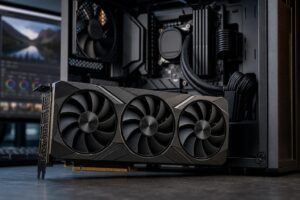
The GPU is the main performance driver at 1440p and 4K. For a $3,000 gaming PC, we would normally prioritize a high-end graphics card with enough VRAM for demanding textures, ray tracing, and the games you plan to keep playing over the next several years.
NVIDIA RTX cards are often attractive for buyers who value strong ray tracing performance, mature upscaling and frame-generation support, broad creator-app acceleration, and a capable hardware video encoder. AMD Radeon cards can be excellent value when conventional rasterized performance and VRAM capacity matter most. Neither badge alone guarantees a good purchase; the price, model tier, memory capacity, cooler, and your preferred games all matter.
Don’t let the rest of the computer be compromised to reach the most expensive GPU possible. A top-tier card paired with minimal storage, a weak power supply, or an inadequate cooler is not a premium build. It is a parts list with a very expensive centerpiece.
A premium current-generation Ryzen 7 or Core Ultra 7 class processor is usually the sensible target for a gaming-first build. Many games respond especially well to fast per-core performance, low latency, and adequate cache rather than a massive number of CPU cores.
A higher-end Ryzen 9 or Core Ultra 9 can make sense when the PC will also handle serious video production, code compilation, 3D rendering, or other heavily threaded work. But paying hundreds more for extra cores that your games won’t use is rarely the best way to raise frame rates.
For a competitive player chasing extremely high frame rates at 1080p or 1440p, the CPU becomes more important. For 4K gaming with demanding visual settings, the GPU usually deserves the larger share of the budget.
We recommend 32GB of DDR5 memory as the practical baseline for a $3,000 gaming PC. It provides comfortable room for modern games, background applications, voice chat, browsers, and launchers without treating memory capacity like an afterthought.
Move to 64GB if you stream while gaming, edit video, use virtual machines, create mods, work with large image files, or simply want generous headroom for demanding multitasking. It won’t usually increase average gaming frame rates, but it can prevent slowdowns and reduce the need to manage what is open.
Memory should be installed as a matched kit, normally using two modules. This is easier on the memory controller and leaves room for a future capacity upgrade on many motherboards.
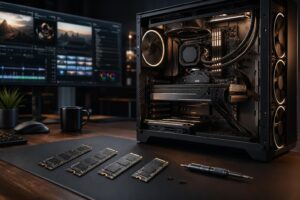
A 2TB NVMe SSD is the right starting point for this budget. Modern game installations are large, and a 1TB drive can become frustratingly cramped after a few major releases, a handful of multiplayer games, and recorded clips.
A fast PCIe 4.0 NVMe drive is already excellent for gaming. A PCIe 5.0 SSD may be worthwhile for specific professional workloads, but it does not produce a noticeable change in game frame rates. It is better to buy reliable 2TB storage now and make sure the motherboard has room to add another drive later.
At this price, the system should not run loud, hot, or on a bargain-bin power supply. A quality dual-tower air cooler or appropriately sized all-in-one liquid cooler can keep a high-performance CPU under control. The better choice depends on the processor, case layout, noise preference, and desired appearance. Liquid cooling is not automatically faster or more reliable simply because it has tubes.
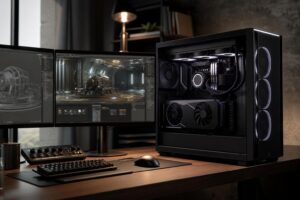
Choose a case with a proven airflow layout and enough properly positioned fans. Glass-heavy cases can look great, but the intake and exhaust paths still need to make sense. A warm GPU recirculating its own exhaust is not premium thermal engineering.
The power supply should be a high-quality unit from a reputable platform, sized with reasonable headroom for the selected GPU and CPU. It should include the correct native connectors for the graphics card where possible. This is a component worth buying once and keeping through future upgrades.
Rather than fixating on one exact model number that may change in price or availability, use this as a practical target when comparing a gaming PC for sale:
A $3,000 budget gives you room for nice components, but it does not make every premium add-on valuable. Be skeptical of these common budget drains:
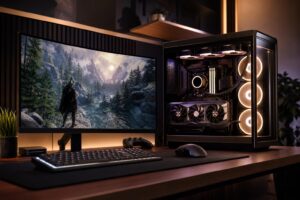
The display determines how much of your PC’s performance you can actually see. A $3,000 high-end gaming PC connected to an older 1080p 60Hz monitor is like buying performance tires for a car that never leaves the parking lot.
For most buyers, a quality 1440p 165Hz or higher adaptive-sync monitor is a terrific partner for this class of PC. A 4K 144Hz or 165Hz monitor makes sense if visual detail, larger screen size, and single-player games are the priority. Competitive players may prefer a very high-refresh 1440p display and settings optimized for consistently high frame rates.
The best $3,000 gaming PC is not the one with the longest list of premium labels. It is the one that puts a high-end GPU at the center of a balanced, cool-running, upgrade-friendly system built for your monitor and the games you actually play.
Overclock Computers can help you turn that goal into a custom gaming PC configuration without wasting budget on parts that look impressive on a spec sheet but add little to your real experience. Contact our team to discuss your display, favorite games, streaming plans, and performance target, and we’ll help design a system that fits them properly.