Gaming PC vs. Workstation: Which Desktop Should You Buy?

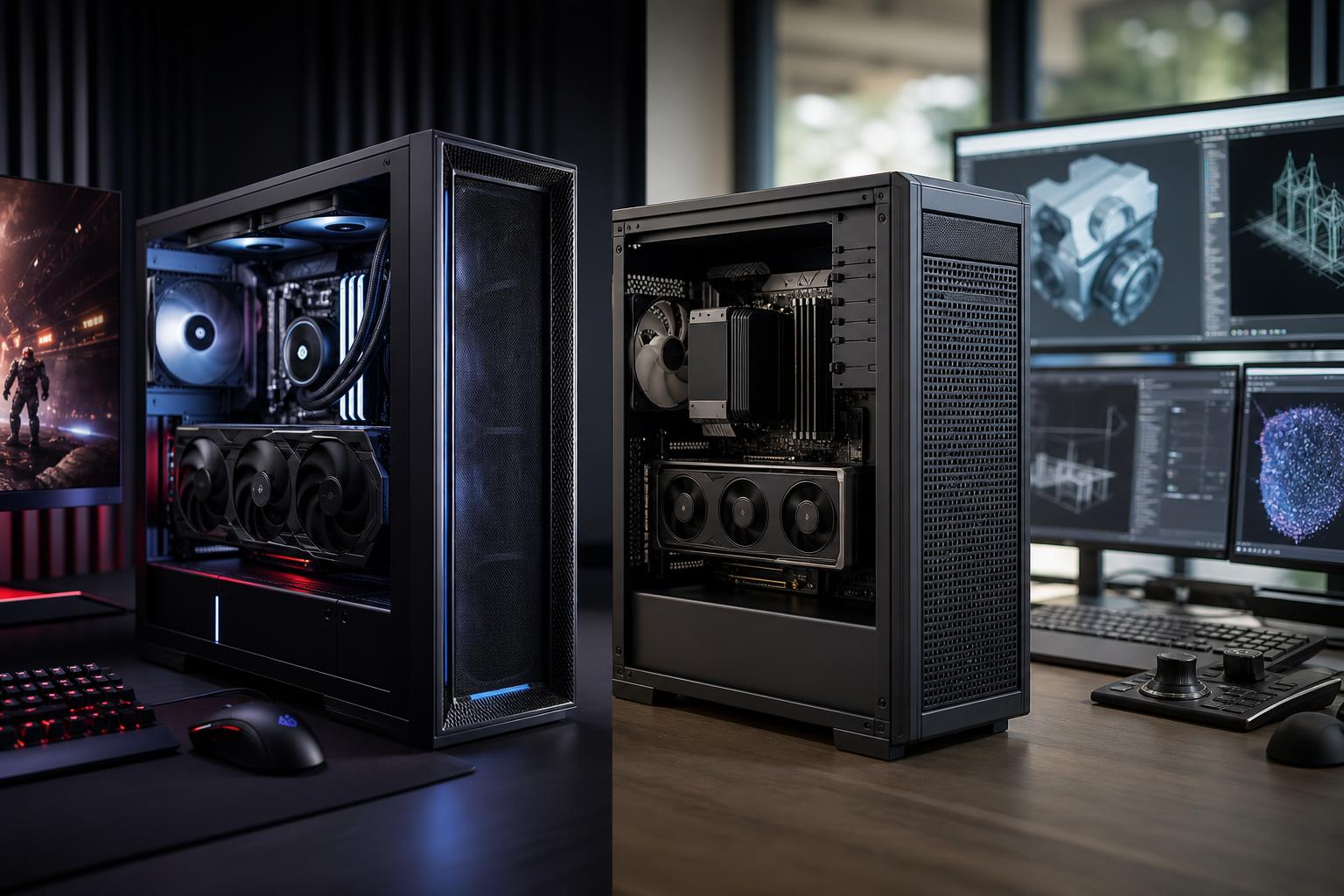
A gaming PC and a workstation can use many of the same parts: a modern multi-core CPU, a powerful graphics card, fast DDR5 memory, and NVMe SSD storage. That overlap causes plenty of confusion. A flashy desktop with a high-end graphics card isn’t automatically the best workstation, and a sober-looking professional tower isn’t automatically better for demanding work.
The practical difference is simple: a gaming PC is configured to deliver high frame rates and responsive play, while a workstation is configured to finish professional applications reliably and efficiently. The best choice depends on the programs you actually use, the size of your projects, and how costly slowdowns or errors would be.
If you game after work but spend your weekdays in CAD, video editing, 3D rendering, code compilation, or data-heavy projects, a carefully planned hybrid system may be the smarter answer than either extreme.
Gaming performance is usually driven first by the graphics card, then by the CPU. Most games value a fast graphics card, strong single-core CPU performance, enough memory, and low-latency storage. Once those needs are met, spending heavily on extra CPU cores or enormous RAM capacity often does little for frame rates.
Workstation performance is more dependent on the individual application. Some professional software behaves a lot like a game and benefits from a fast GPU. Other programs need substantial CPU core counts, large amounts of RAM, high-capacity fast storage, certified professional graphics drivers, or a combination of all four.
In other words, “workstation” does not mean “the most expensive PC.” It means a PC built around the bottleneck in a professional workflow.
A well-built gaming PC is an excellent fit if gaming is your main priority and your work is relatively light: office tasks, web development, photo editing, schoolwork, occasional video editing, or modest creative projects.
It can also be a very capable professional machine when the software supports consumer graphics cards well. Many creators use gaming-class GPUs successfully for GPU rendering, editing, motion graphics, game development, and 3D work. Modern high-end consumer GPUs offer formidable compute performance, and they can be a better value than professional cards for the right applications.
For this type of build, it usually makes sense to put a healthy portion of the budget toward the GPU and display. There is little value in pairing an extreme workstation CPU with a midrange graphics card if your main goal is to play demanding games at high settings.
You need a workstation-oriented desktop when your applications, project sizes, or business requirements ask more of the system than a standard gaming configuration can comfortably provide.
That may mean a CPU with more cores for rendering and simulation, 64GB to 256GB or more of memory for large files and datasets, multiple SSDs for active projects and scratch data, or a professional GPU with drivers designed and validated for particular engineering and design applications.
A workstation should also be designed for sustained loads. Rendering for hours is very different from launching a game for an evening. Proper CPU cooling, sensible fan curves, a quality power supply, and case airflow matter because they help the system maintain performance without excessive heat or noise.
This is one of the most important decisions in a custom workstation. A consumer graphics card is often the correct choice for gaming, GPU rendering, video work, Unreal Engine, and many general-purpose creative tasks. It generally offers strong raw performance for the money.
A professional GPU makes more sense when your software vendor specifically recommends or certifies it, when driver validation is important to your organization, or when your work requires features and memory capacities not available in an appropriate consumer card. Engineering and enterprise environments may also value predictable driver behavior and longer product availability.
Do not buy a professional GPU merely because you use professional software. First, check the recommendations for the exact application and version you run. A professional card can be a sensible business expense, but it is not a universal shortcut to faster performance.
For gaming and many CAD tasks, a fast CPU core matters more than a huge core count. For CPU rendering, simulation, batch processing, code compilation, and heavy multitasking, more cores can save meaningful time.
A common mistake is overspending on CPU cores while underfunding the GPU, RAM, or storage. The best CPU is the one that keeps your main application moving without forcing compromises elsewhere in the build.
For a new gaming PC, 32GB is a sensible target. It provides breathing room for current games, background applications, browser tabs, and streaming tools. Moving to 64GB is worthwhile for serious content creation, large modded games, demanding multitasking, virtual machines, and many professional workflows.
Workstations handling large models, high-resolution video, complex scenes, or substantial datasets may need 128GB or more. If your current system regularly runs out of memory, no faster graphics card will fix the resulting slowdowns. The machine will fall back on storage, which is dramatically slower than RAM.
A single fast SSD is enough for many gaming PCs. A workstation often benefits from separating the operating system and applications from active projects, scratch files, caches, source footage, or datasets. This can improve organization and reduce contention when an application is reading and writing large files at the same time.
Capacity matters too. Buying a small drive that remains nearly full is a false economy. Leave working room for project files, application caches, updates, and backups. Backups should also live somewhere other than the workstation itself.
Absolutely. For many buyers, a hybrid gaming workstation is the best use of the budget. The key is identifying which use is less forgiving.
If you are a gamer who occasionally edits videos, start with a gaming-focused platform, 32GB or 64GB of RAM, enough SSD capacity, and a GPU that suits your monitor. If you are an architect who games at night, build around the CAD application first, then choose the strongest gaming-capable GPU that still meets any driver and validation requirements.
If you earn your living from GPU-accelerated rendering or video production, VRAM capacity and GPU compute may deserve priority over chasing the last few frames per second in games. If you run multiple virtual machines or process enormous data files, extra memory may be the most productive upgrade in the entire system.
A workstation is not defined by a badge. It is defined by whether the entire machine is appropriate for sustained, important work. That includes a correctly sized, high-quality power supply; cooling that can handle long CPU and GPU loads; a case with real airflow; compatible components; and a clean layout that remains serviceable later.
These details matter for gaming PCs too. A balanced system runs quieter, holds boost clocks more consistently, and is easier to upgrade. Saving a little money on the power supply, cooler, or case can be a poor trade if it creates heat, noise, stability, or maintenance problems later.
Buy a gaming PC when high-refresh-rate gaming is your primary goal and your professional tasks are light to moderately demanding. Buy a workstation when specific applications need extra CPU cores, large memory capacity, specialized GPU drivers, extensive storage, or dependable performance through long work sessions.
For mixed use, do not start with the question, “Should I buy a gaming PC or a workstation?” Start with: “What are my three most demanding programs, what files do I work with, and which task wastes the most time today?” Those answers lead directly to better component choices.
Overclock Computers can help translate your games, applications, project sizes, performance goals, and budget into a balanced custom gaming PC, professional workstation, or hybrid system. Contact our team with the software you use and the work you want to do; we’ll help configure the hardware that actually fits it.