7 Mistakes to Avoid When Buying a Gaming PC

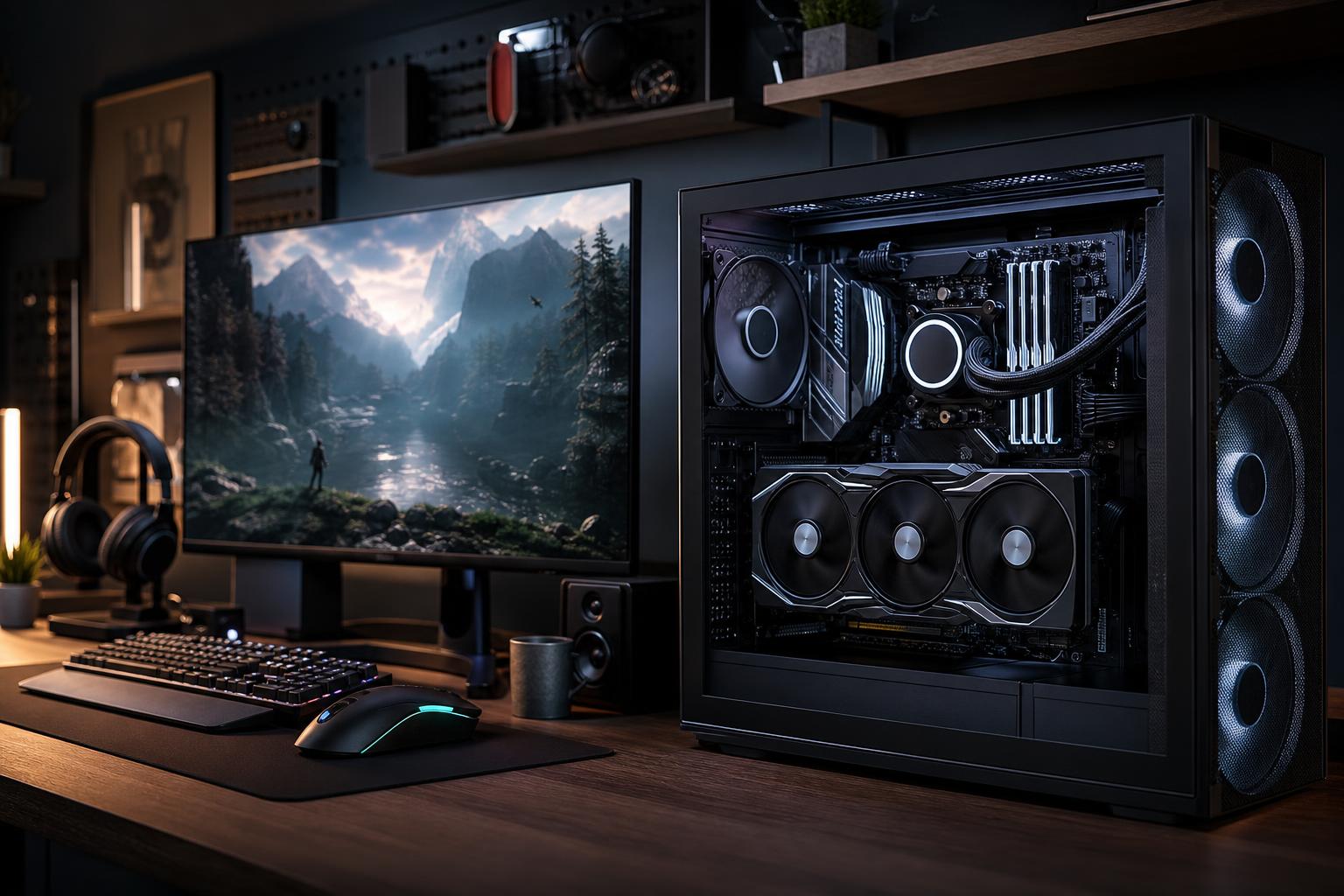
A good gaming PC is not simply the one with the longest specification list or the most expensive processor. It is a balanced machine built for the games you play, the monitor you own, and the frame rates you expect. Get those priorities right and your money goes into performance you can see and feel. Get them wrong and you can end up with a flashy PC that is oddly disappointing.
This gaming PC buying guide covers the mistakes we see most often when people compare systems. Avoiding them will make it much easier to choose a computer that performs well now, remains pleasant to use over time, and gives you sensible upgrade options later.
Your monitor defines the workload. Resolution and refresh rate determine how much graphics performance you need far more clearly than a vague label such as “high-end gaming PC.”
A 1080p 144Hz monitor, a 1440p 165Hz monitor, and a 4K 120Hz monitor all ask very different things of the graphics card. At higher resolutions, the GPU has far more pixels to render each frame. At very high refresh rates, the CPU also becomes more important because it must prepare frames quickly enough to keep the GPU busy.
Also be honest about what you play. Esports titles can run brilliantly at very high frame rates on moderate hardware. Demanding single-player games with ray tracing, detailed worlds, and high-resolution texture packs are much harder to run. “Gaming” is not one workload.
This is probably the most common configuration mistake in a gaming PC. A premium processor paired with a modest graphics card may look impressive on a product page, but in most modern games the GPU will limit performance first, particularly at 1440p and 4K.
For a gaming-focused system, choose a CPU that is strong enough to avoid holding back the graphics card in the games and settings you target. Then direct the remaining budget toward the best sensible GPU. That does not mean buying the weakest CPU possible. Simulation games, strategy games, large multiplayer matches, emulation, and high-refresh 1080p gaming can lean heavily on CPU performance. Streaming, video work, and development may also justify more cores.
But if your main goal is smoother gameplay at high detail settings, a balanced processor and a stronger GPU generally make more sense than an elite CPU paired with a compromised graphics card.
Memory shortages do not always show up as a low average frame rate. Instead, they often cause hitching, longer asset loading, and a PC that feels cramped once you have a game, browser tabs, voice chat, launchers, and background tools open.
32GB of RAM is the practical starting point for a new performance gaming PC. It gives current games and normal multitasking enough breathing room without spending money on capacity that many players will not use. It is particularly sensible for players who stream, run mods, use multiple displays, or keep a browser open while gaming.
Consider 64GB if you regularly use large mod lists, create content, edit video, develop software, work in 3D applications, or want the same PC to serve as a workstation. For gaming alone, more capacity is not automatically faster. It is worthwhile when your actual workload can use it.
Use matched memory modules in the recommended motherboard slots and select a sensible speed and latency combination for the platform. RAM settings matter, but capacity, stability, and proper configuration come first.
Graphics performance is not only about the GPU’s raw speed. Video memory, or VRAM, stores textures, geometry, rendering data, and other graphics resources. When a game needs more VRAM than the card has available at your selected settings, the result can be stutters, texture-quality compromises, or settings that simply are not practical.
VRAM requirements rise with resolution, texture settings, ray tracing, mods, and newer game engines. It is especially relevant if you are buying for 1440p or 4K and expect to keep the card for several years.
There is no single VRAM number that makes every card good or bad. GPU speed, memory bandwidth, game settings, and the price of the card all matter. Still, when comparing otherwise similar options, do not dismiss memory capacity as a footnote. A card that is fast enough today but tight on VRAM for your target resolution can age poorly.
Some low-cost systems achieve an attractive headline price by cutting corners on the power supply, motherboard, CPU cooler, case airflow, or storage. These components do not usually produce a benchmark number worth advertising, but they strongly affect how the PC behaves every day.
You do not need extravagant versions of every supporting component. You do need competent ones. A gaming PC should be built as a complete system, not as a graphics card with a collection of convenient compromises attached to it.
It is easy to spend hundreds of dollars on theoretical performance. More CPU cores, extreme memory speeds, oversized cooling, premium motherboard features, and elaborate lighting can all have a place in the right build. They are not automatic upgrades for every buyer.
Before paying more, ask a simple question: What problem will this solve for me? If an upgrade lets you reach your monitor’s refresh rate, use better image-quality settings, shorten a render, or run a work application comfortably, it has a clear purpose. If it changes nothing you will notice, that money may be better spent on the GPU, a larger SSD, a better monitor, or simply kept in your pocket.
Future-proofing should be practical, not a reason to buy the most expensive part available. Buying some headroom in GPU performance, VRAM, power supply capacity, cooling, and storage can be wise. Paying heavily for performance you will not use for years often is not.
A gaming PC is not disposable, and a thoughtfully chosen system can evolve over time. Before buying, consider the case size, available drive mounts, memory slots, power supply headroom, cooling clearance, and motherboard expansion. These details determine whether a later upgrade is simple or turns into a partial rebuild.
Do not assume every large case is easy to upgrade or every small case is a problem. Compact builds can be excellent when carefully planned. The key is component compatibility, accessible layout, and realistic expectations about future graphics-card size, cooling, and power needs.
It is also worth considering support and construction quality. Clean cable routing, correct fan placement, current firmware, validated memory settings, and careful stress testing are not glamorous, but they reduce the odds of spending your first weekend troubleshooting a new computer. That is time better spent playing games.
Start with the display, the games you play, and the experience you want. Decide whether you are aiming for high-refresh competitive gaming, detailed 1440p gaming, cinematic 4K gaming, streaming, or a mix of gaming and creative work. From there, choose the GPU tier, pair it with an appropriate CPU, then complete the system with enough RAM, storage, cooling, and power to support those core parts properly.
A well-chosen PC does not need to be the most expensive one. It needs to be balanced for your goals, quiet and reliable under load, and built without the hidden compromises that make a bargain system less of a bargain.
Overclock Computers can help design a custom gaming PC around your monitor, favorite games, performance targets, other applications, and budget. If you are deciding between component tiers or want a second opinion on a proposed configuration, contact our team for practical guidance and a system built around how you will actually use it.