Best PC for 4K Gaming: Specs That Actually Make Sense

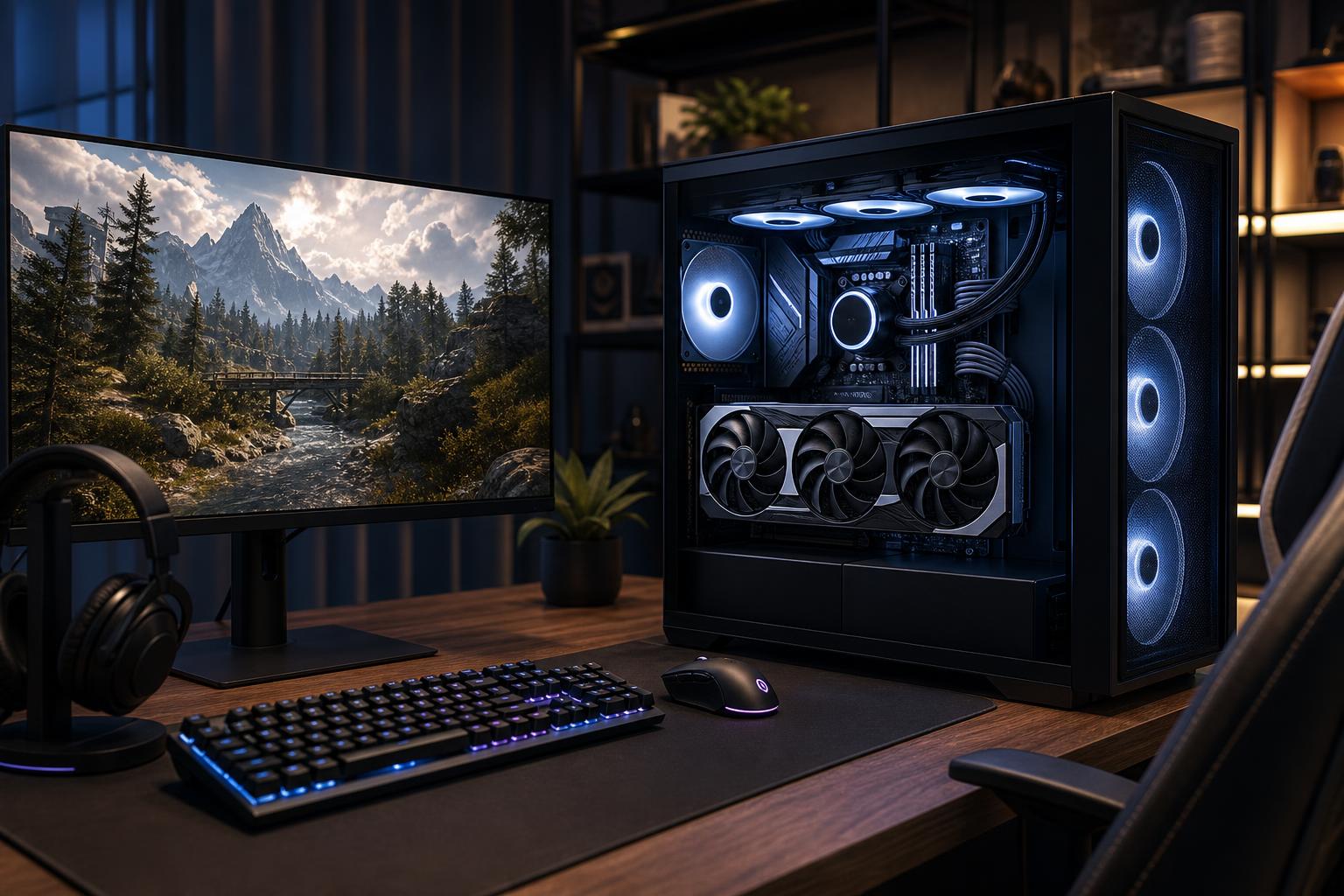
A good 4K gaming PC should be built around a powerful graphics card first. At this resolution, the GPU does far more of the heavy lifting than the CPU in most games. For a satisfying experience in current demanding titles, we recommend starting with a modern high-end GPU with at least 16GB of VRAM, 32GB of system memory, a fast gaming CPU, and a 2TB NVMe SSD.
If your goal is 4K at roughly 60 frames per second with sensible settings and upscaling available when needed, this is the value-conscious performance tier. If you own a 4K 120Hz or 144Hz monitor and want high frame rates, heavy ray tracing, or a longer performance runway, move up to the fastest GPU class you can reasonably afford. That upgrade will matter more than buying an extreme CPU or an expensive motherboard.
4K contains four times as many pixels as 1080p and more than twice as many as 1440p. Rendering all those pixels puts a serious load on the graphics card. A PC that feels exceptionally fast at 1440p can become merely adequate at native 4K, especially in recent open-world games and visually dense titles.
That is why a balanced 4K system looks different from a competitive 1080p or 240Hz build. At lower resolutions, a very fast CPU can have a large effect on frame rates. At 4K, the graphics card is usually the limiting part. Put the larger share of the budget there.
Also be realistic about the phrase “4K gaming.” It can mean several very different goals:
For most buyers, a powerful GPU paired with high-quality upscaling delivers the best mix of image quality and smooth performance.
This is the right direction for someone buying a 4K 60Hz display, or a player who is happy to adjust a few demanding settings on a faster monitor.
This tier is where the value is strongest for many 4K players. It provides enough CPU performance to avoid holding back the GPU in most games, without taking money away from the component that determines 4K performance most often.
Choose this class if you have a 4K 120Hz or 144Hz monitor, want the highest settings in demanding new games, use ray tracing regularly, or simply prefer to replace hardware less often.
The point of this tier is not that every game will run at native 4K, maximum settings, maximum ray tracing, and 144 frames per second. That combination can challenge any single-PC setup. The benefit is more room to make fewer compromises, particularly as games become more demanding.
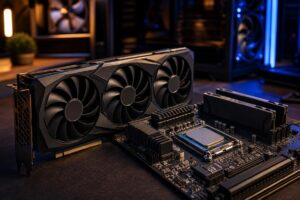
For a 4K gaming PC, the graphics card should usually receive the largest portion of the component budget. Avoid a common mistake: pairing a flagship CPU with a midrange GPU and calling it a 4K build. It will work, but it is money in the wrong place.
VRAM matters too. It holds textures, frame buffers, geometry, and other graphics data close to the GPU. At 4K, games often use larger texture pools and higher-quality assets. A card with 12GB may still play many games well, but 16GB is the practical floor we would target for a newly purchased 4K-focused system. More VRAM does not automatically make a GPU faster, but inadequate VRAM can lead to texture compromises, stutter, or settings that age poorly.
Ray tracing deserves special attention. It can improve lighting, reflections, and shadows, but it is expensive to render. If ray tracing is a priority, buy more GPU than you think you need and plan to use upscaling and frame-generation technologies where the game supports them. If you do not care about ray tracing, you can often get excellent conventional 4K performance without paying for the absolute top GPU tier.
You do not need the most expensive desktop CPU just because you are building a premium gaming PC. A fast modern eight-core gaming CPU is an excellent fit for most 4K systems. It keeps frame times consistent, handles background tasks well, and leaves budget for the GPU.
Spend more on the CPU if you play CPU-heavy games such as flight simulators, city builders, grand strategy games, large multiplayer games, or heavily modded sandbox titles. The same applies if the PC will also handle serious video production, 3D work, compiling, or other professional tasks.
For a gaming-only machine, an extreme core-count processor is usually poor value. Those extra cores may be useful for production work, but they rarely transform 4K gaming performance.
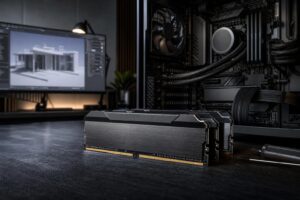
32GB of RAM is the correct default for a new premium gaming PC. Modern games, launchers, browsers, voice chat, and background utilities can consume more memory than people expect. A two-stick configuration is preferable because it preserves a clear upgrade path and generally makes memory tuning easier.
64GB is optional, not mandatory. It makes sense for streaming with a busy desktop, substantial mod lists, content creation, or users who dislike closing applications. It is not a guaranteed frame-rate upgrade in ordinary gaming.
For storage, start at 2TB. New games can be enormous, and a 1TB drive fills up surprisingly quickly once Windows, applications, and a handful of large titles are installed. A good PCIe 4.0 NVMe SSD is already very quick for gaming. A more expensive PCIe 5.0 drive can be worthwhile for specific professional workflows, but it will not make games feel dramatically faster.
Finally, choose a quality power supply, not simply the highest wattage number on a shelf. The right unit has adequate capacity for the selected GPU and CPU, strong protections, appropriate connectors, and reputable build quality. It is one of the least exciting parts of a PC until it becomes the most exciting part for all the wrong reasons.
High-end graphics hardware turns a great deal of electrical power into heat. A restrictive case, undersized cooler, or poor fan layout can make an expensive system louder and warmer than it needs to be. In sustained gaming, that can also reduce boost behavior.
Buy a case designed for airflow, use enough quality case fans, and select a CPU cooler appropriate for the processor’s real heat output. Liquid cooling is not automatically better than air cooling. A well-built tower air cooler can be quiet, reliable, and more than adequate for many gaming CPUs. Larger liquid coolers make more sense for hotter processors, aesthetic preferences, or builds where reduced noise under sustained load is a priority.
A 4K PC needs a monitor that makes its performance worthwhile. A 4K 60Hz display is still an attractive choice for slower-paced games and mixed productivity use. A 4K 120Hz or higher-refresh monitor provides noticeably smoother motion, but it raises the GPU requirement considerably.
Variable refresh rate support is highly recommended. It lets the monitor match its refresh behavior to the game’s changing frame rate, which makes dips below the panel’s maximum refresh rate feel less distracting. Good HDR can also improve the experience, although HDR quality varies widely between displays. Do not judge it solely by a logo on the box.
Do not overspend on a premium motherboard unless you need its specific connectivity, expansion slots, storage options, or networking features. A solid board with the right ports, dependable power delivery, and room for future storage is enough for most gaming systems.
You can also skip exotic SSD speeds, 64GB of memory for gaming alone, and extreme-core-count CPUs. Redirect that money to the GPU, a larger SSD, a better monitor, or a quieter airflow setup. Those are upgrades you are more likely to notice every day.
The best PC for 4K gaming is not defined by a parts list full of the most expensive components. It is a balanced machine built around your display, favorite games, graphics preferences, and expected lifespan. A player targeting 4K 60Hz has different needs from someone chasing 120Hz with ray tracing, and neither should be pushed into hardware they will not use.
Overclock Computers can help you configure a custom 4K gaming PC around your monitor, budget, game library, preferred settings, streaming plans, aesthetics, and future upgrade goals. Bring us the games you play and the experience you want, and we can help turn that into a system that makes practical sense.