Gen 4 vs. Gen 5 SSD: Is a PCIe 5.0 Drive Worth It?

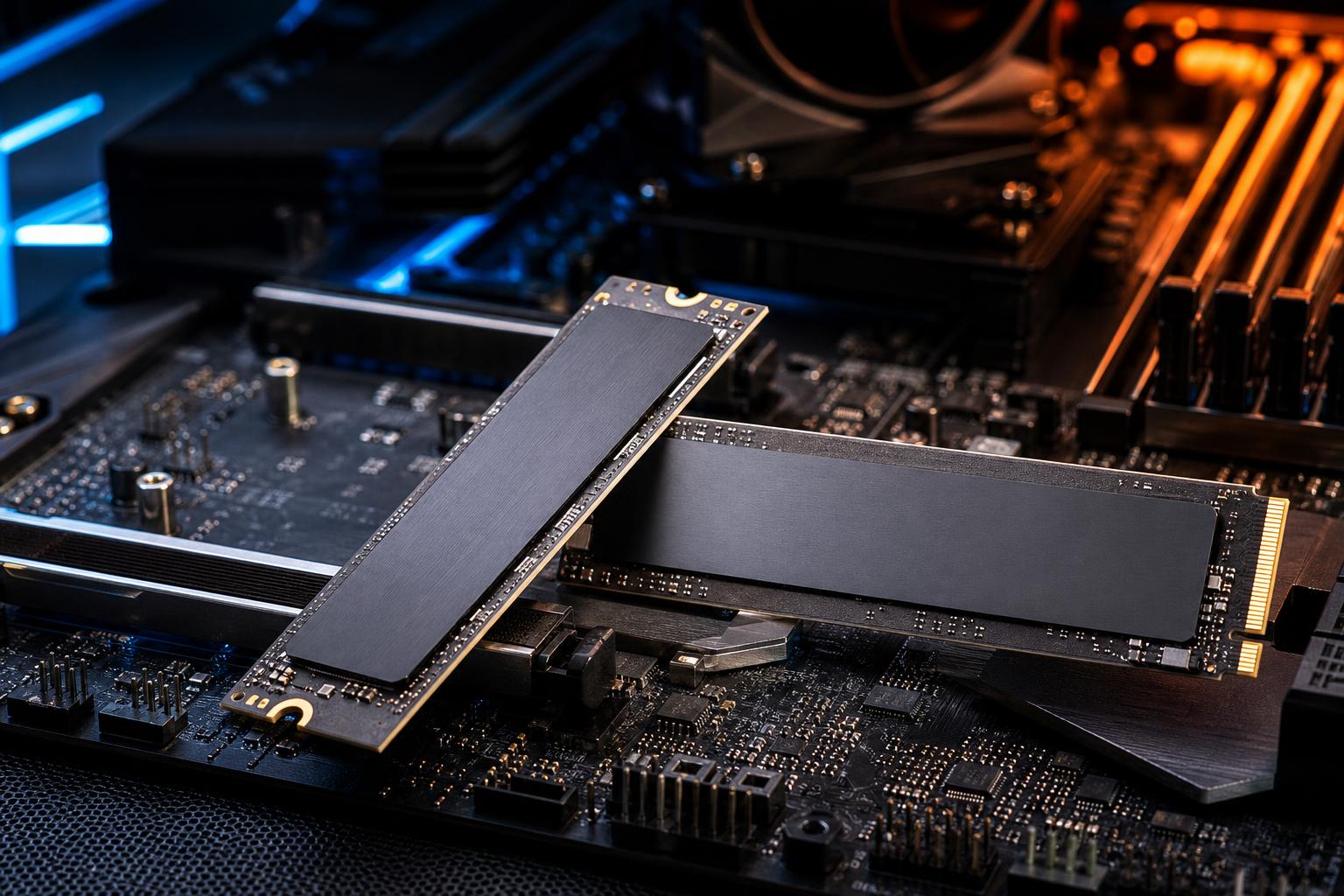
PCIe Gen 5 NVMe SSDs can deliver sequential read speeds that are roughly twice as high as strong Gen 4 models. On a product box or benchmark chart, that looks like an obvious upgrade. In a real PC, the answer is more nuanced.
For most gaming PCs, a quality PCIe Gen 4 SSD remains the sensible choice. It is already fast enough to make Windows feel responsive, load modern games quickly, and avoid becoming the part holding back the system. Gen 5 becomes more compelling when your work involves repeatedly moving, creating, or processing very large files—and when the rest of the platform supports it properly.
Here is how to make a practical Gen 4 vs. Gen 5 SSD decision without paying for speed you will rarely use.
NVMe drives connect to the CPU or chipset through PCIe lanes. A typical M.2 NVMe SSD uses four lanes, often written as PCIe x4. Each PCIe generation doubles the available bandwidth per lane.
Actual SSD speeds vary by controller, NAND flash, drive capacity, firmware, and workload. High-end Gen 4 drives commonly reach around 7,000 MB/s sequential reads. Many Gen 5 drives reach 10,000 MB/s or more, with the fastest models approaching the interface limit under ideal benchmark conditions.
Those are sequential figures: large, continuous transfers such as copying a huge video file. They are useful, but they do not describe every storage task. Opening applications, launching games, booting Windows, and loading many smaller files rely more heavily on random performance, latency, CPU work, decompression, and the software itself.
Usually, not in a way most players will notice. A Gen 5 SSD does not raise frame rates. The CPU and GPU determine game performance once you are in the action.
It can potentially reduce loading times, but the improvement over a good Gen 4 drive is often small. Games must be designed to request and process data quickly enough to take advantage of additional storage bandwidth. The CPU, system memory, game engine, and asset decompression all matter. In many current games, a fast Gen 4 drive and a Gen 5 drive finish a loading screen only a second or two apart.
That does not make SSD speed irrelevant. Moving from a hard drive to any decent NVMe drive is a major improvement. Moving from an older SATA SSD to a good Gen 4 NVMe SSD can also be noticeable in certain games and general use. But moving from Gen 4 to Gen 5 is a refinement, not a transformation.
Buy a reputable 1TB, 2TB, or larger Gen 4 TLC NVMe SSD for the primary drive in most gaming PCs. Put the savings toward the graphics card, CPU, additional storage capacity, or a better monitor. Those choices usually have a clearer effect on the experience.
A Gen 5 drive makes sense for a premium build when the price difference is modest, the motherboard provides a proper Gen 5 M.2 slot, and you simply want top-tier storage hardware. It is a reasonable luxury. It is not a requirement for smooth modern gaming.
Gen 5 SSDs earn their keep when you regularly handle large data sets and your workflow can sustain high transfer rates. The best candidates are people who spend real working time waiting for files to copy, cache, import, export, or generate.
Even here, the drive is only one link in the chain. A video export may be limited by the CPU, GPU encoder, codec, or source media. A render can be mostly GPU-bound. A large data transfer cannot exceed the speed of the slower source or destination drive. Copying from a hard drive, a network share, or a USB device will not suddenly become faster because one end is a Gen 5 SSD.
A practical workstation layout is often more valuable than buying one ultra-fast drive. For example, use a fast primary NVMe SSD for Windows and applications, a separate NVMe SSD for active project files or scratch/cache data, and larger secondary storage for completed work and archives. Separating busy tasks can reduce contention and keep projects organized.
PCIe standards are backward compatible. You can install a Gen 5 SSD in many Gen 4 M.2 slots, but it will run at Gen 4 speeds. Likewise, a Gen 4 drive works perfectly in a Gen 5 slot.
Before buying, check the motherboard manual rather than relying on the product name alone. A board may advertise PCIe 5.0 support for its graphics card slot while offering only Gen 4 M.2 storage slots. Other boards offer one Gen 5 M.2 slot but share lanes or disable a SATA port or secondary PCIe slot when specific M.2 sockets are populated.
These tradeoffs are not automatically a problem. They simply need to be planned. In a custom PC, the motherboard, CPU lane allocation, number of M.2 drives, graphics card, and expansion cards should be selected as a complete system rather than as isolated specifications.
Fast Gen 5 SSD controllers use more power and generate more heat than typical Gen 4 drives. That is why many Gen 5 drives include substantial heatsinks, and why motherboard M.2 heatsinks matter more with this generation.
An SSD that gets too hot protects itself by reducing speed, called thermal throttling. A short benchmark may still look excellent, but long writes such as ingesting footage or copying a large project can slow down if cooling is inadequate.
For a Gen 5 SSD, we recommend using either the drive’s supplied heatsink or the motherboard’s M.2 heatsink, not both stacked together. Confirm that there is physical clearance under the graphics card or CPU cooler. Good front-to-back case airflow also helps. There is no need to turn an M.2 drive into a science experiment with a tiny fan unless your workload actually causes sustained thermal throttling.
Do not choose solely by the biggest read-speed number. Capacity, flash quality, endurance rating, warranty terms, and sustained-write behavior can have a larger effect on long-term satisfaction.
For a main drive, 2TB is often the current sweet spot for a gaming PC or serious workstation. Modern games are large, creative applications generate caches quickly, and SSDs perform best when they are not nearly full. A 1TB drive is still workable for a focused build, but it leaves less breathing room.
Look for TLC NAND when building a performance-oriented PC, particularly for a primary drive or workstation scratch drive. QLC drives can offer excellent capacity value and are perfectly reasonable for game libraries, general storage, and read-heavy use. However, their sustained write speeds may fall sharply after their fast cache fills, which is less ideal for frequent large transfers.
Also remember that manufacturer peak ratings generally describe an empty or lightly used drive under a particular benchmark. Sustained performance after the cache is exhausted is more relevant for large professional files.
The right SSD should disappear into the background: plenty of room, reliable behavior, sensible temperatures, and no long waits that disrupt your work. For most buyers, that means a strong Gen 4 NVMe drive. For the right high-throughput workstation, Gen 5 storage can be a meaningful tool rather than just an impressive benchmark result.
If you are planning a gaming PC or workstation and are unsure where fast storage fits into the budget, contact Overclock Computers. We can help configure storage, cooling, and the rest of the system around the files and applications you actually use.