
Best Gaming PC for 240Hz Gaming: Specs That Actually Deliver High FPS

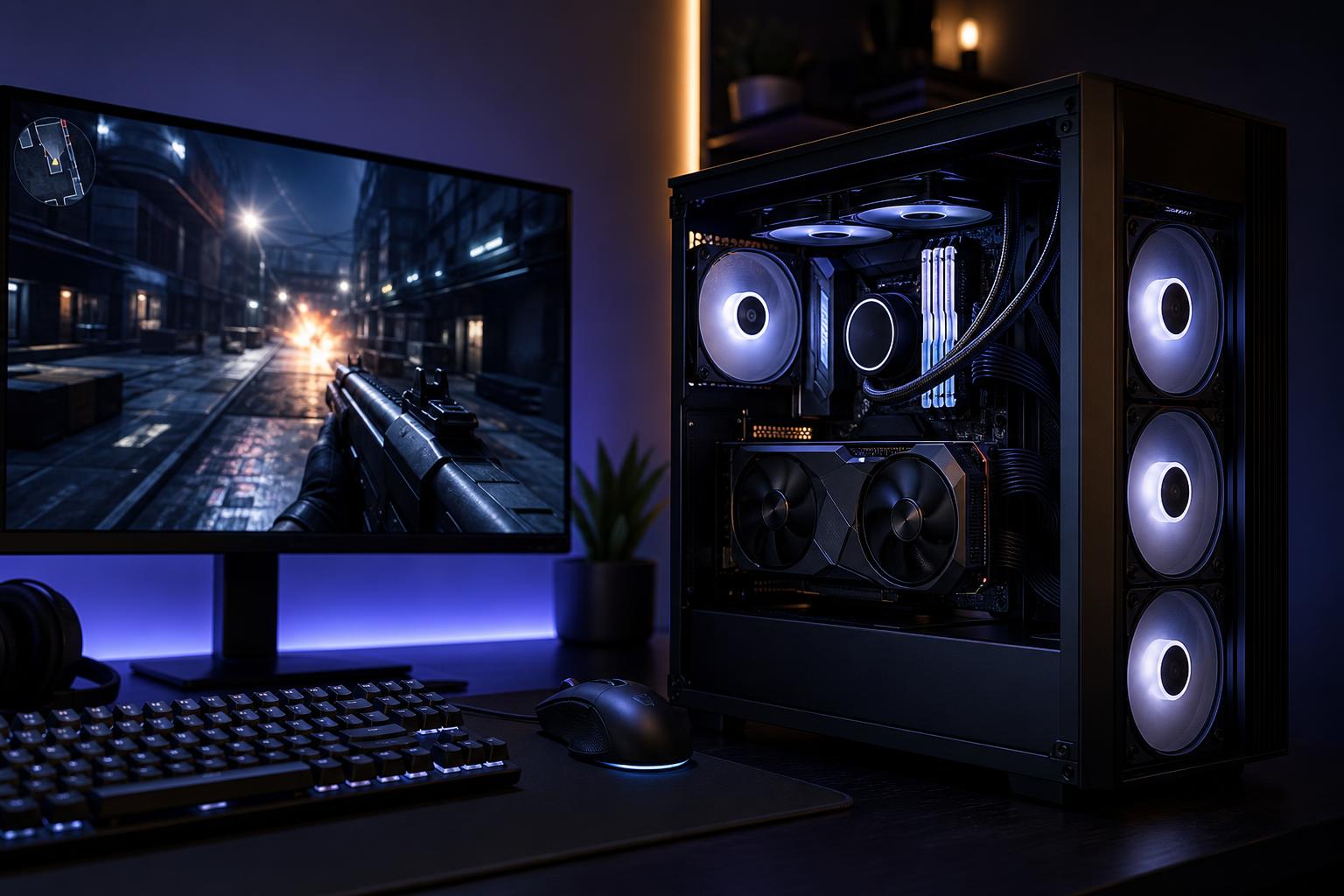
A 240Hz gaming monitor can display up to 240 frames per second. That sounds straightforward, but buying a gaming PC that can actually take advantage of it requires a different approach than buying a typical 60Hz or 144Hz system.
For 240Hz gaming, the graphics card still matters, especially at 1440p. But the CPU, memory setup, cooling, and game settings become much more important. A PC that averages 240 FPS in a benchmark is not necessarily a great 240Hz machine if it regularly drops to 140 FPS during a busy fight, a large multiplayer match, or a demanding area of the map.
The best gaming PC for 240Hz gaming is a balanced system built around the games you play, your monitor resolution, and the frame-rate consistency you expect. Here is how to choose one without spending money in the wrong places.
At 240Hz, each refresh happens every 4.17 milliseconds. For comparison, a 144Hz display refreshes every 6.94 milliseconds. The improvement is real, particularly in competitive shooters: motion looks clearer, mouse input feels more immediate, and tracking a moving opponent is easier.
The catch is that a 240Hz monitor does not create frames. Your PC has to render them. Reaching 240 FPS is easy in less demanding esports titles with sensible settings. Maintaining it in modern, graphically heavy games is much harder, especially at 1440p and above.
It also helps to separate two goals:
This is why a fast CPU and properly configured RAM can matter as much as buying a bigger graphics card.
At 1080p, a capable modern GPU can often render esports games quickly enough that the CPU becomes the limit. Games such as Counter-Strike 2, Valorant, Overwatch 2, Rocket League, Rainbow Six Siege, and Fortnite can benefit heavily from a high-performing gaming CPU.
For this class of system, we would generally prioritize:
It may feel strange to spend generously on the processor in a gaming computer, but this is one of the few situations where it is often the correct move. Pairing an entry-level CPU with a powerful GPU can leave frames on the table at 1080p.
1440p 240Hz is an excellent target for players who want sharper image quality than 1080p without giving up competitive responsiveness. It is also demanding. At this resolution, the GPU carries more of the workload, while the CPU still has a major effect on high-frame-rate multiplayer games.
A strong 1440p 240Hz custom gaming PC should include a high-end gaming CPU and a graphics card in the upper performance tier. This is where a well-matched pairing matters most. A top-tier GPU paired with an underpowered processor may look excellent in cinematic single-player games, yet fail to maintain high frame rates in CPU-heavy shooters, battle royale matches, racing simulations, or large online games.
For many buyers, this is the sensible sweet spot for a high-end gaming computer. It can provide excellent 1440p image quality, strong ray-tracing performance when desired, and the speed needed for serious competitive play.
4K 240Hz is a remarkable display target, but it is not a promise that every new game will run at 240 native frames per second with maximum settings. Even the fastest consumer graphics cards have limits when asked to render more than eight million pixels 240 times per second.
A premium GPU, high-end gaming CPU, 32GB or 64GB of RAM, and a robust power supply are appropriate here. Still, you should expect to use a mix of optimized settings, upscaling technologies, and selective ray-tracing choices in demanding games. Competitive titles can often run extremely well at 4K, but visually intensive single-player releases may be more enjoyable at a stable 100 to 160 FPS with excellent image quality than at compromised settings chasing 240.
That is not failure. Variable-refresh-rate support makes frame rates below 240 FPS look far smoother than they would on a fixed-refresh display. A 4K 240Hz monitor is valuable because it gives you a very high ceiling, not because every game must hit that ceiling at all times.
At high frame rates, the CPU must prepare game logic, player movement, physics, draw calls, background tasks, and instructions for the graphics card at an extremely fast pace. When it cannot keep up, the GPU waits. Lowering graphics settings will not always fix this kind of bottleneck.
For a best PC for high FPS gaming, look for a modern processor known for gaming performance rather than simply choosing the largest core count available. More cores can help with streaming, video work, and multitasking, but a 16-core productivity-focused CPU is not automatically faster in games than an 8-core gaming-focused model.
Extra cache can be particularly valuable in some games, especially simulation, strategy, open-world, and esports titles that are sensitive to memory latency. Results vary by game, so it is smarter to choose a CPU platform with consistently strong gaming results than to chase one benchmark chart.
There is no single best GPU for gaming at 240Hz. Your monitor resolution and game library determine the sensible tier.
VRAM capacity deserves attention, too. It is not the only measure of GPU performance, but insufficient VRAM can cause stutters or force texture-quality compromises in newer games. For a premium system intended to stay useful for several years, avoid buying a GPU with barely enough memory for the games and resolution you use now.
These components are less exciting than a graphics card, which is exactly why mass-market systems sometimes cut corners on them.
For a new 240Hz gaming PC, 32GB of matched dual-channel DDR5 memory is the practical recommendation. It gives modern games, Discord, browsers, game launchers, recording tools, and background applications room to operate without unnecessary pressure. Faster memory can help in CPU-limited games, but compatibility and stable settings matter more than chasing the most extreme speed rating.
High FPS gaming keeps components busy for long periods. A good cooler and airflow-focused case help the CPU and GPU sustain performance rather than reducing clocks as temperatures rise. They also let fans run at more reasonable speeds. A loud gaming PC is not a badge of honor; it is often a sign that someone treated cooling as an afterthought.
Use a quality power supply with adequate capacity and the correct modern GPU power connections. It should have comfortable headroom rather than being sized right at the edge of estimated system draw. A reliable unit supports stable operation now and gives you more flexibility for a future graphics-card upgrade.
Hardware matters, but configuration matters as well. In competitive games, high or ultra settings are rarely the goal. Use settings that improve visibility and maintain consistent frame times. Shadows, volumetric effects, ambient occlusion, and heavy post-processing are common places to reduce load with little competitive downside.
Enable your monitor’s adaptive-sync feature when available, make sure Windows is actually set to 240Hz, and use a quality DisplayPort or HDMI connection supported by both the monitor and GPU. It is surprisingly common to see an expensive 240Hz display accidentally running at 60Hz or 144Hz.
For serious competitive players, a sensible frame cap slightly below the monitor’s maximum refresh rate can sometimes improve consistency and reduce latency behavior with adaptive sync. The best setting depends on the game, its frame limiter, and the display setup, so test it rather than applying a one-size-fits-all rule.
A 240Hz-focused system is worth it for players who spend substantial time in fast competitive games and value responsiveness as much as visual detail. It is also a strong choice for players who want one PC that handles esports at very high frame rates and modern single-player games at high settings.
It is less necessary if you mostly play slow-paced strategy games, turn-based games, or cinematic single-player titles and already enjoy a good 144Hz or 165Hz monitor. In that case, putting more of the budget toward GPU performance, display quality, storage, or a better monitor panel may improve your experience more than chasing 240 FPS.
The right 240Hz gaming computer is not simply the one with the most expensive graphics card. It is the one that matches the CPU to the GPU, has enough memory, runs cool and quiet, and is configured for the resolution and games you actually play.
If you are choosing between several parts lists or trying to spec a custom-built gaming PC around a 240Hz display, Overclock Computers can help translate your monitor, favorite games, settings preferences, and budget into a system that makes practical sense. Contact our team to discuss a balanced gaming PC built for the frame rates you want to see.






