
Gaming PC Buying Guide: 9 Signs a PC Is Poorly Configured

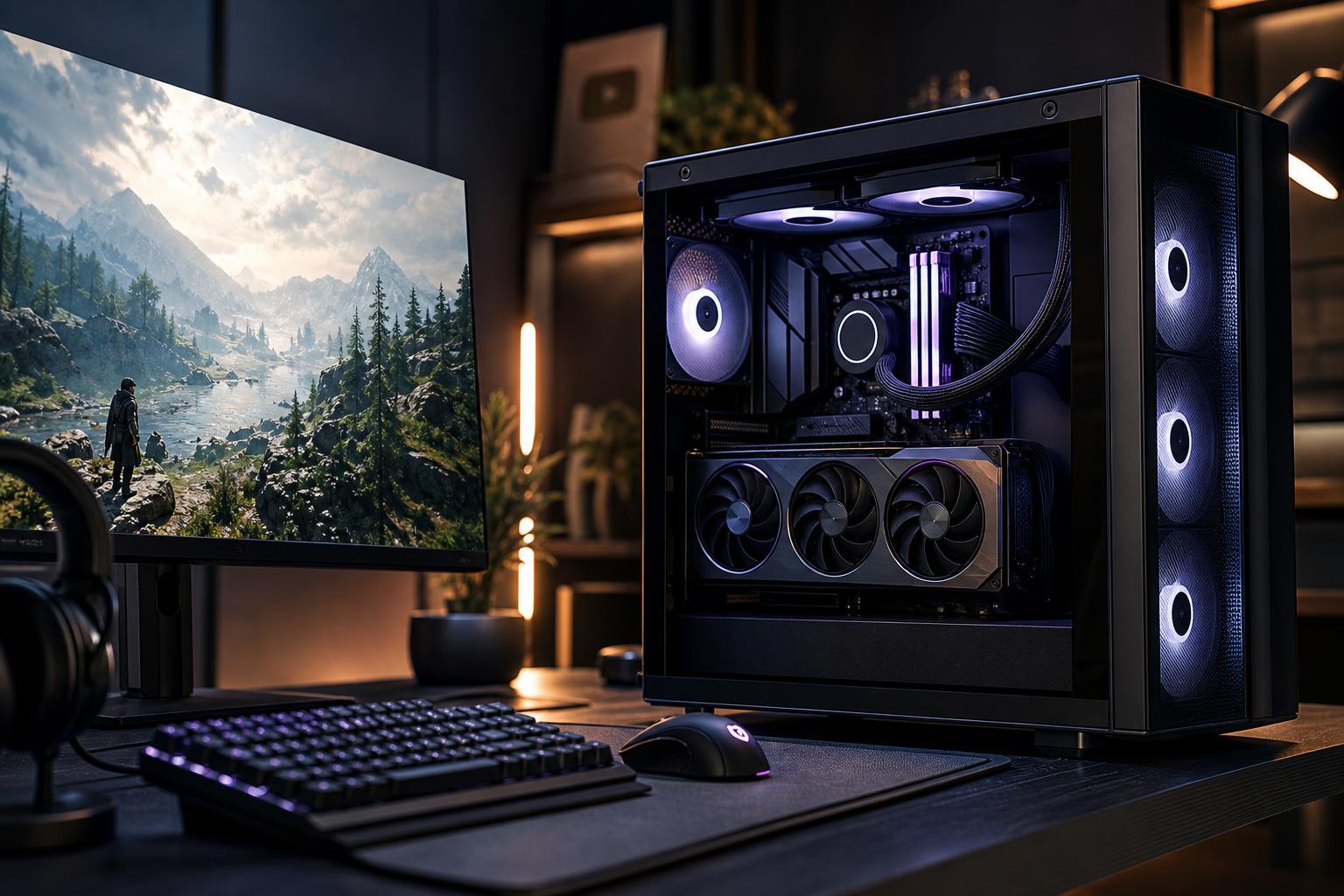
A gaming PC listing can look impressive while making several expensive compromises. A large RGB case, a current-generation CPU name, and the words “gaming computer” don’t guarantee strong real-world performance. The parts need to work together, and the builder needs to be clear about what is actually inside.
This gaming PC buying guide focuses on the warning signs we see most often in poorly configured systems. These apply whether you are comparing a gaming PC for sale from a major retailer, a marketplace seller, or a boutique custom gaming PC builder.
The goal is not to buy the most expensive hardware. It is to spend your budget on the parts that affect your games, your noise levels, and your ability to upgrade later.
For most gaming PCs, the graphics card has the biggest effect on frame rate and image quality. A listing that says only “RTX graphics,” “dedicated graphics,” or “8GB graphics card” is not giving you enough information to make a sound comparison.
Ask for the exact GPU model. Then consider the resolution and refresh rate of the monitor you plan to use. A system that is excellent for esports games at 1080p may be a poor fit for demanding new games at 1440p, ultrawide, or 4K.
Be especially cautious when a seller promotes a powerful CPU but pairs it with a modest graphics card. That can be reasonable for a PC intended for CPU-heavy competitive games, but it is usually the wrong allocation of money for graphically demanding games. For a typical gaming-focused build, it is better to prioritize the GPU before moving to an unnecessarily expensive processor.
More CPU cores and a higher product tier do not automatically mean more gaming performance. Many games benefit most from strong per-core performance, sufficient cache, and a sensible pairing with the graphics card. A very high-core-count processor may be valuable for rendering, compiling, or professional work, but it can consume budget that would make a larger difference if invested in the GPU.
The reverse problem is also common: an entry-level CPU paired with a very fast GPU. At higher resolutions, the GPU often carries most of the load. But at 1080p and high refresh rates, a weak CPU can hold back frame rates and cause inconsistent frame delivery. That matters in competitive games, where smoothness is as important as the average FPS number.
A balanced gaming PC should be designed around the games you play, the monitor you own, and whether you also stream, edit video, or run demanding applications in the background.
A power supply does not increase frame rates, so it is an easy place for low-cost PC makers to cut corners. It is also one of the parts that affects long-term reliability most directly. A good unit provides stable power, has appropriate safety protections, and includes the correct native cables for modern graphics cards.
“750W power supply” is not enough information. Wattage alone does not tell you its build quality, efficiency, protection features, connector count, or whether it is a current design suitable for the installed GPU.
Look for the power supply’s brand and exact model. A reputable builder should be comfortable naming it. For a higher-end gaming PC, we generally prefer a quality unit with enough headroom for the selected components rather than selecting the bare minimum wattage. That can reduce fan noise and leaves room for a future graphics card upgrade.
Glass panels and RGB fans are fine. They just do not prove that a case has good airflow. A system can look tidy in product photos while running hot, loud, or both after an hour of gaming.
Good cooling starts with a case that has a clear path for fresh air, a sensible fan layout, and a CPU cooler appropriate for the processor’s power draw. It also requires careful installation: fans must face the right direction, cables cannot obstruct airflow, and radiators need a practical mounting position.
A compact case can be an excellent choice, but only when the selected hardware and cooling setup suit it. Packing a powerful CPU and GPU into a restrictive chassis without enough ventilation is not premium engineering. It is a space heater with a side window.
16GB can still run many games well, particularly in a value-oriented system. But for a new midrange or high-end gaming PC, 32GB is the practical starting point for most buyers. Modern games, launchers, browser tabs, voice chat, background utilities, and streaming software can add up quickly.
Capacity comes first, but configuration matters too. Two matched memory sticks normally provide better bandwidth than one stick, and the memory should be set up at a stable, appropriate speed for the platform. A listing that simply says “32GB DDR5” leaves out useful details, though capacity and a reliable configuration matter more than chasing tiny benchmark gains from extreme memory settings.
A 1TB NVMe SSD is a sensible minimum for many new gaming systems, but it is not enormous once you install several modern games. Some titles now occupy well over 100GB each, and Windows, applications, captures, and game libraries share the same drive.
For buyers who keep a large library installed, 2TB is often a more comfortable choice from the start. Check that the primary drive is an NVMe SSD from a known manufacturer, rather than an unnamed “1TB SSD.” Drive specifications can affect sustained transfers, responsiveness under heavy use, and long-term reliability.
You do not need the most expensive PCIe 5.0 drive for gaming. A quality PCIe 4.0 NVMe SSD is already very fast for game loading and everyday use. Spend the difference on the graphics card, RAM, or storage capacity if those areas are lacking.
Motherboards rarely add visible gaming performance, but they determine many of the system’s practical qualities: connectivity, storage expansion, networking, BIOS support, memory stability, and power delivery for the CPU.
That does not mean every gaming computer needs a flagship motherboard. It does mean the board should suit the processor and leave enough ports and slots for the way you will use the machine. If you need several NVMe drives, wired networking, plentiful USB ports, Wi-Fi, or a later CPU upgrade on the same platform, confirm those details before buying.
As with power supplies, an exact motherboard model is a good sign. A seller that refuses to identify it is asking you to accept a mystery part in a system that may cost thousands of dollars.
“High FPS gaming” is too broad to be useful. Frame rates vary enormously by game, resolution, settings, ray tracing use, and upscaling settings. A PC that reaches very high frame rates in a lightweight esports title may not do the same in a visually demanding single-player game.
Start with your monitor. For 1080p competitive gaming at 240Hz, CPU performance and consistent low frame times deserve serious attention. For 1440p high-refresh gaming, a stronger GPU becomes increasingly important. For 4K gaming, the graphics card and its available VRAM are usually the main priorities, and upscaling may be part of the realistic plan in demanding games.
Use benchmarks for the specific games you play whenever possible. Compare like for like: the same resolution, quality preset, and rendering features. Otherwise, an FPS claim is mostly decoration.
A premium custom-built gaming PC should not become a mystery the moment it arrives. You should know the major component models, receive reasonable warranty terms, and have a clear point of contact if you need help.
This matters even for experienced PC owners. A properly built system is easier to maintain, troubleshoot, and upgrade when its components are documented and standard parts have been used. Clean cable management and careful assembly are not merely cosmetic; they make later service much less frustrating.
The best gaming PC is not defined by a single flagship part. It is a system with a GPU matched to your monitor, a CPU that can keep pace, enough memory and storage, effective cooling, and a quality power supply. It should also use a case and motherboard that do not limit sensible future upgrades.
For most buyers, the smartest order of priorities is straightforward:
If you are comparing options and want a second opinion, Overclock Computers can help configure a custom gaming PC around your actual games, monitor, budget, and upgrade plans. You will get a balanced parts list rather than a box full of impressive-sounding compromises.






