
How Long Does a Gaming PC Last? When to Upgrade and When to Replace It

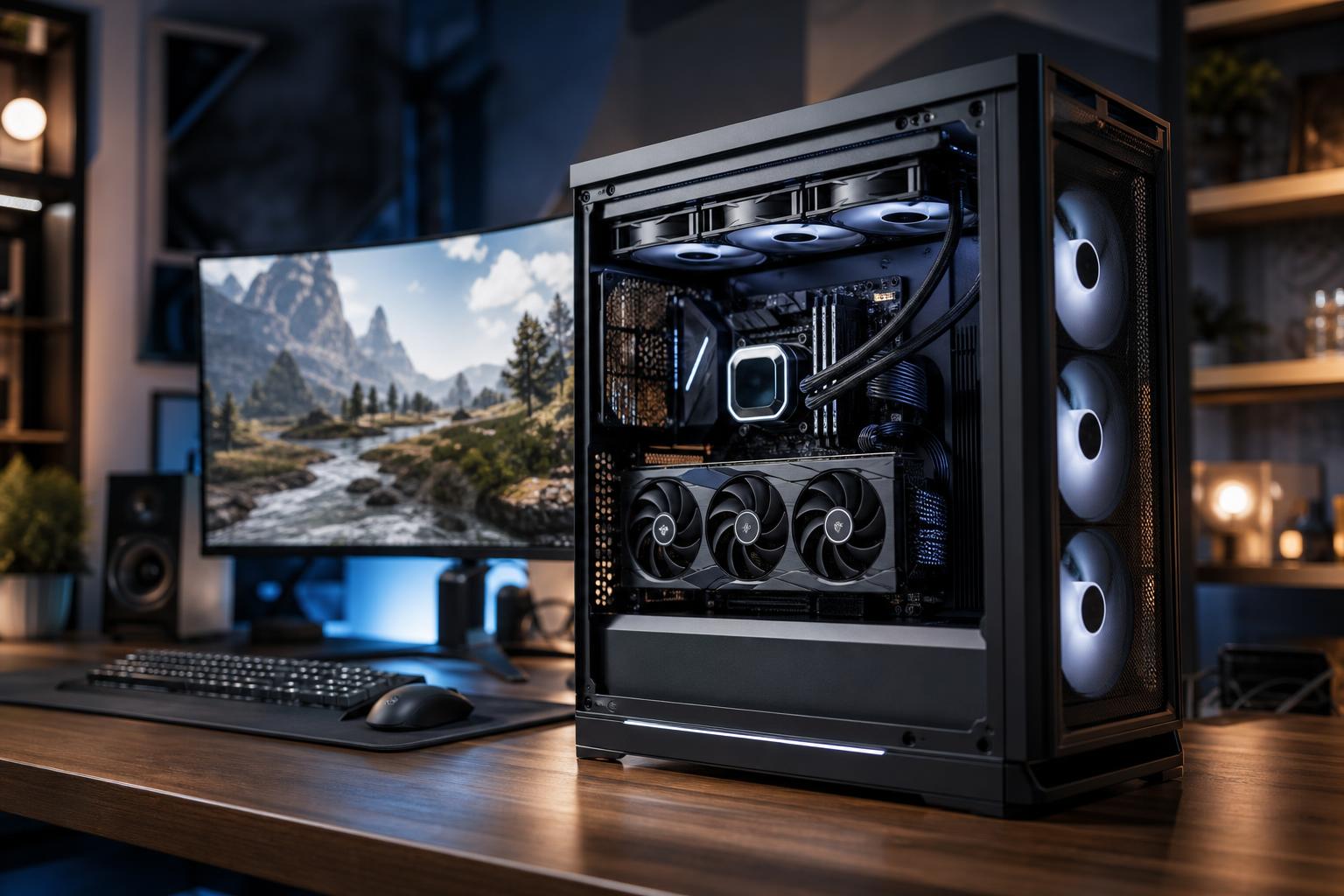
A gaming PC does not have a fixed expiration date. A thoughtfully built system can stay enjoyable for five to seven years or longer, while a poorly balanced one may feel limited much sooner. The difference is rarely just age. It is whether the PC can still deliver the resolution, frame rate, image quality, and responsiveness you expect from the games you actually play.
For most owners, the graphics card becomes the first meaningful limitation. But the CPU, memory capacity, storage space, cooling, power supply, and monitor all affect whether an upgrade is worthwhile. The good news: you usually do not need to replace an entire PC just because one new game runs poorly.
The practical question is not, “Is my computer old?” It is, “What is stopping it from doing what I need?”
A balanced midrange or high-end gaming PC should generally provide several years of good gaming service. How long it feels current depends heavily on the target you set.
Games also age differently. A system that runs strategy games, indie titles, and competitive shooters beautifully may struggle with a new open-world game using heavy ray tracing, dense crowds, or demanding texture assets. That does not mean the PC has failed; it means the target has changed.
If you bought a 1440p high-refresh monitor but your PC can no longer deliver smooth frame rates in the games you play, an upgrade may be justified. Likewise, if your GPU is capable of more but you are still using an older 60Hz display, the monitor may be the upgrade that changes your experience most.
Do not judge a PC only by the average frame-rate counter. Pay attention to frame-time consistency. Brief dips and stutters are often more noticeable than a lower but stable average frame rate.
There is nothing wrong with reducing settings that barely affect the image. Shadow quality, volumetric effects, ray tracing, and ultra-distance detail can carry a large performance cost. But if you are regularly dropping texture quality because of insufficient VRAM, disabling features you value, or accepting severe stutter, the hardware is becoming a real constraint.
Upscaling technologies can be excellent tools, especially at higher resolutions. They are not a substitute for enough graphics horsepower and memory when the base performance is already far below your goal.
Many gaming PCs also handle streaming, video editing, development, 3D work, or school and business tasks. If larger projects regularly fill your RAM, exports take too long, or your storage is constantly full, a targeted upgrade may provide more value than chasing a few extra gaming frames.
For example, moving from 16GB to 32GB of RAM can make a system feel much more comfortable for multitasking, modern games, browser-heavy workflows, and entry-level creative work. Adding a quality NVMe SSD can improve load times and remove the daily annoyance of managing a nearly full drive.
Unexpected shutdowns, excessive fan noise, overheating, crashes, and storage errors should not be dismissed as normal aging. Dust buildup, dried thermal paste, a failing fan, insufficient case airflow, or an aging power supply can all cause trouble.
Start with maintenance: clean dust filters and heatsinks, verify that fans work correctly, and check temperatures under load. If the system was built in a restrictive case with inadequate cooling, improving airflow can sometimes solve noise and thermal throttling without replacing core components.
For most players, the GPU is the best place to spend upgrade money. It has the greatest effect on resolution, visual settings, ray tracing performance, and frame rate in graphically demanding games.
Before choosing one, check four things: the physical space in the case, the power supply’s capacity and connectors, CPU pairing, and the amount of VRAM needed for your games and resolution. Buying a powerful graphics card only to discover it cannot fit or requires a power supply replacement is an avoidable headache.
A CPU upgrade matters most when games are CPU-limited. Common clues include low GPU utilization while gaming, poor performance in busy scenes, and frame rates that remain stubbornly low even after reducing graphics settings. Simulation games, large multiplayer titles, strategy games, and competitive esports titles often expose CPU limitations more than cinematic single-player games do.
Sometimes a CPU can be upgraded within the existing motherboard platform. Other times, the sensible path includes a new motherboard and RAM as well. When three major parts must change at once, compare that cost with a complete replacement system. An older case, cooler, power supply, and storage may not be worth carrying forward indefinitely.
RAM does not usually increase frame rates as dramatically as a GPU, but inadequate capacity causes frustrating behavior: hitching, slow task switching, browser tab reloads, and poor performance when running games alongside voice chat, streaming tools, or creative applications.
Storage upgrades are equally practical. Keep the operating system and regularly played games on a fast SSD, and leave healthy free space rather than filling the drive to the edge. Large hard drives still make sense for inexpensive archives, recordings, and backups, but they are not ideal as the main drive for a modern high-performance PC.
Upgrade the existing machine when one or two components clearly limit it and the foundation is still sound. Replace it when the platform is holding back nearly every sensible upgrade.
A new build often makes more sense when:
This is where cheap shortcuts become expensive. Reusing a proven quality case, cooler, SSD, or power supply can be sensible. Reusing an undersized or questionable power supply to protect the budget is not. Stable power delivery, good cooling, and component compatibility are part of performance, not decorative extras.
No PC is fully future-proof. Games, engines, display standards, and workloads move on. The goal is to buy enough performance headroom for your likely use over the next several years without paying for capability you will never use.
If you play at 1440p and plan to keep that monitor, build around excellent 1440p performance rather than buying a 4K-focused GPU purely for bragging rights. If you intend to move to a 4K high-refresh display, stream, or work with GPU-accelerated creative tools, spending more on the graphics card, VRAM, cooling, and power supply can be genuinely useful.
A balanced configuration tends to age better than one built around a single flashy component. That means enough RAM, adequate storage, a reputable power supply, sensible cooling, and a case that gives future upgrades room to breathe.
Before replacing anything, identify the problem with a few real tests. Monitor GPU usage, CPU usage by core, temperatures, memory consumption, and storage capacity while running the games or applications that matter to you. Compare performance at your usual settings, not a random benchmark preset.
If the graphics card is maxed out, begin there. If the CPU is limiting high frame rates, evaluate the platform. If the PC is generally capable but feels cramped and stutter-prone, RAM or storage may be the answer. That approach prevents the classic mistake of buying an expensive part that does not solve the problem.
Overclock Computers can help you decide whether a focused upgrade or a complete custom gaming PC is the better investment. Share the games and applications you use, your monitor resolution and refresh rate, performance goals, and budget, and we can recommend a balanced system built for the way you actually use it.






