Threadripper vs. Ryzen for Professional Workstations: Which Platform Makes Sense?

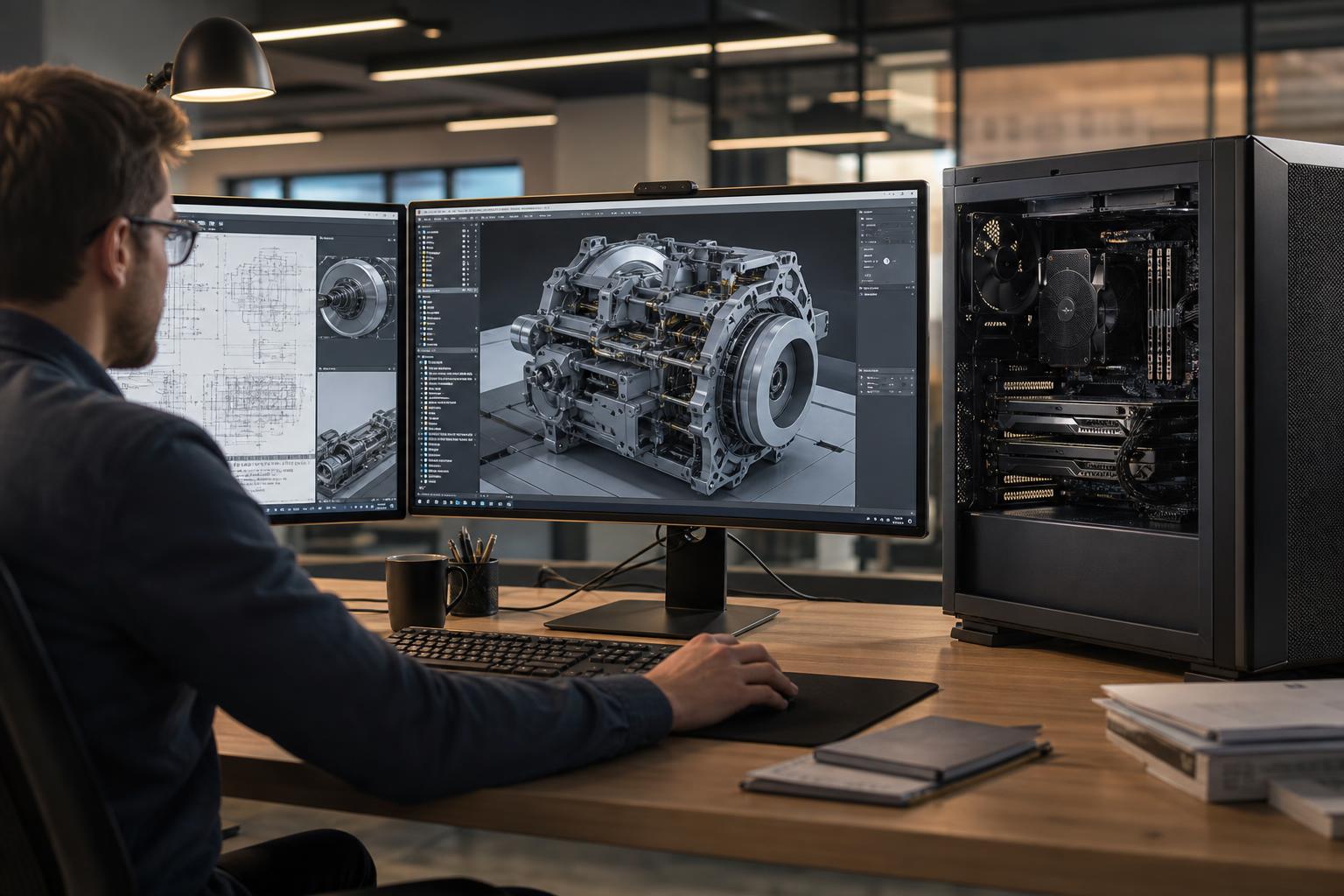
Choosing between AMD Ryzen and AMD Ryzen Threadripper is not simply a matter of buying the processor with the most cores. Both can make excellent professional workstations, but they solve different problems.
A well-configured Ryzen system is often the smarter choice for CAD users, developers, designers, and many content creators. Threadripper becomes worthwhile when work involves heavily multi-threaded processing, very large memory requirements, multiple expansion cards, or several high-speed storage devices. The right answer comes from the applications you run, the size of the projects you handle, and the hardware you need around the CPU.
Many professional programs do not use every CPU core equally. Interactive design work often relies heavily on one or a few fast CPU cores, while rendering, simulation, encoding, photogrammetry, and data processing can keep many cores busy at once.
This distinction matters. A high-core-count processor can be excellent at a long render or reconstruction job yet offer little advantage in an application where daily modeling work is limited by lightly threaded performance. Spending that money on more RAM, a stronger GPU, or faster project storage may improve the actual workday more.
For a great many AutoCAD, Revit, Civil 3D, SolidWorks, Adobe, and general design workflows, a high-end Ryzen processor paired with enough memory, a capable GPU, and quality NVMe storage is a balanced and cost-effective professional workstation.
Threadripper is less about prestige and more about removing platform limits. Its value is in the combination of core count, memory capacity and bandwidth, and PCIe expansion—not merely the badge on the CPU heat spreader.
Ryzen and Threadripper processors are built from closely related architecture, so neither platform is automatically “faster” in every task. The practical difference is how each platform is configured and what it is designed to support.
For responsive modeling, drafting, and application navigation, strong per-core performance is often the priority. Tasks such as opening a drawing, rebuilding portions of a model, manipulating geometry, and working in the application interface may not scale neatly across dozens of cores.
For parallel work, more cores can make a meaningful difference. CPU-based rendering, video exports that use the CPU, code builds, scientific computation, certain simulation tasks, and some reality-capture workflows can divide work across many threads. If a job occupies your computer for hours and runs frequently, Threadripper can be a sensible productivity purchase.
There is also a middle ground: many professionals spend most of the day in lightly threaded applications but occasionally render or process data. In that situation, a high-end Ryzen workstation may be the better value unless those background jobs create real delays, missed deadlines, or idle time for the person using the machine.
System memory is often the first genuine reason to choose a workstation-class platform. Large assemblies, high-resolution textures, multiple Adobe applications, virtual machines, point-cloud datasets, and photogrammetry projects can consume RAM surprisingly quickly.
When RAM is exhausted, Windows begins relying more heavily on storage as virtual memory. Even with a fast NVMe SSD, that is dramatically slower than working in RAM. The result can be sluggish viewports, long pauses, failed processing jobs, or an application that becomes difficult to use while other tasks are open.
Ryzen can support substantial memory, but Threadripper platforms are designed to scale farther and offer more memory bandwidth. That bandwidth matters when workloads repeatedly move large amounts of data between the CPU and RAM. If your projects are outgrowing 128GB or you need a clear path to much higher capacities, Threadripper deserves serious consideration.
PCIe lanes are the communication paths connecting the CPU to GPUs, NVMe SSDs, network adapters, and other expansion devices. A mainstream Ryzen platform provides enough connectivity for a typical single-GPU workstation with a few fast drives. That covers a large percentage of professional systems.
Threadripper offers considerably more connectivity. This matters when the workstation needs to run a GPU at full bandwidth alongside multiple direct-attached NVMe drives, a 10GbE or faster network card, a capture card, storage controller, or a second GPU. It also creates more flexibility for upgrades without forcing difficult compromises over which device shares bandwidth.
Do not buy Threadripper solely because more PCIe lanes sound better. Buy it when you can identify the cards and drives that need those lanes now or during the workstation’s useful life.
Many professional workflows are best served by one powerful GPU with enough VRAM. This includes a broad range of CAD, real-time visualization, GPU rendering, video editing, and AI tasks. A single-GPU Ryzen workstation can be exceptionally capable.
Multiple GPUs are more specialized. They can make sense for rendering engines and compute applications that scale across GPUs, some AI workflows, or systems that must support several accelerators for distinct tasks. However, multi-GPU support is determined by the specific application, GPU memory needs, cooling, power delivery, and physical slot layout. Adding a second card does not automatically double performance.
When multiple GPUs are genuinely part of the plan, Threadripper is usually the cleaner foundation. It offers the lanes, board layout options, and platform headroom needed to build the system correctly rather than treating the second GPU as an afterthought.
Best for CAD professionals, architects, developers, designers, and editors with moderate project sizes. Prioritize a fast Ryzen CPU, 64GB to 128GB of RAM, one GPU selected for the application, and at least two NVMe drives when active projects and cache files need separation. This is often the best balance of responsiveness, capability, and budget.
Best for users who combine interactive work with frequent multi-threaded processing, large projects, or heavier expansion needs. A Threadripper CPU, 128GB or more of RAM, strong cooling, multiple high-capacity NVMe drives, and 10GbE networking where shared storage is involved can be a practical configuration.
Best for large point-cloud processing, photogrammetry, CPU rendering, simulation, multi-GPU compute, extensive virtualization, or unusually demanding data workflows. The system should be planned as a whole: CPU core count, RAM capacity, GPU VRAM, storage layout, PCIe cards, cooling, and power supply all need to match. This is where a generic prebuilt configuration often falls short.
A workstation is expected to sustain performance, not just finish a short benchmark run. High-core-count CPUs generate considerable heat during rendering, processing, and simulation. Proper case airflow and a capable CPU cooler allow the processor to maintain appropriate performance without excessive fan noise or thermal throttling.
Storage also deserves planning. A single large SSD is convenient, but separating the operating system and applications from active project files, cache, scratch, or ingest storage can make management easier and reduce bottlenecks during intensive work. Teams using shared storage should also consider whether 10GbE networking is needed; a fast local workstation cannot pull files quickly from a slow network connection.
Finally, use a quality power supply with enough capacity and the right connectors for the current system and realistic upgrades. This is not the exciting line item, but it is foundational to stability in a machine that may run expensive workloads for years.
Choose Ryzen when your work is primarily interactive, you need one GPU, your memory requirements are within mainstream limits, and you want the best use of the budget. It is not a compromise platform; for many professional applications, it is exactly the right platform.
Choose Threadripper when your work is regularly limited by multi-threaded processing time, RAM capacity, memory bandwidth, or PCIe expansion. It is most valuable when its platform advantages are actively used. Buying it for a lightly threaded CAD workload with modest storage and one GPU is usually unnecessary. Buying it to avoid running out of RAM, lanes, or processing capacity on a revenue-producing workflow can be entirely justified.
Overclock Computers can help translate your actual applications, typical project sizes, storage workflow, expansion needs, and budget into a workstation configuration that makes sense. If you are deciding between Ryzen and Threadripper, bring the details of what you run and where your current system slows down; that is the useful starting point for building the right machine.