Best PC for AutoCAD: Workstation Specs for 2D and 3D Design

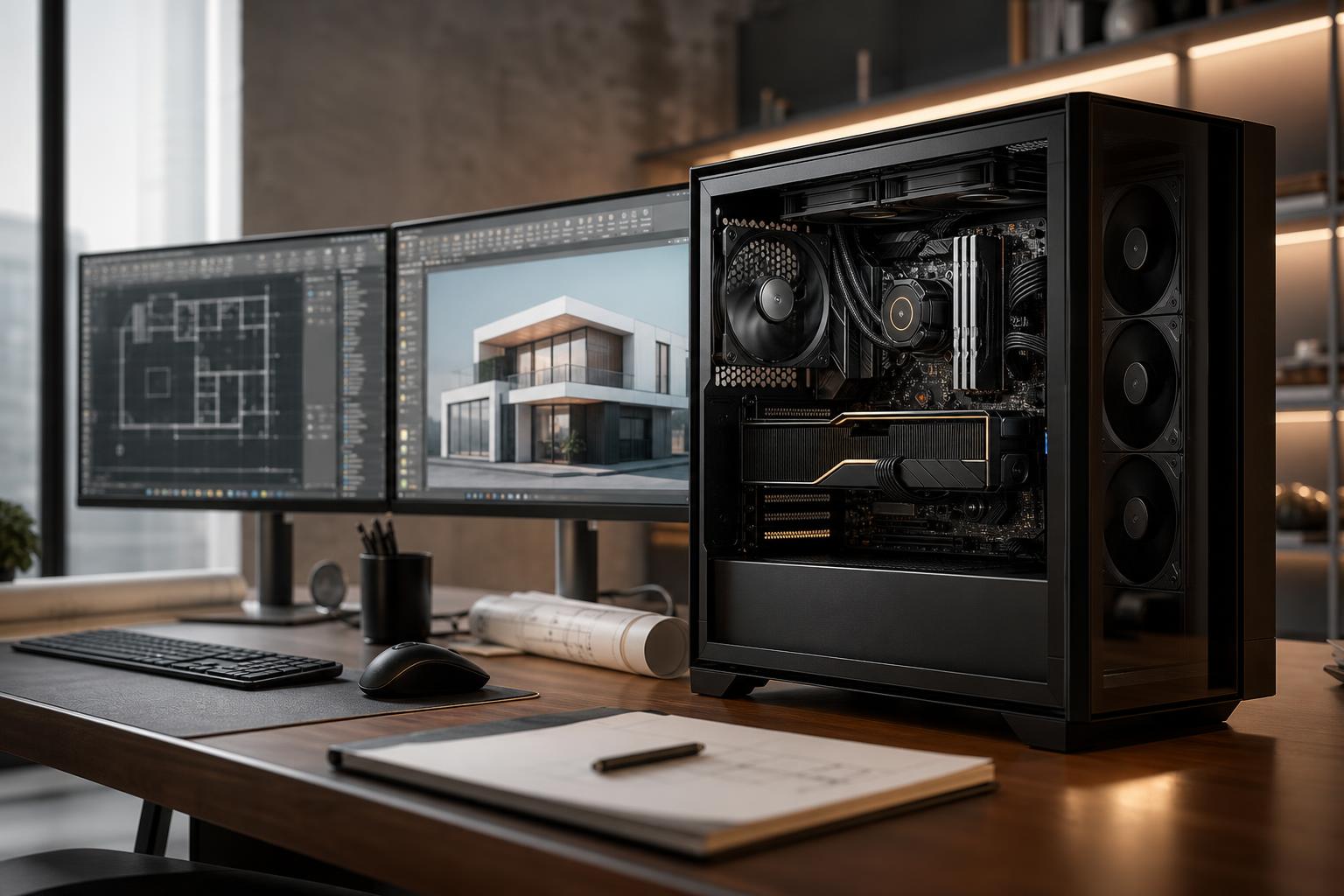
The best PC for AutoCAD is usually a balanced workstation with a fast CPU, enough RAM for the size of your drawings and reference files, responsive NVMe storage, and a graphics card matched to your 3D workload. For many 2D-focused users, an expensive graphics card adds little value. For 3D modeling, visualization, and large projects, however, GPU capability and video memory become much more important.
That distinction is where many workstation purchases go wrong. A computer can look impressive on paper yet feel no faster in the tasks you do all day. Start with the kind of AutoCAD work you actually perform, then spend where it will improve opening files, navigating models, plotting sheets, rendering views, or running the other applications in your workflow.
AutoCAD covers a wide range of work. A designer producing 2D construction documents has different needs than someone building detailed 3D models, working with point clouds, or moving files between AutoCAD and rendering or BIM software.
For standard 2D drawings, a modern CPU with strong per-core speed, 32GB of memory, and a fast SSD will make the biggest difference. AutoCAD often benefits more from quick individual CPU cores than from a huge number of cores, especially in everyday drawing, editing, and interface tasks.
A modest dedicated graphics card can still be worthwhile for multiple high-resolution monitors and smooth viewport handling, but a high-end GPU is rarely the best use of the budget for straightforward 2D work.
3D work raises the hardware requirement. Viewport navigation, visual styles, shadows, and larger model data place more demand on the GPU and system memory. A stronger graphics card with adequate VRAM helps keep models responsive, particularly when using high-resolution displays or complex external references.
CPU speed remains important. Do not assume a processor with the highest core count is automatically best for AutoCAD. Extra cores can help with rendering, simulation, batch processing, and other software running alongside AutoCAD, but they do not replace fast single-thread performance.
Many AutoCAD users do not use AutoCAD alone. They may also run Revit, Civil 3D, Inventor, 3ds Max, SketchUp, Adobe applications, GIS tools, reality-capture software, or a rendering engine. In that case, buy for the full workflow rather than one application’s basic requirements.
A workstation used for CAD during the day and GPU rendering, video production, or point-cloud work afterward needs more memory, more storage, and a more capable graphics card than a dedicated 2D drafting machine.
These are practical starting points, not rigid rules. The right configuration should account for drawing size, the number of open applications, monitor resolution, and the files exchanged with your clients or team.
This is the sensible target for most 2D users. It provides comfortable room for AutoCAD, PDF markups, browser tabs, email, spreadsheets, and project files without paying for rendering hardware that will sit largely idle.
This tier suits users working with substantial 3D models, multiple Autodesk products, visualization tools, or large linked files. It also leaves more breathing room for a workstation to remain useful as projects grow.
This is not the default recommendation simply because it costs more. It makes sense when large data sets, GPU-accelerated work, rendering, frequent multitasking, or expensive employee time justifies the extra capability.
For general AutoCAD performance, prioritize strong single-core speed and a current processor architecture. Many daily CAD operations do not spread neatly across a large number of CPU cores. A fast processor makes the workstation feel more immediate when selecting objects, regenerating drawings, editing geometry, and moving through normal workflows.
More cores still have a place. Choose them when your work includes CPU rendering, simulation, exporting, compiling, or several demanding programs at once. The best CPU for a dedicated 2D AutoCAD machine may not be the best choice for an architect who also renders scenes or an engineer processing large data sets.
Not always. A consumer graphics card can be an excellent value for many AutoCAD users, particularly in 2D and moderate 3D work. Professional GPUs can make sense when a specific application, driver feature, support policy, or validated hardware environment calls for them.
The key is to check the guidance for the exact software versions and tools your team uses. If your workflow relies on software that lists or recommends particular professional GPUs, that is a meaningful buying factor. If you primarily draft in 2D and review simple models, buying a costly professional card “just in case” may not improve your experience.
For any GPU, VRAM matters once models, textures, display resolution, or visualization demands rise. If the card runs out of VRAM, viewport performance can become inconsistent even when the GPU itself is powerful.
16GB of RAM can run AutoCAD, but it is a tight fit for a professional workstation. Windows, AutoCAD, a browser, PDFs, communication tools, cloud-sync utilities, and other everyday applications all use memory. Once the system runs short, it starts leaning heavily on the SSD as temporary memory, which is much slower.
For most new AutoCAD PCs, 32GB is the practical minimum. Choose 64GB when you work with large drawings, multiple Autodesk applications, substantial reference files, 3D models, or memory-hungry companion programs. Move to 128GB when your actual workload demonstrates the need, such as large point clouds, heavy rendering scenes, or extensive concurrent applications.
A fast NVMe SSD improves boot times, application launches, file opening, save operations, and general responsiveness. It is one of the least glamorous parts of a workstation and one of the easiest to appreciate after a few weeks of real work.
Capacity matters too. A nearly full drive can make file management miserable and complicate updates, caches, and local project storage. For a professional machine, 1TB is a reasonable floor; 2TB is often more comfortable. Keep active work on fast local storage, then use a properly managed backup, server, or cloud workflow for protection and long-term archives. An extra internal drive is helpful, but it is not a substitute for backup.
CAD workstations are often expected to stay on for long days and remain quiet enough for an office. That is why case airflow, CPU cooling, and power-supply quality deserve attention. A poorly cooled CPU can reduce its speed under extended work, while a low-quality power supply is a poor place to save a small amount of money on a valuable workstation.
Also consider the monitors as part of the workstation. Screen size, resolution, panel quality, and ergonomic placement affect drafting comfort every day. Two well-chosen displays may improve productivity more than stepping up one tier of graphics card for a 2D-focused user.
The right AutoCAD PC is not necessarily the most expensive one. It is the machine that stays responsive with your real drawings, supports the other tools your job requires, and has a sensible path for storage, memory, or graphics upgrades later.
Overclock Computers can help configure a custom workstation around your AutoCAD files, related applications, display setup, performance goals, and budget. Bring us the software you use and the type of projects you handle, and we can help translate that into hardware that makes practical sense.