Best Gaming PC Under $2,000: Where to Spend Your Budget

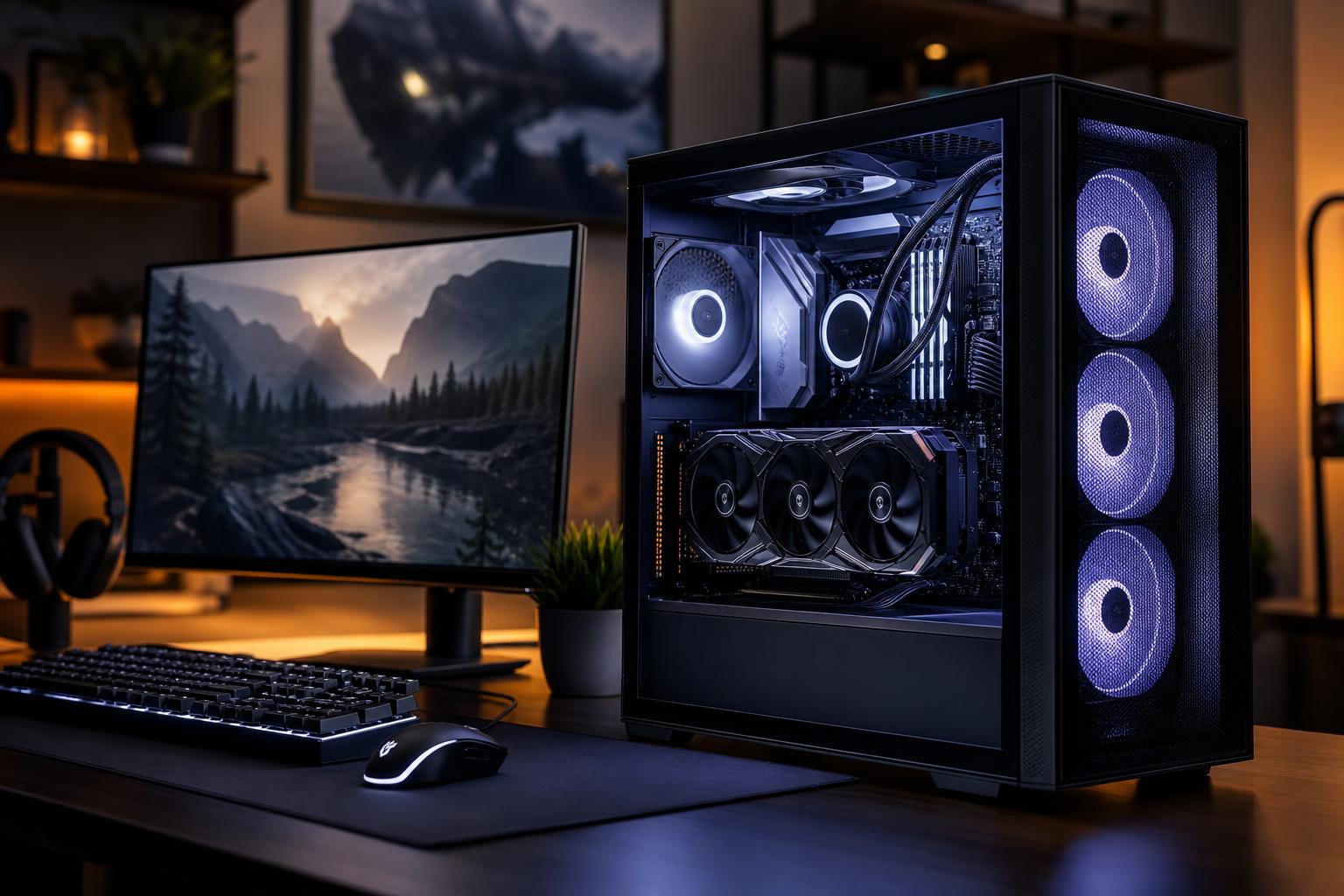
A well-configured gaming PC under $2,000 should be built around a strong graphics card, not a long list of luxury parts. For most buyers, this budget is the sweet spot for excellent 1440p gaming at high settings, high-refresh-rate play in many games, and capable 4K gaming with sensible settings and upscaling.
Assume the $2,000 budget is for the desktop tower alone. A monitor, keyboard, Windows license, taxes, and shipping can change the final number quickly. Component prices also move around, so the right answer is not one permanent parts list. It is a balanced allocation of the budget.
Our short recommendation: put roughly half of the system budget toward the GPU when possible, pair it with a current mid-to-upper-tier gaming CPU, 32GB of RAM, a 2TB NVMe SSD, quality cooling, and a reputable power supply. Do not sacrifice the power supply, case airflow, or storage capacity just to squeeze in a slightly faster GPU.
This class of PC is best suited to a 1440p monitor with a 144Hz to 240Hz refresh rate. It should handle demanding single-player games well, while also having enough CPU headroom for strategy games, simulations, background applications, Discord, browser tabs, and light streaming.
At 4K, the GPU does most of the work. A system in this price range can provide a very good 4K experience, but it is not sensible to expect maximum settings, heavy ray tracing, and extremely high frame rates in every new game. Upscaling technologies are often part of a smart 4K setup, not a compromise to be embarrassed about.
If your priority is competitive esports at 1080p or 1440p, you can shift a little more of the budget toward a faster gaming CPU and a high-refresh monitor. If you mostly play cinematic games at 1440p or 4K, spend as much as practical on the GPU instead.
For most shoppers, this is the right target for a custom gaming PC under $2,000:
This is not a “cheap everywhere except the GPU” configuration. It is deliberately balanced. That matters because gaming performance is only part of owning a PC. A poorly ventilated case, bargain power supply, undersized SSD, or weak motherboard can make an expensive graphics card feel like a bad purchase over time.
For gaming at this budget, the graphics card is usually the single most important decision. It determines how comfortably the system handles higher resolutions, demanding visual settings, ray tracing, and future games.
Aim for the best GPU that still leaves room for 32GB of RAM, 2TB of storage, a decent CPU cooler, and a quality power supply. Buyers sometimes spend nearly the entire budget on the graphics card and then use an entry-level power supply and a cramped case. That is false economy.
For a new PC intended to last several years, 12GB should be viewed as the practical floor in this budget class. More VRAM can help with high-resolution textures, some ray-traced settings, heavily modded games, and 4K gaming. It does not automatically make one GPU faster than another, but insufficient VRAM can force texture settings down or cause uneven performance in certain games.
If two cards offer similar real-world performance and one has meaningfully more VRAM, the higher-capacity option is usually the more comfortable long-term choice. Do not, however, pay a large premium for VRAM while accepting a much slower GPU overall.
A fast current 6-core or 8-core CPU is enough for the great majority of gaming PCs under $2,000. You do not need a flagship processor simply because the budget allows it. At 1440p and especially at 4K, most graphically demanding games will be limited by the GPU first.
Spend more on the CPU when you play games that are unusually processor-heavy: large multiplayer titles, city builders, grand strategy games, flight simulators, racing simulations, or games with extensive mods and AI-driven activity. A faster CPU can also make sense for someone who regularly streams, records gameplay, compiles code, or edits video on the same PC.
For a primarily 4K gaming machine, it is usually wiser to choose a strong mainstream CPU and move the remaining funds into the graphics card.
For this budget, build with 32GB of RAM. Modern games, launchers, browsers, voice chat, recording tools, and background tasks can add up. 16GB still works for some gaming systems, but it is the wrong place to save money in a $2,000 tower.
Likewise, 2TB of fast NVMe storage is the practical starting point. Modern games are large, and a 1TB drive can become crowded sooner than people expect. You do not need to chase the highest benchmark storage speed for a gaming-focused PC. Capacity, reliable performance, and room to add another drive later matter more than a tiny difference in loading times.
A good gaming PC is not the same thing as a PC with the most expensive version of every part. These upgrades often provide limited gaming value at this budget:
These parts rarely lead a performance chart, but they determine how well the whole system lives together. A properly sized, high-quality power supply provides stable power and the correct modern GPU connectors. It also gives you a safer foundation for a future graphics card upgrade.
Good airflow keeps the GPU and CPU from running hotter than necessary, which helps maintain performance during long gaming sessions and reduces fan noise. Look for a case with a ventilated front panel, adequate space for the selected GPU and cooler, sensible cable routing, and room for additional storage or fans.
Overclock Computers treats these as performance components, not afterthoughts. A clean, serviceable build with sensible thermals is more enjoyable to own than a specification sheet that cut corners behind the side panel.
If you have a standard 1080p monitor and play lighter esports titles, a lower budget can make more sense. You can still build a very enjoyable gaming PC without paying for 4K-capable graphics hardware that your display cannot fully use.
Move above $2,000 if you want consistently high 4K settings, demanding ray tracing, very high frame rates, or the strongest possible margin for future games. At that point, the additional budget should still go mainly to the GPU, with enough power delivery and cooling to support it.
If the same machine will handle professional video editing, 3D rendering, local AI work, engineering software, or large datasets, the answer changes. More RAM, more storage, additional CPU cores, and higher VRAM capacity can become productive investments. Buy those upgrades because your applications need them, not because “more” sounds safer.
The best gaming PC under $2,000 is a GPU-first, 32GB, 2TB system built with quality supporting parts. It should be excellent at 1440p, capable at 4K, and free from the common shortcuts that make a premium-looking PC harder to live with later.
Before choosing parts, decide what you will play, what monitor you have or plan to buy, whether you care about ray tracing, and how long you expect to keep the system. Overclock Computers can design and build a balanced PC around those goals, your preferred games, budget, appearance, and future upgrade plans.