
CPU vs. GPU for Gaming: Which Matters More When Buying a PC?

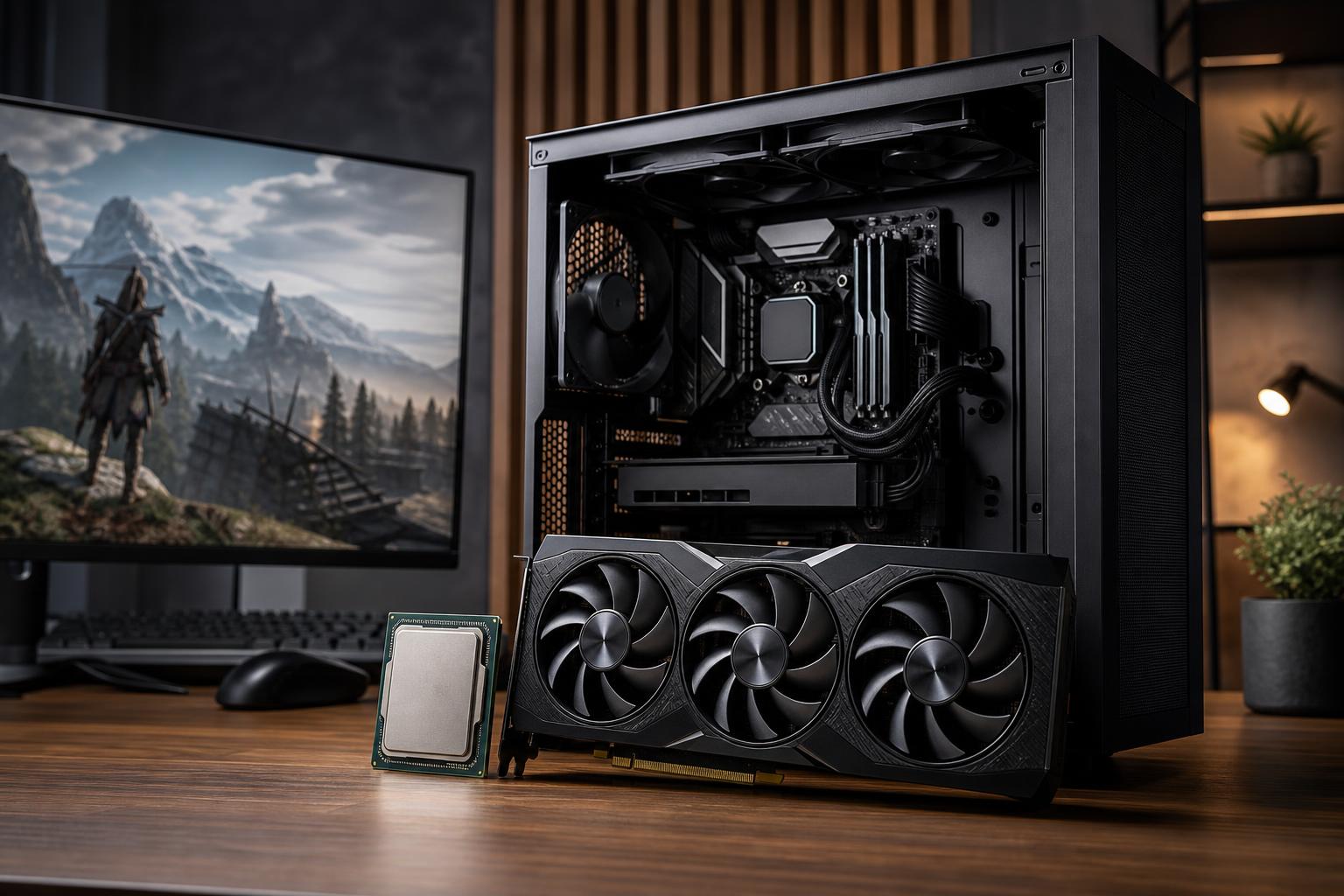
If you’re choosing a gaming PC, the graphics card should usually receive the largest share of the budget. It does most of the work of drawing the image on your screen, especially at 1440p and 4K. A stronger GPU generally means higher visual settings, smoother frame rates, and a more capable system for demanding new games.
That doesn’t mean the CPU is an afterthought. The processor prepares game data, handles simulation, runs background tasks, and feeds work to the graphics card. An underpowered CPU can hold back even an excellent GPU, particularly in esports titles, strategy games, large open-world games, and flight or driving simulators.
The practical answer is simple: buy the best GPU that fits your target resolution and frame-rate goal, then pair it with a modern CPU that will not become the obvious bottleneck. The details below explain what that balance looks like for different types of players.
The GPU, or graphics processing unit, renders the frames you see. It handles effects such as lighting, shadows, textures, ray tracing, anti-aliasing, and image upscaling. When a game is graphically demanding, the GPU is usually the component working hardest.
At higher resolutions, the GPU’s job grows quickly. A 4K display has four times as many pixels as a 1080p display. That is why a system that feels extremely fast at 1080p may need a far more powerful graphics card to deliver similar performance at 4K.
For most single-player games, upgrading the GPU provides the most visible improvement when you want:
If your GPU is running close to full utilization while gaming and your frame rate is below your target, the graphics card is likely the limit. This is common, and it is not a bad thing. A well-balanced PC often makes full use of its GPU during a demanding game.
The CPU, or central processing unit, handles the instructions that make a game run. It processes player input, game logic, physics, AI behavior, world streaming, draw-call preparation, networking, and many operating-system tasks happening in the background.
Modern games use multiple CPU cores, but they do not all use them equally. Several fast cores are often more valuable for gaming than a very high core count with lower per-core performance. Extra cores become more useful when you also stream, record gameplay, compile code, render video, or keep demanding productivity software open while gaming.
A CPU limitation often appears differently than a GPU limitation. You may see average frame rates that look acceptable, but inconsistent frame times, sharp dips in busy areas, or an inability to reach the refresh rate of your monitor. Lowering graphics settings may not improve performance much, because the CPU—not the GPU—is setting the ceiling.
At 1080p, especially with a 144Hz, 240Hz, or faster monitor, the GPU can finish rendering frames quickly. The CPU must then prepare more frames each second. This makes processor performance especially important for competitive games and titles built around high frame rates.
For a 1080p high-refresh gaming PC, avoid pairing an entry-level CPU with a high-end graphics card. You may still get good results in cinematic games, but you can leave performance on the table in games such as competitive shooters, battle royale titles, large multiplayer games, racing sims, and CPU-heavy strategy games.
At 1440p, the GPU normally becomes the primary performance limit in modern games. This is why 1440p is a sensible target for many buyers: image quality is noticeably sharper than 1080p, while the graphics card requirement is more manageable than 4K.
Put a meaningful portion of the budget toward the GPU, but still choose a capable current-generation gaming CPU. A solid midrange-to-high-performance CPU paired with a stronger GPU is usually a better 1440p experience than the reverse.
For 4K gaming, the graphics card is overwhelmingly important in most titles. Even powerful GPUs have a great deal of pixel data to process at this resolution. A premium CPU still makes sense if you play CPU-heavy games or want very high minimum frame rates, but it should not consume money that would otherwise buy the GPU needed for your desired settings.
At 4K, a balanced build generally means a top-tier GPU paired with a modern, high-performing gaming CPU—not necessarily the most expensive processor with the largest number of cores.
Resolution is not the only factor. Some games lean heavily on one component.
Game engines vary, and patches can change performance over time. Still, these patterns are useful when deciding where an extra portion of the budget will do the most good.
Streaming is no longer an automatic reason to buy the most expensive CPU available. Modern graphics cards commonly include capable hardware video encoders, allowing a system to stream gameplay with relatively little CPU overhead. For a gamer who streams occasionally or regularly, a strong GPU with a good hardware encoder is often the right foundation.
A more powerful CPU becomes worthwhile if you run multiple demanding applications while playing, use CPU-based encoding for a specific workflow, edit video frequently, or work in software that scales well across many cores. In those cases, it makes sense to move from a gaming-focused CPU to one with additional cores, provided the GPU budget remains appropriate for your monitor.
A bottleneck is simply the component limiting performance at a given moment. Every computer has one. The goal is not to eliminate bottlenecks; that is impossible. The goal is to avoid a major mismatch that makes an expensive component sit idle.
These pairings often deserve a second look:
Balance includes more than the CPU and GPU. A quality power supply, sufficient memory, a fast SSD, and an airflow-focused case help the system perform consistently rather than only looking good on a specification sheet.
Start with the monitor you own or plan to buy. Its resolution and refresh rate define the performance target far better than a vague desire for a “high-end” PC.
For most gaming PC buyers, the GPU matters more than the CPU. That becomes increasingly true as you move from 1080p to 1440p and 4K. But a gaming PC is not a one-number contest. The best system pairs the graphics card with a CPU that can sustain the frame rates you want in the games you play, then supports both with proper cooling, power, memory, and storage.
If you are unsure where your budget should go, Overclock Computers can help design a custom gaming PC around your monitor, favorite games, streaming plans, performance goals, and budget. The right answer is rarely just the most expensive part; it is the system that is balanced for the way you will actually use it.






