Best PC for Video Editing: Workstation Specs That Make Sense
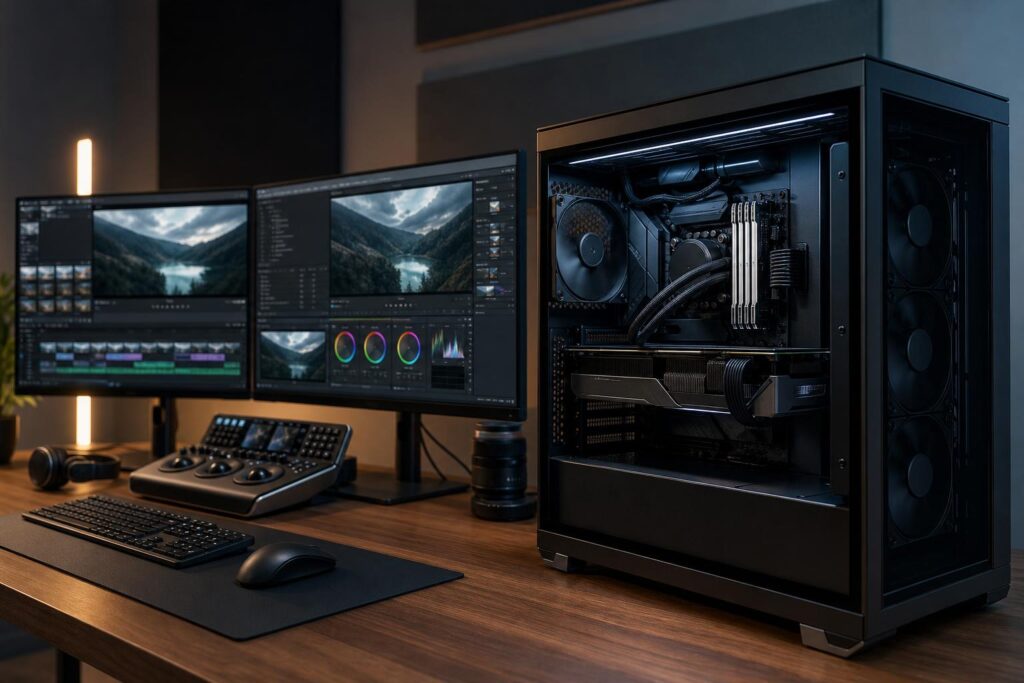
A practical guide to choosing a video editing PC, including sensible CPU, GPU, RAM, storage, cooling, and expansion recommendations for 4K, multicam, and professional workflows.

A practical guide to choosing a video editing PC, including sensible CPU, GPU, RAM, storage, cooling, and expansion recommendations for 4K, multicam, and professional workflows.
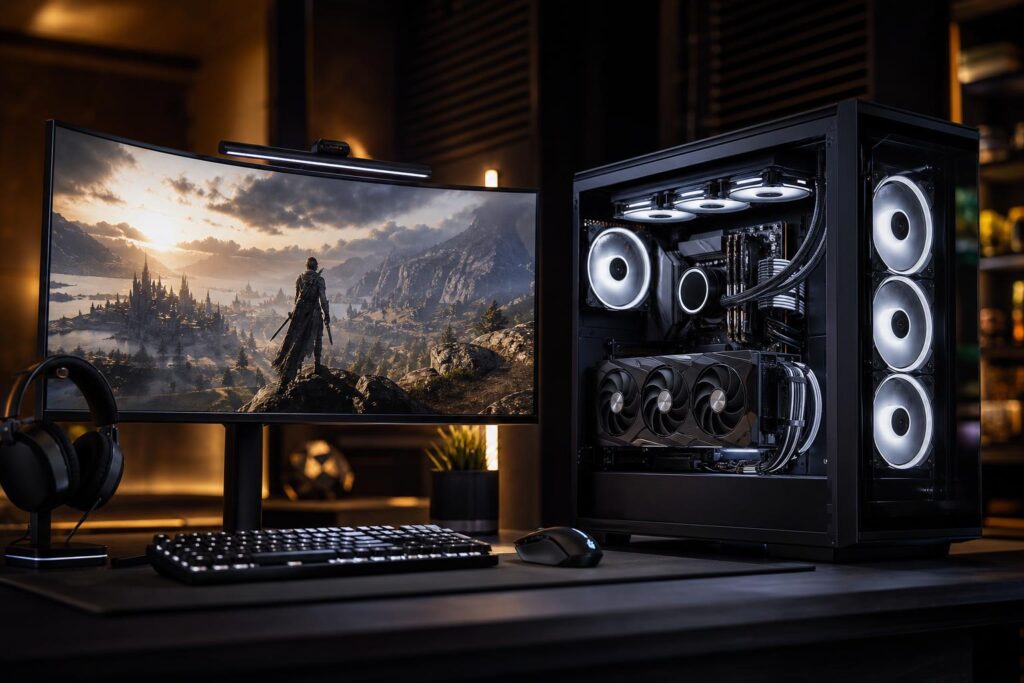
A practical guide to choosing a balanced $3,000 gaming PC, including the GPU, CPU, memory, cooling, storage, and build quality that should be part of the package.

A practical guide to choosing an Unreal Engine 5 PC for game development, architectural visualization, virtual production, and real-time 3D work.

A practical gaming PC buying guide covering the common mistakes that lead to disappointing performance, poor upgrade options, excessive noise, and wasted budget.

A well-chosen gaming PC can remain enjoyable for years, but its useful life depends on your monitor, games, settings, and upgrade path. Learn what wears out, what becomes outdated, and how to buy wisely.

A $2,000 gaming PC can deliver excellent 1440p performance and credible 4K gaming. Here is where the budget should go, which upgrades matter, and what you can skip.

Learn which CPU, GPU, RAM, storage, cooling, and network features matter most when choosing a gaming PC for streaming.
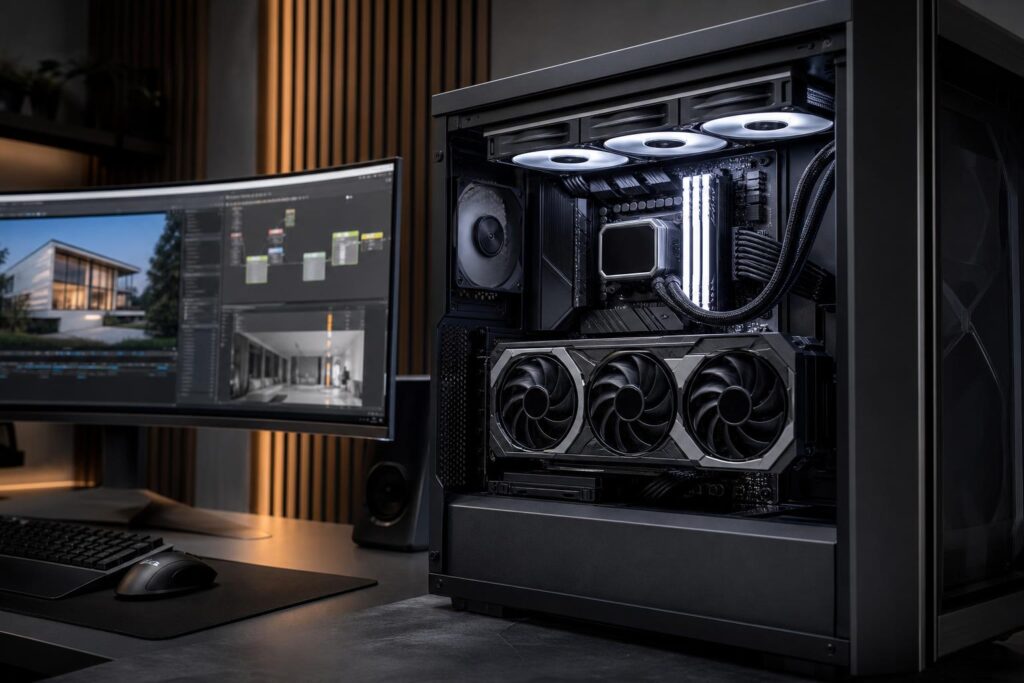
VRAM affects texture quality, resolution, rendering, video work, and local AI tasks. Learn how much graphics card memory makes sense for gaming, creative work, CAD, and more.
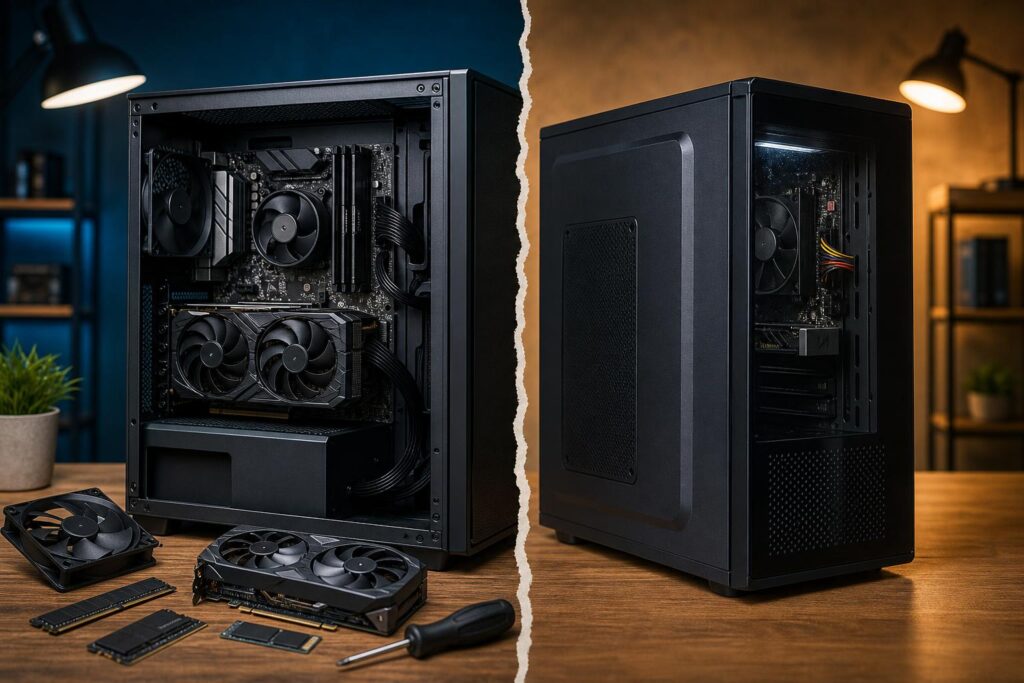
A practical look at the real differences between custom-built and mass-market prebuilt PCs, including component quality, cooling, upgradeability, support, and when each option makes sense.
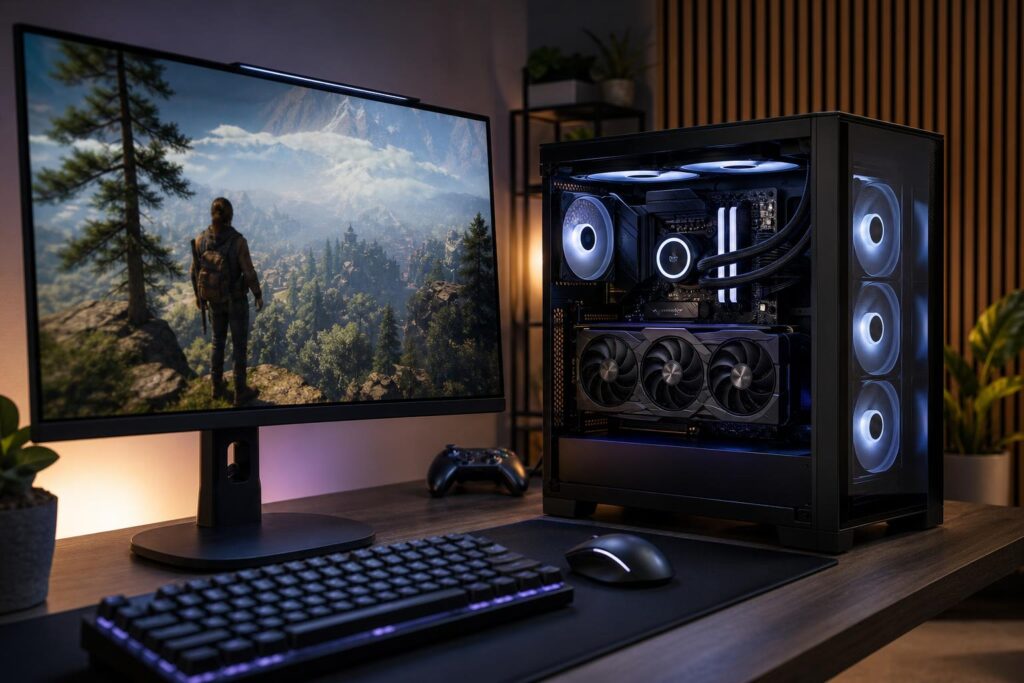
Your monitor’s resolution and refresh rate should guide your gaming PC budget. Learn what CPU, GPU, RAM, and cooling make sense for 1080p, 1440p, 4K, ultrawide, and high-refresh-rate gaming.