
What a $3,000 Gaming PC Should Actually Include

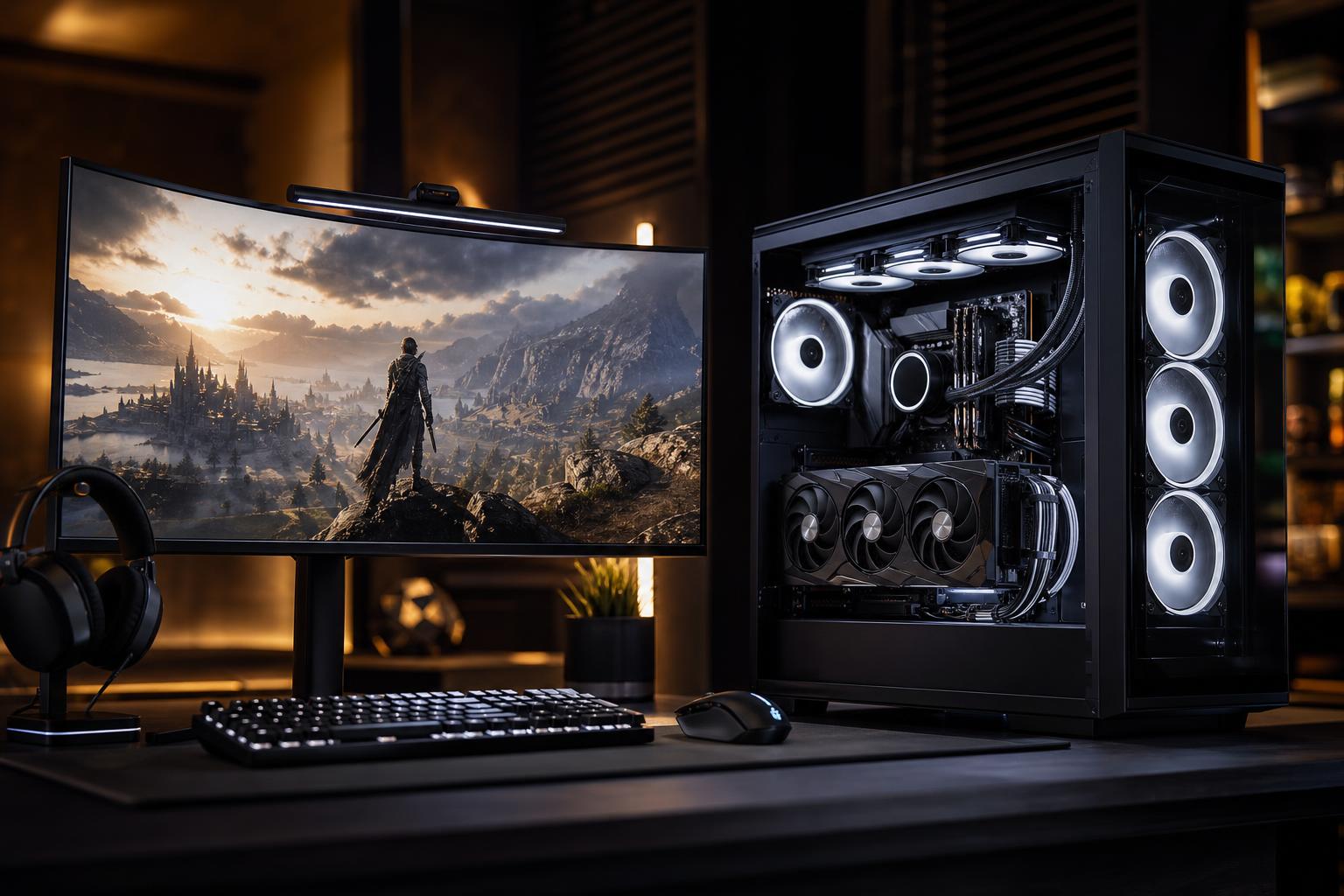
A $3,000 gaming PC is a serious investment. At this budget, you should expect excellent 1440p performance, genuinely capable 4K gaming, quiet operation, quality components, and enough headroom to enjoy new games for years. You should not expect every part to be the most expensive option available, and you definitely should not accept a weak graphics card hidden behind RGB lighting and impressive-looking marketing.
The best $3,000 gaming PC is not simply the one with the longest specification list. It is the one that puts the most money into the parts that affect your experience, then supports them with sensible cooling, power delivery, storage, and a case that will not turn a premium computer into a noisy space heater.
When comparing a $3,000 gaming computer, check whether that number includes sales tax, shipping, a monitor, Windows, peripherals, or an extended service plan. Those details can change the actual hardware budget dramatically.
For this guide, assume the budget is for the tower itself, including a current operating system license and professional assembly. If your $3,000 must also cover a 4K monitor, keyboard, mouse, and headset, the PC itself should be configured closer to the $2,000 to $2,400 range.
Also remember that component pricing moves around. A configuration that makes perfect sense one month may need a small adjustment the next if graphics card availability changes. The priority order should remain stable: graphics performance first, then a gaming-focused CPU platform, followed by the supporting parts that make the system reliable and pleasant to use.
For a $3,000 gaming PC, the graphics card should usually receive about 40 to 50 percent of the tower budget. That sounds like a lot, but it is the right place to spend it. At 1440p and especially at 4K, the GPU has the greatest effect on frame rate, image settings, ray tracing performance, and how long the system stays satisfying as games become more demanding.
Look for a high-end current-generation GPU with enough video memory for the games and display you plan to use. NVIDIA GeForce RTX and AMD Radeon cards can both make sense, but they have different strengths:
At this price, a builder should be able to explain exactly why a particular GPU belongs in the system. If a listing spends heavily on a top-tier processor, oversized memory kit, or elaborate lighting while using a midrange graphics card, it is not a balanced high-end gaming PC.
A $3,000 system should be exceptional at 1440p. It should handle demanding modern games at high or ultra settings with high frame rates, while leaving room for ray tracing, high-quality upscaling, streaming, and background applications. This is a particularly good match for a 165Hz, 180Hz, or 240Hz 1440p display.
For many buyers, this is the sweet spot. The image is sharp, the frame rates are high, and the GPU is not being asked to push the roughly 8.3 million pixels of native 4K on every frame.
A well-configured $3,000 gaming PC can be an excellent 4K machine. In many games, it will deliver smooth performance at high settings. In the newest and most demanding titles, though, native 4K with every ray-tracing option enabled remains a punishing workload for any single GPU.
That is not a failure of the PC. Modern upscaling technologies are designed for this exact situation. Using a quality mode of DLSS, FSR, or another supported upscaler is often difficult to distinguish from native resolution while giving the GPU more room to maintain smooth performance. Smart settings are not “settling”; they are how experienced PC gamers get the best visual result.
At this budget, pair the GPU with a modern upper-midrange or high-end gaming CPU. A processor with strong per-core performance and a sensible core count is generally more valuable for gaming than a workstation-class CPU with a huge number of cores.
For a gaming-first build, an AMD Ryzen X3D-class processor is often a compelling option when available at a sensible price. Its additional cache can improve performance in many CPU-limited games, especially at 1080p or 1440p high refresh rates. Current Intel Core processors can also be a good fit, particularly for buyers who mix gaming with heavily threaded work or have software that benefits from Intel’s platform features.
The important point is balance. At 4K, the graphics card usually limits performance first. Spending several hundred extra dollars for a slightly faster CPU while stepping down the GPU is usually the wrong trade. Put the money where the frame rate comes from.
32GB of DDR5 memory is the sensible baseline for a premium gaming PC. It gives current games, browsers, voice chat, launchers, and background applications room to coexist without forcing the system to rely on the SSD as temporary memory.
Choose 64GB if you regularly run demanding mods, host game servers, edit video, use virtual machines, or want the same PC to handle serious creative work. For gaming alone, 64GB is nice but usually does not raise frame rates enough to justify cutting into the GPU budget.
For storage, start with a 2TB NVMe SSD. Modern games are large, and a 1TB drive can become crowded surprisingly fast after installing a few major titles, Windows, and applications. A quality PCIe Gen 4 NVMe drive is already very fast in real use. A more expensive Gen 5 drive is worth considering only when its price is close or when the PC also has a storage-heavy professional role.
Premium performance should not mean constant fan noise. A $3,000 gaming PC deserves a capable CPU cooler, a case with clear airflow paths, and enough quality fans to move heat out without running everything at maximum speed.
Air cooling can be a great choice for many gaming CPUs. A properly selected tower cooler is reliable, quiet, and easy to maintain. A 240mm or 360mm liquid cooler may make sense for hotter CPUs, for specific case layouts, or when a buyer wants a particular clean appearance. It should solve a real thermal or noise goal, not just add cost.
The power supply matters just as much. Look for a high-quality unit from a reputable platform, sized with comfortable overhead for the selected GPU and CPU. For a high-end build, an 80 Plus Gold unit is a sensible starting point, but the exact model, protections, warranty, cabling, and connector support matter more than the efficiency badge alone. A cheap power supply is a strange place to save money in a computer full of expensive hardware.
There is nothing wrong with a clean white build, tasteful RGB, glass panels, or custom cables. A PC you enjoy looking at is more likely to feel worth owning. But cosmetics should come after performance and reliability.
Be cautious when a configuration includes several of these compromises:
Before buying, ask the seller or builder to confirm the actual part models and the reasoning behind the configuration. A strong system should generally include:
A good $3,000 gaming PC should feel fast, quiet, and deliberate. It should not be a pile of premium-sounding parts selected without considering how they work together. At Overclock Computers, we build gaming systems around the monitor, games, performance target, and non-gaming tasks you actually have in mind. If you are planning a premium gaming PC, contact us with your budget and display details, and we can help configure a machine that puts every dollar to useful work.






