How Much Should You Spend on a Gaming PC in 2026?

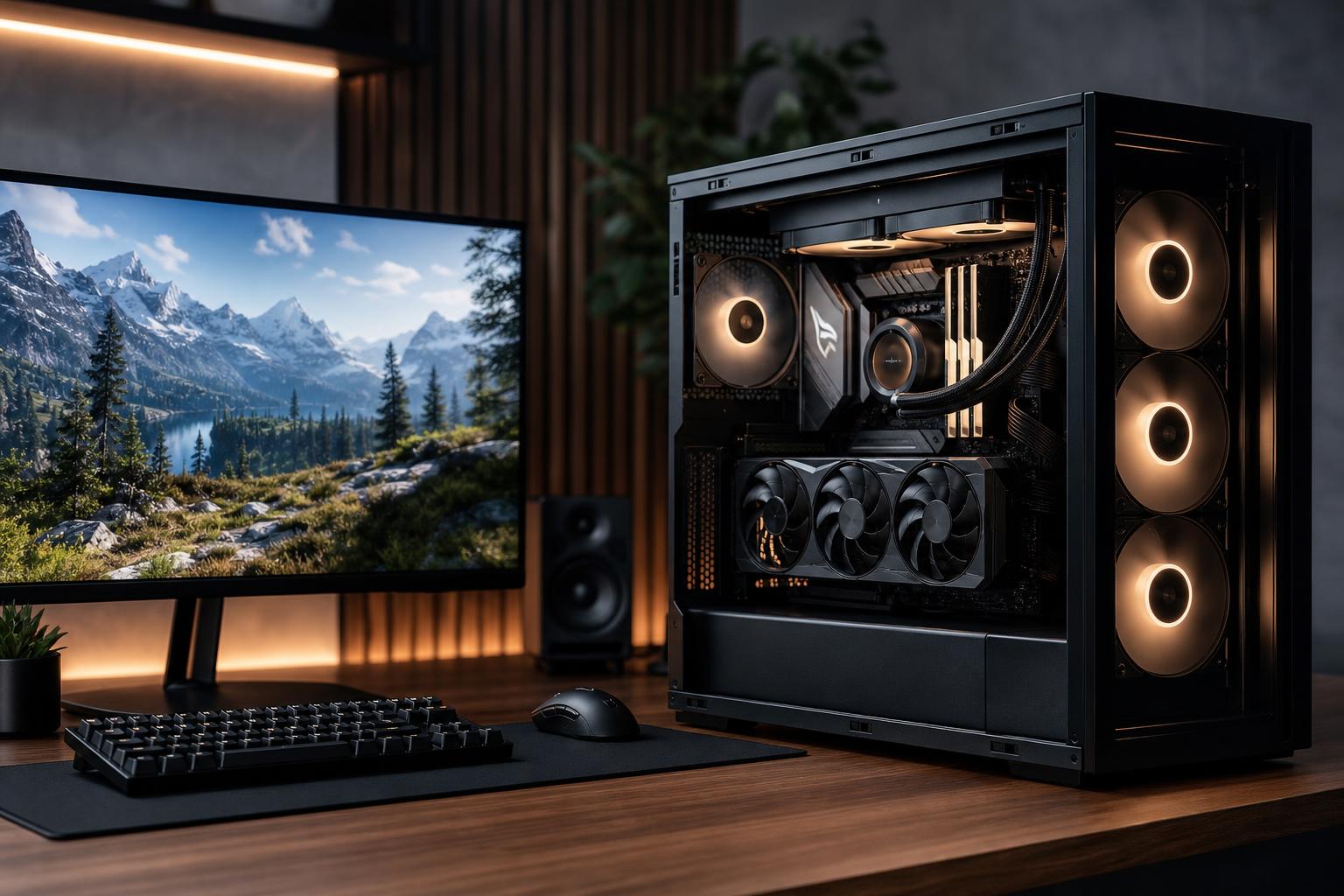
The right gaming PC budget is not the largest number you can put on a credit card. It is the amount required to run your games well on your monitor, with enough room for the features and lifespan you expect.
For most buyers, the graphics card should receive the largest share of the budget. But a good gaming PC is more than a fast GPU attached to the cheapest possible supporting parts. The CPU, memory, storage, power supply, cooling, case airflow, and monitor all affect how satisfying the computer is to use and how easily it can be upgraded later.
A sensible starting point in 2026 is to think in broad tiers: around $1,000 to $1,500 for capable mainstream 1080p and entry-level 1440p gaming, roughly $1,500 to $2,500 for a strong 1440p system, and $2,500 or more when you are targeting demanding 4K gaming, very high refresh rates, premium features, or a PC that also does serious creative work. Actual component pricing moves around, so treat these as planning ranges rather than fixed rules.
Your display sets the performance target. A graphics card that is excellent for a 1080p 144 Hz monitor may be disappointing on a 4K display. Conversely, buying a costly 4K-focused GPU for a 1080p 60 Hz monitor is usually money that will not improve what you see.
Also consider the games you actually play. Competitive shooters, racing simulators, large open-world games, heavily modded games, flight simulators, and new visually intensive releases do not stress a PC in the same way. Do not size a system around one lightweight game if your real goal is to play demanding titles for the next several years.
This range should buy a balanced, current-platform gaming PC rather than a pile of headline specifications. Prioritize a capable midrange graphics card, a modern six- or eight-core CPU, 32GB of RAM, and a 1TB NVMe SSD. The exact GPU and CPU models will change as new generations arrive, but the balance should not.
This tier makes sense for a 1080p high-refresh monitor and can be a solid entry into 1440p gaming with reasonable settings expectations. It is also enough for everyday school or office work, streaming with modern GPU encoding, and light content creation.
The tradeoff is headroom. You may need to reduce a few settings in the most demanding new games, and it is not the place to expect native 4K performance. That is not a flaw. It is simply honest hardware matching.
This is where many people should spend if they want a premium-feeling custom gaming PC without paying for performance they cannot use. A well-configured system in this range can pair a strong upper-midrange or high-end GPU with a CPU that keeps frame rates consistent, particularly in CPU-heavy games.
For a 1440p 144 Hz or 165 Hz monitor, this budget can deliver excellent image quality and high frame rates in a broad range of games. It also gives the builder room to use parts that improve ownership over time: a larger SSD, a better power supply, a case with proper airflow, a quieter cooler, and a motherboard with useful expansion and connectivity.
Buyers who stream, edit video occasionally, run mods, or keep a lot of games installed usually benefit from the upper half of this range. More storage and a better GPU are generally more useful than overspending on decorative accessories or an unnecessarily elaborate cooling setup.
A high-end gaming PC makes sense when you have a display and game library that can justify it. The clearest cases are 4K gaming, ultrawide high-resolution displays, high-refresh competitive gaming, VR, simulation titles, and systems that must handle both gaming and substantial production work.
At this level, the GPU remains the main investment. Pair it with a CPU that can sustain high frame rates, at least 32GB of RAM, ample fast storage, and a quality power supply with appropriate capacity and modern GPU power support. Strong airflow and cooling are not optional luxuries here; high-end parts generate enough heat that poor case design can create unnecessary noise and lower sustained performance.
Spending beyond this point can be worthwhile, but returns become narrower. A flagship GPU makes the most sense for someone with a 4K high-refresh display, a demanding simulation setup, or a workload that benefits from the same GPU outside games. On a 1440p 144 Hz monitor, much of that extra horsepower may sit unused in many titles.
For a gaming-focused system, a useful rule is to allocate the largest portion of the tower budget to the graphics card. The rest of the build should support it properly.
There are a few common ways buyers accidentally turn a good budget into a lopsided PC.
If you are building a complete gaming station, the PC tower is only part of the expense. A better monitor can have a larger everyday impact than moving from one already-fast CPU tier to another. Budget for the display, keyboard, mouse, headset or speakers, operating system, and possibly a surge protector or UPS.
For someone upgrading from an older monitor, it can be smarter to buy a slightly less expensive PC and a display that matches it well. A balanced 1440p system plus a good 1440p high-refresh monitor is often more enjoyable than an expensive graphics card feeding an old 1080p panel.
A thoughtfully configured custom PC is especially valuable when you have a specific goal: quiet gaming in a living room, high-refresh competitive play, 4K on a large OLED display, streaming, a sim-racing setup, or gaming combined with professional applications. Those use cases benefit from careful choices that generic configurations often overlook.
Overclock Computers can help translate your monitor, favorite games, applications, noise preferences, upgrade plans, and budget into a balanced system. The goal is not to sell you the most expensive parts; it is to build the PC that delivers the experience you are paying for.