
Best Gaming PC Specs for 1440p Gaming in 2026

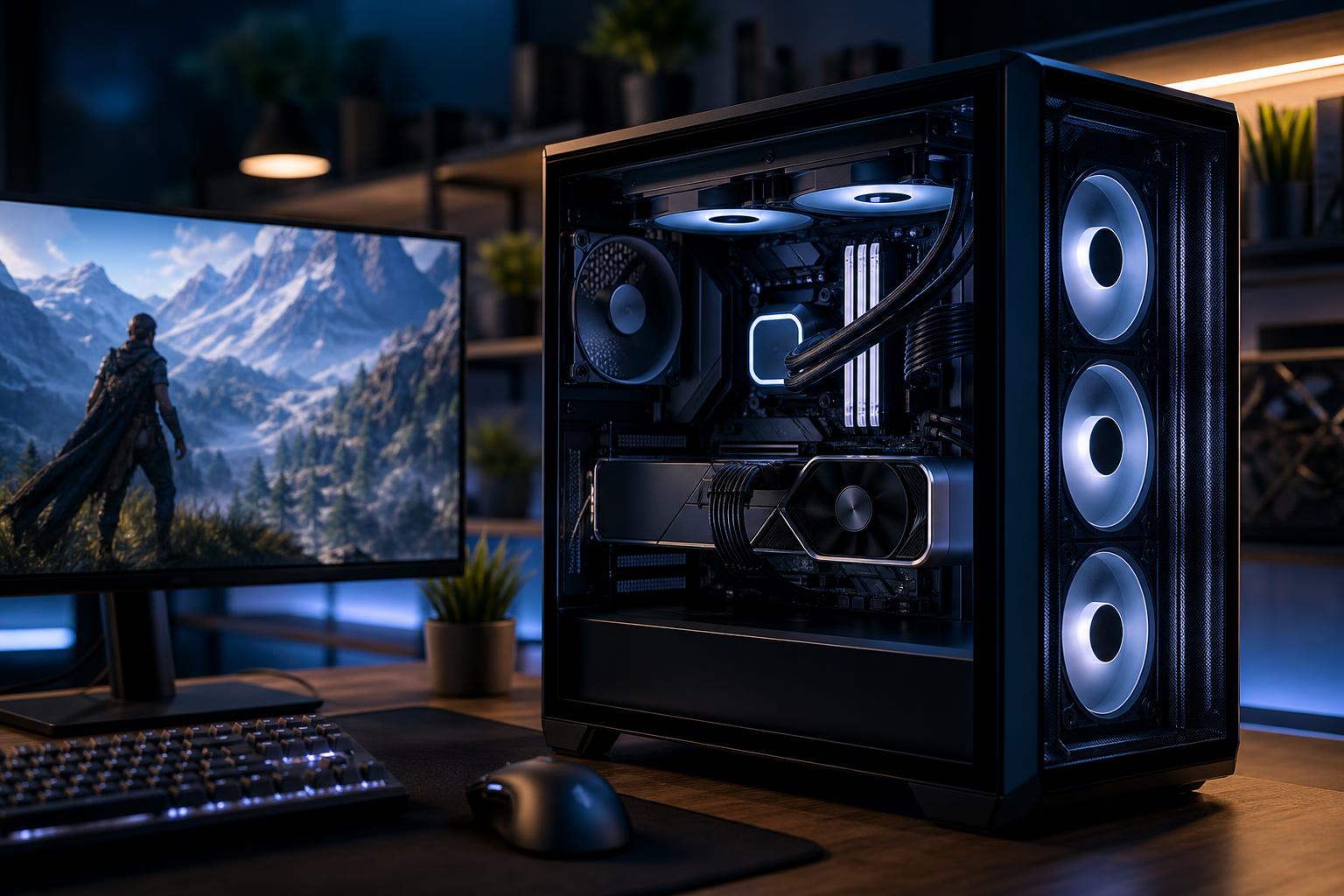
For many PC gamers, 1440p is the sweet spot. It looks noticeably sharper than 1080p, runs well on sensibly priced monitors, and does not demand the same graphics horsepower as 4K. A properly configured 1440p gaming PC can deliver excellent image quality and high frame rates without turning every component choice into a luxury purchase.
The catch is that “1440p gaming” covers a wide range of expectations. Playing a cinematic single-player game at 80 to 100 frames per second is very different from trying to hold 240 FPS in competitive shooters. The best gaming PC for 1440p is not one fixed parts list. It is a balanced system built around your monitor’s refresh rate, the games you play, and the settings you are willing to use.
A standard 2560 × 1440 monitor has about 78 percent more pixels than 1080p. That puts substantially more work on the graphics card. It also means the GPU should receive the largest share of a 1440p gaming PC budget.
Before comparing systems, identify which of these targets fits you:
Do not buy a system solely because its graphics card has an impressive name. Look for a configuration designed to meet the performance level your display can show. Paying heavily for 240-plus FPS makes little sense with a 144Hz monitor, just as pairing a modest GPU with a 240Hz display leaves much of that monitor unused.
At this resolution, the graphics card usually determines performance in modern games. This is where a buyer should spend carefully rather than broadly. A better GPU generally produces a more visible result than moving from an already-good processor to a much more expensive one, adding unnecessary memory capacity, or buying a premium motherboard full of features you will never use.
For a new 1440p gaming computer, we generally recommend starting with a current midrange-to-upper-midrange GPU rather than an entry-level card. That class is well suited to high settings in demanding new games and gives more room for future titles.
VRAM deserves attention as well. Modern games can use a surprising amount of graphics memory at 1440p when texture settings, ray tracing, high-resolution texture packs, and background applications are involved. More VRAM does not automatically make a GPU faster, but insufficient VRAM can force texture compromises and contribute to uneven performance. For a new system intended to last several years, avoid treating VRAM as an afterthought.
NVIDIA and AMD both make compelling gaming GPUs. NVIDIA is often attractive to buyers who place a high value on ray-tracing performance, broad support for its upscaling and frame-generation features, or specific creator tools. AMD can offer strong traditional rasterized performance and generous VRAM at certain price points. The right choice is the card that performs well in your actual games at a fair total system price, not the logo on the box.
At 1440p, games are more GPU-bound than they are at 1080p, but the CPU still matters. It feeds the graphics card, handles game simulation, and has a large effect on frame-time consistency. A system that averages a high frame rate but stutters during busy scenes is not a great gaming experience.
For a 60–100 FPS target, a current mainstream six- or eight-core gaming processor is usually plenty. For 144Hz and above, step up to a stronger modern gaming CPU, especially if you play multiplayer shooters, simulation games, large open-world games, or titles with heavy AI and physics workloads.
For 240Hz gaming, do not cut corners on the processor. High-refresh esports often becomes CPU-limited even when the GPU is powerful. A fast gaming-focused CPU, quality low-latency memory, and a motherboard that supports the needed features are more valuable here than decorative extras.
More cores are useful for streaming, recording, editing, and multitasking, but buying the highest core count available is not automatically the best gaming purchase. Game performance varies by engine, and a well-chosen gaming CPU often beats a workstation-oriented chip in the games people actually play.
A balanced custom-built gaming PC for 1440p should usually include the following:
Component pricing moves around, so it is more useful to think in tiers than chase a rigid number. In many periods, a competent 1440p system begins around the mid-$1,000 range, while a strong 144Hz-to-180Hz configuration often lands closer to the upper-$1,000s or low-$2,000s depending on the graphics card, storage, case, and cooling choices.
Once a system approaches the premium tier, spending more can be justified for a high-end GPU, a very fast CPU, quieter cooling, more storage, or a better-quality case and power supply. It is less justified when the budget is being consumed by RGB accessories, an oversized motherboard, or memory capacity that will sit unused.
A useful rule: allocate enough of the budget to the GPU to hit your target performance, then build a reliable supporting platform around it. A lopsided build with a flagship GPU and bargain-bin power supply is not premium. It is just expensive and poorly prioritized.
“Ultra” settings are not a moral obligation. In many games, the difference between ultra and high is difficult to spot during play, while the performance difference can be substantial. Shadow quality, volumetric effects, and ray-tracing settings are often the first areas worth tuning.
Modern upscaling technologies can also be a practical part of 1440p gaming. Quality-focused modes can improve frame rates while preserving a very good image, particularly in demanding single-player games. Frame generation can make motion feel smoother in supported titles, though it is not a substitute for a strong base frame rate and is generally less useful for serious competitive play.
The best gaming PC for 1440p puts most of the performance budget into a capable graphics card, pairs it with a CPU appropriate for the desired refresh rate, and uses dependable supporting components. That approach delivers the smooth, sharp experience people expect from 1440p without wasting money on specifications that look better in a product listing than they feel in a game.
If you are choosing between components or want a custom-built gaming PC configured for your monitor, favorite games, and budget, contact Overclock Computers. We can help design a system that makes sense from the graphics card to the power supply, with no mystery parts and no performance theater.






