Prebuilt vs. Custom PC: Which Is the Better Buy?

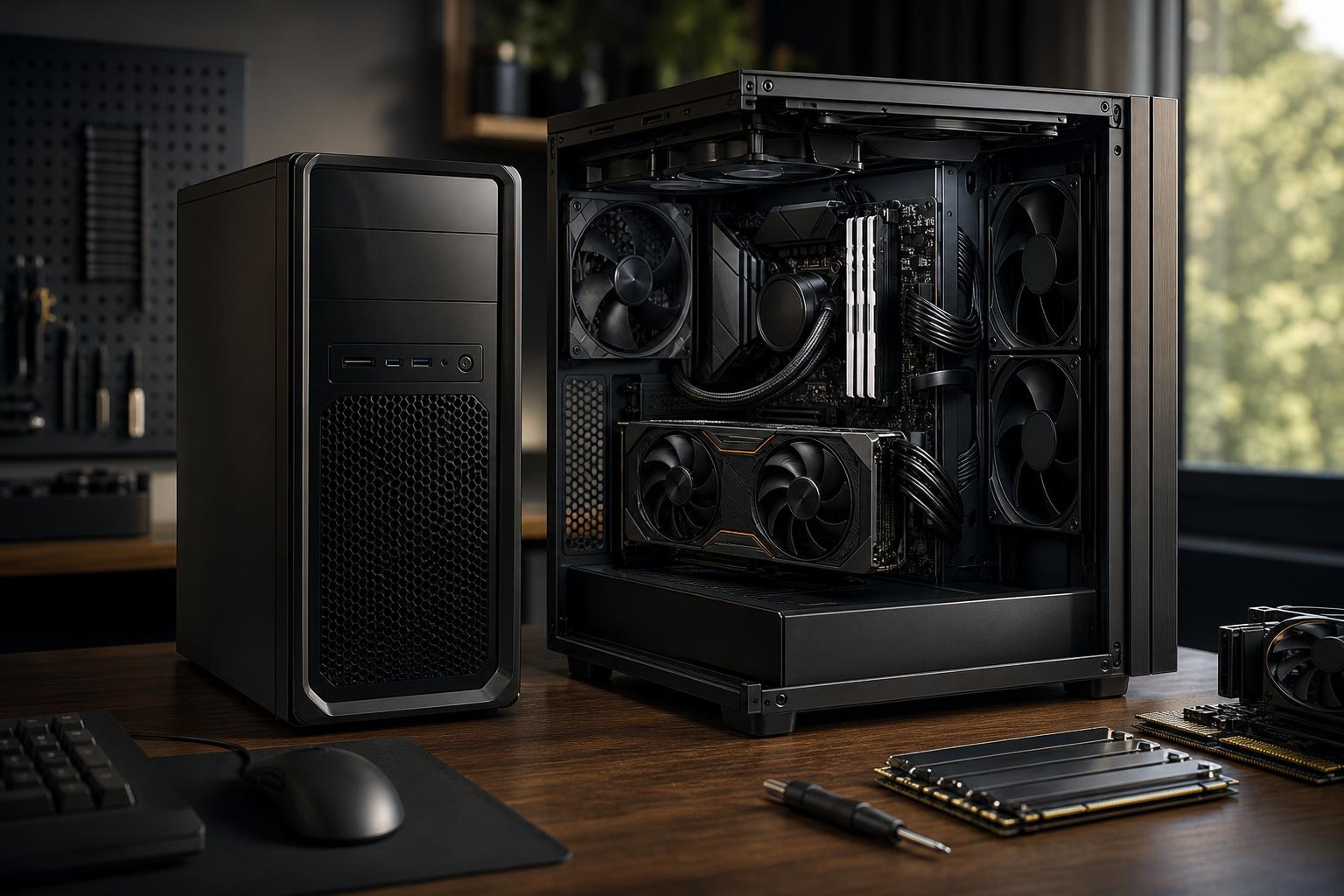
A prebuilt PC can be the right purchase, but not every prebuilt is a good computer. The meaningful difference is not simply “prebuilt versus custom.” It is whether the system was designed with balanced, standard, serviceable components—or assembled around a flashy CPU and graphics card while cutting corners everywhere else.
A thoughtfully configured custom PC usually offers better control over component quality, cooling, noise, upgradeability, and how the budget is divided. A good prebuilt can still be convenient and sensible, particularly if you need one quickly or prefer a single retail warranty. The key is knowing what is behind the headline specifications.
Here is how to decide which approach fits your needs and avoid paying premium money for compromises that only become obvious after the return period ends.
In the broadest sense, any fully assembled computer is a prebuilt. That includes mass-market desktops sold by major brands, systems from online gaming-PC retailers, and boutique custom systems built to order.
For buyers, it is more useful to separate them into three groups:
The last category is still assembled before it reaches you, but it is fundamentally different from grabbing a generic tower off a warehouse shelf. The builder has the opportunity to select compatible parts and make intelligent tradeoffs for the actual job the PC will do.
There is nothing inherently wrong with buying a prebuilt computer. For many people, it is the most practical route.
A complete-system warranty can simplify troubleshooting. Instead of determining whether a graphics card, motherboard, memory kit, or power supply is responsible for a problem, you contact the system seller. This is especially useful for businesses that do not have an in-house IT person or for buyers who simply do not want to troubleshoot hardware.
A ready-to-ship model is often the fastest way to get a capable desktop. This matters when an old machine has failed or a new employee needs a workstation immediately. Just inspect the full specification before treating speed as a reason to accept poor component choices.
Building a PC is manageable for a careful first-timer, but it takes time, research, tools, and patience. You also need to diagnose any issue that appears during the build process. Paying a competent builder to handle assembly, firmware setup, cable management, operating system installation, and testing is a reasonable use of money.
A product page may lead with “fast processor,” “powerful graphics,” and a large amount of memory. Those parts matter, but they are not the whole computer. Manufacturers need to hit a price point somewhere, and the less visible parts often take the hit.
The power supply does not raise frame rates, so it is easy for an aggressive low-cost system to use a minimal unit. A quality power supply provides stable power, appropriate capacity for the installed GPU, proper protections, and useful headroom for normal transient spikes and future upgrades.
A vague listing such as “700W power supply” does not tell you enough. The wattage alone is not a quality rating. For a high-performance gaming PC or workstation, buyers should want the power supply’s manufacturer and model stated clearly.
Modern CPUs and graphics cards can generate substantial heat under sustained gaming, rendering, compiling, or video-export workloads. A system can technically function with limited cooling, but it may run loud, reduce clock speeds under heat, or make components work harder than necessary.
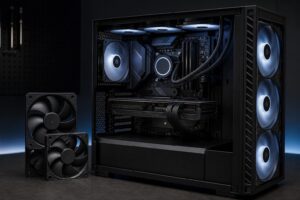
Look for a case with a sensible airflow path, adequate intake and exhaust fans, and a CPU cooler suited to the processor. A glass-front case with a single small fan may look tidy in a product photo. It is not a great foundation for a powerful PC.
The motherboard determines more than the number of USB ports. It affects memory support, storage expansion, networking, power delivery to the CPU, BIOS features, and upgrade options. Some large manufacturers use custom motherboard shapes, unusual front-panel connections, or power supplies that cannot be easily replaced with standard retail parts.
That design can be acceptable in a basic office PC. It is less appealing in an enthusiast system you expect to maintain and upgrade for years. Standard parts are easier to service, replace, and reuse.
Capacity is not the entire story. For example, a single memory stick can limit performance compared with a properly matched dual-channel kit. A large but slow hard drive may be a poor choice as the primary drive in a modern performance PC. And a small SSD can become frustratingly full once Windows, current games, project files, caches, and applications begin competing for space.
Good system configurations specify memory capacity and layout, as well as the type and capacity of each storage drive. If the listing is vague, assume the manufacturer reserved the right to use whichever parts are cheapest or most available.
A custom PC is not automatically superior just because it has individual parts listed. The real advantage is intentional component selection.
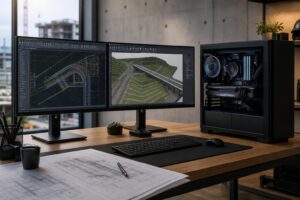
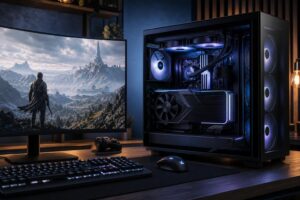
For example, someone playing competitive games at a very high refresh rate has different needs from someone playing cinematic single-player games at 4K. Likewise, an architect working with large Revit files needs a different balance than a video editor who spends hours exporting footage. A fixed configuration cannot be optimal for every one of those jobs.
These are separate decisions. You can select every component and build it yourself, or have a specialist assemble and validate the same kind of carefully chosen system.
Building your own can save on labor and is rewarding if you enjoy the process. It also gives you total control. However, the savings are sometimes overstated. You still need to account for Windows, shipping, possible return shipping, your time, and the frustration of diagnosing a stubborn issue. A mistake such as a poorly seated cooler, incompatible memory setting, missed protective film, or incorrect cable connection can turn a fun weekend project into a long support forum adventure.
A reputable custom builder earns its assembly cost by handling compatibility checks, physical construction, cable routing, BIOS configuration where appropriate, thermal testing, and stability testing before the PC leaves the shop. For a work machine, that preparation can be worth more than the modest savings of self-assembly.
Do not compare only the CPU name, GPU name, and advertised price. Make a full parts comparison. If a seller cannot tell you what a component is, that is useful information in itself.
Check these details:
Also compare the system against your monitor and workload. There is little value in paying for a top-tier GPU if you use a 1080p 60Hz display and have no plan to upgrade it. On the other hand, buying a low-end system for a 4K display, demanding simulation game, or professional rendering workload often produces immediate disappointment.
Choose a retail prebuilt when the configuration is transparent, the price is reasonable, the components are standard, and convenience is your top priority. It can be a particularly sensible choice for a straightforward home or office machine.
Choose a custom-built PC when performance, acoustics, long-term serviceability, or workload-specific hardware matters. This is usually the better path for high-refresh gaming, 4K gaming, streaming, content creation, CAD, rendering, development, and other demanding work. The more expensive and specialized the computer becomes, the more costly poor component balance becomes.
At Overclock Computers, we build systems around the games, software, display, performance goals, and budget that matter to you. If you are comparing options or unsure where your money will make the biggest difference, contact our team to discuss a configuration that is built for the way you actually use your PC.