
Are X3D CPUs Worth It for Gaming? When Extra Cache Is Worth Paying For

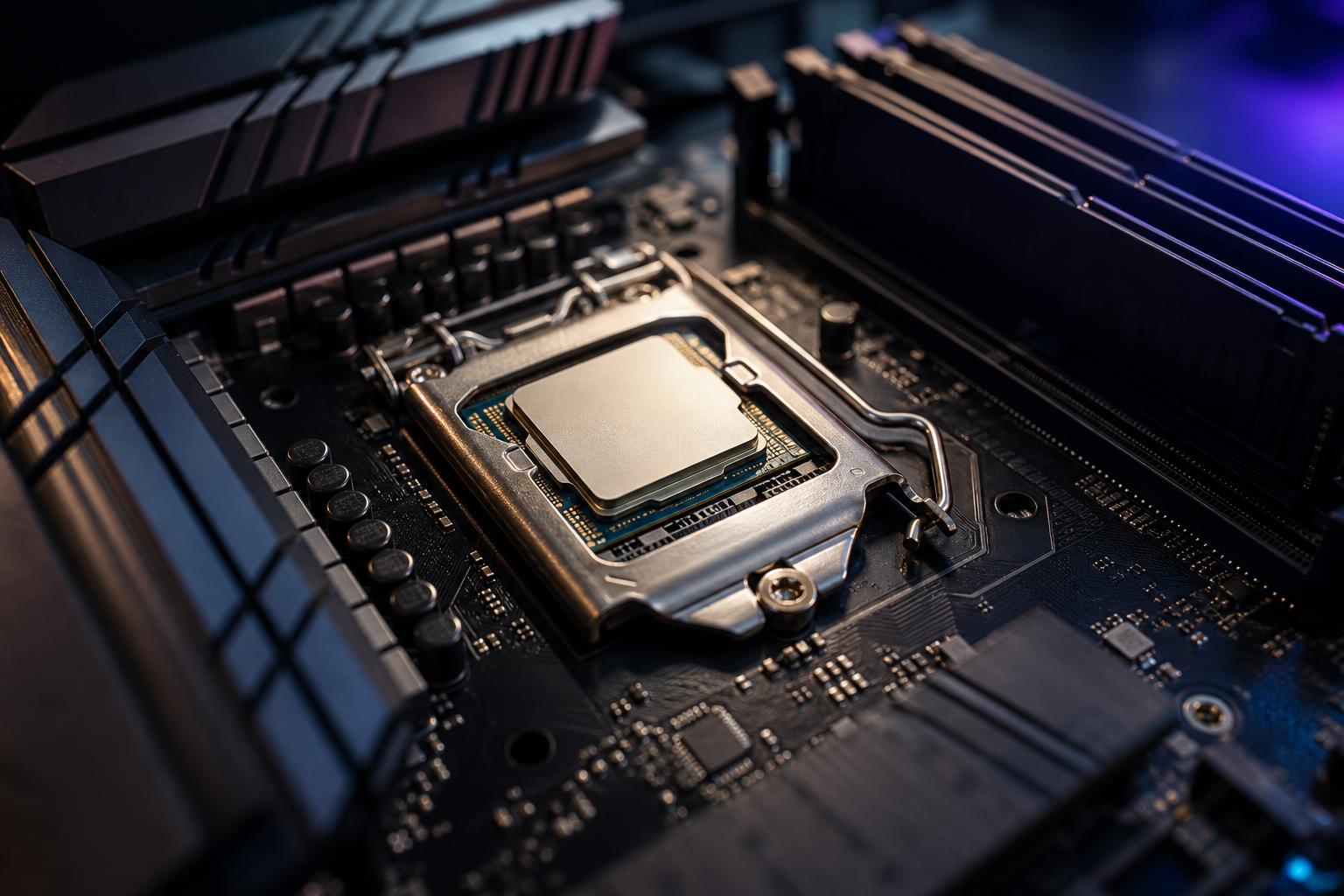
AMD’s X3D processors have earned a strong reputation among PC gamers for a simple reason: in the right games, they can deliver exceptionally high frame rates and noticeably smoother performance. But an X3D chip is not an automatic upgrade for every gaming PC, and it is not always the best use of a fixed budget.
The key feature is extra CPU cache. That sounds like a small specification-sheet detail, but it can have a real effect on gaming performance—especially in CPU-limited games, simulation titles, strategy games, and competitive gaming at high refresh rates.
Here is how to decide whether an X3D CPU makes sense for your next gaming PC or upgrade.
X3D is AMD’s name for processors that use stacked 3D V-Cache. Put plainly, these CPUs have much more L3 cache than a comparable standard Ryzen processor.
Cache is very fast memory built into the CPU. It stores data the processor is likely to need again soon, avoiding slower trips out to system RAM. Games constantly move around information such as world geometry, draw-call data, physics calculations, AI behavior, and player positions. When more of that information fits in the CPU cache, the processor can spend less time waiting.
More cache does not increase performance equally in every game. Some titles barely react to it. Others respond extremely well, particularly games that place heavy demands on the CPU or repeatedly access large, changing sets of data.
The important result is not just a higher average FPS number. High-cache CPUs can also improve frame-time consistency and low-percentile frame rates. In real use, that can mean fewer brief stutters or dips during a busy multiplayer match, a large city scene, or a complicated simulation.
An X3D processor is usually a strong choice when the CPU is the part holding your gaming performance back. It is most worthwhile for the following buyers.
If you own a 240Hz, 360Hz, or faster monitor and play esports titles at settings chosen for maximum frame rate, CPU performance matters a great deal. At 1080p and often at 1440p, a powerful graphics card can finish its work quickly enough that the CPU becomes the limiting factor.
An X3D CPU can be a sensible investment here, particularly if you care about maintaining high frame rates during action-heavy moments rather than simply seeing an impressive average benchmark result.
High-cache processors are often particularly appealing for games with extensive simulation or many active objects. Examples include flight simulators, racing simulations, city builders, grand strategy games, factory-building games, large multiplayer environments, and open-world titles with busy environments.
These games may ask the CPU to track a great deal of activity at once. Extra cache can help, although the gain varies by game engine and by what is happening on screen. It is a better bet for this type of library than for someone who mainly plays graphically demanding single-player games at 4K.
Pairing a high-end graphics card with a modest CPU can leave performance on the table, especially below 4K resolution. If you are buying a premium GPU and want it to stay busy in a broad range of games, an X3D CPU is often a well-balanced match.
That does not mean every top-tier GPU requires the most expensive processor available. It means the CPU should suit the monitor resolution, target frame rate, and games you actually play.
Average FPS is useful, but it does not tell the whole story. A system that averages 160 FPS but drops sharply during a crowded scene can feel worse than one that averages 145 FPS with steadier frame times. Cache-sensitive games are where X3D processors can make this difference most clearly.
An X3D CPU is excellent at its intended job, but extra cache is not a substitute for choosing the right overall system.
At 4K, especially with ray tracing or demanding visual presets, the graphics card usually becomes the bottleneck. Your CPU still matters, but the difference between a good modern standard CPU and a high-cache gaming CPU often narrows.
For a fixed budget, putting the price difference toward a faster GPU may improve 4K performance more than stepping up to X3D. This is particularly true if your current GPU is already struggling to maintain the settings or frame rate you want.
Some X3D models are well-rounded, but their primary appeal is gaming. For workloads such as CPU rendering, code compilation across large projects, video encoding, scientific computing, or professional simulation, core count and sustained all-core performance can matter more than extra gaming cache.
A standard high-core-count desktop CPU, or a workstation platform for truly demanding professional workloads, may complete work faster. The right choice depends on whether gaming is your main use or a secondary one.
If you have a midrange graphics card, upgrading to an X3D processor may produce little visible improvement in demanding games. Likewise, there is not much practical value in producing 220 FPS if you use a 60Hz monitor and do not plan to replace it.
Before buying a CPU, look at how your system behaves in the games you play. If GPU usage stays near 95% to 100% while performance is below your target, the graphics card is probably the first component to address. If GPU usage falls well below that level while a few CPU threads are working hard, a faster gaming CPU may help.
No, but you should not treat cooling as an afterthought. A well-designed dual-tower air cooler is often enough for many X3D gaming builds. A quality 240mm or 360mm AIO liquid cooler can also be a good choice if it fits the case, you prefer its appearance, or the system has other heat-producing components.
What matters most is using a reputable cooler, a case with real airflow, and enough case fans to move heat out of the system. Avoid choosing a sealed-looking case with a small intake just because it has a dramatic glass front panel. Attractive components are nice; hot components are less charming.
Use this simple process before deciding that an X3D processor is necessary:
For a gaming-focused PC with a strong graphics card and a 1440p high-refresh or competitive-gaming monitor, an X3D processor is often one of the most sensible premium upgrades available. It is especially easy to recommend for players of flight sims, strategy games, large online games, and other CPU-heavy titles.
For 4K gaming on a tighter budget, prioritize the graphics card first and choose a capable modern CPU that does not force a major compromise elsewhere. For a professional workstation, choose based on the software you use most; high cache is valuable, but it is not a replacement for the cores, memory capacity, storage, or GPU acceleration your workload may require.
If you are planning a gaming PC or a workstation that also needs to game well, Overclock Computers can help match the processor, graphics card, cooling, and platform to the way you actually use your system. Contact our team to discuss a configuration that spends your budget where it will make a real difference.






