
What PC Specs Do You Need for 4K Gaming? A Practical Buying Guide

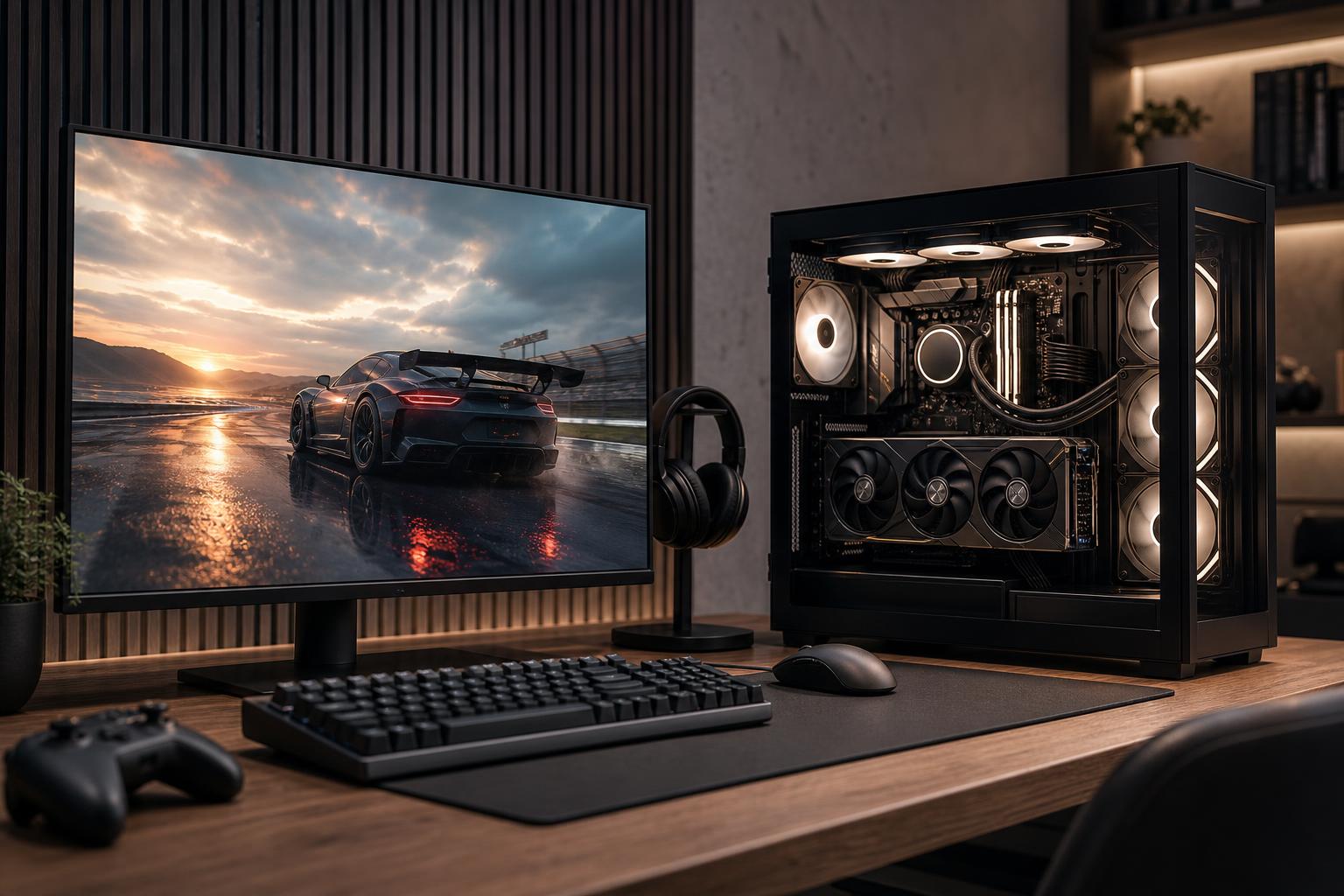
A good 4K gaming PC starts with one honest question: what frame rate do you want to see on your monitor?
“4K gaming” can mean a cinematic single-player game running near 60 frames per second, or a fast competitive game running well above 120 FPS on a 4K high-refresh display. Those are very different jobs. The graphics card does most of the work at 4K, but the CPU, memory, power supply, cooling, and monitor all need to support the experience you expect.
For most buyers, the right approach is simple: choose the graphics card for the games, settings, and frame-rate target you care about, then build a balanced system around it. Don’t pair an expensive GPU with inadequate cooling, a weak power supply, or too little memory. That is how an impressive parts list becomes a frustrating computer.
A 4K display has 3,840 by 2,160 pixels: four times as many pixels as a 1080p monitor and more than twice as many as 1440p. Every frame requires the GPU to shade, texture, light, and process millions more pixels.
At this resolution, the graphics card is usually the main performance limit. That is good news for buyers because it makes component priorities clearer. If you are spending extra money specifically to improve 4K performance, put most of it toward the GPU rather than chasing a top-tier CPU that will make little practical difference in GPU-limited games.
Ray tracing changes the math further. It can produce more convincing reflections, shadows, and lighting, but it is demanding even on powerful hardware. Modern upscaling technologies can help substantially by rendering at a lower internal resolution and reconstructing a sharp 4K-like image. They are useful tools, not cheating, but they do not turn a modest graphics card into a no-compromise 4K card.
This is the target for many story-driven games, strategy titles, racing games, and console-style living-room setups. A capable upper-midrange or high-end graphics card can be appropriate here, particularly if you are comfortable adjusting a few demanding settings and using quality-focused upscaling when needed.
For this tier, prioritize enough VRAM, a fast NVMe SSD, and a monitor with adaptive sync. Adaptive sync helps smooth out small frame-rate swings, which matter more than many people expect when a game varies between 50 and 70 FPS.
This is where hardware requirements rise sharply. A high-end GPU is the priority, especially for newer visually demanding games. You will often need to make sensible use of upscaling, and ray tracing may require compromises if maintaining a high frame rate matters more than maximum visual settings.
A stronger CPU matters more at this target than it does at 60 FPS. While 4K remains heavily GPU-bound in many games, the processor still has to prepare game logic, physics, draw calls, and frames quickly enough to feed the GPU.
A 4K 160Hz, 240Hz, or faster monitor is excellent for esports titles and older games that can run at very high frame rates. In the newest demanding games, however, even the fastest available consumer hardware may not hold those numbers at maximum settings without upscaling or reduced visual options.
Buy this class of display because you play games that can use it, not because the number on the box is large. For competitive shooters, a lower-resolution high-refresh monitor is often the more practical choice. For image quality and broad usefulness, 4K at 120Hz to 165Hz is a very strong target.
For a 4K gaming PC, the GPU deserves the largest share of the budget. Focus on the card’s real-world performance in the games you play, its VRAM capacity, cooling design, and power requirements—not just a product family name.
As a practical rule, look for these general capability levels:
Be cautious about buying a GPU solely because it can technically output a 4K signal. Nearly any modern card can do that. The useful question is whether it can run your games at the image quality and frame rate you expect.
At 4K, VRAM capacity matters more than it does at 1080p. High-resolution textures, ray tracing data, detailed game worlds, and background applications all use graphics memory. When a game exceeds available VRAM, performance can become inconsistent: stutters, texture pop-in, or sudden frame-time spikes are more common than a simple lower average frame rate.
For a new 4K-focused build, 16GB of VRAM is a sensible target for most buyers. More can be worthwhile for buyers who use extensive mods, play heavily ray-traced titles, prefer maximum texture settings, or also use the PC for GPU-based creative work. Less can still work in many games, but it leaves less headroom for a premium system intended to last several years.
You do not need the most expensive processor available to enjoy 4K gaming. At a 60 FPS target, a modern midrange-to-high-performance gaming CPU is usually enough. Spend the difference on the GPU, display, or storage.
For a 120Hz or higher target, choose a modern CPU with strong per-core performance and enough cores for background tasks. This is especially worthwhile if you play CPU-heavy games such as large simulations, city builders, open-world games, or multiplayer titles with many players. It also makes sense if you stream, record gameplay, keep many browser tabs open, or use the computer for editing and production work.
There is little value in overspending on extra CPU cores for gaming alone. A processor built for heavily threaded workstation rendering can be excellent for professional workloads, but it is not automatically the best gaming choice. Gaming rewards fast cores, a well-tuned platform, and sufficient cooling.
32GB of RAM is the right baseline for a quality 4K gaming PC. It gives current games room to breathe while leaving capacity for Windows, voice chat, browsers, capture tools, and launchers. It is also a more sensible long-term choice than 16GB in a premium build.
Move to 64GB if you routinely run demanding productivity software alongside games, create large mod lists, edit video, work with virtual machines, or simply know your normal workload is memory-heavy. For gaming alone, 64GB usually will not increase average FPS enough to justify sacrificing graphics-card budget.
A 1TB NVMe SSD is workable, but 2TB is the more realistic starting point for many 4K gaming systems. Modern games can be very large, and fast storage helps with loading times, game updates, and general system responsiveness.
Do not obsess over the highest advertised sequential read speed. A reliable SSD with adequate capacity and good sustained behavior is more useful than an ultra-fast drive that forces you to constantly uninstall games. If you keep a large library installed, adding a second SSD is usually cleaner than relying on a slow external drive for active games.
High-end GPUs can draw substantial power, and some can have brief power spikes above their typical gaming draw. A quality, appropriately sized power supply is not an optional upgrade. It improves stability, allows for future upgrades, and avoids putting an expensive system at risk to save a small amount of money.
Choose a reputable power supply with enough capacity for the selected GPU and CPU, appropriate connectors, and headroom rather than operating at its limit. Case airflow matters just as much. A case with a solid front intake, enough quality fans, and sensible cable routing helps the GPU maintain boost clocks without sounding like a leaf blower.
For the CPU, a good tower air cooler is enough for many gaming processors. A quality liquid cooler can be appropriate for hotter CPUs, compact cases, or buyers who want lower noise under sustained loads. Neither is inherently better in every system; the cooler must fit the CPU, case, and airflow plan.
This is the right direction for someone who wants a sharp 4K image without paying for frame rates they will not use.
This is the sweet spot for buyers who want excellent image quality, consistently smooth gameplay, and enough horsepower to enjoy demanding titles for years.
This tier makes sense when the system is also a workstation, when time spent rendering or editing has value, or when high-refresh 4K is a real priority. It is not necessary just to enjoy 4K gaming.
Your monitor determines what performance you can actually see. A 4K 60Hz display cannot show more than 60 unique frames per second, while a 4K 144Hz display gives a capable PC much more room to feel responsive and fluid.
Check for adaptive sync support, sensible response times, and the connections needed for your desired resolution and refresh rate. If color-sensitive creative work matters, look beyond gaming specifications to color coverage, calibration options, and panel behavior. A powerful computer paired with the wrong monitor is an expensive way to leave performance on the table.
A 4K gaming PC should put the graphics card first, use 32GB of memory, include enough fast storage, and support everything with proper cooling and a quality power supply. From there, the key decision is your target: 60 FPS with excellent image quality, 120Hz-class smoothness, or high-refresh performance in games that can take advantage of it.
Overclock Computers can help you turn that target into a well-balanced custom system. Share the games you play, monitor you own or plan to buy, applications you use, and budget, and we can design a PC around the performance that matters to you rather than a generic parts list.






