
RAM Speed and Timings Explained: What Actually Matters for Your PC

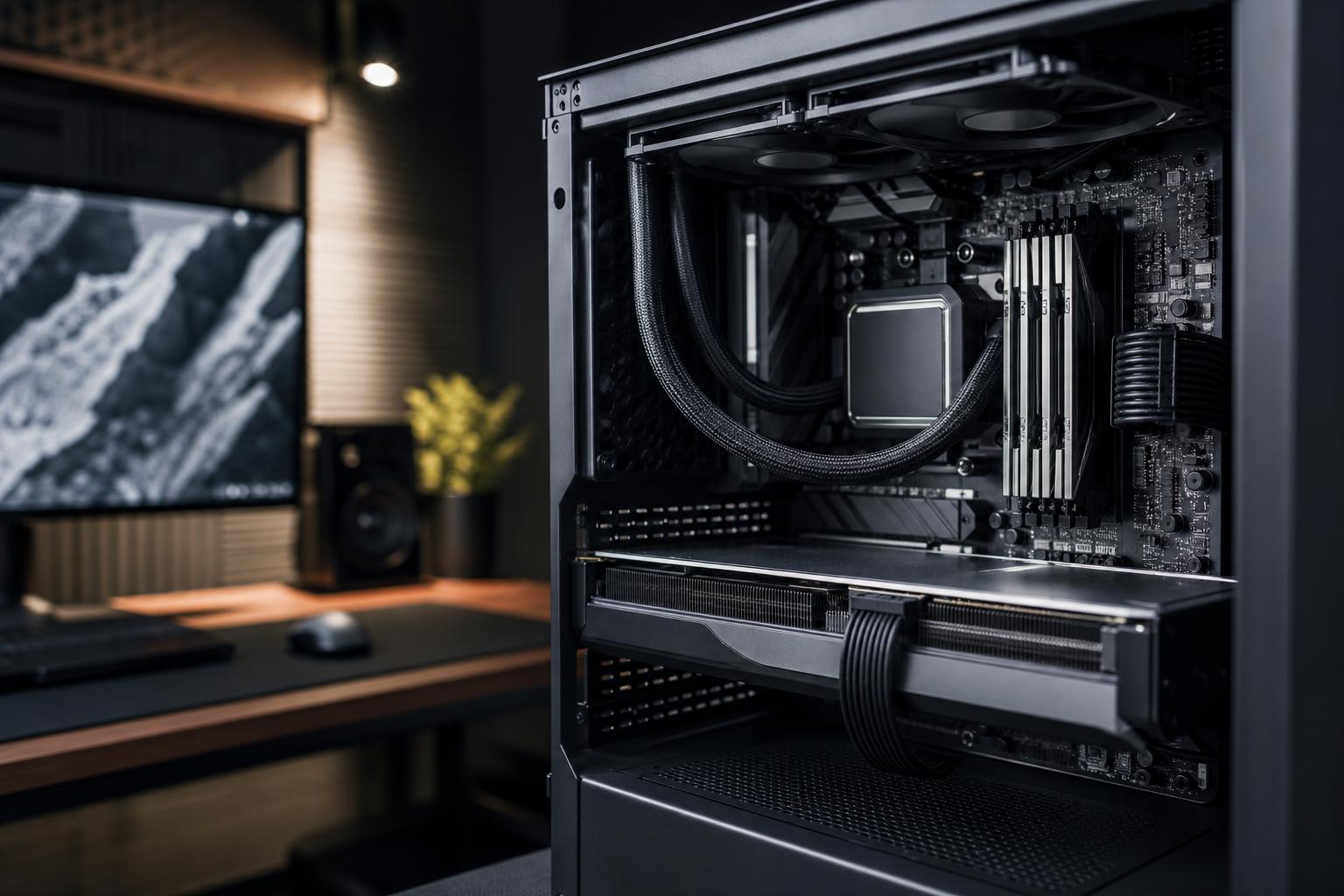
Memory specifications can make buying RAM look far more complicated than it needs to be. You’ll see labels such as DDR5-6000, CL30, 1.35V, EXPO, XMP, and four-stick kits, often followed by very confident opinions from strangers online.
The practical version is simpler: buy enough RAM first, use a matched kit, select a sensible speed for your CPU platform, and make sure the advertised settings are stable. Faster memory can improve performance, especially in CPU-limited games and some professional workloads, but it should never come at the expense of capacity, stability, or a balanced system budget.
Here’s what RAM speed and timings actually mean, where they matter, and what we’d recommend for most custom gaming PCs and workstations.
RAM is your PC’s short-term workspace. Programs, game assets, browser tabs, project files, and the operating system all use it while the computer is running. If that workspace fills up, Windows moves some data to the SSD. Modern NVMe SSDs are quick, but they are still dramatically slower than RAM. The result can be stuttering, long pauses, slow application switching, and a generally unhappy computer.
That is why capacity is the first decision. A fast 32GB kit is usually a better purchase than a faster 16GB kit for a new performance PC, while a content creator working with large media or 3D scenes may benefit far more from 64GB or 128GB than from chasing a slightly lower timing number.
There are exceptions, of course. A lightweight office computer may be fine with less, and a specialized workstation may need far more. But if a choice comes down to adequate capacity at a sensible speed or inadequate capacity at an impressive speed, take the capacity every time.
With modern DDR memory, the speed number is usually expressed in MT/s, or mega transfers per second. A kit marketed as DDR5-6000 runs at 6,000 MT/s. It is commonly called “6000MHz,” but MT/s is the more accurate term.
Higher transfer rates give memory more bandwidth: more data can move between the CPU and RAM in a given period. This can help a processor that is frequently waiting on memory, particularly when a game is limited by the CPU rather than the graphics card.
At 4K with demanding visual settings, the GPU is often the limiting component, so a memory upgrade may produce little visible change. At 1080p or 1440p with a powerful graphics card and a high-refresh monitor, memory speed can matter more because the CPU must prepare frames quickly. Simulation games, strategy games, esports titles, and games with large, busy worlds can be especially sensitive.
Professional software is less predictable. Some applications respond well to memory bandwidth; others care more about CPU core count, GPU acceleration, storage performance, or simply having enough capacity to keep an entire project in memory. This is why a workstation should be configured around the applications it runs, not around the most eye-catching RAM label.
CAS latency, shown as CL, is one of several RAM timing values. It describes the number of memory clock cycles required before a particular operation begins. Lower is generally better, but the CL number alone does not tell the whole story.
A DDR5-6000 CL30 kit and a DDR5-5200 CL30 kit have the same listed CAS latency number, but the DDR5-6000 kit operates at a higher clock rate. Each clock cycle is shorter, so its real-world first-word latency is lower.
A useful rough calculation is:
True latency in nanoseconds = CL × 2000 ÷ transfer rate in MT/s
This does not mean two kits with the same calculated number perform identically. Secondary timings, memory-controller behavior, and platform settings also matter. Still, it helps explain why “lower CL” is only useful when you compare it alongside transfer rate.
Don’t obsess over tiny differences. Moving from a well-priced DDR5-6000 CL30 kit to an expensive DDR5-6400 CL30 kit may produce a modest improvement in selected tasks. It usually won’t transform your experience. That money may do more good spent on GPU performance, additional storage, or a higher-capacity memory kit.
Memory does not operate separately from the CPU. Every modern processor has an integrated memory controller, and each platform has its own practical comfort zone for memory speed and configuration.
On many current DDR5 gaming systems, a quality DDR5-6000 kit with reasonably tight timings is a sensible target. It offers strong performance without leaning too hard on the CPU’s memory controller. Some systems can run faster kits reliably, but the payoff often becomes smaller while the chance of needing manual tuning increases.
For a workstation, stability is usually worth more than a small benchmark gain. Long render jobs, code compilations, simulations, and client work should not be interrupted by a memory error because someone wanted an extra few percent in a synthetic test. We would rather build a stable 128GB system at a conservative, proven setting than sell an aggressive configuration that only behaves on a good day.
Most performance memory kits are sold with a profile that tells the motherboard which speed, timings, and voltage to use. Intel-oriented kits commonly use XMP, while AMD-oriented kits commonly use EXPO. Motherboards can often run either type, but choosing a kit validated for the intended platform is the cleanest route.
Without enabling the profile in the BIOS, a DDR5-6000 kit may run at a much lower default speed. That is not a defect; default settings prioritize broad compatibility. A properly tested custom PC should be delivered with its intended memory profile configured and stability checked.
For most desktop PCs, use a matched two-stick kit: 2x16GB for 32GB, 2x32GB for 64GB, or 2x48GB for 96GB, for example. This gives the processor access to dual-channel memory bandwidth and is generally easier to run at higher DDR5 speeds than four separate modules.
Four DIMM slots on a motherboard are useful, but filling all four is not automatically better. Four sticks place more electrical load on the memory controller. With DDR5, this can require lower memory speeds or more conservative settings to remain stable, especially at higher capacities.
If you know you will need 64GB now, buy a 2x32GB kit rather than starting with 2x16GB and hoping to add another kit later. Even identical-looking kits bought months apart may use different memory chips, and mixing kits is a common source of hard-to-diagnose instability.
For most new gaming builds, choose 32GB as a matched DDR5 kit. A well-priced DDR5-6000 kit with relatively tight timings is a particularly balanced option on many platforms. Move to 64GB if you stream while gaming, keep many applications open, use heavily modded games, or want more breathing room for several years.
Choose 64GB if you edit video regularly, work with RAW photos, record and stream, use Adobe applications alongside other programs, or create in 3D. Sensible DDR5-5600 to DDR5-6000 memory is often the right place to land. The extra capacity is usually more valuable than a small speed increase.
Choose capacity from the size of your actual projects and the applications you run. For many professional systems, 64GB is the starting point and 128GB is the more comfortable configuration. When memory demands become very high, favor a platform and configuration designed to handle the required capacity reliably. The right answer may be a workstation-class platform rather than forcing an enthusiast desktop to do a job it was never meant to do.
Spend more on faster, lower-latency memory when the rest of the build supports it: you have a strong CPU and GPU, play CPU-limited games at high frame rates, and are choosing between similarly sized quality kits. It is a worthwhile refinement, not usually the foundation of the build.
Save the money when the alternative is a better graphics card, more RAM capacity, a better SSD, or a quality power supply and cooler. Those choices tend to make a larger difference to everyday performance, longevity, and reliability. RAM benchmarks are fun. A computer that never runs out of memory halfway through a project is better.
If you are planning a new system and aren’t sure how much memory your workload needs, contact Overclock Computers. We can help match the RAM capacity, speed, and platform to the software and games you actually use, without spending extra on specifications that won’t benefit you.






