
Best PC for Unreal Engine in 2026: Workstation Specs That Make Sense

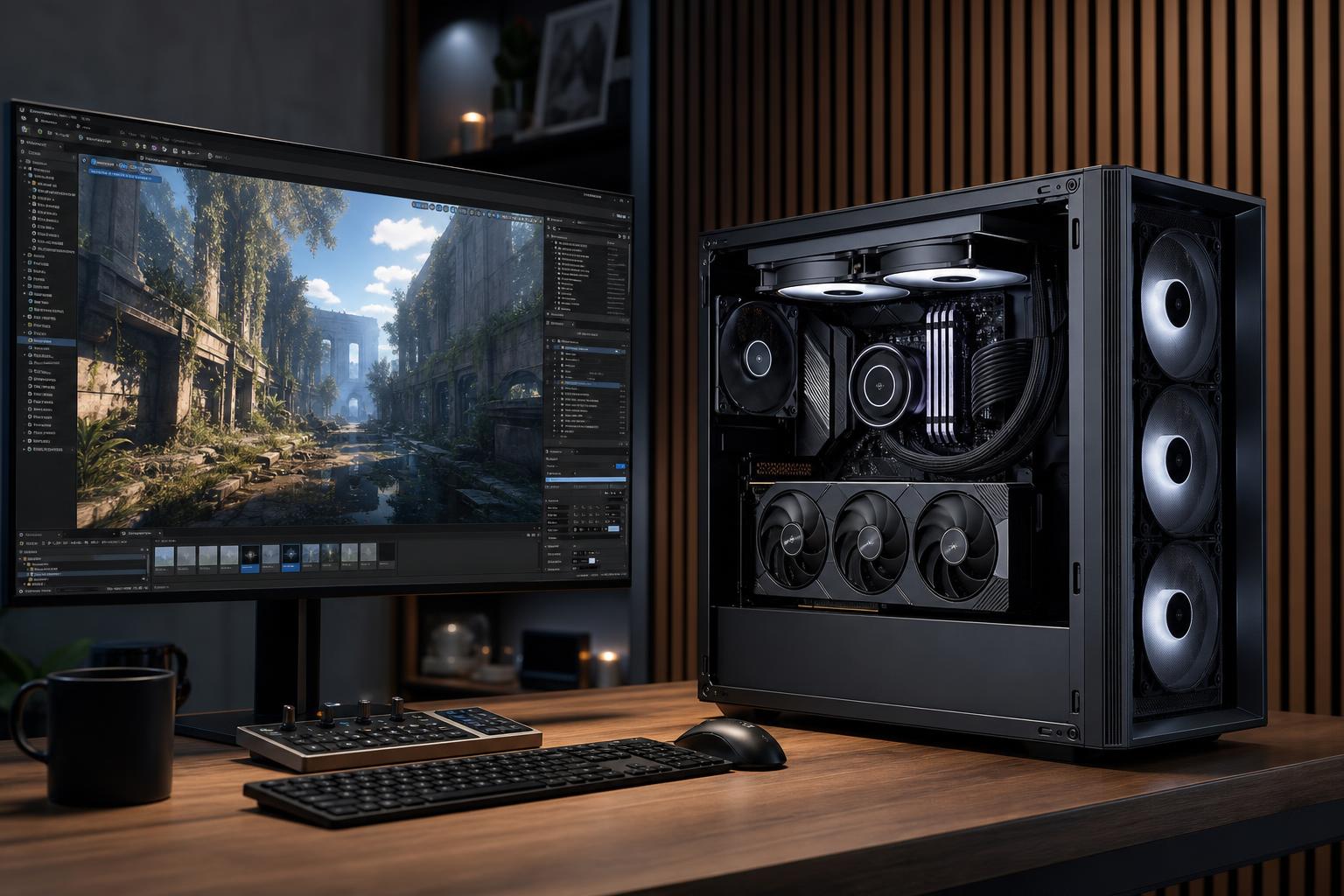
A good Unreal Engine PC is not simply the most expensive gaming computer you can find. Unreal uses a PC in several different ways: it needs CPU power to compile code, build lighting, and process shaders; GPU horsepower and VRAM to run detailed scenes; plenty of RAM for the editor and assets; and fast storage for large projects.
For most developers, the sensible starting point is a modern high-performance CPU, a capable NVIDIA or AMD graphics card with enough VRAM for the intended scene complexity, 32GB to 64GB of RAM, and a 1TB or larger NVMe SSD. Professional teams working with large environments, high-resolution textures, virtual production, source builds, or simultaneous creative applications should usually step up to 64GB or 128GB of RAM, more VRAM, and multiple SSDs.
Unreal Engine is a game engine, but it is also a large-scale real-time 3D creation tool. A project can include code, blueprints, texture libraries, scanned assets, animations, audio, simulations, and massive environments. The hardware bottleneck changes with the task at hand.
That is why an unbalanced system causes frustration. A powerful GPU paired with too little RAM can still bog down while compiling shaders. A many-core CPU with an entry-level GPU will not make a complex Lumen scene pleasant to work in.
This level suits developers learning Unreal, building game prototypes, making smaller architectural walkthroughs, or working on projects with modest asset libraries.
32GB is the floor we would recommend for a new Unreal Engine workstation. The editor, a web browser, reference material, source-control tools, and creative apps can consume 16GB surprisingly quickly. Running out of memory does not merely reduce a benchmark score; it leads to paging data to the SSD, which makes the entire machine feel sluggish.
For most paid development, architectural visualization, simulation, and small-team production work, this is the performance tier that offers the best balance. It provides enough headroom for demanding editor work without spending workstation money where it will not help.
64GB of RAM is the comfortable recommendation for serious Unreal work. It is particularly worthwhile if you regularly have Unreal Engine open alongside Blender, Maya, 3ds Max, Photoshop, Substance 3D Painter, Visual Studio, Rider, or video-editing software.
Large studios and specialist users may need a more substantial workstation. This includes teams creating expansive open worlds, detailed digital twins, photoreal visualization, virtual production scenes, or high-resolution cinematic assets.
More cores are valuable here, but only when the workflow can use them. A high-core-count workstation processor makes sense for frequent code compilation, large shader builds, simulation, batch processing, and running several demanding tools at once. For a single developer whose main goal is responsive editor performance, a premium mainstream CPU with excellent per-core speed can be the smarter purchase.
Unreal Engine rewards both fast individual CPU cores and a healthy number of cores. Fast cores help general editor responsiveness and tasks that do not scale perfectly. More cores shorten work that can be distributed across many threads, such as compiling source code and shaders.
For most users, an 8-core to 16-core high-performance desktop CPU is the sweet spot. Do not buy a low-end processor and expect a fast experience just because the graphics card is powerful. Conversely, do not jump to an extreme workstation processor if your work is mostly Blueprint scripting and level editing. Put the budget where the bottleneck actually is.
Developers building Unreal Engine from source or compiling large C++ projects frequently should lean toward more CPU cores. Artists working mainly in the editor with GPU-heavy scenes should often put more of the budget toward the graphics card and VRAM.
Unreal Engine can place serious demands on a GPU, especially with Lumen, Nanite, hardware ray tracing, high-resolution textures, and high-detail viewport settings. Raw graphics performance matters, but VRAM capacity is often the limit that arrives first in complex scenes.
When VRAM is exhausted, the editor may stutter, texture streaming can become more aggressive, and the system may need to move data through slower memory paths. That is not something a faster CPU will fix.
For new Unreal Engine builds, 12GB of VRAM is a reasonable minimum target for lighter work. A GPU with 16GB or more is a much safer choice for professional visualization and more detailed game projects. Larger VRAM capacities are worth the investment when you work with dense environments, large texture sets, high-resolution displays, multi-monitor setups, ray-traced scenes, or virtual production tools.
GPU brand can also matter for a specific pipeline. Check the requirements of any rendering plug-ins, AI-assisted tools, capture hardware, or production software you rely on. Some workflows have stronger support or better acceleration on one vendor’s hardware than another.
Unreal projects grow quickly. Derived Data Cache files, engine versions, source builds, Marketplace assets, source-control checkouts, renders, and backups can fill a drive faster than expected.
A practical setup is a fast NVMe SSD for Windows and applications, plus a second NVMe SSD for active projects and caches. Separating them is not mandatory, but it makes capacity management easier and can prevent an active project from competing with operating system tasks. Keep archive projects and backups on separate storage; an internal work drive is not a backup.
We would avoid configuring a professional Unreal machine with only a 1TB drive unless the project workload is genuinely small. A 2TB primary or project drive is often the more realistic starting point.
Unreal Engine can keep a CPU and GPU busy for long periods. A system that looks good on a parts list but has restricted airflow, an undersized cooler, or a questionable power supply may run louder, hotter, and slower under sustained loads.
Choose a case with straightforward airflow, quality fans, and enough physical room for the selected graphics card and future storage. Use a reputable power supply with adequate capacity and the correct modern GPU power connections. These parts are not glamorous, but they are what help a workstation remain stable during a long build or render instead of behaving like a space heater with a login screen.
A game developer compiling C++ all day needs a different balance than an archviz artist creating real-time walkthroughs. A virtual production workstation has different priorities than a student learning Blueprints. Start with the size of your projects, the tools you keep open, your display resolution, and the tasks that currently waste the most time.
Overclock Computers can help translate those details into a balanced Unreal Engine system, including the right CPU, GPU, memory, storage, cooling, and upgrade path for your budget. Contact our team with the applications, project types, and performance goals that matter to you, and we’ll help configure a workstation that fits the work rather than a generic specification sheet.






