
Best Gaming PC for 1440p Gaming: Specs That Make Sense in 2026

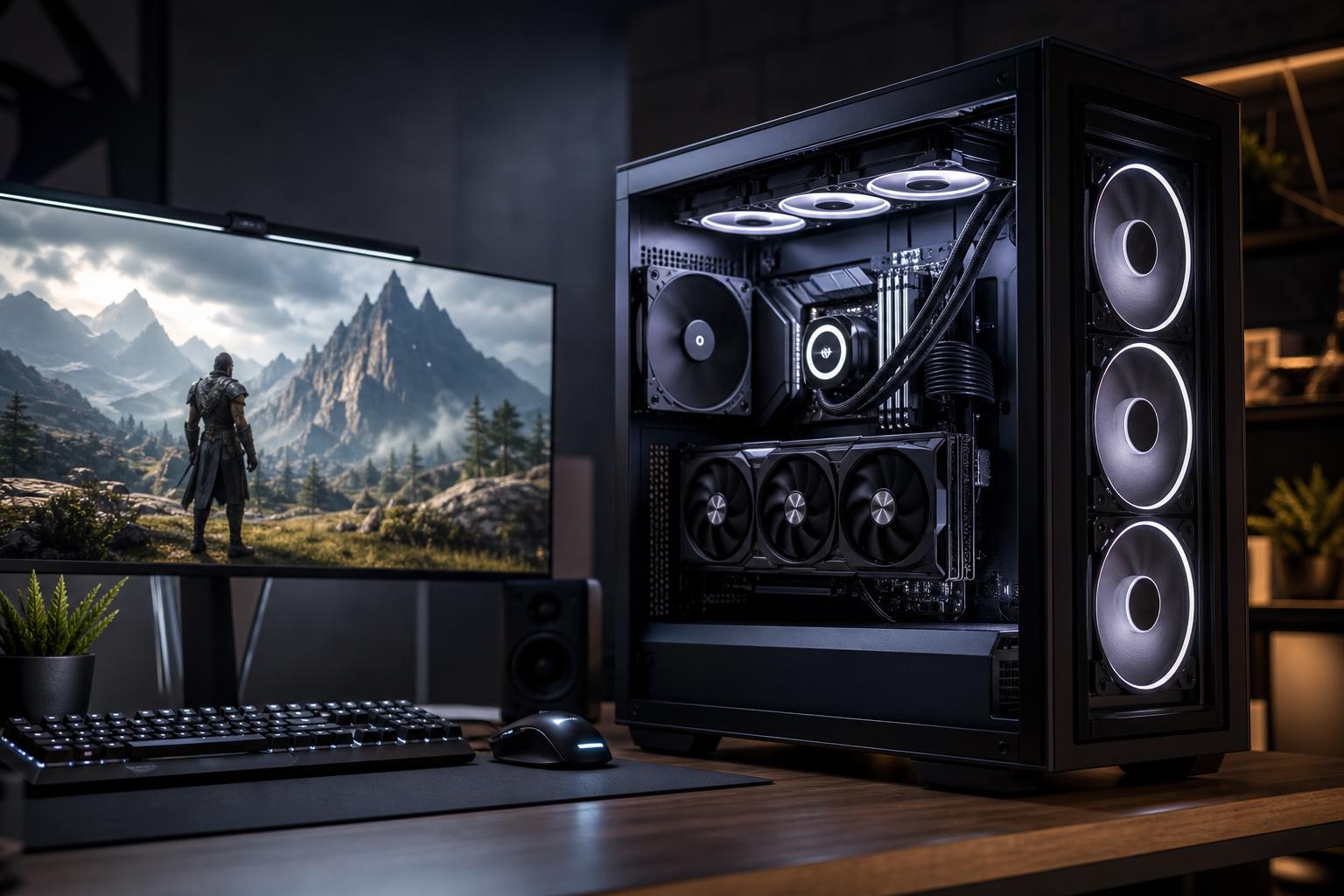
For many buyers, 1440p is the sweet spot for a gaming PC. It looks noticeably sharper than 1080p, runs well on widely available 27-inch monitors, and does not demand as much graphics horsepower as 4K. It also gives a well-configured system room to deliver high frame rates in competitive games.
The best gaming PC for 1440p is not simply the one with the most expensive parts. It is a balanced machine built around a graphics card with enough performance and video memory for the games you play, plus a CPU that can keep up with your monitor’s refresh rate. Spend heavily in the wrong place and you can end up with a beautiful spec sheet that does little for the experience on screen.
“1440p gaming” covers several very different targets. Resolution tells us how many pixels the GPU must render. Refresh rate tells us how quickly it must render them.
Do not expect one computer to run every new game at maximum settings, native resolution, and a locked 240 frames per second. Even a high-end gaming PC has limits when ray tracing, heavy scene detail, and the newest game engines enter the picture. Upscaling technologies and carefully chosen settings are normal tools, not signs that a PC has failed.
For a 1440p gaming computer, the graphics card should receive the largest share of the budget. It has the greatest effect on image quality and frame rate in most modern games.
For a new custom-built gaming PC, we generally recommend a current midrange-to-upper-midrange GPU with at least 12GB of VRAM for 1440p. That is a practical starting point for buyers who want strong performance in current games and some breathing room for future titles, high-resolution texture packs, and ray-traced effects.
A card with 16GB or more is worth considering when you plan to keep the system for several years, play graphics-heavy single-player games, use a 1440p ultrawide monitor, or want to enable more demanding ray-tracing settings. More VRAM does not automatically make a GPU faster, but too little can cause texture compromises, uneven frame times, or settings limitations in certain games.
Both AMD and NVIDIA offer capable options for 1440p. NVIDIA is often attractive for buyers who value broad support for ray tracing, DLSS, and hardware video encoding for streaming. AMD can offer very strong traditional rasterized performance and generous VRAM at certain price points. The right choice is the card that performs well in the games and features you actually plan to use, not the logo on the box.
At 1440p with high settings, the GPU usually does most of the work. That does not mean the CPU is unimportant. A weak CPU can limit minimum frame rates, cause stutters in large multiplayer matches, and prevent a powerful GPU from reaching the high frame rates a 240Hz monitor deserves.
A modern six-core or eight-core desktop CPU from AMD or Intel is a strong fit. This level of processor is more than adequate for most players when paired with a properly matched GPU. Spending several hundred extra dollars on a flagship CPU often produces small average frame-rate gains at GPU-limited settings.
Prioritize a faster gaming-focused CPU, particularly if you play games such as Counter-Strike 2, Valorant, Fortnite, Call of Duty, or simulation titles that can be CPU-heavy. At very high frame rates, the processor has to prepare game logic and draw calls quickly enough to feed the graphics card. Fast memory and sensible BIOS setup matter here too.
A high-end CPU is also justified if the PC will handle gaming, streaming, recording, browser tabs, voice chat, and background applications simultaneously. Still, avoid paying for a workstation-class core count purely for gaming. More cores are useful only when your other software can use them.
This is the configuration we would suggest to most buyers with a 144Hz or 165Hz monitor:
This type of custom gaming PC should provide excellent results in current games at 1440p high or ultra settings, with the exact frame rate depending on the title and visual options.
For a 240Hz monitor and a focus on multiplayer performance, shift more of the budget toward the CPU and GPU combination:
Competitive games can often exceed 240 FPS with suitable settings, but demanding AAA games may not. That is normal. Most competitive players use a settings mix that favors frame rate and visual clarity over every shadow slider being set to Ultra.
Choose a higher-tier GPU with 16GB or more of VRAM if you play at 3440 x 1440, value heavy ray tracing, or want more performance reserve for future releases. Pair it with a strong gaming CPU, 32GB of RAM, and at least 2TB of SSD storage. Modern games are large, and a nearly full 1TB drive becomes annoying sooner than most people expect.
Many gaming PC listings advertise the CPU and GPU in large type, then quietly cut costs on the components that determine noise, stability, and upgrade potential. A premium custom-built gaming PC should also include the following:
The first is buying a GPU that is too modest, then spending the difference on RGB lighting, a luxury case, or an oversized liquid cooler. Those items can be nice, but they do not raise frame rates.
The second is pairing an expensive GPU with an entry-level CPU and assuming resolution makes the mismatch irrelevant. It may be fine in slower games, but minimum frame rates and high-refresh performance can suffer.
The third is buying based on “Ultra settings” alone. Some settings have a huge performance cost for an effect that is nearly invisible during play. A good gaming PC gives you choices: high image quality when you want it and high frame rates when you need them.
A capable 1440p gaming PC commonly starts in the midrange price bracket, while systems intended for 240Hz gaming, ultrawide displays, or ambitious ray tracing move into premium territory. The key is not chasing a fixed price label. Set aside enough of the budget for the graphics card, then build a dependable platform around it.
If a system is dramatically cheaper than comparable alternatives, check the exact GPU model, RAM capacity, SSD size, power supply, cooler, and case airflow. Those details explain a surprising amount of the price difference.
For most people, the best 1440p gaming PC combines a modern six- or eight-core CPU, 32GB of DDR5 memory, a 1TB or 2TB NVMe SSD, and an upper-midrange graphics card with at least 12GB of VRAM. Put the extra budget into the GPU before paying for cosmetic upgrades. Step up to a faster CPU and stronger GPU when a 240Hz monitor, ultrawide resolution, streaming, or demanding ray tracing is central to how you play.
At Overclock Computers, we can help configure a custom gaming PC around your monitor, game library, performance target, and budget—without loading the system with parts that look impressive but add little real value. Contact our team to plan a balanced 1440p system that fits the way you actually game.






