
AMD vs. Intel Gaming PC: Which Platform Should You Buy?

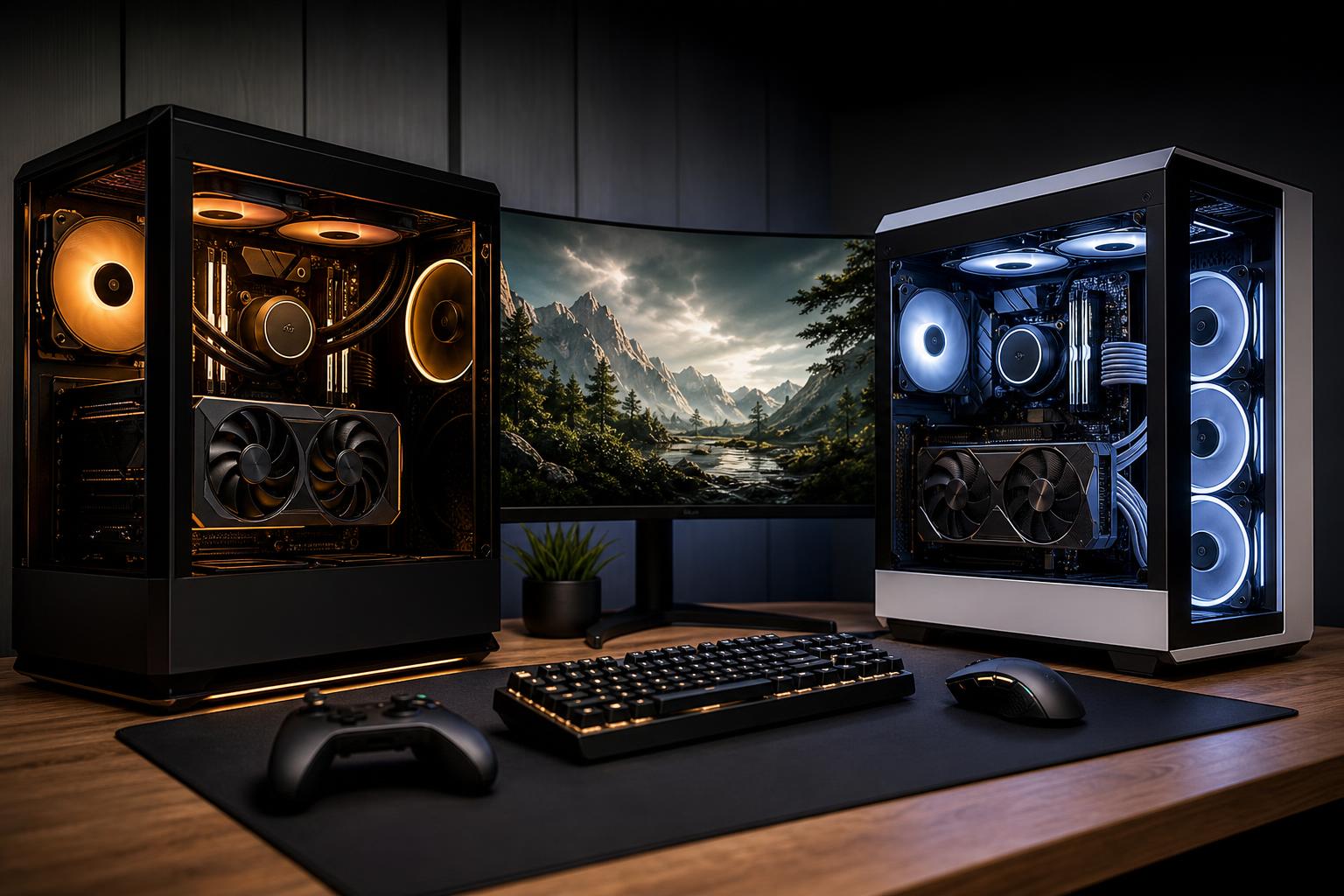
Choosing between an AMD and Intel gaming PC is less about picking a permanent “winner” and more about building the right system around your monitor, graphics card, favorite games, and budget. Both companies make processors that can power excellent gaming computers. The better choice changes as CPU generations, motherboard platforms, and pricing change.
That may sound unhelpful, but the buying decision becomes straightforward once you focus on the parts that actually affect your experience. A CPU should deliver the frame rates your target games need, avoid holding back the graphics card in CPU-heavy situations, run reliably with sensible cooling, and leave room for the upgrades you realistically expect to make.
Here is how we approach the AMD vs. Intel gaming PC decision when designing a custom system.
The graphics card usually has the biggest effect on gaming performance, especially at 1440p, ultrawide, and 4K. At these higher resolutions, the GPU is working hard enough that even very capable modern CPUs can produce similar results in many graphically demanding games.
CPU differences become more visible when you are chasing very high frame rates. Competitive games, simulation titles, strategy games, large multiplayer matches, and games with heavy world simulation can ask a great deal from the processor. So can a 240Hz or 360Hz monitor. If your goal is consistently high frame rates rather than merely attractive graphics, CPU selection deserves more of the budget.
AMD has earned a strong reputation among gaming PC buyers because some of its processors with expanded on-chip cache perform exceptionally well in games. That extra cache can help the CPU feed data to the graphics card more efficiently, particularly in titles that are sensitive to memory latency or frequently access large game data sets.
For a system built primarily for high-refresh-rate gaming, an AMD gaming CPU with this cache-focused design is often a very sensible choice. The appeal is not just a high average frame rate. In the right games, it can also improve frame-time consistency, which helps motion feel smoother and reduces those small but annoying dips during busy scenes.
AMD platforms can also be attractive to buyers who value a potential future CPU upgrade. A motherboard socket supported across several processor releases may let you replace the CPU later without replacing the motherboard and memory. That is useful, but do not overpay solely for a hypothetical upgrade five years away. By then, you may also want newer connectivity, more storage options, or a different motherboard size.
Intel processors remain excellent choices for gaming PCs. Their strengths often include strong per-core performance, broad motherboard availability, and models that combine high-performance cores with additional efficient cores. That design can work well for users who game while running background applications, recording software, browser tabs, chat clients, or creative tools.
An Intel gaming PC can make a lot of sense when a particular CPU and motherboard combination offers better value than its AMD alternative. It can also be a smart choice for a mixed-use desktop where gaming is important but not the only task. Software development, video work, streaming setups, and heavily multitasked desktops may benefit from a processor with enough total compute resources to keep background work out of the way.
The practical caution is cooling and power. Higher-performing Intel chips can draw substantial power under sustained all-core workloads, depending on the processor and motherboard settings. That does not make them bad choices; it means the cooler, case airflow, and power configuration need to match the CPU. A premium processor paired with an undersized cooler is a classic way to spend extra money for extra fan noise.
Core count is useful, but it is easy to misuse. Most games do not scale perfectly across a huge number of CPU cores. A processor with fewer, faster cores and a design well suited to gaming can outperform a much larger CPU in many titles.
For a gaming-focused computer, the more meaningful questions are:
For example, spending heavily on a flagship CPU while settling for a lower graphics card is usually a poor trade for a 4K gaming PC. Conversely, pairing an extremely powerful GPU with an entry-level CPU can limit performance in esports and CPU-heavy games at lower resolutions. Balance beats an impressive-looking parts list.
An AMD vs. Intel gaming PC is not only a CPU comparison. The motherboard determines the available storage, networking, USB connectivity, expansion options, and BIOS features. It also supplies power to the processor. A quality board does not need every luxury feature, but it should have reliable power delivery, the connections you need, and room for sensible upgrades.
Memory needs to be selected as a stable package with the CPU and motherboard, rather than as the highest frequency number on a product page. Modern DDR5 systems can perform very well, but the best memory settings differ by platform. Reliable memory configuration matters more than chasing a small benchmark advantage that causes crashes in the middle of a game.
Cooling deserves the same practical approach. A modest gaming CPU may be perfectly happy with a quality tower air cooler. Higher-power CPUs and appearance-focused builds may justify a larger liquid cooler, but liquid cooling is not automatically faster or necessary. The right answer depends on heat output, case space, desired noise level, and the look you want.
For a pure gaming machine, start by choosing the GPU for your resolution and frame-rate target, then select a current AMD or Intel CPU that is proven to keep up with it. If two options offer close gaming performance, choose the one with the better total platform value: CPU, motherboard, cooler, memory, and any upgrade path you genuinely expect to use.
AMD is often the first place we look for a gaming-first build, particularly when high FPS and CPU-sensitive games are priorities. Intel remains a compelling option for buyers who need a powerful all-purpose desktop or find a better overall configuration at their budget.
There is no prize for allegiance to a logo on the CPU heat spreader. The best gaming PC is the one that puts the right money into the graphics card, processor, cooling, power supply, and case airflow for the way you will actually use it.
If you are deciding between an AMD and Intel gaming PC, Overclock Computers can help translate your monitor, games, budget, and future plans into a balanced custom configuration. Contact our team to discuss a gaming computer built for the performance you want, without paying for hardware that will not improve your experience.






