
How Much VRAM Do You Need for Gaming, 3D Work, Video Editing, and AI?

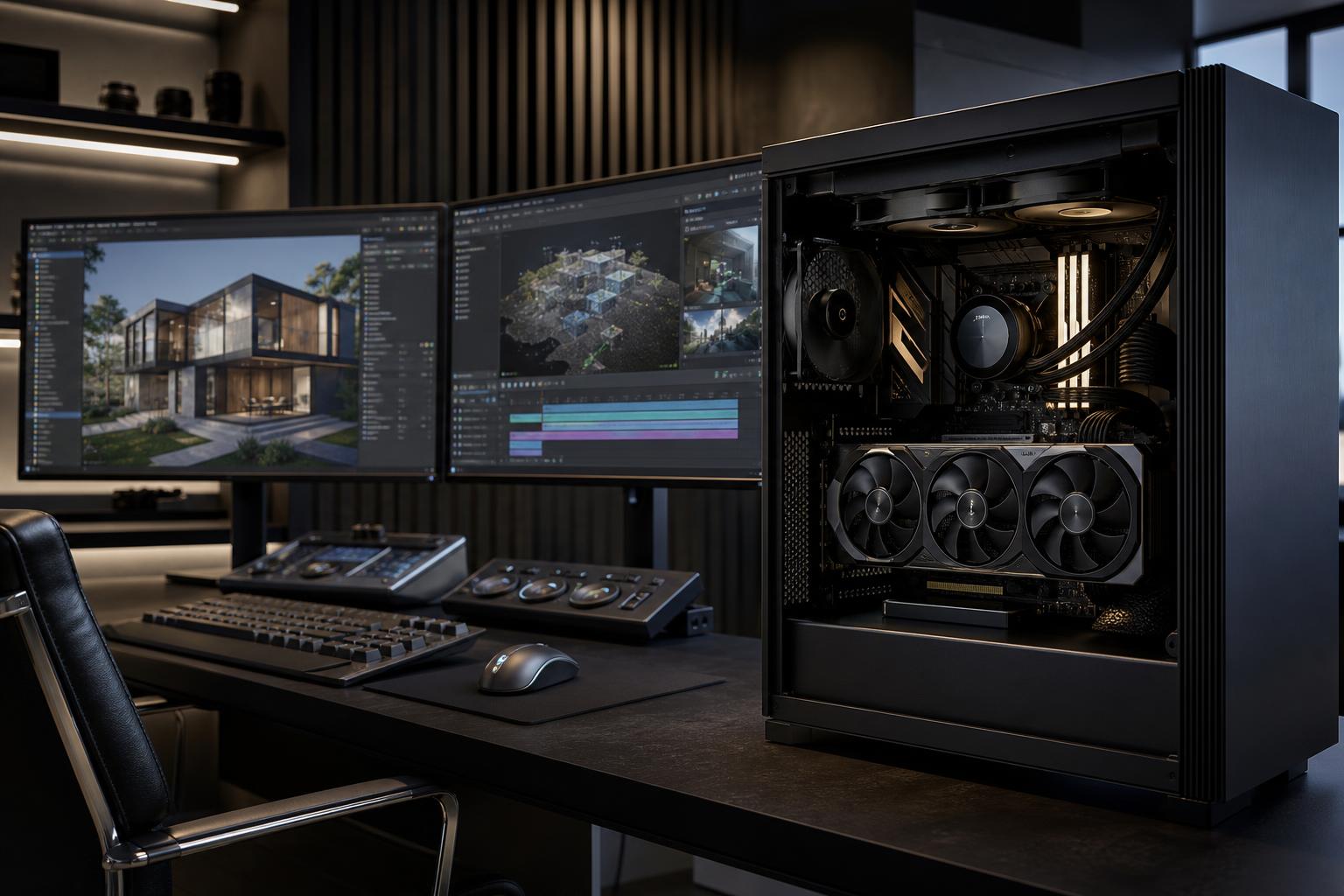
VRAM, or video memory, is one of the most misunderstood graphics card specifications. Buyers often focus on the GPU model first, then treat its memory capacity as a minor detail. That can be a costly mistake.
A fast GPU with too little VRAM can still produce good frame rates in many games, but it may struggle with high-resolution textures, ray tracing, demanding creative projects, large 3D scenes, or local AI models. When a workload runs out of VRAM, performance can fall sharply, settings may need to come down, or an application may refuse to complete the task at all.
For a new gaming PC, 12GB is a sensible practical starting point for many buyers. For 1440p gaming with high-quality settings and some room to keep the system longer, 16GB is a more comfortable target. Professional users should size VRAM around their actual applications and project complexity; 16GB can be enough for many workflows, while 24GB or more can be genuinely valuable for large scenes, high-resolution video, point clouds, and local AI.
VRAM is high-speed memory located on the graphics card. The GPU uses it to hold the data it needs close at hand: textures, geometry, frame buffers, shader data, ray-tracing data, video frames, and more.
System RAM and VRAM do different jobs. A computer may have plenty of system memory, but it cannot fully substitute for dedicated graphics memory. If an application has to move graphics data back and forth through slower system memory or storage because VRAM is full, the result can be stuttering, long pauses, reduced performance, or instability.
VRAM capacity is not the same as GPU speed. A card with more memory is not automatically faster. But once an application needs more memory than a card has available, capacity becomes a hard limit. Think of GPU processing power as the engine and VRAM as the cargo space. A powerful engine still has trouble if the truck is too small for the load.
Gaming needs are driven primarily by resolution, texture quality, ray tracing, mods, and the types of games you play. Newer games can use substantially more graphics memory than older esports titles, particularly at high settings.
8GB remains usable for esports games, older titles, indie games, and many current games at 1080p. It is not automatically a bad choice for a budget-conscious build. However, it leaves less room for high-resolution texture packs, ray tracing, heavily modded games, and future releases with demanding asset streaming.
For a PC meant to run new AAA games at high settings for several years, we would generally avoid treating 8GB as the comfortable long-term target. It may require more frequent texture-setting compromises than buyers expect.
12GB is a practical minimum target for many new midrange and performance-focused gaming systems. It provides better breathing room at 1080p and 1440p, especially when using high texture settings.
This capacity makes sense for someone who wants a strong 1440p experience but is willing to tune the most demanding settings as games evolve. GPU performance still matters: there is little value in paying for extra memory on a graphics card that lacks enough processing power for your intended resolution.
For buyers planning to use a 1440p high-refresh monitor, play visually demanding single-player games, enable ray tracing, or keep a system for a long time, 16GB is an excellent target. It gives modern games more room for detailed textures and reduces the odds that VRAM, rather than raw GPU speed, becomes the first limitation.
It is also a strong fit for 4K gaming, although 4K requires a powerful GPU overall. More VRAM does not turn a midrange card into a 4K card; it simply prevents memory capacity from becoming an unnecessary bottleneck.
Very high VRAM capacities make the most sense for high-end 4K gaming, extensive modding, simulation titles with large texture assets, multi-monitor setups, and mixed gaming-plus-creative workloads. A buyer who only plays competitive games at 1080p will usually see more value by spending elsewhere.
On the other hand, someone building one PC for 4K gaming, Unreal Engine projects, Blender scenes, and AI experimentation may benefit substantially from buying more VRAM up front.
Professional workloads behave differently from games. A game can often lower texture quality or resolution to stay within a memory limit. A 3D render, point-cloud dataset, or AI model may have no similarly graceful option. If the project does not fit in VRAM, the workflow may slow dramatically or require a different approach.
For straightforward 1080p and 4K editing, GPU acceleration can help considerably, but VRAM requirements vary by codec, effects, color work, noise reduction, timeline resolution, and the editing application. 12GB to 16GB is a good general range for a capable editing workstation.
Move toward 16GB or more for complex 4K timelines, high-resolution media, GPU-heavy effects, motion graphics, and work that combines editing with 3D tools. CPU performance, system RAM, and fast project storage still matter just as much. A graphics card alone will not fix a workstation with inadequate RAM or a slow cache drive.
For GPU rendering, VRAM capacity can directly determine the size and complexity of scenes you can render efficiently. High-resolution textures, detailed geometry, vegetation, large environments, and multiple assets add up quickly.
16GB is a sound starting point for many serious 3D artists. Consider 24GB or more when your scenes are consistently large, you render on the GPU, use large texture libraries, or work in real-time engines with substantial environments. If your rendering is mainly CPU-based, GPU VRAM may be less central, but it can still matter for viewport performance and other accelerated tasks.
For typical 2D CAD and modest 3D models, GPU memory is rarely the first component to worry about. CPU speed, system RAM, storage, and application certification requirements may be more important.
VRAM becomes more relevant with large assemblies, complex visualizations, reality capture, GIS data, point clouds, and GPU-accelerated rendering. In these cases, 16GB is often a sensible professional target, with more warranted for unusually large datasets. The right answer should come from the actual software, file sizes, and workflows—not a generic “workstation” label.
For local AI, VRAM is often the defining GPU specification. Model size, precision, context length, batch size, image resolution, and the tools you use all affect memory needs. More VRAM generally gives you access to larger models or more capable settings, but it does not guarantee compatibility or speed.
If local AI is a serious part of the plan rather than an occasional experiment, prioritize VRAM early in the configuration process. It is usually much harder to compensate for insufficient GPU memory later than it is to add system RAM or another SSD.
Spend more for additional VRAM when it solves a real expected need:
Do not pay a major premium for VRAM alone if the rest of the GPU is a poor fit. For example, a buyer chasing very high frame rates needs sufficient GPU horsepower and a CPU that can keep up. Likewise, a CAD workstation may get more real-world benefit from additional system RAM, a faster CPU, or better storage than from excessive VRAM.
Monitoring tools may show a game using nearly all available VRAM. That does not always mean the game would fail with less memory. Modern games often reserve or cache available memory because unused VRAM does not help performance.
The warning signs to watch for are persistent stuttering, sudden texture-quality reductions, crashes, performance that worsens after playing for a while, or an application reporting an out-of-memory error. Compare behavior at the same settings rather than assuming a high reported allocation proves a capacity problem.
VRAM deserves serious attention, but a well-configured PC is balanced. The GPU must have enough processing performance for the desired resolution and software. The CPU must suit the workload. System RAM must be adequate for the project, and the power supply and cooling need to support sustained performance reliably.
A good starting point is 12GB for many new gaming PCs, 16GB for high-quality 1440p gaming and serious mixed-use systems, and 24GB or more when large professional GPU workloads or local AI justify it. From there, choose the complete system around the games, applications, monitor, and project sizes that actually matter to you.
Overclock Computers can help you choose a balanced custom PC based on the games you play, the applications you rely on, your display resolution, and your budget. We’ll focus on the components that make a meaningful difference—rather than simply loading a parts list with expensive specifications you may never use.






