
Gaming Laptop vs. Desktop PC: Which Should You Buy?

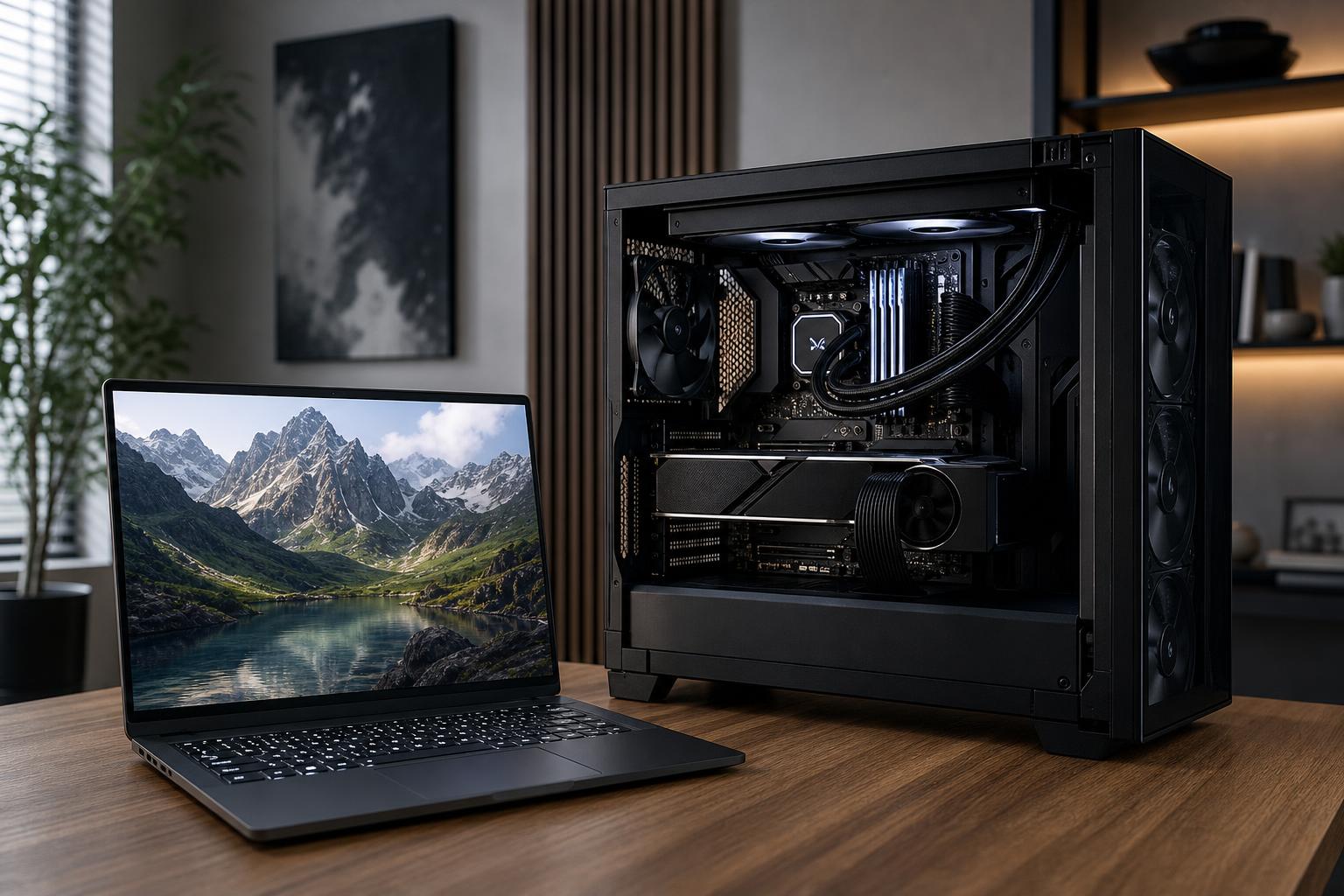
A gaming laptop is the right choice when you genuinely need to play, work, or create away from one desk. A gaming desktop is usually the better choice when performance, quieter operation, upgradeability, and long-term value matter most.
That sounds simple, but the details matter. A laptop and desktop with similar-sounding CPU and GPU names are not necessarily comparable. A powerful desktop also needs more than a fast graphics card: cooling, power delivery, memory, storage, and monitor choice all affect the experience you get every day.
Here is how to decide which type of machine fits your real life rather than the version of your life that exists only in a product listing.
Be honest here. “It might be nice to move it sometimes” is not the same as needing a computer for college, travel, client sites, shared living spaces, or frequent work between home and office.
If you need one computer that travels several times a month, a gaming laptop is a sensible compromise. You get a screen, keyboard, trackpad, battery, webcam, and full PC in one package. Add a monitor and dock at home, and it can serve as a capable desk setup too.
If the system will spend nearly all of its time on one desk, buy a desktop. You will usually get more sustained performance, more storage, easier repairs, and a much better upgrade path for the same overall budget. A desktop does not have to be huge, either. A well-designed compact tower can fit comfortably on or beside a desk without becoming a hot, noisy box.
The central difference is power and cooling. Desktop components have more room, larger heatsinks, larger fans, and substantially more electrical power available. They can maintain high clock speeds for long gaming sessions, renders, compilations, or exports.
Laptops must operate within a thin chassis, limited battery and power-adapter capacity, and much smaller cooling hardware. Manufacturers also configure laptop GPUs at different power limits. Two laptops with the same named graphics chip can perform quite differently depending on their cooling design and wattage limit.
This is why buyers should not compare the name on the box alone. A desktop GPU and a laptop GPU with related names are different products with different performance targets. For demanding games at 1440p or 4K, high-refresh-rate monitors, 3D rendering, or GPU-heavy creative work, the desktop advantage is meaningful.
A laptop can perform very well in a short benchmark, then become warmer and louder during a longer workload. This is not automatically a defect; it is the physical reality of putting powerful hardware into a portable chassis. Good laptops manage it better than poor ones, but none have the airflow of a properly built desktop.
A desktop with a suitable CPU cooler, sensible fan placement, and a quality case should sustain its intended performance without sounding like it is preparing for takeoff. That makes a difference if you game with speakers, record audio, edit video, or simply dislike fan noise.
For a 1440p monitor at high settings, a gaming laptop can be a good fit if you choose the GPU carefully. But a desktop gives you more room to target higher frame rates, use demanding ray-tracing settings, or move to 4K without immediately running out of graphics horsepower.
This matters most with 165Hz, 240Hz, and faster monitors. Reaching high frame rates consistently often requires a strong CPU as well as a strong GPU. Desktop processors generally have more cooling headroom and are easier to pair with the right memory and graphics card for the games you play.
A laptop includes its display, which is a real value. But if you plan to use it at a desk, check the panel carefully. Resolution, refresh rate, brightness, color coverage, and response time vary widely. A high refresh rate alone does not guarantee a great screen.
Many desktop buyers choose the monitor separately, which is an advantage rather than a burden. You can select the screen that suits your actual use: a 1440p high-refresh monitor for competitive gaming, a 4K display for detailed creative work, or a color-accurate panel for design and video.
For CAD, 3D rendering, local AI work, large code builds, video editing, simulation, and other sustained workloads, a desktop is normally the practical answer. These applications benefit from higher CPU power limits, more GPU VRAM options, additional memory capacity, multiple fast drives, and stable thermals over long sessions.
A mobile workstation or powerful creator laptop still makes sense for field work, travel, presentations, and client visits. Just treat it as a portability-first machine, not a small desktop that happens to fold shut. If most of the work happens at a desk, spending the same money on a custom workstation desktop generally buys more useful performance.
A desktop is designed from separate, standard components. That means you can typically add storage, install more memory, replace a graphics card, upgrade a power supply, or change a cooler without replacing the entire system.
Laptops usually allow some combination of memory and SSD upgrades, although this varies by model. The CPU and GPU are generally not upgradeable. Battery replacement, cooling service, screen repair, and motherboard failures can also be more involved and more expensive than the equivalent desktop repair.
This does not mean every desktop will be easy to upgrade. Some mass-market systems use proprietary power supplies, unusual case layouts, or limited cooling. A good custom gaming PC should use standard parts, allow reasonable access to components, and include a power supply and case that support likely future upgrades.
With a laptop, part of the budget always goes toward miniaturization: the display, battery, compact cooling system, chassis, keyboard, and engineering needed to fit everything together. That is worthwhile if mobility is a requirement.
With a desktop, more of the budget can go toward the components that directly shape performance. For most gaming builds, prioritize the graphics card first, then choose a CPU that can keep up at your target resolution and frame rate. Do not cut corners on the power supply, cooling, case airflow, or memory capacity just to claim a more impressive GPU model.
For professional systems, the priority depends on the application:
Buy a gaming laptop if most of these statements apply:
Choose a model with enough storage, a high-quality display, a cooling design with a good reputation, and the ports you need for your desk setup. Also check its weight and power brick size. A laptop that is technically portable but unpleasant to carry is not a great travel machine.
A desktop is the better fit if you want the best experience at a fixed location. It is especially compelling if you want high-FPS 1440p gaming, 4K gaming, a multi-monitor workspace, quiet operation, large storage capacity, or a system that can evolve over several years.
It is also the clear recommendation for most buyers who are choosing a PC mainly for demanding professional work. You get greater component flexibility, easier servicing, and better sustained performance without forcing everything into a compact thermal envelope.
Some buyers genuinely need both. In that case, two purpose-built systems can be better than one expensive compromise: a capable desktop for the main workspace and a lighter laptop for travel, meetings, and everyday tasks. This approach is not necessary for everyone, but it is worth considering for professionals who need desktop-class output and frequent mobility.
Buy the laptop when portability is a real requirement. Buy the desktop when it is merely a nice idea.
A well-configured desktop will usually deliver more gaming or workstation performance per dollar, run cooler and quieter under load, and remain useful longer through upgrades. The key is building it as a balanced system rather than overspending on one headline component while neglecting the power supply, cooling, storage, or display.
Overclock Computers can help you sort through that balance. Tell us the games or applications you use, the monitor you plan to run, your performance goals, and your budget, and we can design a custom desktop that makes sense for the way you actually work and play.






