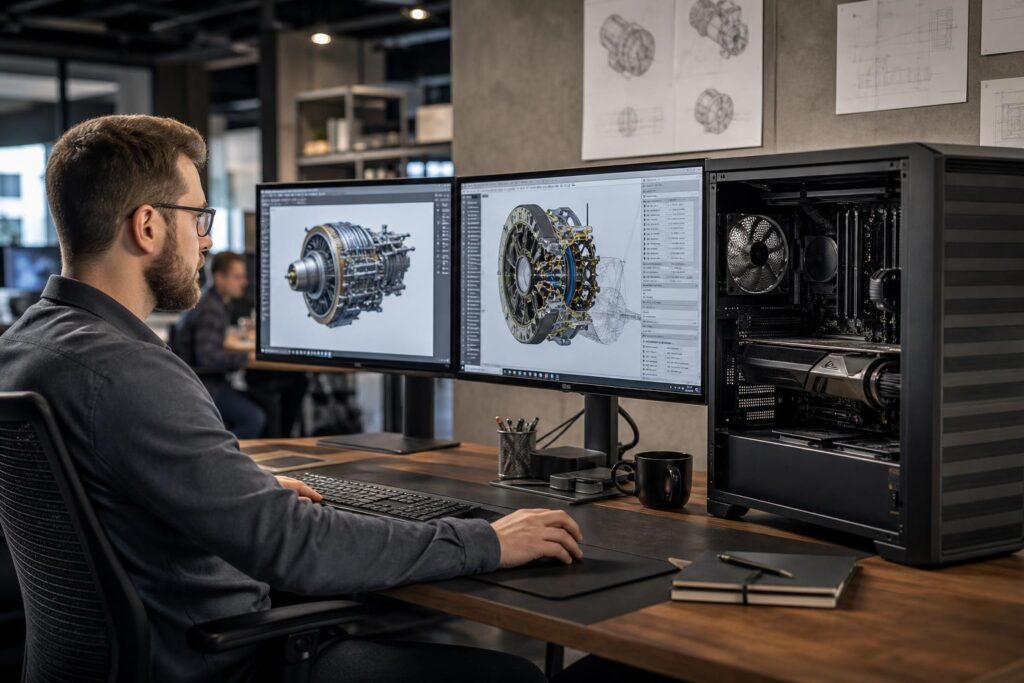
Professional GPUs and gaming GPUs can both be excellent workstation tools. Learn what separates them, which workloads benefit from workstation graphics, and how to choose the right GPU for CAD, engineering, rendering, and visualization.
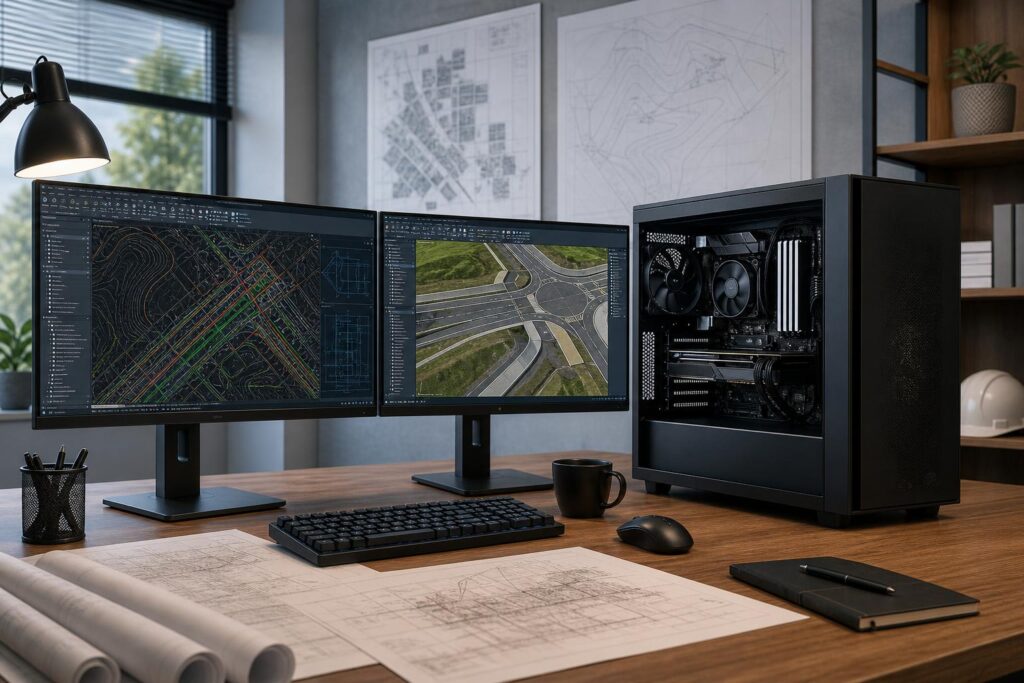
Choose an AutoCAD and Civil 3D workstation with the right balance of high CPU speed, RAM, graphics capability, and fast storage—without overspending on parts your workflow will not use.
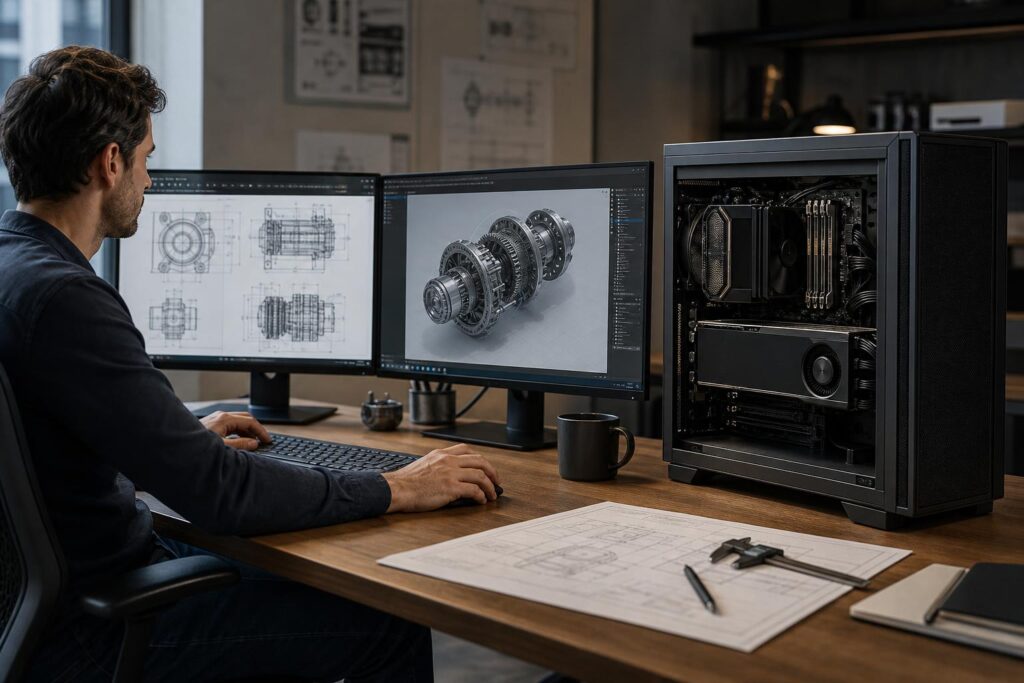
Professional GPUs are not automatically the right choice for every workstation. Learn when a gaming GPU offers better value and when professional graphics, larger VRAM, certified drivers, and enterprise features justify the cost.
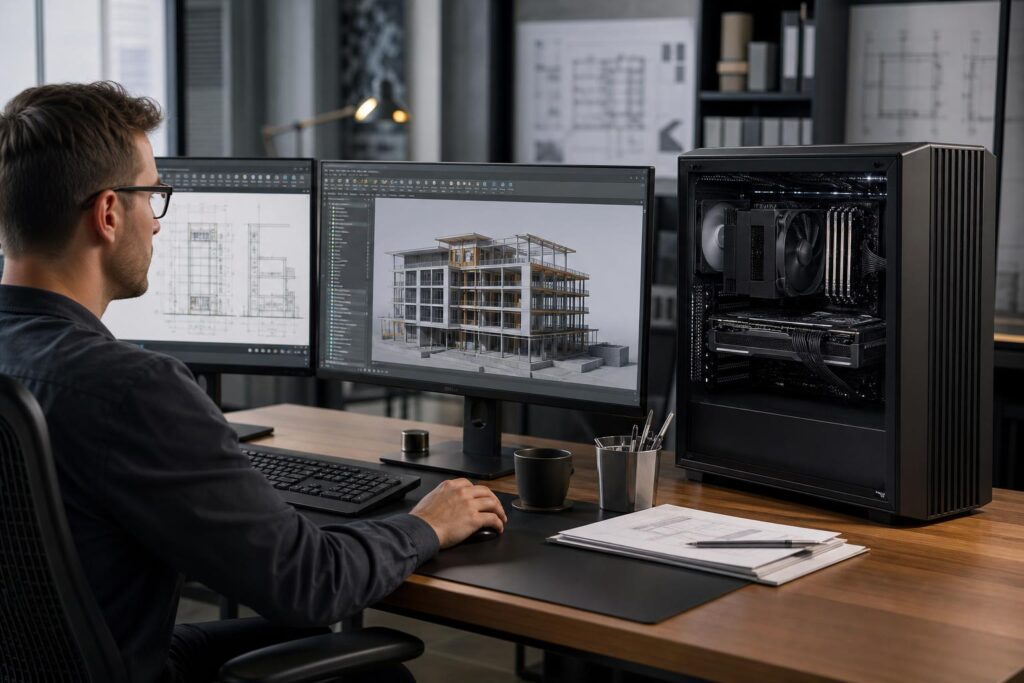
Ryzen and Threadripper can both make excellent professional workstations, but they solve different problems. Learn when a fast Ryzen desktop is the smarter buy and when Threadripper’s cores, memory capacity, and PCIe expansion are worth the investment.
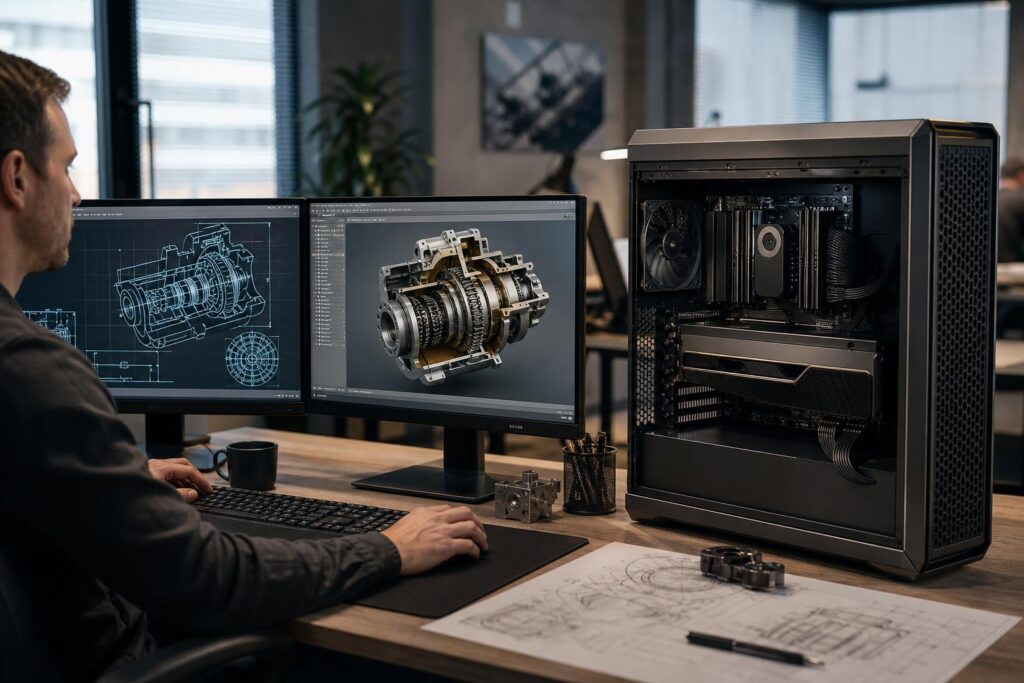
A practical guide to choosing between professional and gaming GPUs for CAD, BIM, visualization, engineering, and rendering workstations.
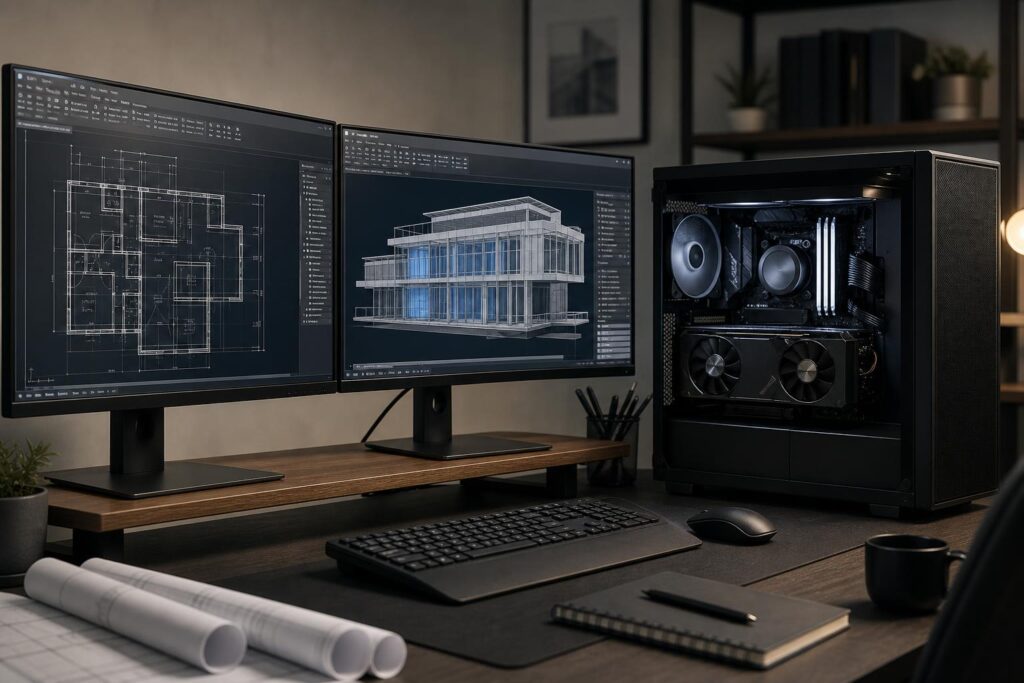
Choosing an AutoCAD workstation is mostly about matching CPU speed, memory, graphics, and storage to the size and type of drawings you actually handle. Here are practical specifications for 2D, 3D, and mixed CAD workflows.
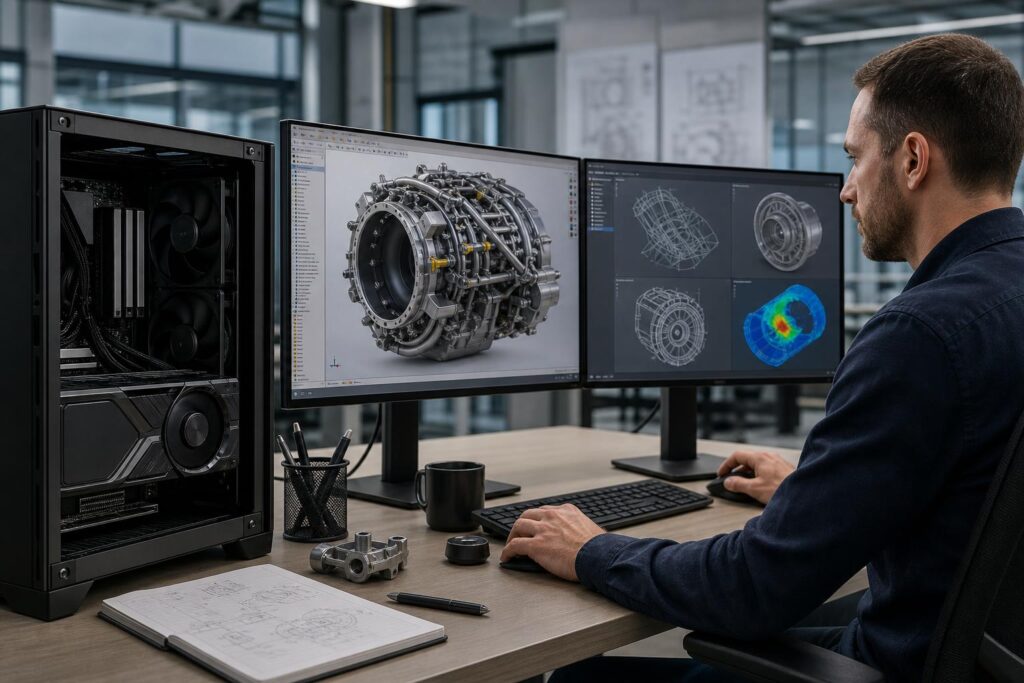
Professional GPUs are not automatically faster for every workstation. Learn when their drivers, VRAM, reliability features, and display support justify the cost—and when a consumer GPU is the better buy.
