
Professional GPUs and gaming GPUs can both be excellent workstation tools. Learn when certified drivers, VRAM, ECC memory, GPU compute, and expansion features justify a professional card—and when a consumer GPU is the smarter buy.

Choose a Civil 3D workstation based on drawing size, surfaces, corridors, references, and the other applications your team runs. Here are the specs that make a real difference.
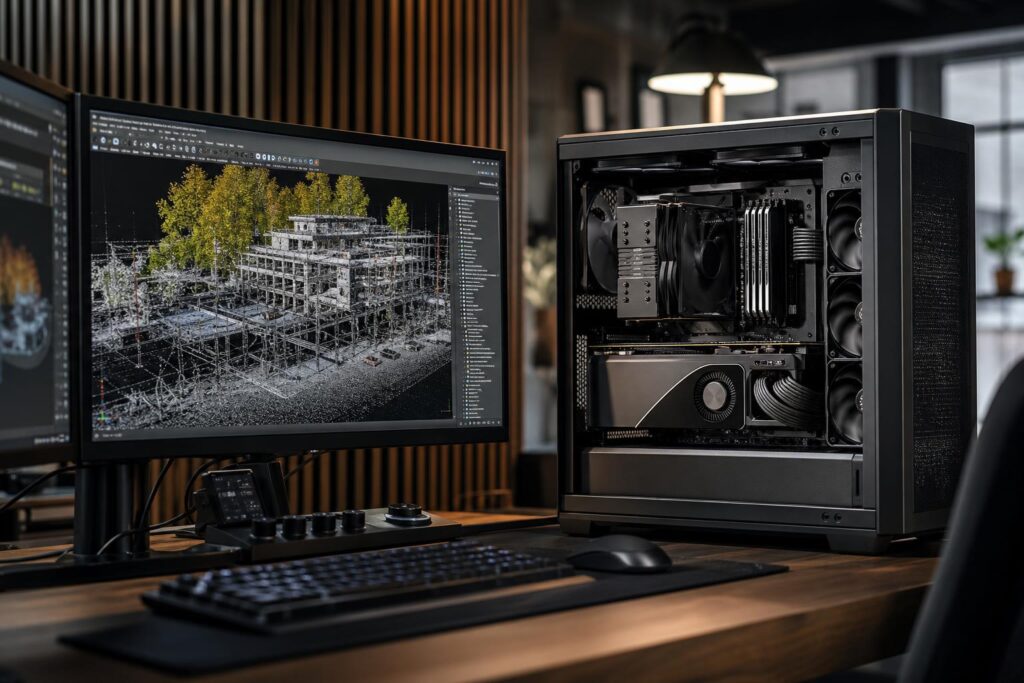
A practical guide to choosing a point cloud processing workstation, including CPU, GPU, RAM, storage, cooling, and upgrade priorities for LiDAR and laser-scan workflows.
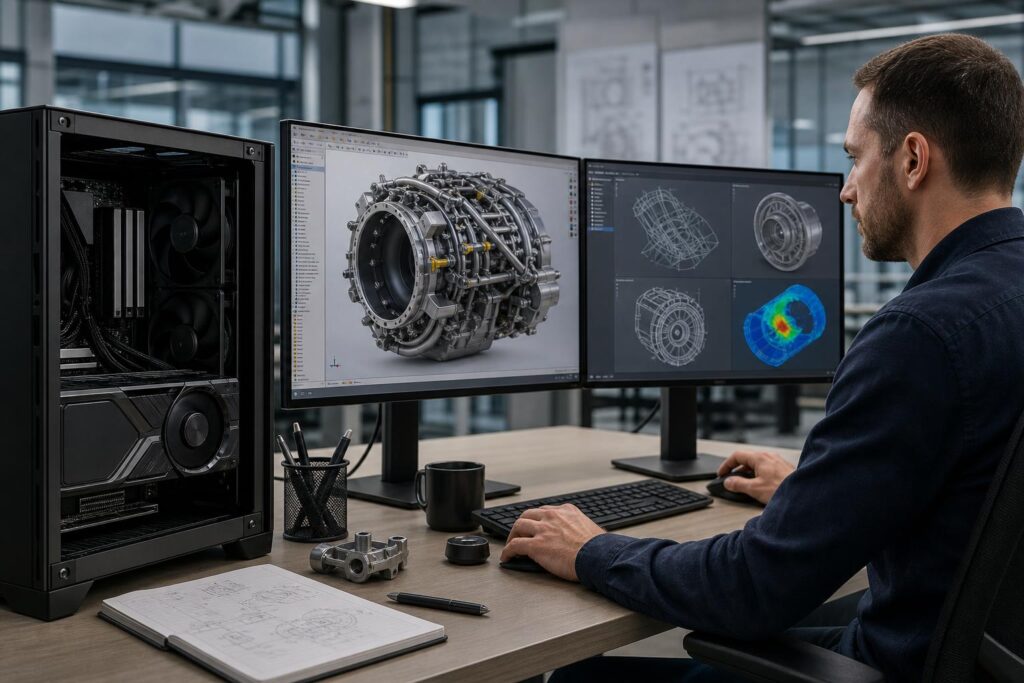
Professional GPUs are not automatically faster for every workstation. Learn when their drivers, VRAM, reliability features, and display support justify the cost—and when a consumer GPU is the better buy.

A gaming PC and a professional workstation can look similar on paper. Learn where they differ in CPU choice, GPUs, RAM, storage, expansion, cooling, and long-term value.

Learn how to choose the best CPU for CAD by balancing clock speed, core count, memory capacity, GPU needs, and the applications your team actually uses.
