How Much RAM Do You Need for Gaming, Work, and Content Creation in 2026?

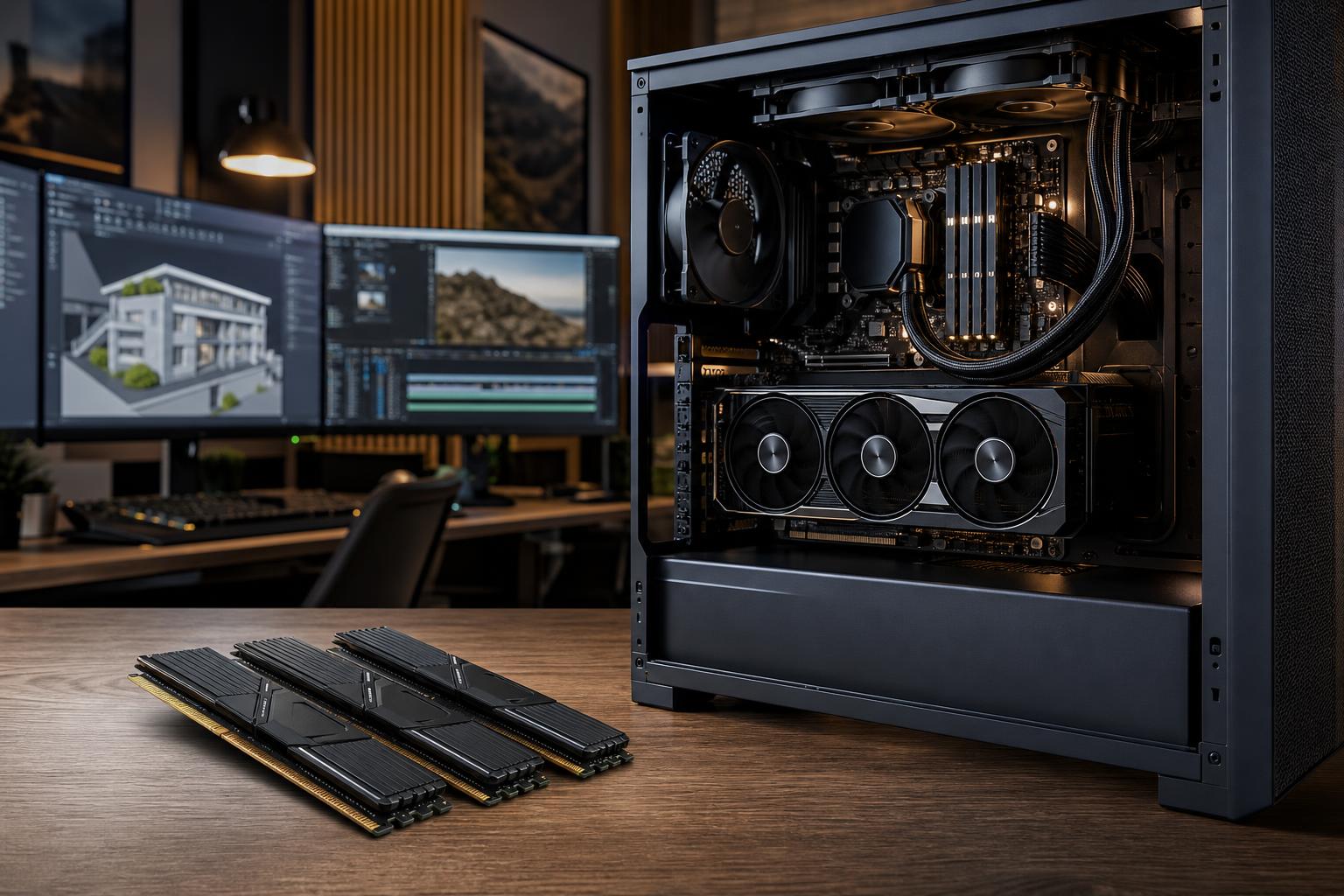
If you are buying a new PC, 32GB of RAM is the sensible starting point for most mid-range and high-performance systems in 2026. It is enough for modern gaming, everyday multitasking, streaming, and a wide range of creative work without forcing you to constantly manage open applications.
That does not mean everyone needs the same amount. A competitive gaming machine can still work well with 16GB, while a serious workstation for large video projects, 3D scenes, point clouds, virtual machines, or local datasets may need 64GB, 96GB, 128GB, or more. The right answer comes down to what is open at the same time and how large the files are—not simply how expensive the computer is.
RAM is one of the least glamorous parts of a build, but running short on it makes an otherwise fast computer feel strangely sluggish. Here is how to choose the capacity that actually suits your work.
Random access memory, usually called RAM or system memory, is the fast workspace your PC uses for active programs and data. Your game assets, browser tabs, project files, background tools, and portions of the operating system all occupy RAM while they are in use.
When available RAM runs low, Windows begins moving some of that data to the storage drive in a process called paging. Even a fast NVMe SSD is much slower than RAM for this job. The usual results are stutters in games, slow application switching, longer previews, browser reloads, and a system that feels less responsive under load.
More RAM does not automatically make a PC faster. If a system never uses more than 14GB during its normal workload, installing 64GB will not raise frame rates or make the CPU work faster. Capacity matters when your real workload approaches or exceeds what the system has available.
For a system primarily used to play games with a few background applications, 16GB can still be enough. It is a reasonable target when the budget is tight and the rest of the build is appropriately modest.
The problem is everything around the game. A browser with numerous tabs, Discord, game launchers, RGB utilities, capture software, and a second monitor all consume memory. Some newer games also benefit from more headroom, particularly when texture settings are high or mods are involved. With 16GB, closing background programs becomes a routine part of gaming. That is not ideal for a new high-end system.
For most buyers building a custom gaming PC, choose 32GB. It gives modern games room to breathe while letting you keep the normal extras open: voice chat, a browser, music, guides, game launchers, and monitoring software.
It is especially worthwhile for players who use mods, play simulation games, run an ultrawide or high-resolution display, record gameplay, or keep a busy desktop running while they play. It will not turn a graphics-card-limited 4K game into a high-frame-rate experience, but it prevents memory from becoming the weak link.
Most games alone do not require 64GB. However, it is a justified choice for someone who games and runs demanding applications on the same PC. Examples include live streaming with a production setup, editing video between sessions, hosting local game servers, running virtual machines, or using extensive mod collections.
Think of 64GB as a productivity upgrade that also removes nearly all gaming-related memory concerns. It makes sense in a high-end gaming and creator system. It is unnecessary in a PC built solely to play esports titles at high frame rates.
For straightforward editing, 32GB is often workable. Move to 64GB when working regularly with 4K footage, long timelines, multicamera projects, higher-bit-depth media, large After Effects compositions, or several Adobe applications at once. For heavier effects work and demanding productions, 128GB can be a very sensible investment.
Memory does not replace a capable CPU, GPU, or fast project storage. A balanced editing workstation needs all four. Still, insufficient RAM can make timeline work and background applications frustrating even when the processor and graphics card are excellent.
Many CAD workflows begin comfortably at 32GB. That is often enough for modest AutoCAD drawings, smaller Revit projects, and general design work. Larger assemblies, linked models, detailed renderings, or running several professional applications at once justify 64GB.
For complex BIM projects, large assemblies, simulation, GIS data, and other substantial engineering workloads, 128GB may be appropriate. The key factor is the size and complexity of the files your team actually opens. A workstation should be configured around those files, not around a generic “CAD PC” label.
These are workloads where memory requirements can rise quickly. Large scenes, high-resolution textures, geometry caches, photogrammetry datasets, and point clouds can consume tens or hundreds of gigabytes of system memory depending on project scale.
Start at 64GB for meaningful 3D or photogrammetry work, and consider 128GB or more for consistently large datasets. It is wise to leave headroom rather than sizing memory exactly to one project’s current usage. Applications still need room for the operating system, supporting tools, and the next project that lands on your desk.
For general development, 32GB is a comfortable baseline. Compilers, container tools, local databases, IDEs, browsers, and test environments add up faster than many people expect. Developers running a few containers or a single virtual machine will appreciate 32GB or 64GB.
If your daily workflow includes multiple virtual machines, emulators, local clusters, large databases, or data processing, 64GB to 128GB is more realistic. Allocate memory based on concurrent workloads. A virtual machine assigned 16GB reserves a meaningful portion of your system before you have opened your usual tools.
Capacity comes first. Once you have selected enough memory, speed and configuration matter too—especially on a new DDR5 platform.
Check memory usage during the tasks that frustrate you, not when the computer is sitting idle. Windows Task Manager can show memory use under the Performance tab. Consistently approaching the installed capacity while working is a good sign that an upgrade would help.
Watch for these common symptoms:
Before buying memory, confirm your motherboard supports the desired capacity and that your CPU platform has a compatible memory type. DDR4 and DDR5 are not interchangeable, and a physically compatible upgrade is not always the most reliable configuration.
It is easy to overspend on memory because a large number looks impressive on a specification list. But 128GB of RAM does not compensate for a weak graphics card in a 4K gaming machine, inadequate storage for video work, or a CPU that does not suit a heavily threaded workload.
For most gaming buyers, 32GB paired with the right GPU, CPU, cooling, power supply, and monitor is a smarter build than 64GB paired with compromises in the parts that determine gaming performance. For professional users, extra memory is valuable when it solves a documented workflow limitation—not merely because it sounds like a workstation feature.
If you are purchasing a new gaming PC, choose 32GB unless the budget is extremely constrained. Choose 64GB when gaming shares the machine with serious creative work, streaming production, virtual machines, or demanding multitasking. For workstations, begin with the memory your actual projects require, with enough spare capacity to keep the system responsive as files and workloads grow.
Overclock Computers can help configure a custom gaming PC or workstation around the games, software, project sizes, performance goals, and budget that matter to you. A well-balanced system starts with asking the right questions—and avoids paying for hardware you will never use.