
Best PC for Local AI in 2026: Practical Specs for Running Models at Home or Work

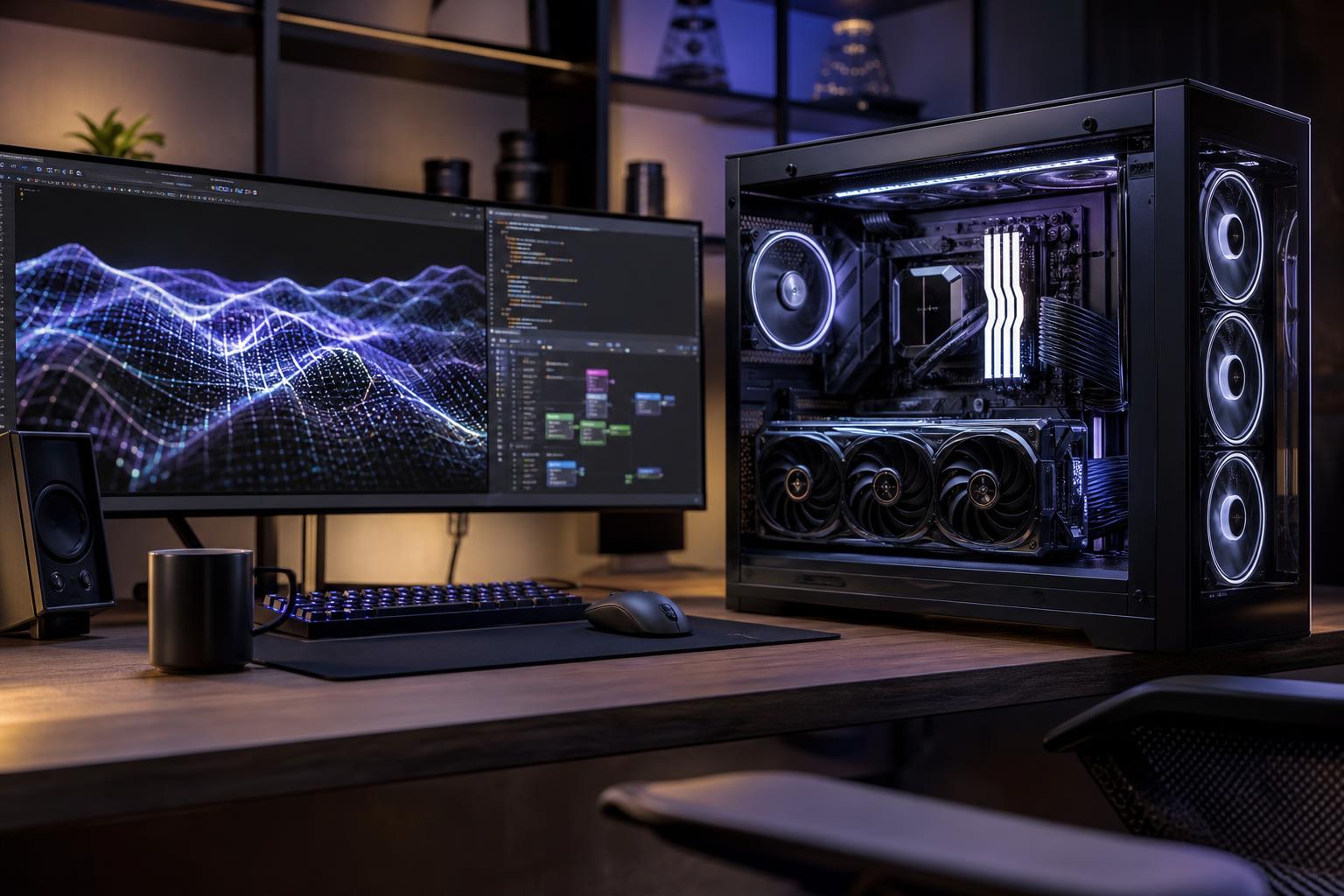
The best PC for local AI is usually a GPU-focused desktop with more VRAM than a similarly priced gaming build, at least 32GB of system memory, a fast NVMe SSD, and enough cooling and power capacity for sustained load. For many buyers, the sensible starting point is a modern NVIDIA GPU with 16GB or more of VRAM. If you want to run larger language models comfortably, generate high-resolution images, work with long context windows, or experiment with fine-tuning, 24GB or more of VRAM is the upgrade that matters most.
That recommendation is more useful than simply saying “buy the fastest GPU.” Local AI workloads have hard memory limits. A fast GPU with too little VRAM can be less useful than a somewhat slower card with enough memory to load the model and leave room for its working data.
Before choosing parts, decide whether you are mainly running models locally, creating images and video, developing AI software, or training and fine-tuning models. Those jobs overlap, but they do not reward the same hardware in equal measure.
Local language models are used for private chat assistants, document search, coding help, summarization, and experimentation. They can run on a CPU, system memory, or GPU, but GPU acceleration is far more responsive when the model fits in VRAM.
Model size, quantization, context length, and the software you use all affect memory requirements. Quantization reduces model precision to make a model smaller and easier to run, often with a modest trade-off in output quality. It is the reason a capable desktop can run many useful models that would otherwise require far more memory.
For language models, prioritize VRAM first, then system RAM. A larger model can sometimes partly spill into system memory, but performance usually falls sharply compared with keeping it on the GPU. If responsive interaction matters, buy enough VRAM for the models you expect to use rather than relying on spillover.
Image-generation workflows also lean heavily on the GPU and VRAM. Higher resolutions, larger batches, multiple control modules, upscaling, and complex node-based workflows all increase memory demand. A GPU that handles basic image generation may become restrictive once you add high-resolution output or several tools to the same workflow.
Video generation is particularly demanding. It can consume substantial VRAM, storage space, and time even on powerful hardware. Buyers focused on experimental local video tools should avoid treating a minimum-spec GPU as a long-term purchase.
Developers need the same GPU resources as local inference users, plus room for datasets, development tools, containers, and testing. Fine-tuning and training can be much more demanding than running a finished model. A single desktop GPU is excellent for learning, prototyping, retrieval-augmented generation, smaller fine-tunes, and many practical internal tools. It is not a substitute for a multi-GPU server or cloud cluster when training large foundation models.
That is not a failure of the desktop; it is simply the right tool for a different job. A well-configured local AI workstation can save time, protect sensitive working data from unnecessary uploads, and let a developer experiment without paying for cloud compute every time an idea needs testing.
This tier suits people who want to run smaller and moderately sized quantized language models, use local coding assistants, experiment with image generation, or build basic AI applications.
This is the sensible entry point for buyers who want useful local capability without building a machine around the largest models available.
This is the sweet spot for serious enthusiasts, developers, creative professionals, and businesses running models on a regular basis. The priority is a GPU with 24GB or more of VRAM, paired with 64GB of system RAM and 2TB or more of fast storage.
At this level, larger quantized language models become more practical, image workflows have more breathing room, and you are less likely to reorganize your entire setup around a memory warning. A higher-core-count CPU can make sense for data preparation, compiling code, running virtual machines, video work, or CPU-based tasks alongside AI. It is still secondary to GPU VRAM for most local inference workloads.
We would also specify a motherboard with sufficient M.2 storage expansion, reliable power delivery, and the connectivity you actually need. That does not mean paying for every premium motherboard feature. It means avoiding an entry-level board that leaves no room for additional SSDs, expansion cards, or memory upgrades.
For demanding local AI work, configure around the largest practical GPU memory capacity, 128GB or more of system RAM when datasets and multitasking justify it, and multiple SSDs with clear roles. One drive can hold the operating system and applications, while another handles models, active datasets, caches, and outputs. Separating those workloads can make a workstation easier to manage and maintain.
This tier is appropriate for teams developing internal tools, creators with demanding generative workflows, researchers working with sizable datasets, and professionals who need a powerful machine to run reliably for long sessions. It should also include a case with generous airflow, a high-quality power supply sized for the installed hardware, and cooling that can sustain load without turning the office into a wind tunnel.
Many popular local AI tools, libraries, and tutorials are built around NVIDIA’s CUDA ecosystem. That broad software support often makes NVIDIA the lower-friction choice for users of PyTorch-based projects, image-generation interfaces, and common AI development environments.
Other GPU options can be viable, especially when the software you want explicitly supports them. However, compatibility can vary by operating system, framework version, and application. Do not buy based on a generic claim that any GPU will run any AI tool equally well. Check the requirements for the specific software and models you intend to use before finalizing a build.
If local AI is a primary purpose for the machine, we generally recommend selecting the software ecosystem first, then selecting the GPU that gives it adequate VRAM and support. It is much less frustrating than discovering a compatibility limitation after the system is built.
For a new local AI PC, 16GB of VRAM is a reasonable minimum target for meaningful experimentation. It is not “future-proof,” a word that hardware has never respected, but it avoids some of the tightest limitations of lower-memory GPUs.
Do not confuse system RAM with GPU VRAM. System RAM helps the whole computer work smoothly and can support CPU-based inference, but it does not replace GPU memory when your goal is fast GPU acceleration.
A local AI build does not need the most expensive component in every category. For most buyers, an extreme gaming CPU offers less benefit than stepping up to more VRAM, doubling memory, or adding a larger SSD. Very high-end motherboards can also be poor value unless you need their specific expansion, networking, or connectivity features.
RGB lighting, premium case finishes, and elaborate liquid cooling are personal choices. They can make sense in a premium system, but they will not let a model fit into insufficient VRAM. Prioritize capability and sustained thermals first; then make the machine look the way you want.
Local AI installs are rarely tidy for long. Model files can be tens or hundreds of gigabytes, and datasets, generated media, and project backups add up faster than expected. A 2TB SSD is a comfortable starting point for a serious system, while users handling media or datasets should consider additional internal storage from the beginning.
Also consider where the PC will live. A GPU under continuous AI load produces heat, and small cases with restricted airflow can become loud. A larger airflow-focused case and sensible fan setup are often a better investment than exotic cooling hardware. Leave room for another SSD and, where appropriate, a future GPU upgrade. That is one advantage of a properly planned desktop over a sealed, proprietary system.
For most people shopping for the best PC for local AI, the right answer is a balanced desktop built around a well-supported GPU with at least 16GB of VRAM, 64GB of RAM if the budget allows, and 2TB of NVMe storage. Move to 24GB or more of VRAM when larger language models, complex image generation, longer context windows, or professional experimentation are central to your work.
Overclock Computers can help you configure a local AI workstation around the models, software, datasets, budget, noise preferences, and upgrade plans that matter to you. Bring us the tools you plan to run and the kind of projects you expect to tackle, and we can help separate the upgrades that will genuinely help from the expensive ones you can safely skip.






