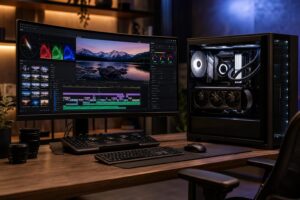
Best Gaming PC for Streaming in 2026: Specs That Make Sense

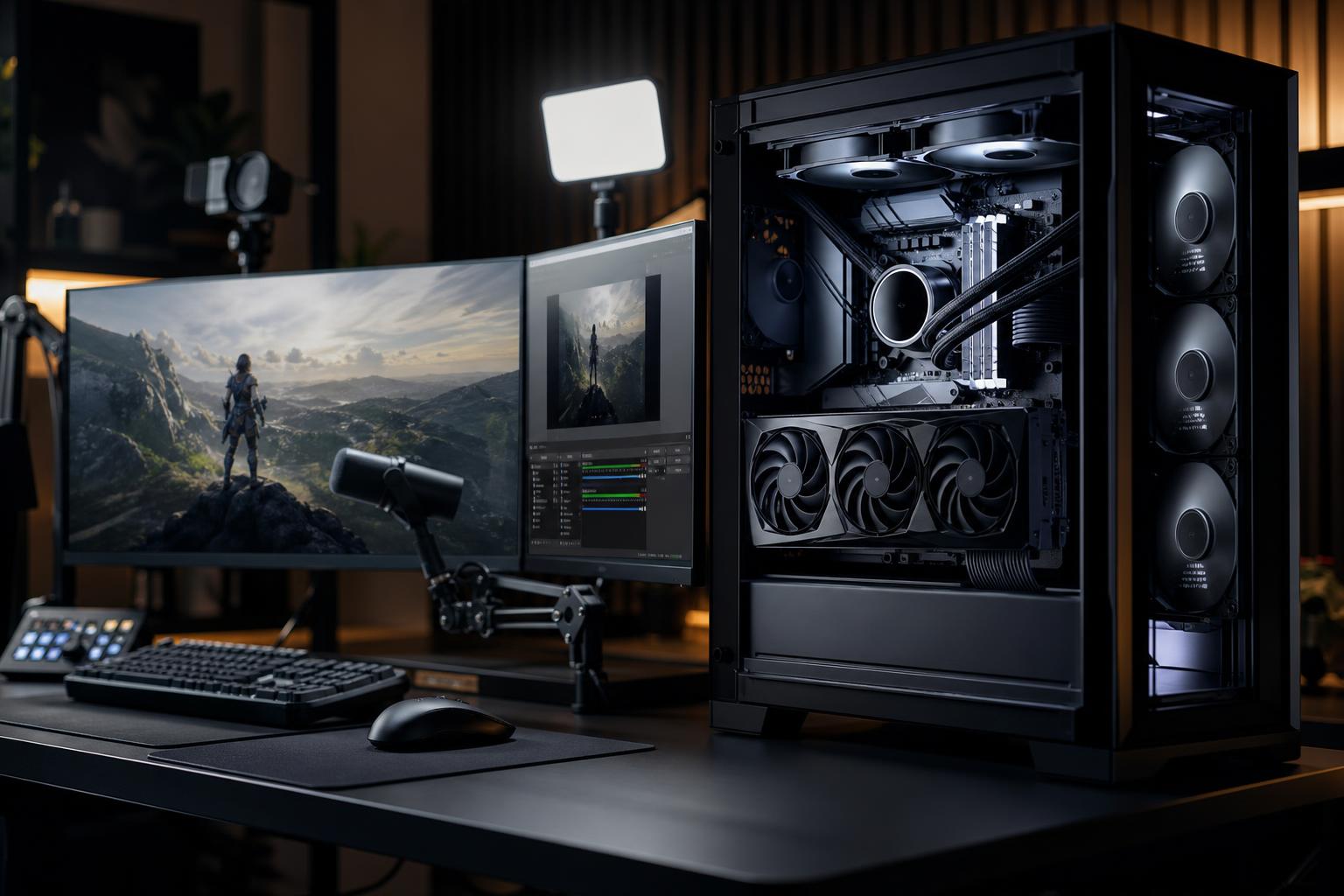
A good gaming PC for streaming has to do two demanding jobs at once: run the game smoothly and encode a live video feed without turning the stream into a blurry, stuttering mess. The right parts depend less on the word “streaming” and more on your target resolution, refresh rate, game type, and streaming setup.
For most people, the sensible starting point is a modern mid-to-high-tier CPU, a graphics card with a capable hardware video encoder, 32GB of RAM, and a fast NVMe SSD. That combination handles gameplay, OBS or similar broadcast software, browser tabs, chat tools, alerts, and background tasks without building a system far beyond what the job requires.
The biggest mistake is buying a powerful graphics card and treating every other component as an afterthought. Streaming exposes weak links in memory capacity, cooling, storage, and internet connectivity quickly. A balanced system is more valuable than a lopsided one.
A 1080p stream remains a practical choice for many creators. It looks good on common viewing devices, is less demanding on upload bandwidth, and lets you prioritize high in-game frame rates. Streaming at a higher resolution can make sense, but it increases encoding and bandwidth demands while some platforms may still limit the quality viewers receive.
Before selecting hardware, answer these questions:
A single-PC setup is the right answer for most streamers. Modern GPU encoders have made it practical to play and broadcast from one well-configured computer. A dual-PC arrangement is more specialized. It can help creators who need every last frame in competitive titles, use complex production workflows, or want to isolate the broadcast from the gaming machine. It also adds cost, cabling, capture hardware, and more things to troubleshoot.
For a gaming PC for streaming, the graphics card is usually the most important component because it determines gaming performance at your chosen resolution. It can also handle video encoding through dedicated hardware, reducing the work the CPU has to do.
Hardware encoding is the practical default for most live streams. In OBS, this means selecting the encoder supported by your graphics card rather than asking the CPU to encode everything in software. This approach generally preserves more CPU headroom for the game, browser sources, alerts, voice chat, and other background tasks.
Buy the GPU for the game settings and monitor you intend to use, then confirm that it includes a current hardware encoder. A graphics card suited to 1440p gaming is often an excellent fit for a 1440p gamer who streams at 1080p. It leaves performance headroom for the game and avoids the cost of buying a 4K-focused card for a monitor that cannot use it.
Video memory matters, too. The VRAM needed is driven mainly by game resolution, texture settings, mods, ray tracing, and the game itself, rather than streaming alone. Streaming software and a browser consume some graphics resources, but they do not transform a modest VRAM budget into a high-end one. If you already run close to a card’s VRAM limit in your favorite games, streaming can make the resulting stutters more noticeable.
A GPU encoder lowers CPU demand, but it does not make the processor irrelevant. The CPU still runs game logic, handles operating-system tasks, feeds the graphics card, manages streaming software, and keeps background applications responsive.
For a new single-PC streaming build, a modern processor with strong per-core performance and at least eight capable cores is a sensible target. This level works well for most gaming-and-streaming combinations. Moving to a higher-core-count CPU is worthwhile when you also edit substantial video projects, run virtual machines, compile code, render on the CPU, or use a software encoder for a specific production reason.
Competitive games at very high frame rates can be unusually CPU-sensitive. If your goal is to hold 240Hz or higher in titles such as shooters, racing games, or simulation games, CPU choice deserves more attention than it would in a 60Hz 4K build. Do not assume a bigger graphics card will solve a processor bottleneck.
CPU-based software encoding can be useful for advanced users who have a specific quality target, an established workflow, and enough processor capacity. It is not automatically “better” in a way that justifies sacrificing game performance. For most new streamers, a current GPU hardware encoder is simpler, efficient, and produces results that viewers will be happy to watch.
Streaming setups are good at accumulating open applications: the game, OBS, a browser with dashboards and chat, Discord, music, bot tools, webcam software, and perhaps a virtual camera. That is why 32GB of RAM is the realistic baseline for a streaming-focused gaming PC in 2026.
Sixteen gigabytes may still run a game and a basic stream, but it leaves little room for modern games, browser-heavy setups, and multitasking. When memory fills up, Windows relies more heavily on the storage drive. The result can be hitching, slow switching between applications, and a generally rough experience at exactly the wrong time.
Choose 64GB if you regularly edit high-resolution footage, use demanding creative applications alongside your stream, work with large mod lists, or simply keep many applications open. More than 64GB is normally a workstation decision rather than a streaming requirement.
A fast NVMe SSD should be the primary drive for Windows, applications, and active games. It improves boot times and load times, but its bigger benefit to streamers is responsiveness while several programs are working at once.
If you record while live, consider a second SSD for recordings. High-quality local video files can become enormous surprisingly quickly, and recording to a separate drive helps avoid competition between game loading, Windows background activity, and video capture. It also makes project organization much less painful.
Large hard drives still have a role as affordable archives for completed recordings, but they are not ideal as the main destination for active editing projects or high-bitrate capture.
A long stream is a sustained workload. A computer that seems fine during a short game session may become loud or reduce clock speeds after hours of gaming, encoding, and recording. Use a case with clear airflow, a CPU cooler appropriate for the processor, and enough quality fans to move heat out without sounding like a leaf blower on your desk.
The power supply should be selected for the actual CPU and GPU combination, with sensible headroom and the correct power connectors. This is not the component to cut corners on. A quality unit supports stable operation today and makes a future graphics card upgrade less complicated.
Finally, use wired Ethernet whenever possible. Upload speed, connection stability, and packet loss can hurt a stream even when the PC is extremely powerful. Before upgrading hardware to solve dropped frames, check the streaming software statistics and test the connection. Encoding lag, rendering lag, and network drops are different problems with different fixes.
For most buyers, a balanced gaming PC for streaming includes:
That is a more useful target than chasing a particular component list. The right gaming PC for streaming should deliver the frame rate you care about, maintain stable performance over a long session, and leave enough room for the workflow around the game.
If you are choosing between parts, start with the games you play, your monitor resolution and refresh rate, your streaming platform, and whether local recording or video editing is part of the plan. Those details reveal where extra budget will make a real difference—and where it will not.
Overclock Computers can configure a custom streaming PC around your game library, broadcast setup, creative applications, performance targets, and budget. A thoughtfully balanced build is easier to live with than a parts list that looks impressive but leaves its important weak spots unchecked.