Air Cooler vs. Liquid Cooler: Which CPU Cooling Should You Choose?

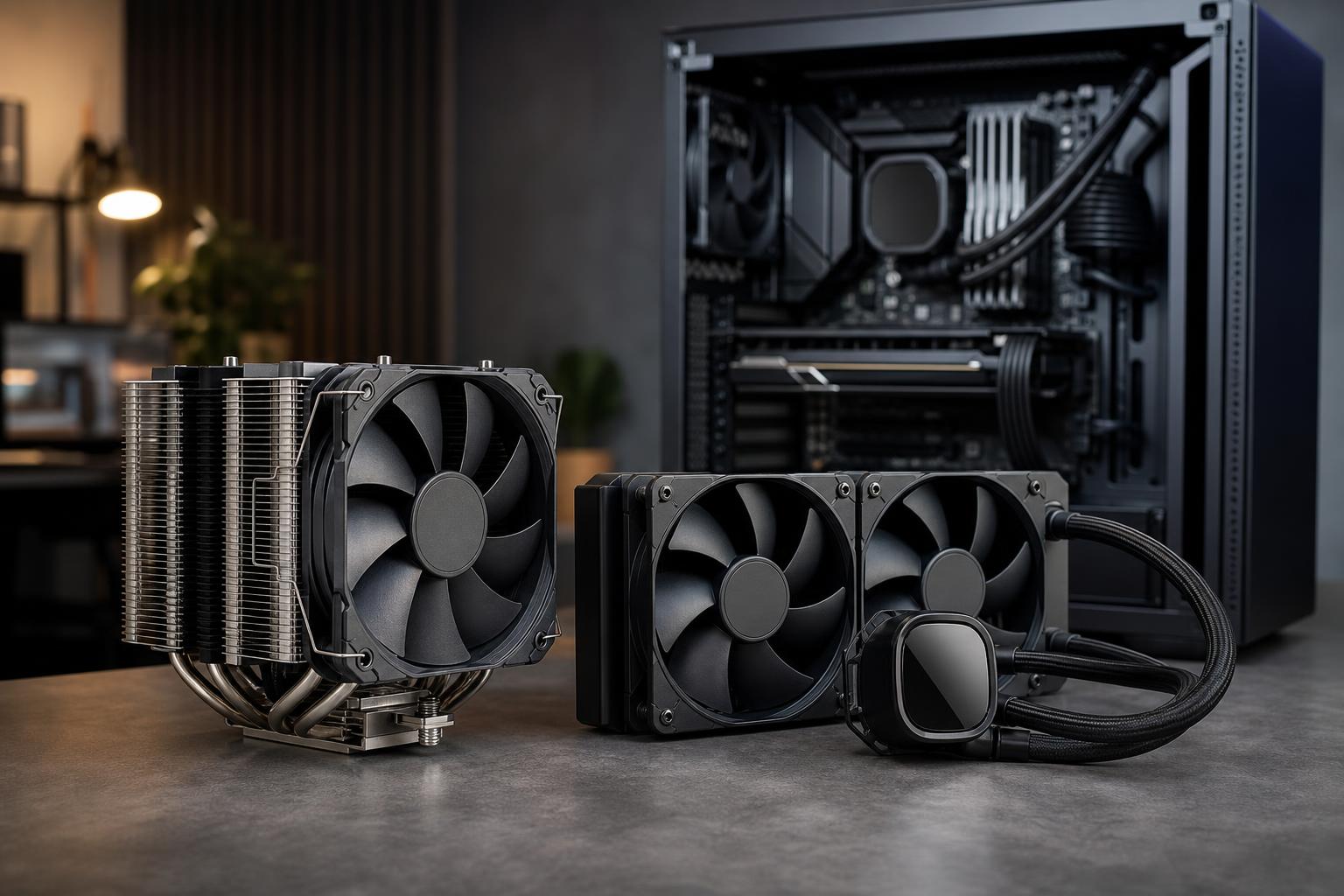
Choosing a CPU cooler is not just about chasing the lowest temperature on a benchmark chart. The right cooler affects sustained performance, fan noise, case compatibility, reliability, and sometimes the entire layout of a PC.
The short version: a good tower air cooler is the sensible choice for most mid-range and many high-end systems. A quality all-in-one (AIO) liquid cooler makes more sense for hot, power-hungry CPUs, compact builds with limited air-cooler clearance, or buyers who want the appearance and layout benefits of a radiator-based setup.
Neither choice automatically makes a PC faster. The cooler needs to suit the processor, the workload, and the case. A 360 mm liquid cooler on a modest gaming CPU can be unnecessary. On the other hand, fitting a small budget cooler to a CPU that spends hours rendering video, compiling code, or processing simulations is a good way to create a loud, hot, slower machine.
A CPU converts electrical power into heat. The cooler moves that heat away from the processor’s heat spreader, then releases it into the air moving through the case.
When cooling is insufficient, modern CPUs generally protect themselves by lowering clock speed, voltage, or power draw. This behavior is called thermal throttling. It prevents damage, but it can reduce performance during long workloads. Even before throttling begins, a cooler pushed too hard often runs its fans at high speed, which is why an undersized cooler can turn an otherwise excellent PC into a desk-side hair dryer.
A better cooler does not always produce a dramatic performance increase. Many gaming CPUs do not use their maximum all-core power draw while playing games. Cooling matters more in long, heavily threaded workloads such as CPU rendering, code compilation, video encoding, engineering calculations, and shader compilation.
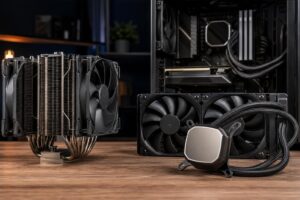
A tower air cooler uses a metal base, heat pipes, aluminum cooling fins, and one or more fans. Heat pipes carry heat from the CPU base into the fin stack, and the fans push air through it.
They are simple devices, and that simplicity is their great strength. There is no pump, no liquid, and no radiator. Aside from the fans, which are easily replaceable, there is very little to wear out.
For a gaming PC using a mainstream or gaming-focused CPU, a quality tower cooler is frequently all the cooling the system needs. That includes many powerful processors, provided the case has good airflow and the CPU is not configured to consume extreme power.
Air coolers are large. Before buying one, check the case’s maximum CPU-cooler height, the motherboard’s clearance around the CPU socket, and RAM height. Tall memory modules with oversized heat spreaders can interfere with the front fan of some dual-tower designs.
Air cooling also has a practical ceiling. A large dual-tower cooler can dissipate substantial heat, but processors that sustain very high power during all-core work may be louder or run warmer than many owners prefer. This is where a larger AIO can earn its cost.
An AIO liquid cooler is a sealed loop containing a CPU pump/block, tubing, radiator, fans, and coolant. The pump moves heat from the CPU to the radiator, where fans transfer that heat into the air.
The radiator provides a large heat-exchange area and can be mounted at the top, front, or side of a compatible case. A 240 mm radiator uses two 120 mm fans; 280 mm uses two 140 mm fans; and 360 mm uses three 120 mm fans.
A 240 mm AIO can perform well, but it is not automatically better than every large air cooler. A 280 mm AIO has a meaningful surface-area advantage, and a good 360 mm model gives more thermal headroom for high-power CPUs. The radiator size, fan quality, pump design, case airflow, and CPU power settings all matter.
An AIO is not maintenance-free magic. It has fans like an air cooler, plus a pump that can eventually wear out. Over a long period, coolant can slowly permeate through tubing, and pump noise may become noticeable before a failure is obvious. Major leaks are uncommon with reputable modern units, but liquid cooling is still more complex than a heatsink and fans.
AIOs also need thoughtful installation. A front-mounted radiator may warm the air entering the case, which can raise GPU temperatures slightly. A top-mounted radiator usually exhausts CPU heat directly from the case, but uses warmer internal air to cool the radiator. Neither layout is universally right. In a gaming-focused PC with a powerful graphics card, top exhaust is often attractive because the GPU remains the largest heat source and benefits from cool front intake air.
One small but worthwhile setup detail: avoid placing the pump at the highest point in the cooling loop. Air naturally collects at the top, and you do not want that air sitting in the pump. Case and cooler instructions should be followed rather than relying on internet diagrams from five years ago.
Start with the CPU and the work it will perform, not with the cooler’s RGB lighting or the largest radiator that fits.
A capable single-tower air cooler or a modest dual-tower model is usually enough for efficient mainstream CPUs. This is the best-value route for many gaming systems. Spending the difference on a faster GPU, more storage, or a better monitor will usually improve the actual gaming experience more than moving from a good air cooler to a large AIO.
Choose a 240 mm AIO here if you prefer its appearance, need the socket area cleared up, or are using a case where a radiator fits better than a tall tower cooler. Buy it because it suits the build, not because liquid cooling is required for gaming.
For a high-performance processor that games but also handles regular streaming, editing, compiling, or production work, a premium dual-tower air cooler, 240 mm AIO, or 280 mm AIO can all be appropriate. The deciding factors are sustained workload, desired noise level, and case support.
If the processor regularly runs demanding all-core tasks for an hour or more, we generally favor a 280 mm AIO when the case supports it. It offers useful thermal headroom without automatically pushing a build into excess.
A workstation with a high-core-count CPU performing sustained rendering, encoding, simulation, or data processing should be designed around its real power draw. A quality 360 mm AIO is often justified for high-wattage desktop processors. For workstation-class platforms, the correct answer may be a large air cooler, a large AIO designed for the socket, or more specialized cooling depending on the platform and chassis.
Here, cooling is not cosmetic. Better sustained cooling can preserve performance over long jobs and keep fan noise at a more tolerable level. It is worth budgeting for.
A great CPU cooler cannot rescue a sealed, poorly ventilated case. The GPU, CPU cooler, case fans, cable routing, dust filters, and fan curves work as a system.
For most performance desktops, we prefer a case with unobstructed front or side intake, sensible dust filtration, and enough room for the selected GPU and cooler. Two or three intake fans and at least one exhaust fan is a common starting point. More fans are not automatically better; properly placed, quality fans running at lower speed are usually quieter than a collection of cheap fans running flat out.
It is also normal for modern CPUs to target relatively high temperatures under heavy load, especially when their firmware is designed to use available thermal headroom for more performance. The number on a monitoring screen matters, but it is not the only measure of a healthy system. Look for stable performance, reasonable noise, correct power behavior, and temperatures within the CPU manufacturer’s intended operating range.
Do not treat liquid cooling as a required upgrade or air cooling as a budget compromise. Both can be excellent when selected properly.
The best cooler is the one that keeps your specific CPU performing properly without wasting budget, creating unnecessary noise, or compromising the rest of the system. If you are planning a custom gaming PC or workstation and are unsure where the cooling budget should go, contact Overclok Computers. We can help match the processor, cooler, case airflow, and power settings to the work you actually plan to do.