
32GB vs. 64GB RAM: Which Capacity Should You Buy for a New PC?

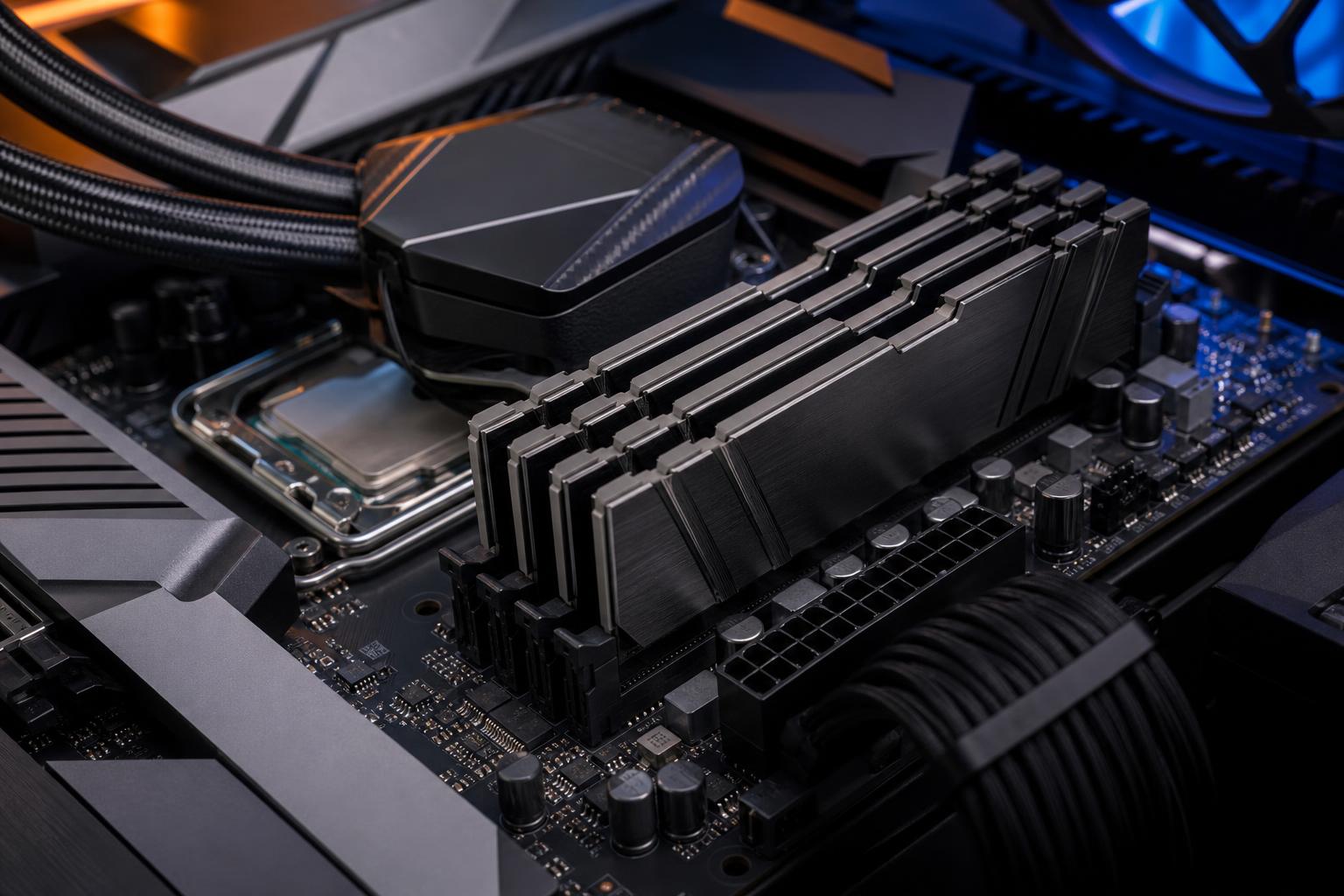
For most new performance PCs, 32GB is the sensible starting point. It is enough for modern gaming, normal multitasking, streaming, and a wide range of creative work. But 64GB is not simply “more than you need” for everyone. It can make a very noticeable difference in memory-heavy professional applications, large projects, demanding multitasking, and some local AI workloads.
The right choice comes down to what you run at the same time, the size of the files or scenes you work with, and how long you intend to keep the system. RAM capacity does not raise frame rates the way a faster graphics card can, but running out of it can make an otherwise powerful computer feel strangely slow.
If a gaming build has a fixed budget, we would generally put the money toward the GPU before moving from 32GB to 64GB. For a workstation that regularly uses the full memory pool, the opposite can be true: insufficient RAM can waste the potential of an expensive CPU and graphics card.
RAM is the fast workspace where Windows and active programs keep the information they need right now. When there is not enough physical memory available, Windows moves some of that data to the storage drive in a process commonly called paging.
Modern NVMe SSDs are quick, but they are still dramatically slower than system memory. Once heavy paging begins, symptoms can include:
More RAM does not make every task faster. If your system has 20GB free while gaming, adding another 32GB will not suddenly increase performance. The benefit appears when your normal workload is already close to the installed capacity.
Yes. For nearly every gaming PC built today, 32GB is enough. It gives modern games comfortable room while leaving capacity for Windows, game launchers, voice chat, a web browser, music, peripheral software, and a few background utilities.
It is also a better long-term choice than 16GB for a new premium gaming computer. Some newer games can use a substantial amount of memory, particularly when paired with high-resolution texture packs, large open worlds, mods, or a busy background workload. A 16GB system can still play many games well, but it has much less breathing room and is more likely to encounter avoidable stutter.
64GB makes sense for gamers who do more than play one game at a time. Good examples include running heavily modded simulation or sandbox games, hosting a game server, recording high-bitrate gameplay while streaming, keeping many browser tabs and production tools open, or using the same PC for serious content creation.
Still, do not buy 64GB just because a game lists it as a recommended specification unless you can confirm why. Some recommendations account for extreme settings, creator workflows, or broad system configurations rather than ordinary gameplay. For a pure gaming machine, a stronger GPU, a larger SSD, or a better monitor often produces more visible value.
64GB is the practical workstation baseline when your work involves large assets, several demanding applications, or unpredictable project sizes. It is a modest cost compared with lost time waiting for a system to recover from memory pressure.
For straightforward 1080p or light 4K editing, 32GB is often workable. Move to 64GB if you edit long 4K projects, work with high-bitrate footage, use multicamera timelines, keep several Adobe applications open, or build complex After Effects compositions. RAM will not replace a capable CPU, GPU, or fast scratch drive, but memory shortages are a common source of sluggish previews and poor multitasking.
3D scenes, high-resolution textures, large CAD assemblies, and design files can consume memory quickly. A 64GB configuration is a safer recommendation for Blender users working beyond modest scenes, architects handling substantial Revit projects, engineers working with complex assemblies, and artists who frequently move between several creative applications.
Very large scenes can need more than 64GB. In that situation, check the memory usage of your actual project files rather than guessing. A workstation needs capacity based on the largest realistic job, with room for the operating system and supporting applications.
Many developers will be perfectly happy with 32GB. A typical code editor, browser, local database, and development environment do not automatically require 64GB. The argument changes when you run multiple virtual machines, Docker containers, local Kubernetes environments, mobile emulators, large builds, or several databases simultaneously. Those workloads can make 64GB feel like a relief rather than a luxury.
System RAM and GPU VRAM are different resources, so adding RAM does not increase the size of a model that fits in the graphics card’s VRAM. However, 64GB of system memory can be valuable for loading datasets, running supporting tools, offloading part of a workload, and avoiding contention while other applications are open. Large local models and data-processing tasks may require 96GB or 128GB, depending on the software and model format.
Once you have selected the right capacity, buy a well-matched memory kit rather than combining random sticks later. For most DDR5 systems, a two-stick kit is the sweet spot: 2 x 16GB for 32GB or 2 x 32GB for 64GB.
Two modules allow dual-channel operation and are generally easier for the memory controller to run at the rated profile than four modules, especially at higher DDR5 speeds. This is why we prefer starting with two larger sticks when 64GB is the target.
Check that the kit supports the appropriate XMP or EXPO memory profile for the platform, and verify it is compatible with the motherboard and CPU. The motherboard’s qualified-vendor list can be useful, though it is not a complete list of every working kit. A reputable board, current BIOS, and a matched kit matter more than chasing an extreme memory-speed number.
That can be a good strategy for a budget-conscious gaming build, particularly when the motherboard has four memory slots and the exact kit will remain readily available. But it is not always the cheapest or cleanest route.
Mixing separate memory kits—even two kits with the same advertised speed and model number—does not guarantee they will run together at their rated settings. Manufacturers can use different memory chips in later production runs. Four DDR5 modules can also require lower speeds or manual tuning compared with two modules.
If you know that 64GB is likely within the next year, buying a 2 x 32GB kit from the beginning is usually the better approach. If 64GB is merely a vague possibility and the money would compromise the GPU or CPU today, start with a quality 2 x 16GB kit and leave a sensible upgrade path.
For a new gaming PC, choose 32GB of DDR5 memory in a matched two-stick kit. It is the current value and usability sweet spot. For a hybrid gaming and creative system, decide based on the creative side: occasional edits and streaming still fit comfortably in 32GB, while regular 4K production, 3D work, virtual machines, or large design projects justify 64GB.
For a professional workstation, do not treat RAM as an afterthought. Review the largest projects, the applications that must stay open together, and the consequences of slowdown during paid work. Spending appropriately on 64GB or more can be far more productive than saving a little on memory and forcing a high-end workstation to use its SSD as emergency workspace.
If you are planning a new system and are unsure where your workload falls, Overclock Computers can help match memory capacity, speed, and the rest of the hardware to the programs and projects you actually use.






