What Graphics Card Do You Need for Gaming? A Practical Buying Guide

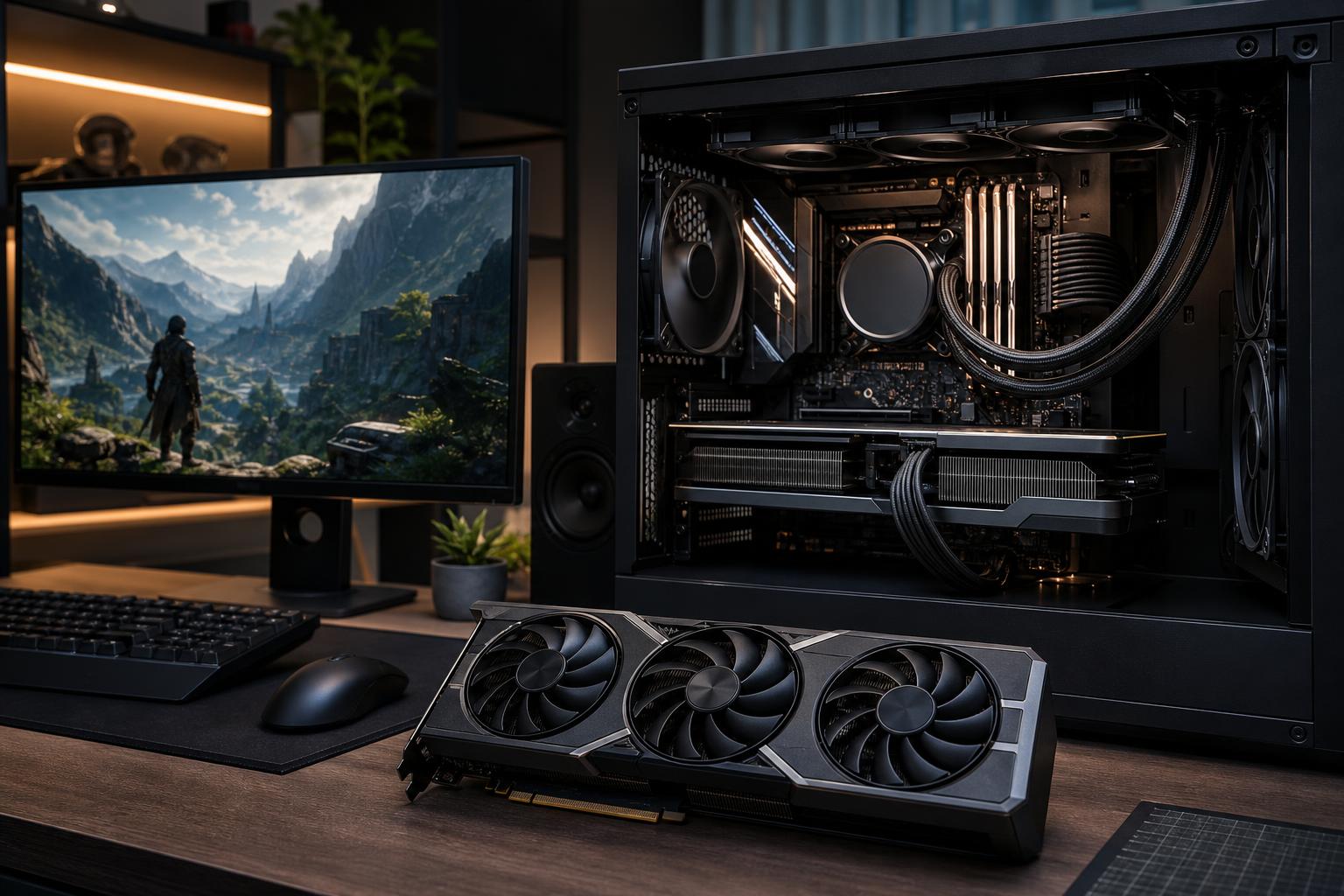
The graphics card is usually the most important part of a gaming PC. It has the biggest effect on frame rate, image quality, ray tracing performance, and how long the system remains satisfying to use. It is also the component where it is easiest to overspend.
The right answer starts with your monitor, not a product name. A GPU that is excellent for 1080p can be the wrong choice for a 4K display. Likewise, a card chosen for cinematic single-player games may not be the best use of money for someone trying to hold very high frame rates in competitive shooters.
For most buyers, choose a graphics card that can run the games you actually play at your monitor’s native resolution, with enough performance headroom for the settings you care about. Then make sure the CPU, power supply, case, and cooling are appropriate for it. That sounds simple, but those details are where a thoughtfully configured custom gaming PC earns its keep.
Resolution determines how many pixels the GPU must draw for every frame. Refresh rate determines how many frames the monitor can display each second. Both matter.
Refresh rate changes the recommendation. A player targeting 60 to 90 frames per second in story-driven games needs less GPU performance than someone trying to keep a 240Hz monitor well fed in a competitive title. Do not buy a 360Hz monitor and pair it with a graphics card that only reaches that range in old or lightweight games. That is like fitting racing tires to a minivan.
A mainstream graphics card is usually the sensible choice for 1080p gaming at high settings. It should handle esports titles very well and run most modern games comfortably without forcing you to abandon good image quality.
This tier makes sense for buyers using a 60Hz to 144Hz 1080p monitor, for younger gamers, or for a second PC. Spend the saved budget on 32GB of system memory, a quality SSD, and a decent power supply rather than chasing a more expensive GPU while cutting corners elsewhere.
For 1080p competitive gaming at 240Hz or above, the game matters more than the resolution alone. Games such as tactical shooters are often limited by CPU speed at very high frame rates. A balanced gaming CPU and fast, correctly configured memory can matter as much as moving up another GPU tier.
For many people building the best custom gaming PC for everyday use, upper-midrange is the sweet spot. This class is designed for high-quality 1440p gaming, high-refresh play in many titles, and respectable use of ray tracing and upscaling when needed.
It is also a good place to be if you may upgrade from 1080p to 1440p later. Rather than buying for a vague idea of “future-proofing,” you are buying enough headroom to enjoy new games for longer without immediately reducing settings.
If your priority is games with heavy visual effects, check performance in the specific titles you play. One game may run brilliantly at native resolution while another benefits greatly from an upscaler or a small reduction in the most expensive settings, such as path tracing, shadows, or crowd density.
High-end graphics cards are for buyers with clear performance needs: 4K gaming, high-refresh 1440p with demanding visual settings, intensive ray tracing, ultrawide monitors, simulation games, or a desire to minimize compromises for several years.
This is where spending more can provide real value, but only if the rest of the setup supports it. A powerful card paired with a modest CPU may still perform well at 4K, where the GPU does most of the work. At 1080p or in CPU-heavy games, however, the processor can prevent the GPU from reaching its potential.
High-end cards also require more planning. Their physical size, cooler thickness, power draw, and connector clearance must suit the case and power supply. A system that technically turns on but has a tightly bent power cable, weak airflow, or an undersized power supply is not a premium build.
Many buyers assume a good gaming PC should always run every setting at Ultra. In practice, Ultra presets often impose a large performance cost for visual differences that are hard to notice while playing. The smarter goal is excellent image quality and smooth, consistent frame delivery.
Ray tracing deserves the same practical approach. It can improve reflections, lighting, and shadows in supported games, but its performance cost ranges from manageable to severe. If ray tracing is a priority, choose a stronger GPU tier than you would for traditional rendering alone. If you mainly play competitive games or older titles, it should not drive the entire budget.
Modern upscaling technologies can be extremely useful. They render internally at a lower resolution and reconstruct a sharper final image, allowing higher frame rates or better effects settings. At 1440p and 4K, quality-focused modes can look very good. At 1080p, the image-quality tradeoff is often more obvious because there are fewer pixels to work with.
Video memory capacity matters, particularly at 1440p and 4K, with high-resolution textures, mods, ray tracing, and newer game engines. A card with too little VRAM can suffer texture pop-in, stutters, or settings limitations even when its graphics processor is otherwise fast enough.
But VRAM is not a scoreboard. More memory does not automatically make a slower GPU faster. Look at the complete card: its real-world performance at your resolution, memory capacity, cooling design, features, and price relative to competing options.
As a buying principle, avoid purchasing a new gaming GPU with so little VRAM that you must immediately compromise on texture settings in the resolution you intend to use. At the same time, do not pay a huge premium for extra memory you will never use. Large local AI models, professional 3D scenes, and video workflows can change that calculation, but those are workstation requirements, not typical gaming requirements.
A graphics card does not work in isolation. A balanced system avoids preventable bottlenecks and stays quieter and more reliable under load.
It is fine to plan for a monitor upgrade, but be specific. If a 4K display is only a vague future possibility, do not let it consume the budget for a 1440p system you will use for years. Conversely, if the display upgrade is imminent, build around the destination rather than buying twice.
Hardware reviews are helpful, but averages do not tell the full story. Check results for your most-played games, especially if you enjoy flight simulators, strategy games, heavily modded games, VR, or titles with demanding ray tracing. These workloads can behave very differently from a standard game test suite.
A flashy GPU does not compensate for poor power delivery or a hot, restricted case. Quality supporting parts protect the investment, reduce noise, and make future upgrades less painful.
Buy a mainstream GPU for a sensible 1080p build, an upper-midrange card for strong 1440p gaming, and a high-end card when 4K, demanding ray tracing, ultrawide gaming, or very high refresh rates are genuine priorities. Put the biggest share of a gaming PC budget into the GPU, but reserve enough for a capable CPU, 32GB of RAM, a quality power supply, and proper cooling.
If you are unsure where your needs land, Overclock Computers can configure a custom gaming PC around your monitor, favorite games, desired settings, future upgrade plans, and budget. The goal is not simply to install the most expensive graphics card available; it is to build a balanced machine that performs the way you expect every time you sit down to use it.